
返回提示词库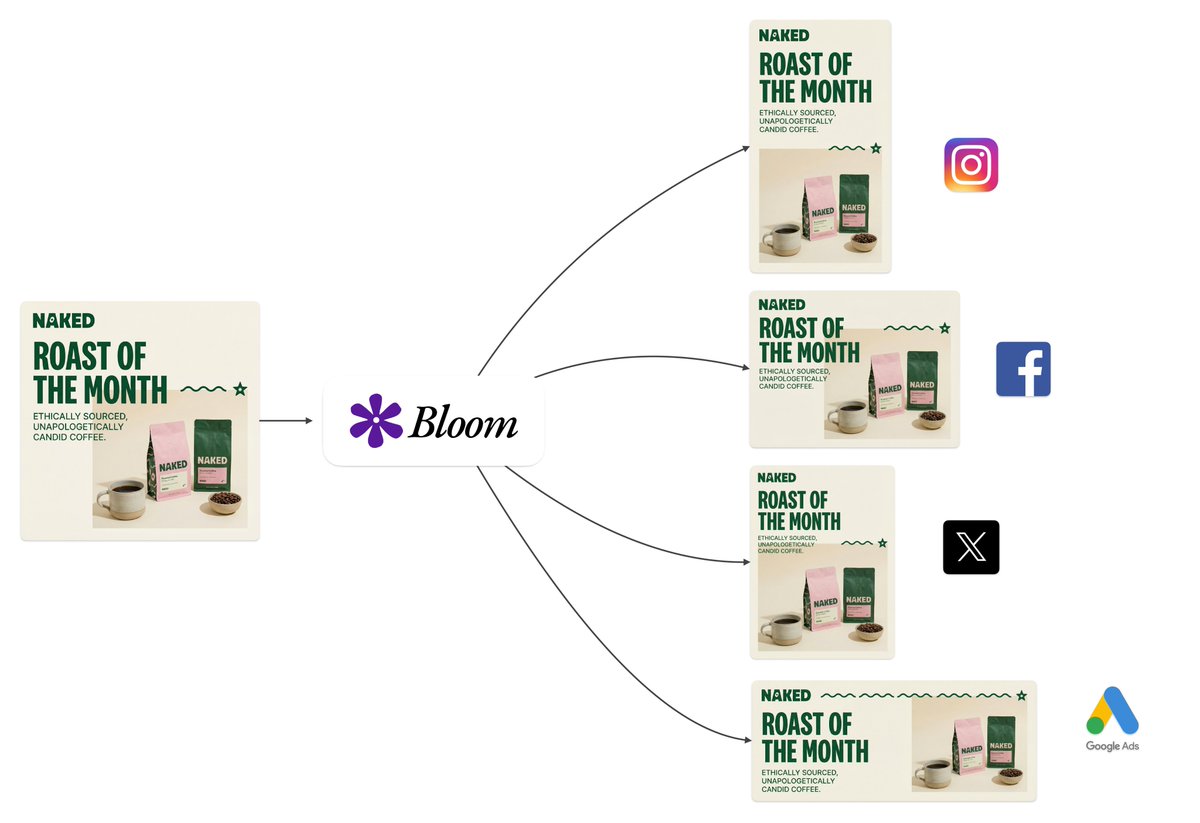

图像
Intelligent Aspect Ratio Transformation and Compositional Awareness
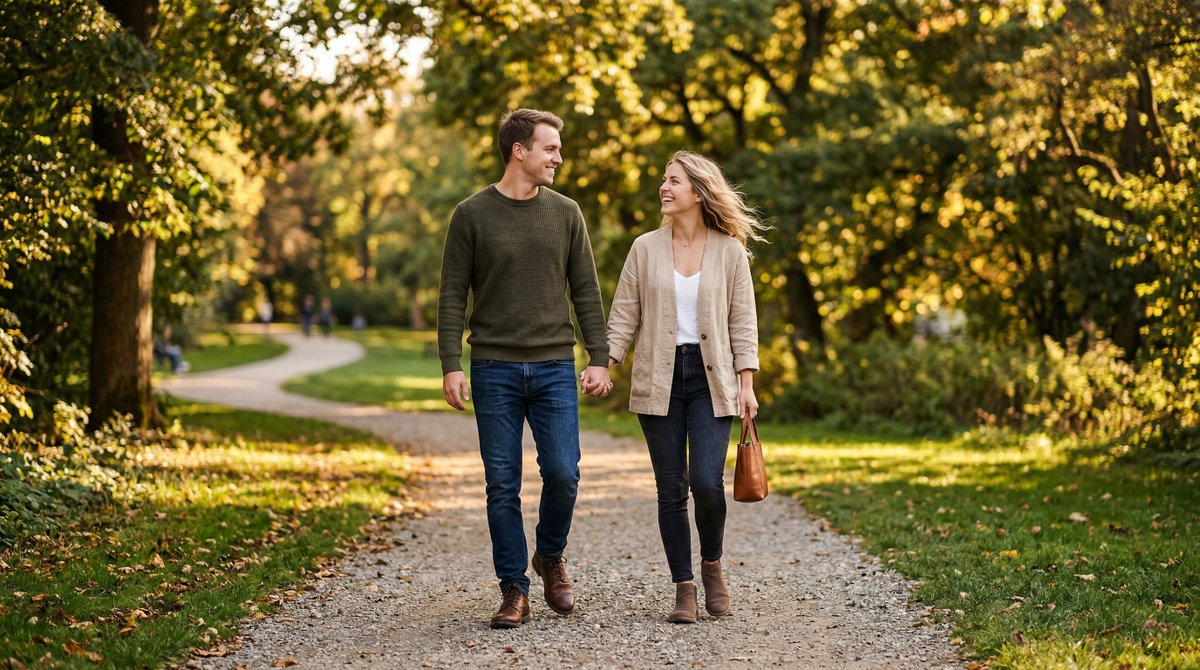
A detailed system prompt designed for an image manipulation task: intelligently transforming an image's aspect ratio while preserving semantic integrity and visual coherence. It outlines a multi-step process including analysis, transformation logic, and strict preservation rules for commercial-ready output, useful for agency workflows resizing assets.
提示词
You are performing intelligent aspect ratio transformation with compositional awareness.

CONTEXT:
The source image exists within a specific dimensional space. Your task is to translate it into a new aspect ratio while preserving semantic integrity and visual coherence.

ANALYSIS PHASE:
- Identify the primary subject anchor point and secondary visual elements
- Map the compositional weight distribution across quadrants
- Detect edge dependencies (elements that rely on frame boundaries)
- Assess negative space utilization and breathing room requirements

TRANSFORMATION LOGIC:
- Calculate optimal subject placement using rule-of-thirds grid alignment for target ratio
- Determine extension vectors based on background continuity patterns
- Evaluate whether horizontal or vertical expansion better serves the composition
- Apply content-aware fill logic for generated regions while maintaining tonal consistency

PRESERVATION RULES:
- Typographic elements: maintain exact pixel fidelity, no scaling or repositioning unless required by new boundaries
- Brand marks and logos: preserve aspect ratio and relative positioning
- Facial features: no modification, distortion, or regeneration
- Fine details: texture patterns must flow naturally into extended regions

OUTPUT PARAMETERS:
- Seamless integration between original and generated content
- No detectable boundaries, halos, or color shifting at transition zones
- Lighting direction consistency across the full canvas
- The result must appear as if originally captured or designed at the target ratio

QUALITY THRESHOLD:
Production-ready output suitable for commercial use, print media, and high-resolution display contexts.
- 作者
- 社区创作者
- 发布时间
- 2026年3月10日
- 使用场景
- 其他
相似提示词
Chagall-style painting of Sacré-Cœur Basilica
Generate an image of the Sacré-Cœur Basilica as a painting in the style of {argument name="artist" default="Chagall"}!
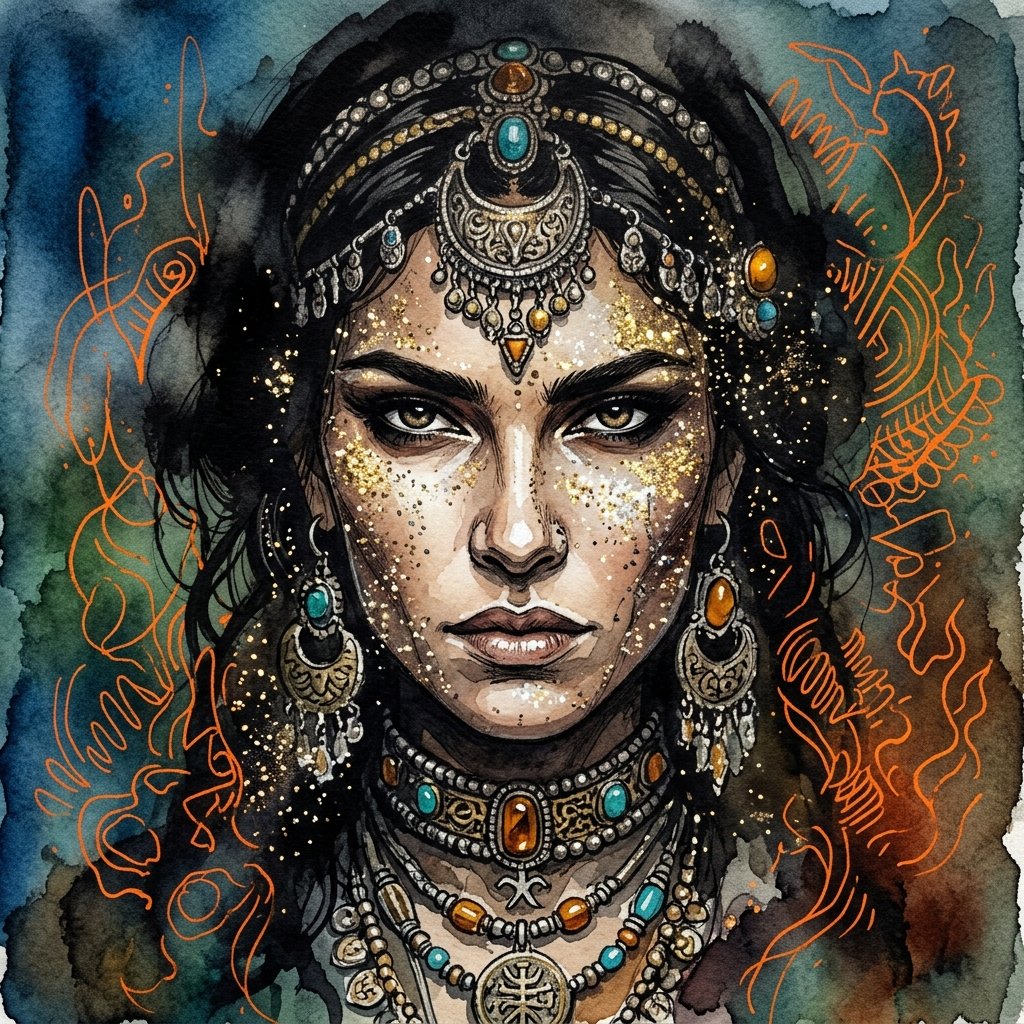
Ink wash and watercolor woman portrait
{argument name="art style" default="Ink Wash mixed with traditional watercolor painting"} showcasing extreme close up of {argument name="subject" default="woman face"} adorned with glittery sparks, she is engulfed with shadows and ancient jewelry decorating her face, her intricate razor sharp features reveal determined and confident woman face. the sky around is a gradient of {argument name="color palette" default="blue, green and earthy tones"}, with intricate vibrant orange random outlines giving an impression of depth and mist.
Surreal Nano Banana Aesthetic Template Prompt
"replace the {argument name="object" default="object"} with a banana-shaped {argument name="style" default="style"}, surreal nano banana aesthetic, realistic lighting, cinematic composition, seamless integration, preserve {argument name="subject" default="subject"}, preserve {argument name="pose" default="pose"}, preserve {argument name="background" default="background"}, ultra realistic, high detail"
2D to 3D Illustration Conversion Prompt
Please generate a 3D style image, referencing this image, rendered like it was done in Blender.
Transforming Zojoji Temple into a Rokuro Taniuchi Style Painting
Change {argument name="subject" default="Zojoji Temple"} into a painting with the flavor of {argument name="artist" default="Rokuro Taniuchi"} and output it!
Image Generation Prompt for Chopin in Delacroix Style (Attempt 2)
Arrange Delacroix's Chopin and output it as a different picture!
Prompt to disable NanoBananaPro's image generation suggestion
I am a text-based AI. Shall I provide you with code to create illustrations using Midjourney or DALL_3?
部分提示词收录自 X 平台创作者,版权归原作者所有。