Instinct AI

提示词库

AI 提示词库

汇集全球创作者的精选图像、视频与建站提示词。复制任意一条,替换主体或风格,即可用最新模型生成。

15,630 条提示词 · 每日更新 · 完全免费

共 714 条

Cinematic 3D Render Conversion

Cinematic 3D Render Conversion

Convert character into a modern cinematic 3D render with a high-fashion grade, punchy yet natural contrast, filmic color science, subtle halation/bloom, controlled highlights, realistic materials, preserve the original camera framing, no text, no logo

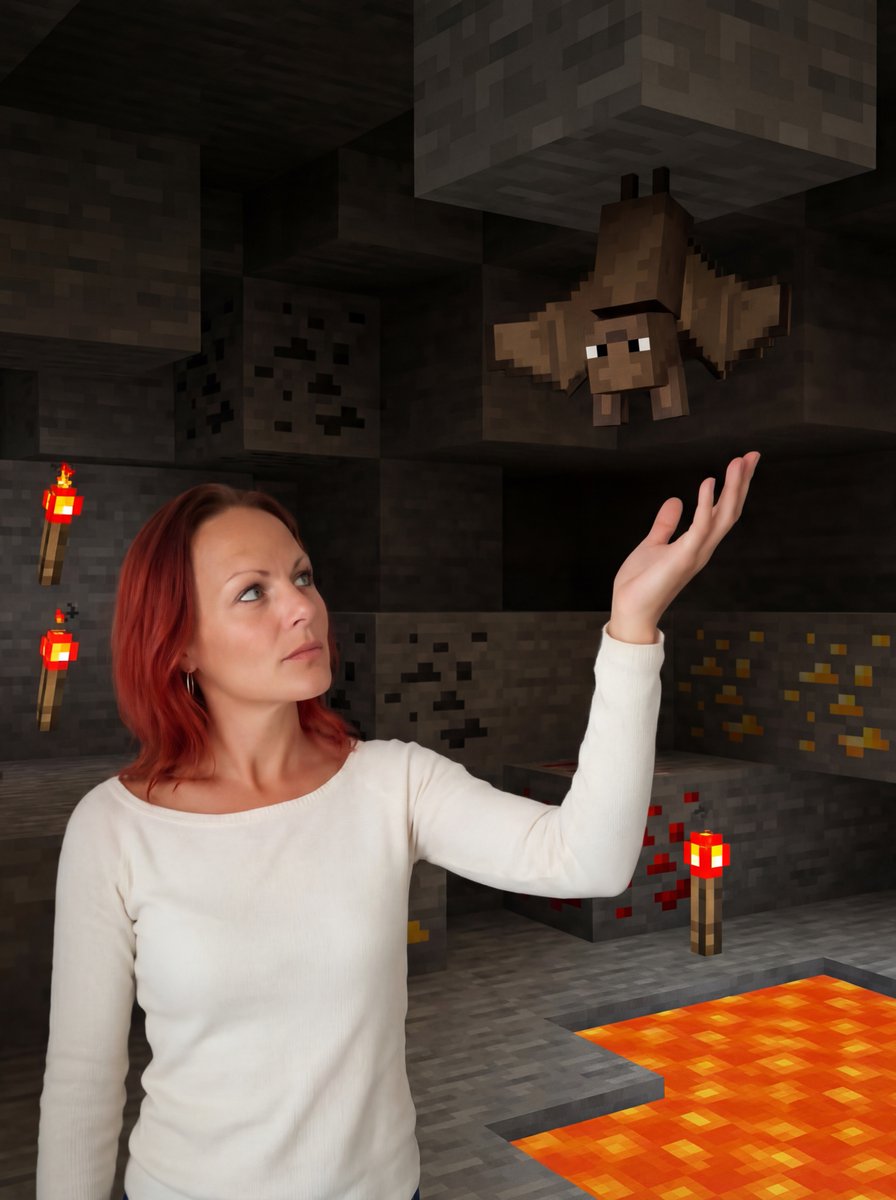
Reimagine Photo in Minecraft Cave

Reimagine Photo in Minecraft Cave

Reimagine me inside a glowing Minecraft cave, standing with one arm raised while a cubical bat hangs upside down above my hand

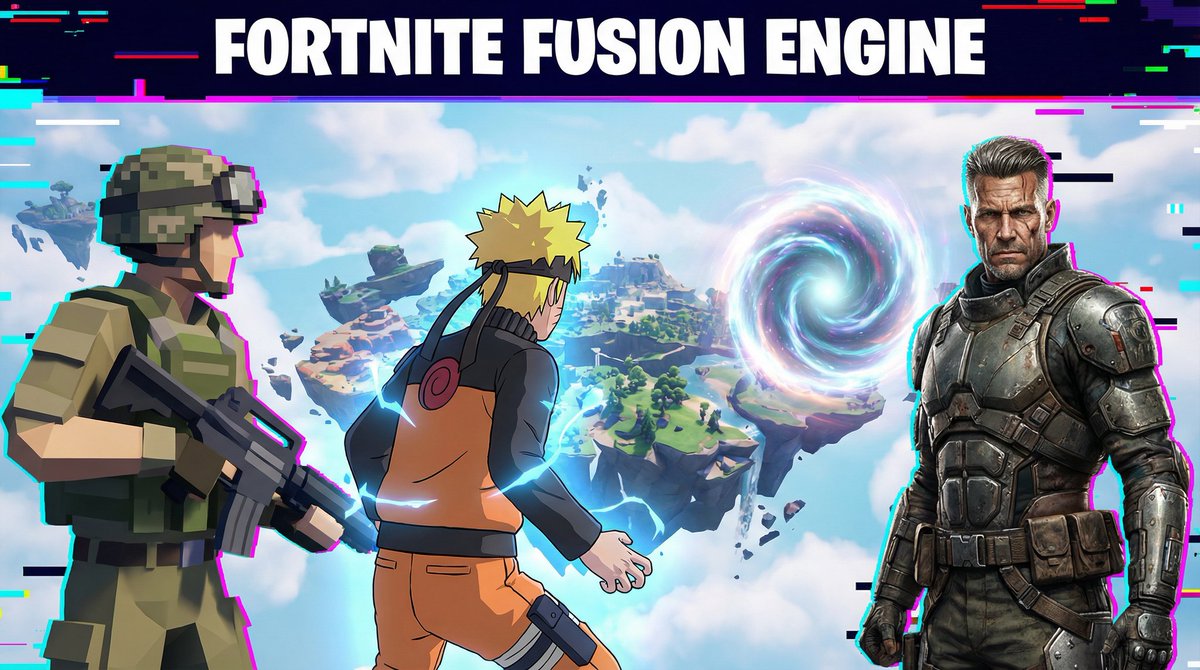
Fortnite Fusion Engine Prompt for Gamers

Fortnite Fusion Engine Prompt for Gamers

“With Fortnite Fusion Engine, you can merge low-poly survival style, cel-shaded anime skins, and hyper-real battle characters instantly. Here, a low-poly soldier, an anime ninja, and a realistic mercenary all team up on one floating island.”

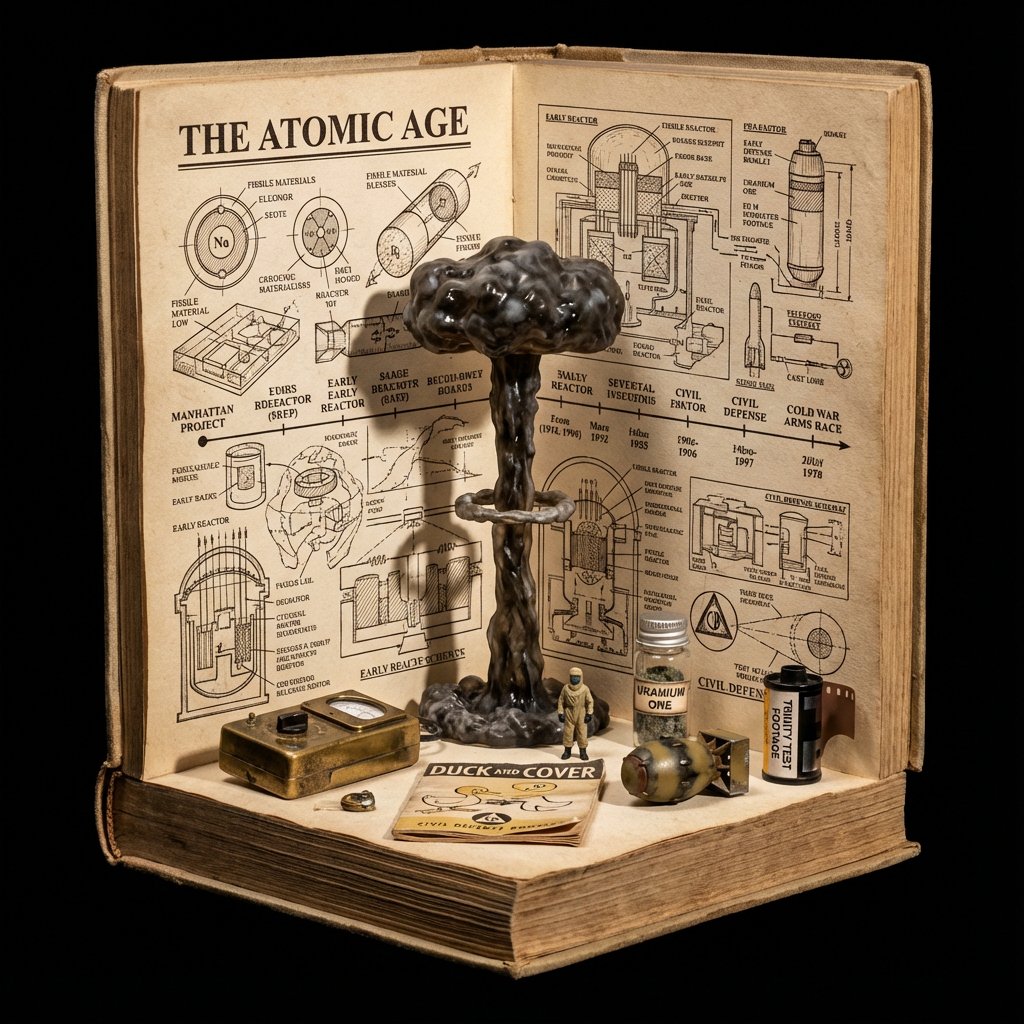
Procedural Book Nook Diorama Generation Prompt

Procedural Book Nook Diorama Generation Prompt

<instructions> Input Variable: [INSERT TOPIC HERE] (e.g., History of Space Exploration) System Instruction: Generate a crowded, hyper-realistic "Book Nook" Diorama . Use the following logic to procedurally fill the scene with high-density detail: 1. Semantic Analysis (The Loot Table): The Totem: Identify the single tallest, most vertical object representing the topic (e.g., Saturn V Rocket). The Ephemera: Identify 4-5 small, specific consumer goods or artifacts (e.g., "Tang" Packet, Freeze-Dried Ice Cream, Mission Patches, Apollo 11 Manual). The Timeline: Identify the key visual evolution steps (e.g., Sputnik -> Lunar Module -> Shuttle). 2. The Immutable Container (The Corner Stage): Geometry: The book is NOT lying flat. It is standing upright, opened to form a Strict 90-Degree Corner . Vertical Wall: The back cover/pages standing straight up. Horizontal Floor: The front cover/pages lying flat. The Anchor: The "Totem" object (Rocket) stands inside the spine crease , acting as the structural pillar holding the book open. Paper Texture: The pages must look thick, rough, and heavily aged (like an 1800s manuscript). 3. The Vertical Plane (The Da Vinci Sketchbook): Density: MAXIMUM. Do not leave white space. Style: Sepia-tone Pen & Ink Technical Drawings . Content: The background should be a chaotic but organized collage of diagrams, timelines, and schematics. It should look like a scientist's field notes. Text: A bold, formal Serif Title at the top (e.g., "{argument name="title" default="HISTORY OF SPACE EXPLORATION"}"). 4. The Horizontal Plane (The Physical Clutter): Transition: The Totem (Rocket) seamlessly transitions from a drawing on the wall to a Physical 3D Model on the floor. The Scatter: The "Ephemera" props are scattered and overlapping on the floor page. They should not be neatly arranged. Material Contrast: The props must look like shiny plastic, crinkled foil, and fabric patches. This clashes with the matte paper. Scale: A tiny 1:64 scale human figure (e.g., Astronaut) stands next to the massive Totem for scale. 5. Visual Syntax: Background: Void Black. The book floats in infinite darkness. DO NOT render studio equipment, lamps, or tables. Lighting: "Museum Display" lighting. A focused beam hits the Totem, creating a long shadow against the back page sketches. Depth: The 3D objects must cast hard shadows onto the 2D paper to sell the optical illusion. Output: 1:1 Aspect Ratio, Macro Photography, High Textural Contrast (Paper vs. Plastic). </instructions>

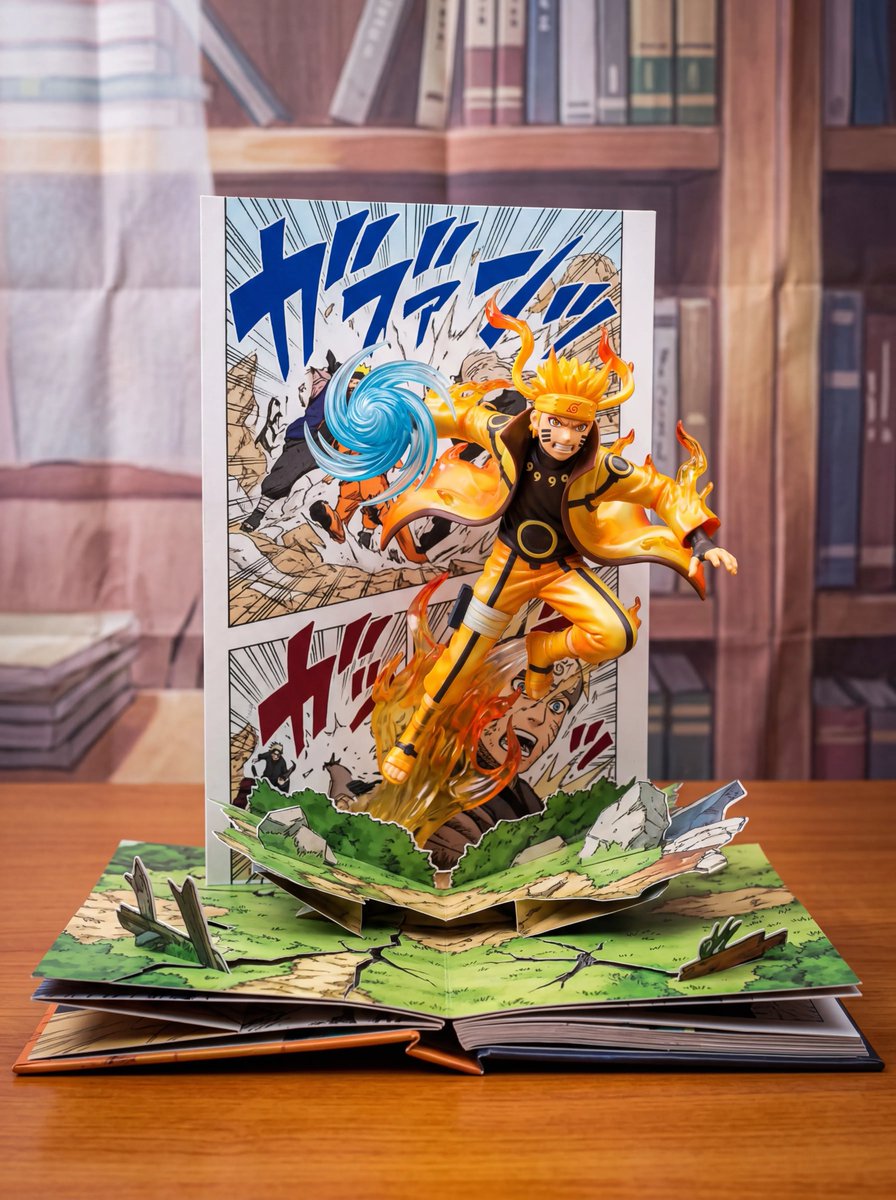
Uzumaki Naruto Pop-Up Book Prompt

Uzumaki Naruto Pop-Up Book Prompt

manga <Uzumaki Naruto> [ OUT OF FOCUS LIBRARY BACKGROUND ] [ VERTICAL MANGA PANEL ART ] <--- Backplate | [ 3D [CHARACTER] JUMPING OUTWARD ] <--- Hero Object [ (Mid-Air Pose, Dynamic Action) ] | [ OPEN BOOK / GRASS / DEBRIS BASE ] <--- Ground [ (Infer based on [SERIES_NAME]) ] [ TABLE SURFACE ] </spatial_map> INSTRUCTION: 1. Render as a high-end "Pop-Up Book" aesthetic. 2. The Background is flat paper. The Character is full 3D plastic/resin. 3. Lighting: "Toy Photography" style (Softbox, vibrant colors).

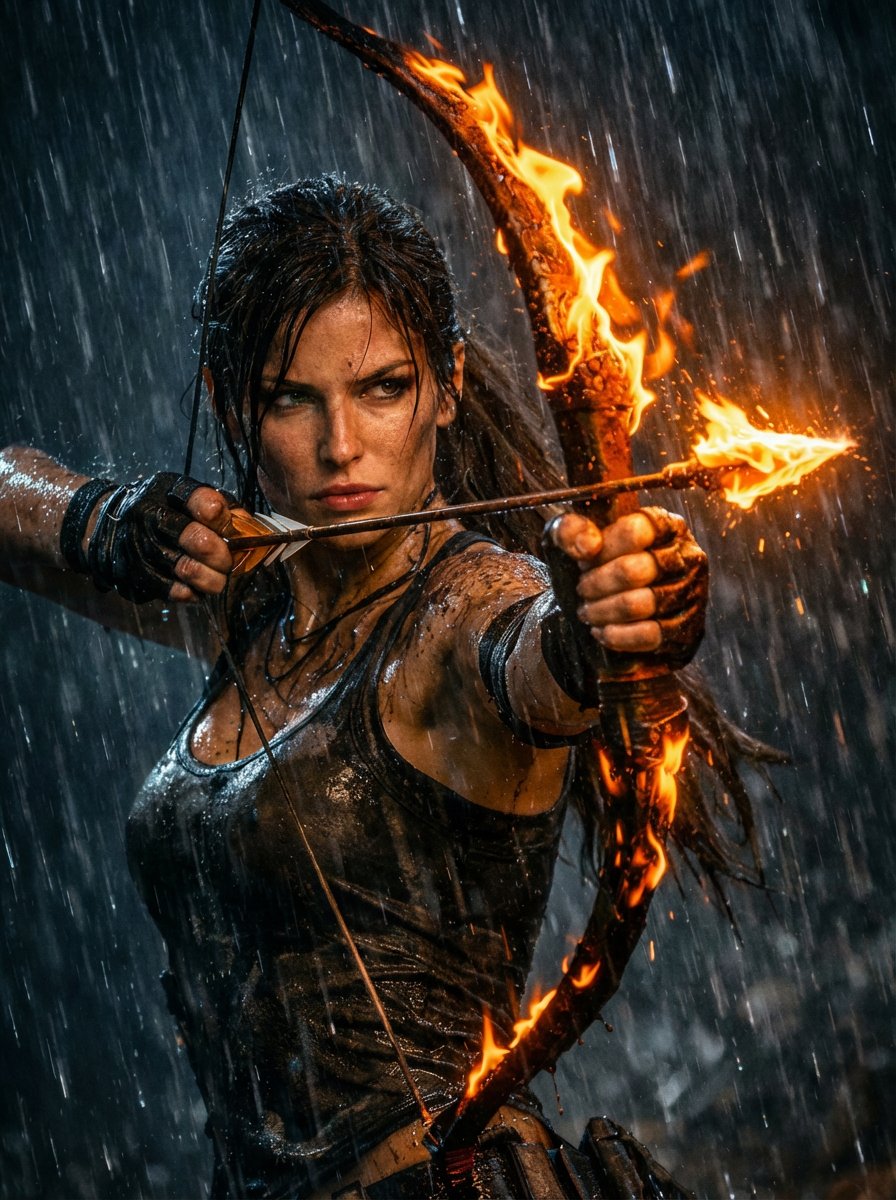
Lara Croft with Fiery Bow in Heavy Downpour

Lara Croft with Fiery Bow in Heavy Downpour

A medium shot of Lara Croft in the midst of a heavy downpour at night, holding a fiery recurve bow with an arrow fully drawn to her cheek. Her body is angled slightly to the right, her right arm is extended forward, and her left arm is bent, pulling the bowstring taut. Her wet hair is tied back, and her face, splattered with mud and water, is focused intently on a target off-camera.The flames on the bow and arrow are intense. Size 3 : 4 ratio Quality 8k image generator

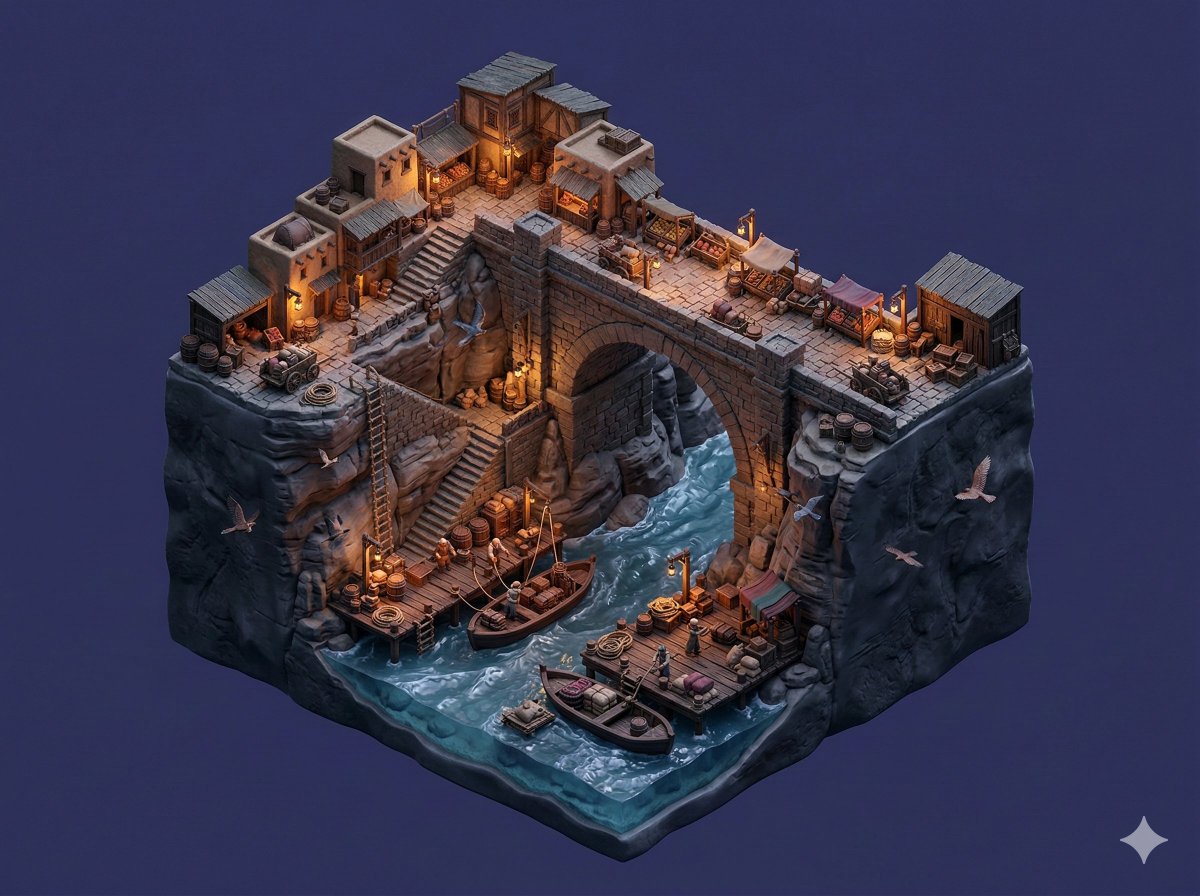
Floating Miniature Diorama Prompt

Floating Miniature Diorama Prompt

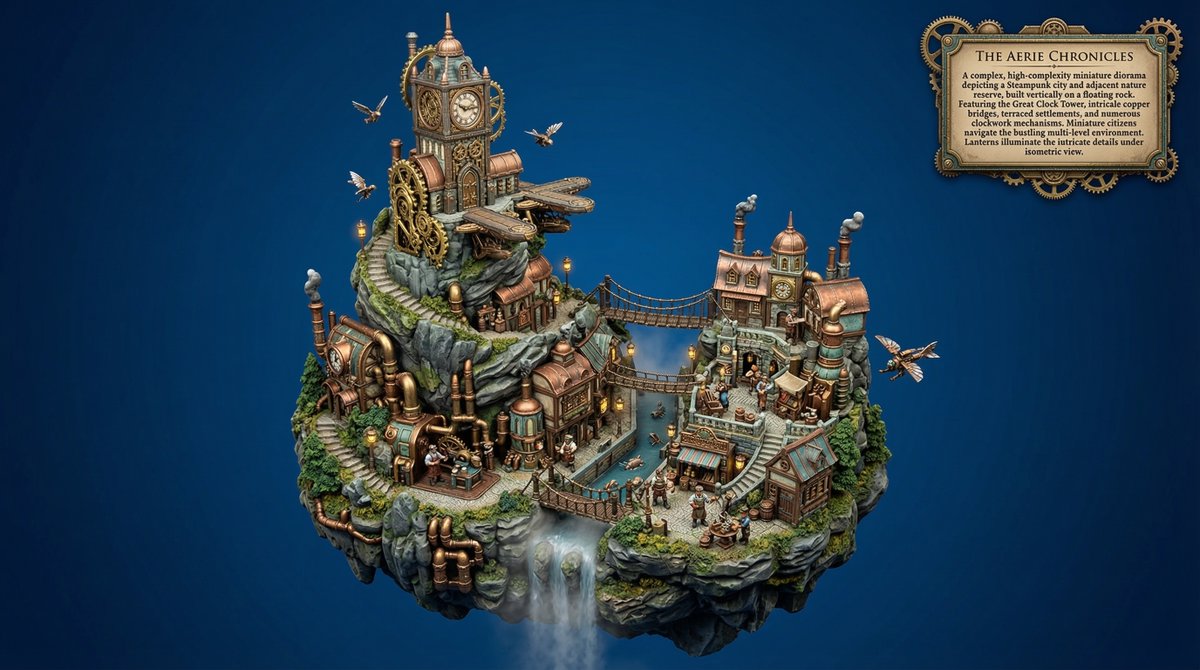
SCENE: A trading settlement built around a large stone bridge crossing a deep river gorge with shops, storage sheds, and stairways leading to dock platforms below. Tiny traders move goods while birds glide along canyon walls. STYLE: Create a premium stylized miniature diorama where canyon terrain and river water form a continuous sculpted base integrated with market structures. The entire diorama floats in mid-air inside a blank single-color background environment that contrasts with the rocky terrain. Use stylized resin water, compact shops, and rope docks. Include miniature traders, carts, birds, barrels, crates, and rope details to reinforce handcrafted miniature storytelling scale. Lock the render to 4:3. LIGHTING: The scene occurs in late evening after sunset with very low natural light. Ambient lighting remains dim while lanterns, shop lights, and small lamps illuminate the bridge and market stalls. These lights create warm glowing pockets of illumination across the trading post while surrounding canyon surfaces remain darker, producing strong contrast and dramatic miniature depth. CAMERA: Use an isometric camera capturing the entire floating diorama clearly from top to bottom and side to side.

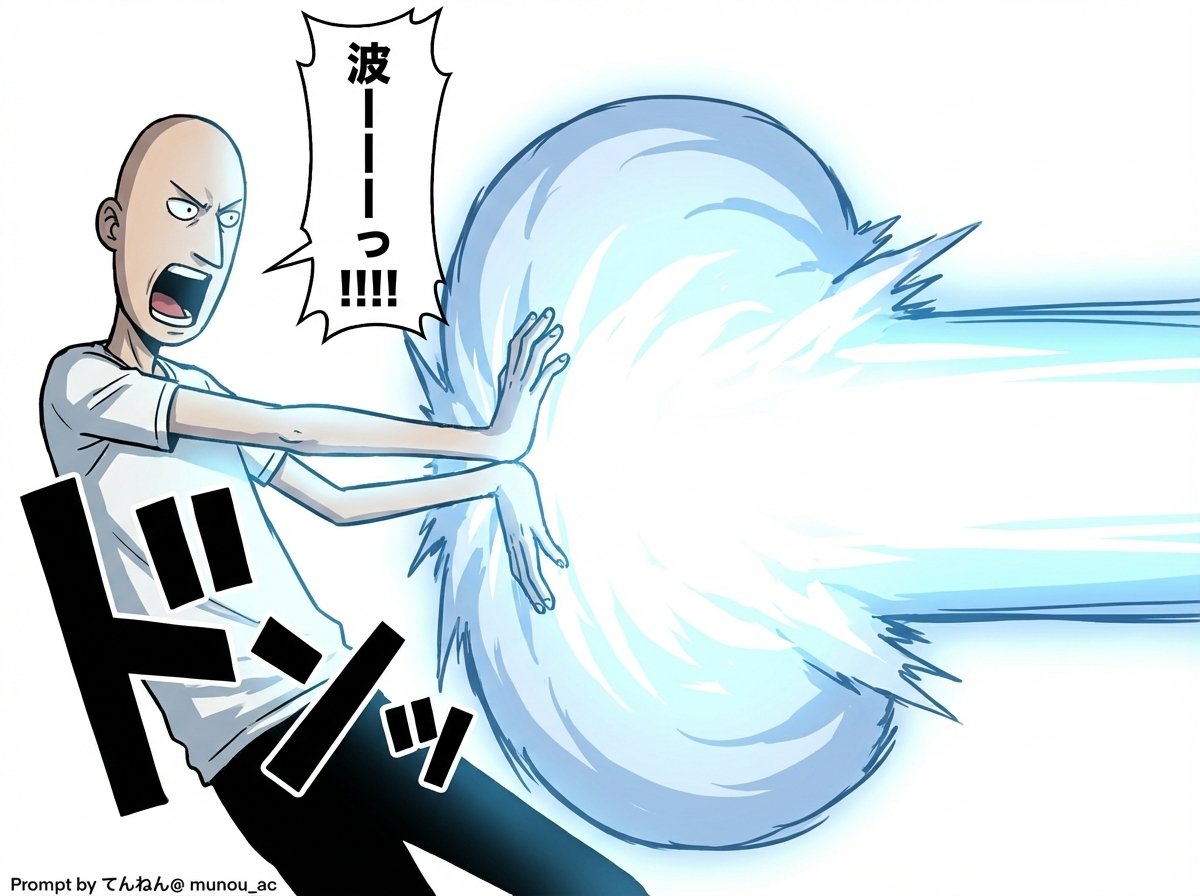
Kamehameha Attack Image Generation (Technical Prompt)

Kamehameha Attack Image Generation (Technical Prompt)

# Image Generation Prompt: Nano Banana Pro v1.2 # 1. Basic Instructions - Task: Image Generation - Reference: Faithfully reproduce and maintain the character, clothing, and image style of the attached image - Quality: Super High Definition # 2. Technical Specifications - Aspect Ratio: 16:9 - Rendering Style: Based on the attached image style, apply Cell Shading + Volumetric Lighting - Line Art: Thin # 3. Camera Work and Composition - Camera: Virtual Camera / Focal Length 50mm / Aperture f/2.8 - Angle: 15-degree Dutch Angle - Focus: Focus on subject - Depth of Field: Shallow depth of field in the background (with blur) # 4. Scene Details A. Character - Appearance (Hair/Eyes/Clothing): [Completely maintain the style of the attached image] - Hair is flowing in reaction to energy pressure - Eyes are glowing, with a sharp anime-style shape - Pose & Action: - Action: Charging an energy attack - Stance: Feet spread and braced, torso twisted forward to the right - Hands: Cupped together facing each other (at hip height on the right), muscles are strongly tensed - Expression: Filled with determination and intense effort, mouth open shouting B. Lighting and Atmosphere - Global Illumination: #ffffff - Key Light: - Source: Energy ball between both hands - Color: Cyan Blue Electric - Intensity: 2.5EV overexposure (High Luminance) - Shadows: Sharp, dynamic shadows extending away from the center C. Visual Effects - Main Element: Spherical, turbulent plasma energy ball (between hands) - Core Color: #ffffff - Outer Glow: #00ffff - Particles: Blue sparks floating and rising - Lens Flare: Anamorphic blue light streaks - Bloom: Intensity 0.8 D. Background - Context: Abstract studio space - Visual: Simple gradient background - Colors: #ffffff to #c0efff * Prioritize layer detail colors over introduction specified colors - Detail Level: Low (to emphasize the subject) # 5. Text Elements - Manga Style Speech Bubbles Place vertical oval speech bubbles reacting to the timing of the shout, using the following coordinate image for placement Adjust flexibly so as not to interfere with the character - "{argument name="shout 1" default="ka..."}" : Top Left (X: 0.08, Y: 0.15) - "{argument name="shout 2" default="me..."}" : Middle Left (X: 0.22, Y: 0.35) - "{argument name="shout 3" default="ha..."}" : Middle Right (X: 0.78, Y: 0.55) - "{argument name="shout 4" default="me..."}" : Bottom Right (X: 0.90, Y: 0.75)

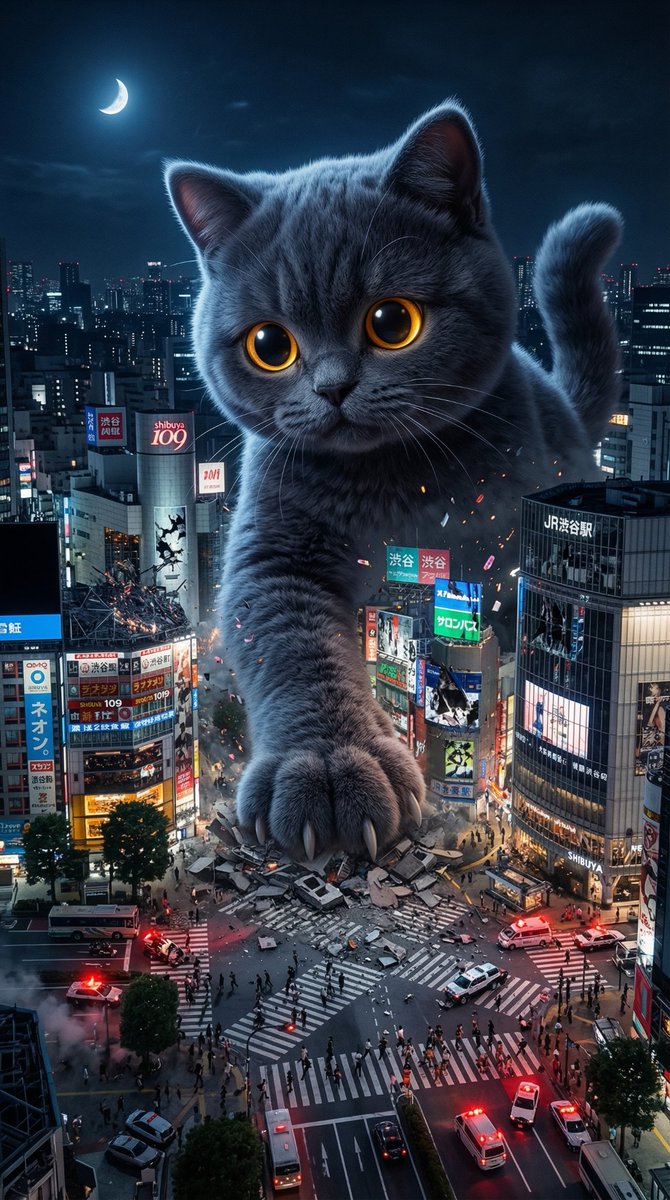
Plush Kaiju Cat Smashing Tokyo

Plush Kaiju Cat Smashing Tokyo

Massive adorable plush kaiju cat (soft velvety fur, huge round glowing eyes) towering over nighttime Tokyo, one giant paw smashing through Shibuya crossing, tiny humans fleeing, broken neon signs raining down, dramatic red emergency lighting + blue moonlight, cinematic destruction with soft toy-like fur texture contrasting hard metal & concrete debris, ultra-detailed 8k, epic scale -

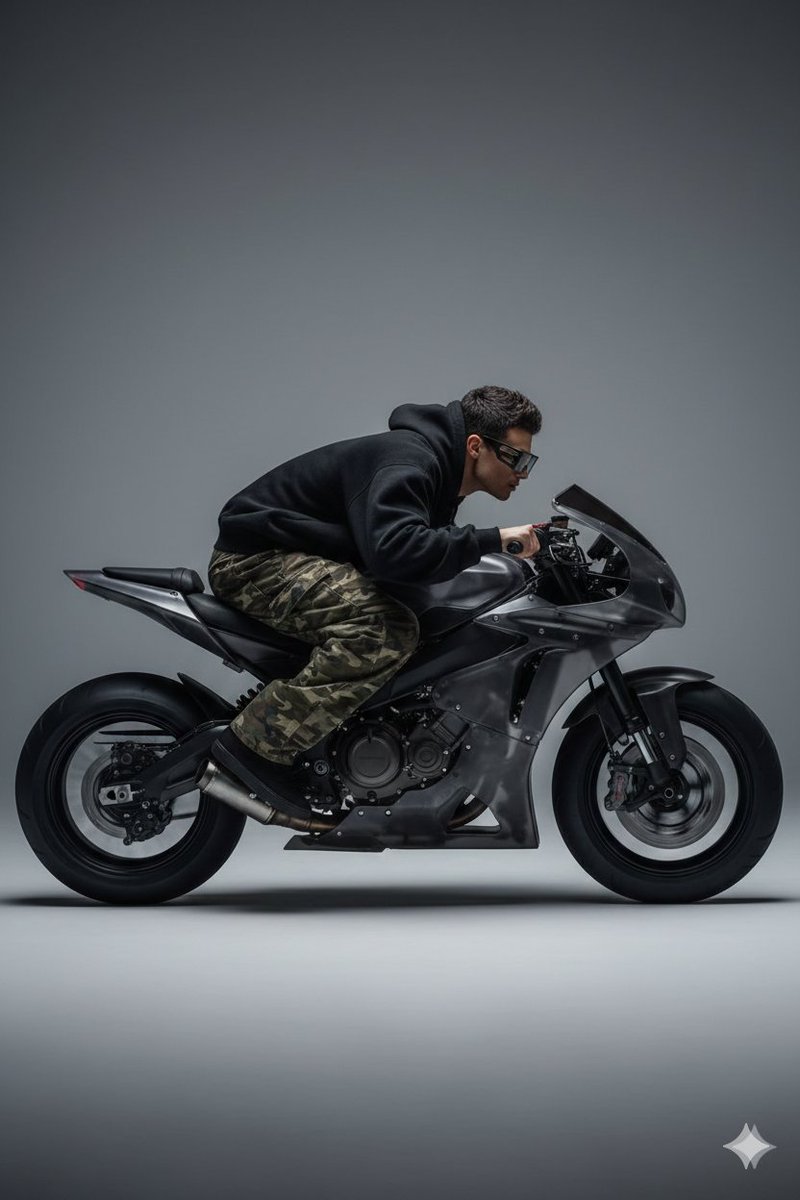
Y2K Style Translucent Motorbike Product Design

Y2K Style Translucent Motorbike Product Design

Translucent Dark motorbike with big wheels with a biker pilot bended on his motorbike full speed with large camo baggy and black oversized hoodie and short hair, wearing {argument name="glasses brand" default="Gentle Monster"} glasses, visible complex motor on the back, dynamic side view, product design minimalism, in the style of {argument name="design style 1" default="Teenage Engineering"} and {argument name="design style 2" default="Y2K style"}. matte plastic surfaces, plain gray background studio lighting, hyper-realistic. Octane render, cinematic framing fast shutter effect, high contrast, sharp bike details, professional motorsport photography style, 4K ultra realistic high-speed feeling, shallow depth of field.

Pixar-Style 3D Character Sticker Set (9 Variations)

Pixar-Style 3D Character Sticker Set (9 Variations)

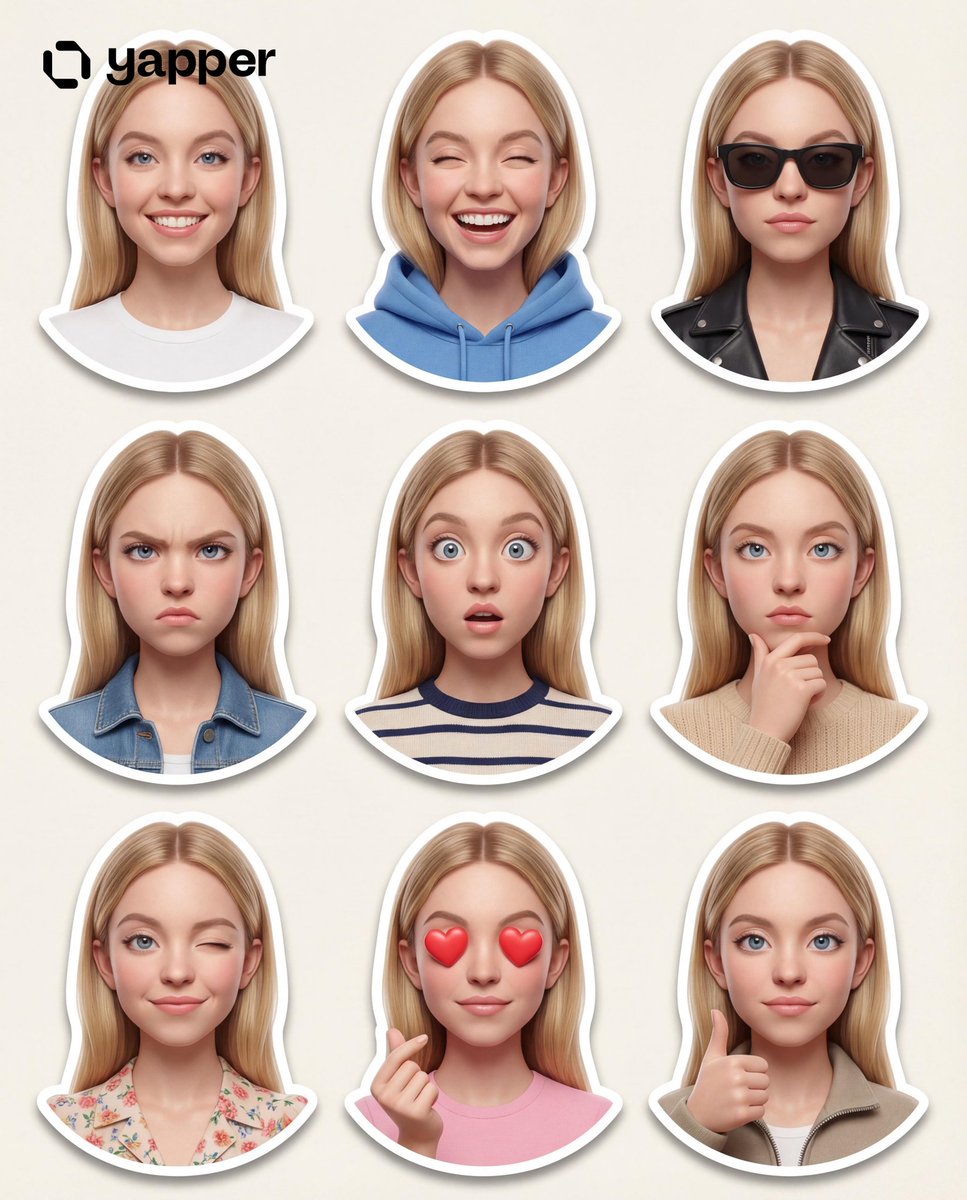
Create a premium Pixar-style 3D character sticker set that is clearly recognizable as the same person. Use the uploaded image as the ONLY facial reference. Output Requirements: 3×3 grid layout (9 stickers total) Final aspect ratio: 4:5 Ultra high resolution (8K) Clean cream background Each sticker is separated with clear spacing Add a subtle drop shadow under each sticker for depth Character Identity (VERY IMPORTANT): MUST preserve exact facial structure, hairstyle, grooming details, and unique features from the uploaded image Maintain high likeness accuracy Do NOT over beautify or alter identity beyond recognition Style: Pixar-style 3D animation Glossy, high-end rendering Soft global illumination Smooth shading High-detail facial textures Framing: All stickers must be head and shoulders (portrait close-up) only No full-body or mid-body shots allowed Focus tightly on face and upper shoulders to emphasize expressions Outfit: Modern casual and slightly stylized clothing Each sticker must have a different outfit (no repetition at all) Clean, minimal, and visually appealing for sticker use Expressions & Poses (9 variations): 1. Happy smile 2. Laughing 3. Cool (with sunglasses) 4. Angry/serious 5. Surprised 6. Thinking 7. Wink 8. Love (heart eyes and heart gesture) 9. Thumbs up Sticker Design: Bold, clean outline Slightly exaggerated cartoon proportions Strong emphasis on facial expressions Optimized for digital sticker platforms Each sticker must have a smooth rounded bottom cutout (semi-curved base) No text Lighting: Soft studio lighting Subtle rim light for depth and separation Goal: Create a highly engaging, cute, and expressive sticker pack that feels premium and collectable.

Minimalist 3D Isometric Exhibition Pod Diorama

Minimalist 3D Isometric Exhibition Pod Diorama

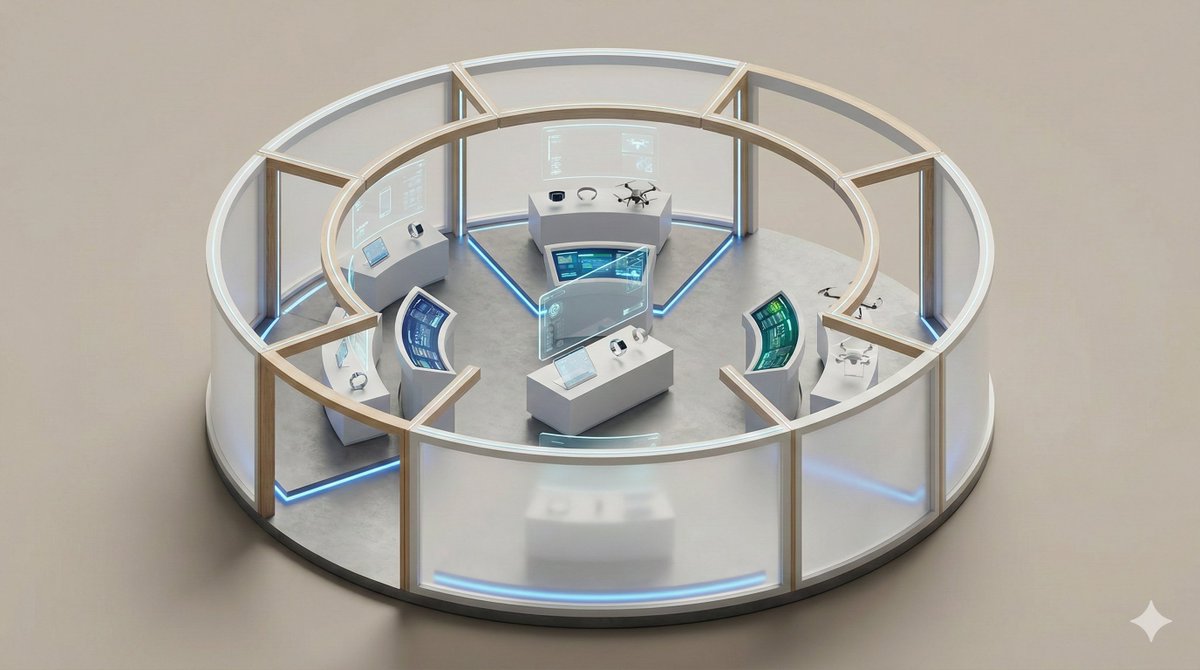
A clean, minimal 3D isometric diorama of a {argument name="exhibition type" default="[EXHIBITION TYPE]"}, featuring {argument name="display objects" default="[DISPLAY OBJECTS]"} arranged within a {argument name="pod structure" default="[POD STRUCTURE]"}, subtle lighting accents, smooth floor surfaces, soft studio lighting, realistic materials, rounded edges, miniature architectural model style, high detail, neutral background.

Creating LINE Stickers with Nano Banana 2

Creating LINE Stickers with Nano Banana 2

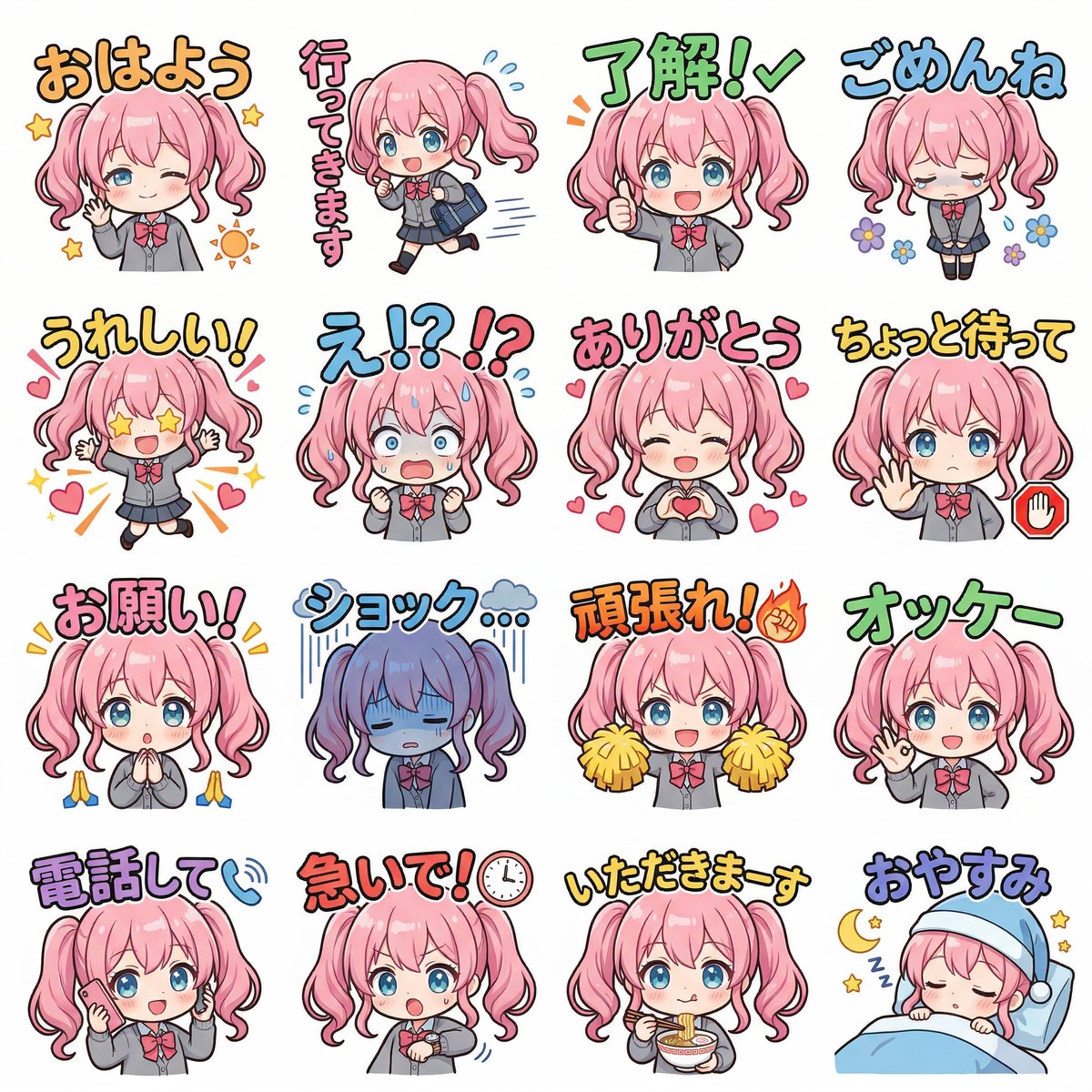
Referencing this character, create a cute deformation. Design 16 types of LINE stickers. Ensure a rich variety of sets by devising poses and text placements so that there are no similar stickers. The dialogue should be in Japanese with pop-style characters. The background should be white. Create a set that is easy to use in the daily conversations of a "{argument name="target" default="high school girl"}".

Bat Cowl Protocol Character Prompt

Bat Cowl Protocol Character Prompt

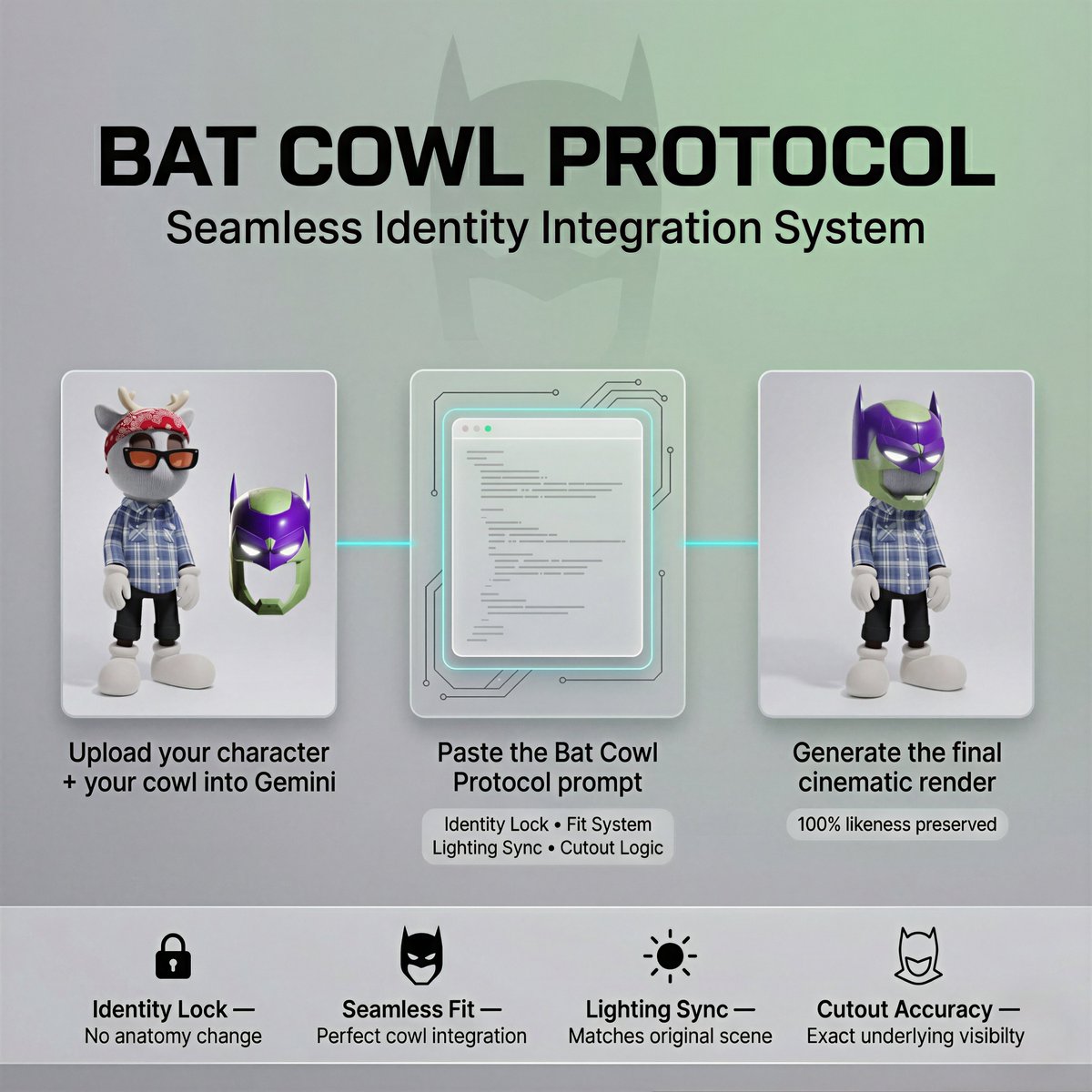
A high-quality 3D render of the designer toy from [Reference Image 1]. Requirement: The character must retain its exact original outfit . The Mask: Tightly fit a custom "Bat Cowl" ([Reference Image 2]) over the head. The Cowl: Must match the exact color, material, and design, with size adjusted as needed to fit the reference character’s head. Scaling: Tailored, bespoke fit with a shortened chin guard precisely following the character's jawline. Cowl size is adjusted to match the reference character exactly. The cowl fits seamlessly, with no gap between the head and the chin guard. Ears: Only the sharp bat ears are visible; hide original ears, headwears, horn, accessories, hat, helmet entirely. The Cutout: The cowl features a cutout area; through this opening, the underlying part of the reference character must be visible exactly as it is, with no additions, removals, or alterations. Eyes: Use the exact glowing eye effect from the reference cowl image. Constraint: No nose or eyes should be rendered on the cowl or the character's face. 8k, studio lighting, Background must match the reference character’s background exactly. Lighting Lighting should match the reference character’s original light behavior, and the cowl must follow and respond to the same lighting conditions. Character Likeness Integrity (CRITICAL) Maintain the exact eye shape, spacing, stylization, patterns, silhouette, and original color palette from the reference. Do not humanize. Do not alter anatomy. Do not modify facial structure. Identity must remain instantly recognizable. If the character wears a balaclava, mask, helmet, or covered face, don't invent facial anatomy. No added nose. No added mouth. No visible skin where the reference does not show it.

Procedural Whimsical Mono-Punk Floating Diorama Generator

Procedural Whimsical Mono-Punk Floating Diorama Generator

WHIMSICAL MONO-PUNK FLOATING MINIATURE DIORAMA PROMPT (Automatic Background Optimization, Smart Micro-Detail System, Procedural Activity Layer, Natural Irregularity Layer, Atmospheric Depth Layer, Procedural Scene Generator, Procedural Prop Generator, Procedural Architecture Generator, Procedural Lighting & Atmosphere Generator, Procedural Character & Population Generator, Procedural Diorama Base Generator) VARIABLE GUIDE GLOBAL_COMPLEXITY = Possible values: 'low','medium','high','ultra'. Controls density of buildings, props, characters, and environmental detail. If blank choose randomly between 'medium' and 'high'. PUNK_STYLE = {argument name="punk style" default="Steampunk"} If PUNK_STYLE is empty, then one style is randomly selected from LIST_OF_PUNK_STYLES, otherwise what is in the PUNK_STYLE variable is chosen LIST_OF_PUNK_STYLES = Steampunk, Dieselpunk, Atompunk, Cyberpunk, Biopunk, Nanopunk, Solarpunk, Decopunk, Clockpunk, Coalpunk, Raypunk, Stonepunk, Sailpunk, Cassettepunk, Teslapunk, Mythpunk, Sandalpunk, Oceanpunk, Frostpunk, Junglepunk, Desertpunk, Gothicpunk, Ironpunk, Crystalpunk, Rustpunk, Vaporwavepunk, Neonpunk, Skypunk, Aquapunk, Arborpunk, Astropunk, QuantumPunk, Mechanopunk, Technopunk, Retrocomputingpunk, Cattlepunk, Hopepunk SUBSTYLE = If specified use exactly. If set to none disable. If blank infer logically from PUNK_STYLE. TECHNOLOGY_LEVEL = If specified use exactly. If set to none disable. If blank infer from PUNK_STYLE. ENVIRONMENT = If specified use exactly. If set to none disable. If blank infer logically from active layers. CULTURE = If specified use exactly. If set to none disable. If blank infer culturally appropriate framework. PROCEDURAL_SCENE_GENERATOR = 'on' PROCEDURAL_PROP_GENERATOR = 'on' PROCEDURAL_ARCHITECTURE_GENERATOR = 'on' PROCEDURAL_LIGHTING_ATMOSPHERE_GENERATOR = 'on' PROCEDURAL_CHARACTER_POPULATION_GENERATOR = 'on' PROCEDURAL_DIORAMA_BASE_GENERATOR = 'on' FOCAL_INTEREST_LAYER = off MATERIAL_COHESION_LAYER = 'on' VISUAL_CLARITY_OPTIMIZER = 'on' MICRO_LIFE_LAYER = 'on' COMPOSITION_ENGINE = 'on' EDGE_DEFINITION_LAYER = 'on' COLOR_HARMONY_LAYER = 'on' DIORAMA_CRAFTSMANSHIP_LAYER = 'on' PSG LAYER Implement only if PROCEDURAL_SCENE_GENERATOR='on'. Generate core scene structure using: LANDSCAPE_STRUCTURE (floating island, cliff terraces, canyon basin, harbor cove, forest clearing, mountain ridge, giant tree canopy, desert oasis, ice shelf, volcanic ridge) SETTLEMENT_TYPE (village, harbor town, trading port, monastery complex, research outpost, fortress town, sky dock, industrial district, hidden enclave) INFRASTRUCTURE_ELEMENTS (bridges, windmills, rail lines, cable lifts, aqueducts, airship docks, solar arrays, reactor towers, waterwheels) CIVILIAN_ACTIVITY (market trading, fishing, cargo loading, harvesting, machine repair, patrol movement, f

Military Flight Jumpsuit Portrait

Military Flight Jumpsuit Portrait

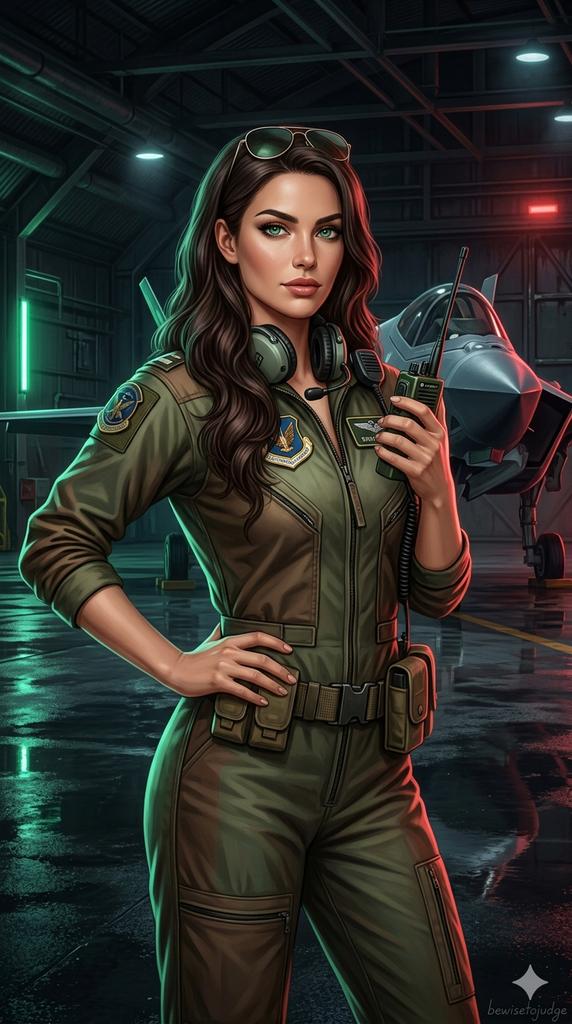
A professional young woman with {argument name="eye color" default="striking emerald green eyes"}, {argument name="hair" default="long wavy dark brown hair"}, neat military-style makeup. She is wearing a {argument name="outfit" default="well-fitted olive-green and brown military flight jumpsuit"} with the zipper pulled up to chest level, tactical belt around the waist. She has a professional military radio with shoulder antenna and headset around her neck, aviator sunglasses resting on top of her head. Confident and strong pose, three-quarter view, one hand on her hip, the other hand holding the radio. Dark aircraft hangar interior with neon green and red accent lighting, a stealth fighter jet visible in the background, dramatic cinematic lighting, wet reflective floor, highly detailed, realistic skin texture, detailed fabric and leather, masterpiece, 8k, digital illustration, highly detailed --ar 9:16

Surreal Miniature Egg Art Scene Prompt

Surreal Miniature Egg Art Scene Prompt

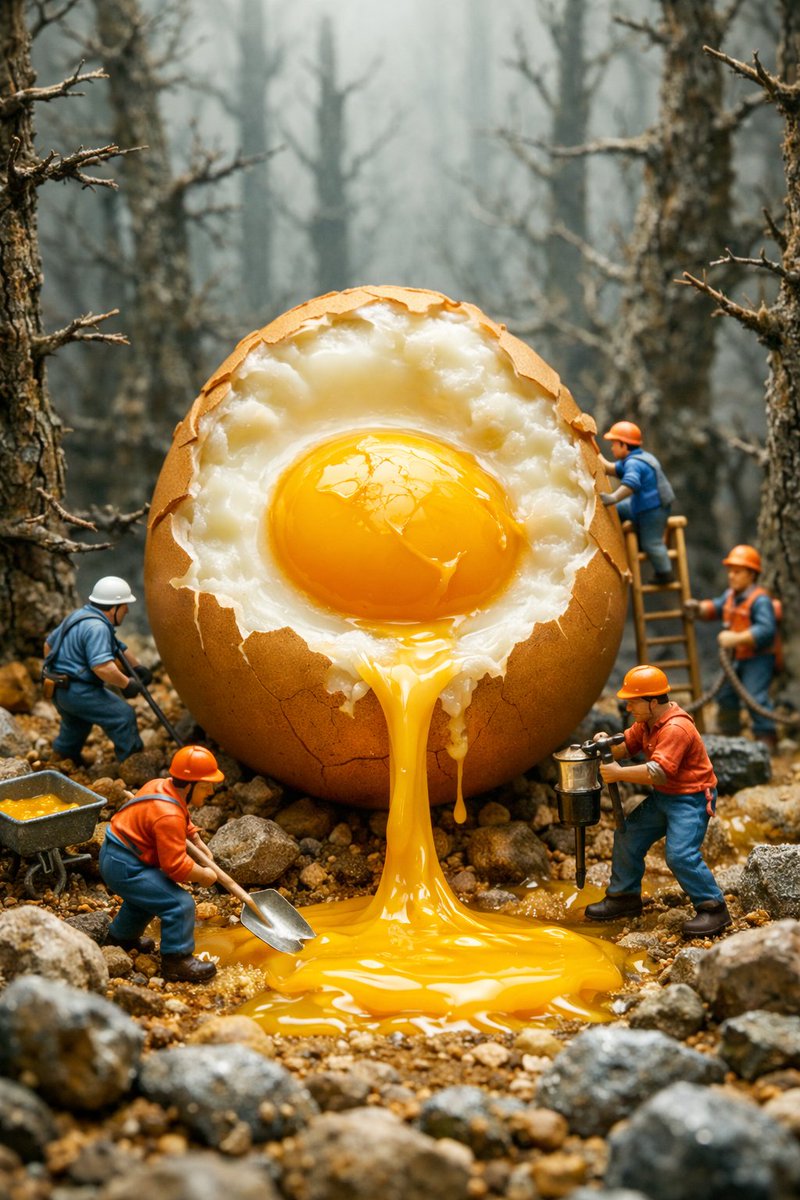
{ "resolution": "8K", "aspect_ratio": "3:4", "style": "high-detail cinematic miniature scene, AI-edited surreal realism", "scene_overview": { "environment": "foggy forest with leafless trees", "ground": "uneven dirt surface covered with small rocks and stones", "atmosphere": "misty, muted, cool-toned background with soft depth-of-field blur" }, "main_subject": { "object": "giant cracked egg", "position": "center of the frame", "scale": "massive compared to surrounding human figures", "shell": { "color": "light brown", "texture": "rough, cracked, broken open at the top front", "edges": "jagged shell edges with visible thickness" }, "interior": { "egg_white": "opaque white, uneven texture, clinging to shell interior", "yolk": { "color": "vivid golden yellow", "texture": "glossy, smooth, semi-liquid", "state": "partially intact but actively flowing downward" } }, "motion": { "yolk_flow": "thick stream of yolk pouring from the egg opening onto the ground", "pooling": "yolk forming a shiny puddle at the base" } }, "human_figures": { "count": 5, "scale": "miniature compared to the egg", "appearance": { "gender": "not identifiable", "faces": "not clearly visible", "build": "average", "posture": "active working poses" }, "clothing": { "helmets": "hard hats in orange and white", "tops": "work jackets in blue and orange", "pants": "dark work trousers", "footwear": "work boots" }, "tools": [ "shovel", "metal bucket", "wheelbarrow", "drilling or jackhammer-like tool", "ladder leaning against egg" ], "actions": [ "one figure shoveling yolk", "one figure collecting yolk with a bucket", "one figure operating a tool near the egg", "one figure standing on a ladder inspecting the egg", "one figure positioned near a wheelbarrow" ] }, "composition": { "camera_angle": "eye-level with miniature figures", "framing": "vertical composition with central focus on the egg", "depth_of_field": "shallow, background trees blurred", "foreground": "rocks, flowing yolk, workers", "background": "dense forest of tall, bare trees fading into fog" }, "lighting": { "type": "soft diffused lighting", "direction": "evenly lit from above and front", "highlights": "strong reflections on the yolk", "shadows": "soft shadows beneath figures and egg" }, "color_palette": { "primary_colors": [ "golden yellow", "brown", "gray", "muted green" ], "contrast": "high contrast between bright yolk and subdued forest tones" }, "visual_quality": { "sharpness": "extreme detail in egg shell, yolk texture, and workers", "realism": "photorealistic textures with surreal subject matter", "no

Whimsical Anthropomorphic Friendly Insect

Whimsical Anthropomorphic Friendly Insect

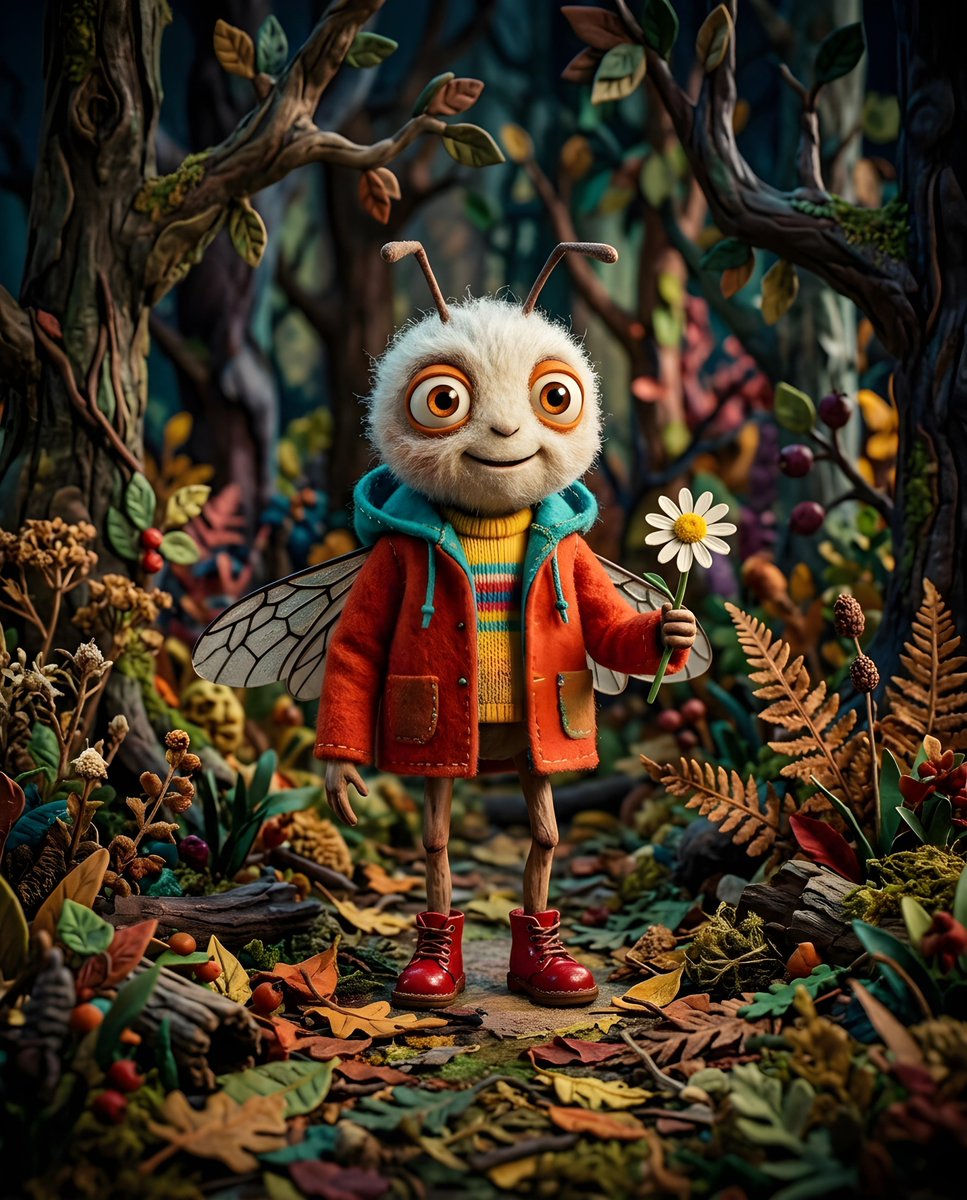
Whimsical digital anthropomorphic friendly insect standing on the ground with fallen leaves and dried plants. The large head is covered with {argument name="fur color" default="white fluffy"} fur. The eyes are {argument name="eye color" default="large orange"} with black pupils. Charming expression and friendly smile. Creature is dressed in a {argument name="jacket color" default="bright red-orange"} jacket with a turquoise hood over a yellow shirt, colorful stripes. The character on thin legs, wears glossy red boots with laces. Small translucent wings with visible vein patterns extend from his back. Creature holds a {argument name="item held" default="chamomile"}. Forest setting with blurred vegetation, playful mood.

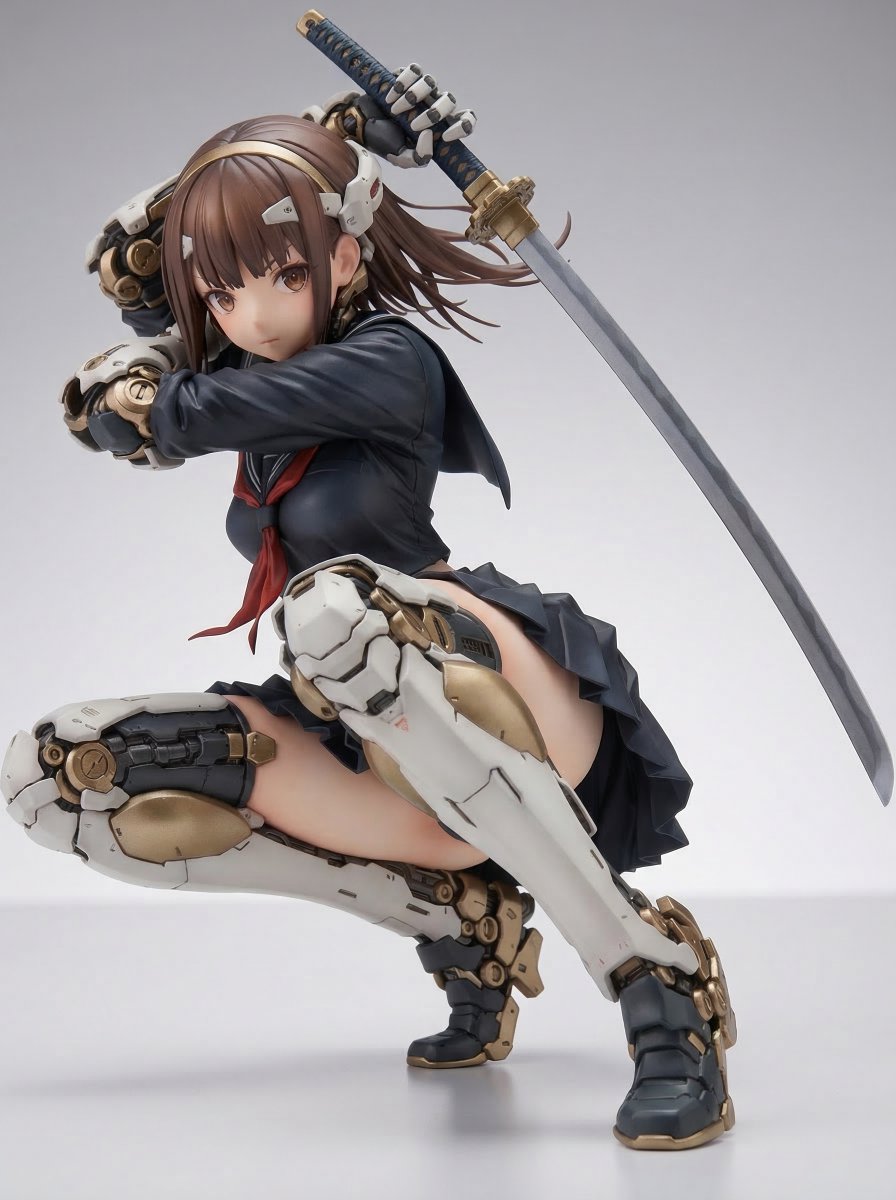
Samurai Mecha Girl Figure

Samurai Mecha Girl Figure

Samurai Mecha Girl ⠀ 1/7 scale figure ⠀ This is the first time the sword has been depicted from the blade direction. It's a bit thick, but it might be realistic as a PVC figure.

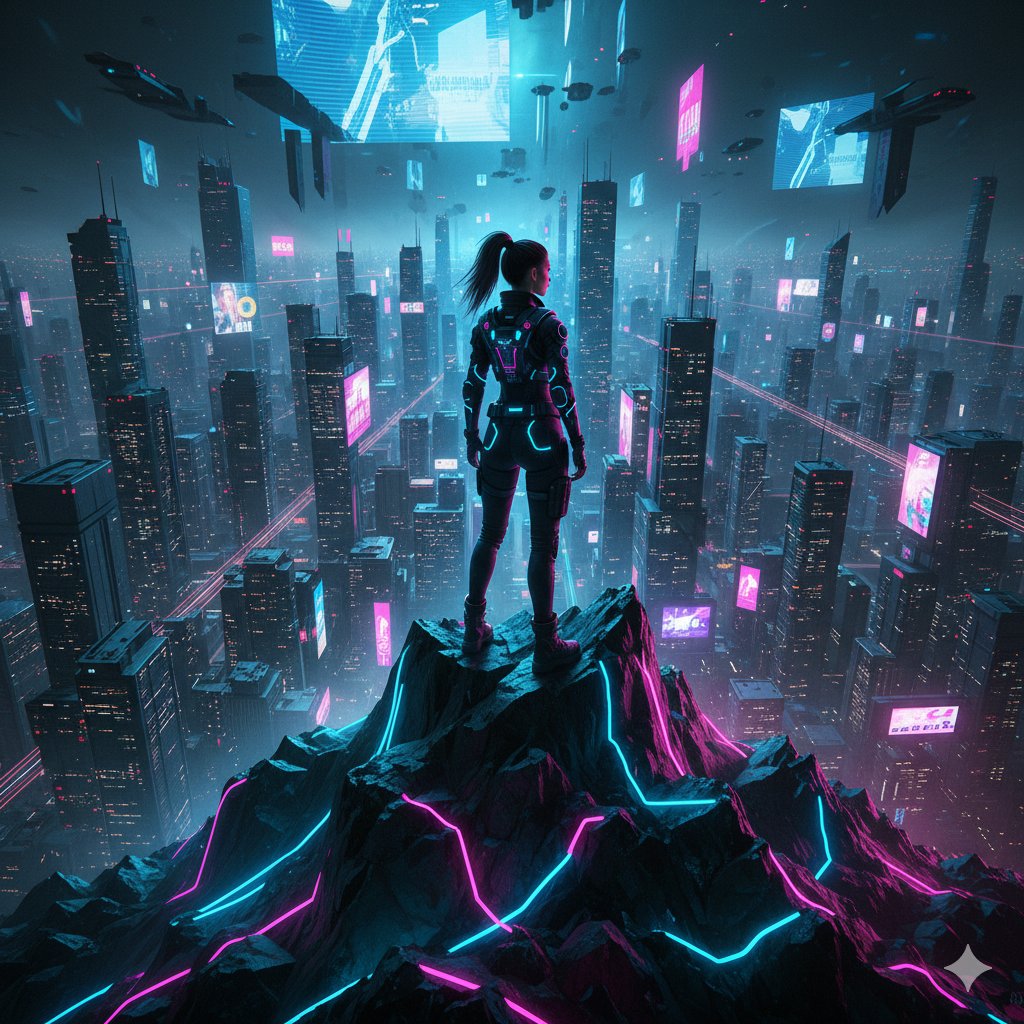
Cyberpunk Mountain Peak Girl

Cyberpunk Mountain Peak Girl

{ "prompt": "A beautiful girl standing on a neon-lit mountain peak overlooking a futuristic cyberpunk world. Holograms in the sky, glowing lights from distant cities, metallic textures, neon blue and pink colour palette.", "style": "cyberpunk sci-fi", "lighting": "neon rim light", "details": { "tech_elements": ["holograms", "light trails"], "mood": "bold, adventurous" } }

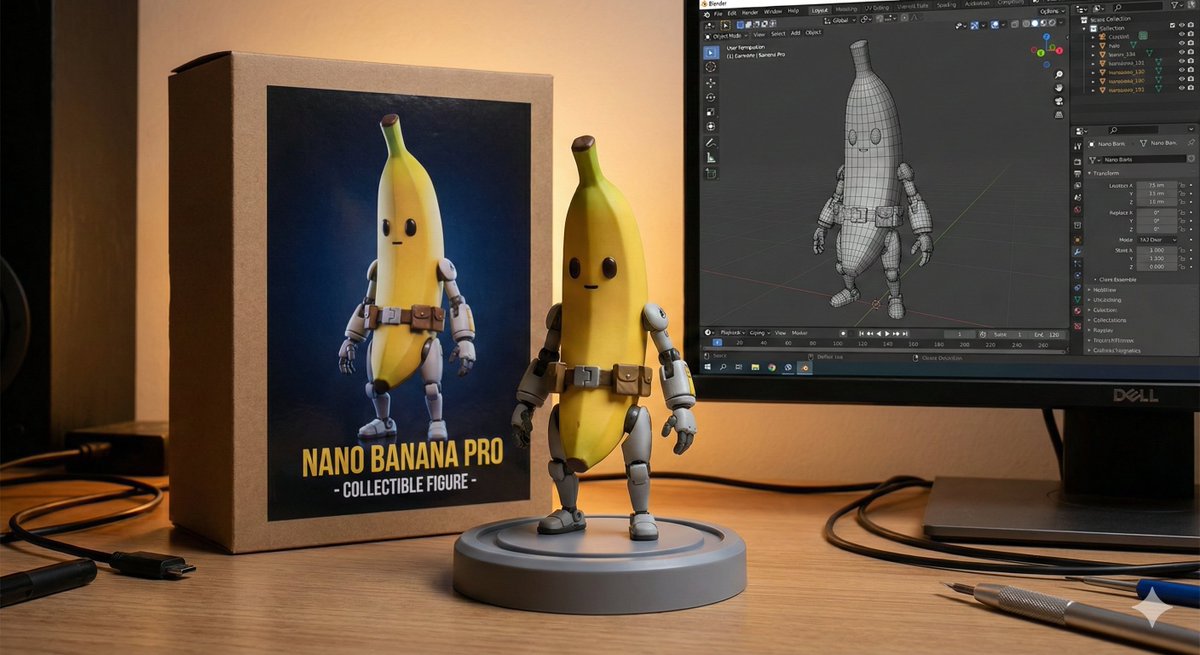
Character Figure Product Photography Setup

Character Figure Product Photography Setup

8K ultra-realistic cinematic. Turn this photo into a {argument name="target" default="character figure"}. Behind it, place a box with the character's image printed on it, and a computer showing the blender modeling process on its screen. In front of the box, and a round plastic base with the character figure standing on it. Set the scene indoors

部分提示词收录自 X 平台创作者,版权归原作者所有。