Instinct AI

提示词库

AI 提示词库

汇集全球创作者的精选图像、视频与建站提示词。复制任意一条,替换主体或风格,即可用最新模型生成。

15,630 条提示词 · 每日更新 · 完全免费

共 599 条

Fake News Image Creation Prompt

Fake News Image Creation Prompt

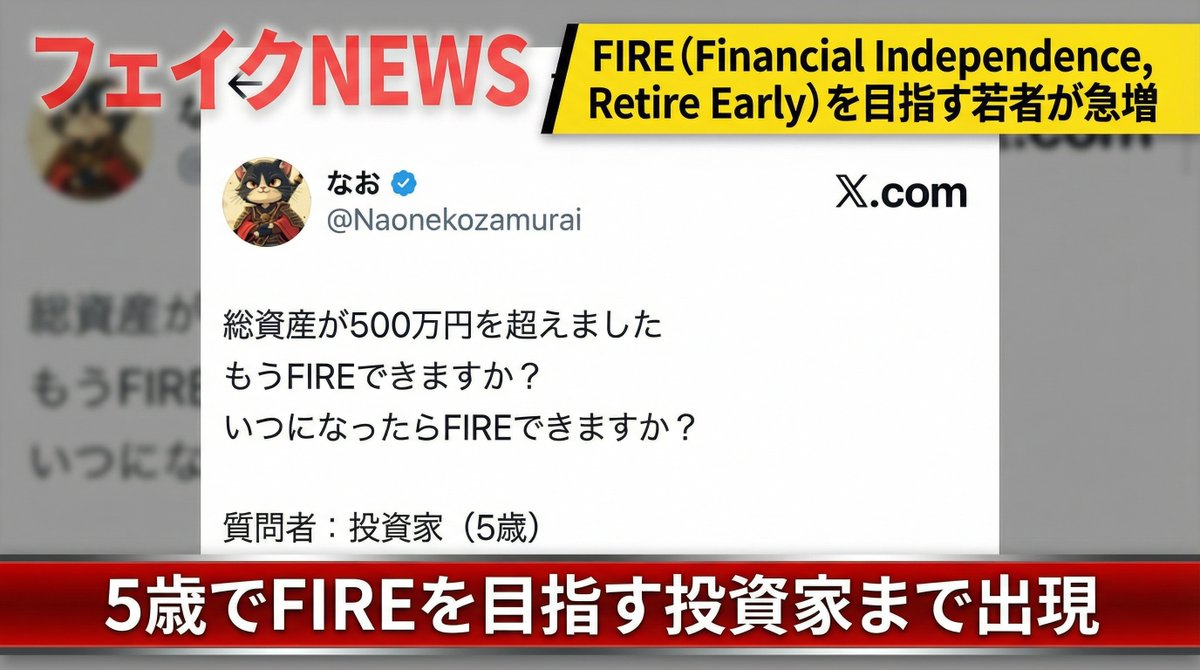
Create a fake news image introducing the reference image. Add the watermark text "FAKE NEWS" in the upper left corner of the screen. Add the headline "Rapid increase in young people aiming for FIRE (Financial Independence, Retire Early)" in the upper right corner of the screen. Add the scrolling text "Even investors aiming for FIRE at age 5 have appeared" at the bottom of the screen.

Prompt for UV Unwrapping a 3D Model

Prompt for UV Unwrapping a 3D Model

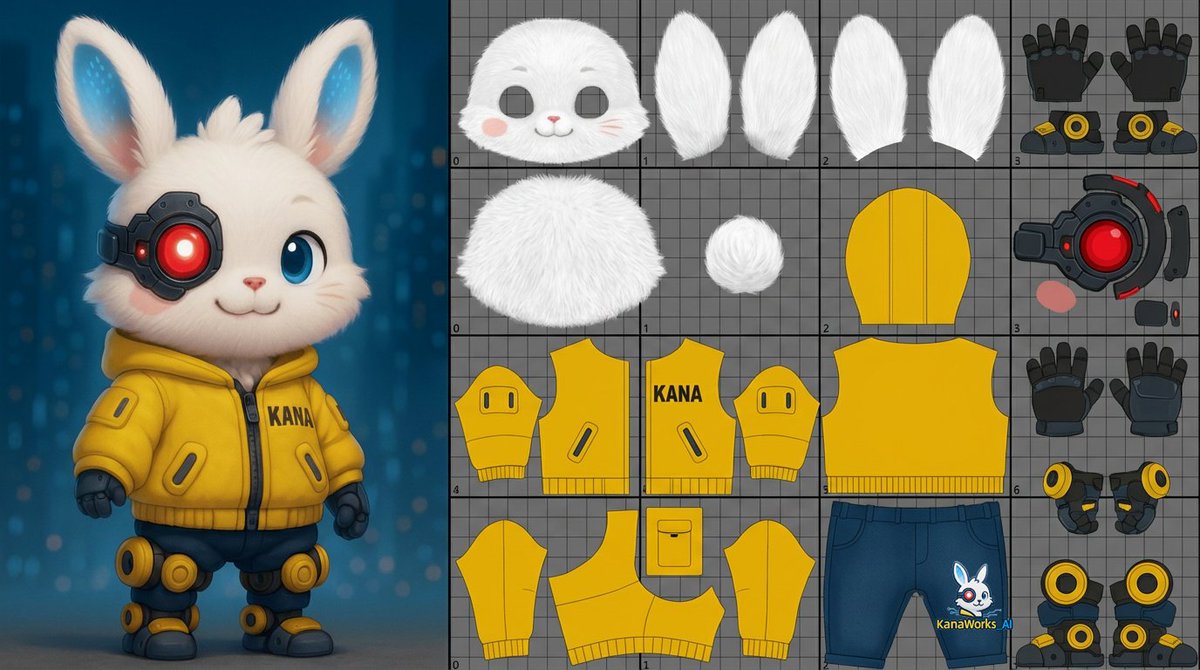
unwrap the UVs of the 3D model shown in the image. About one-third of the image should be a reference view displaying the 3D model itself.The remaining area should include the UV layout for the head, body, and limbs.Unwrap the surface of the 3D model and flatten it into a single 0–1 two-dimensional UV space.

Image Redrawing and Style Transfer Prompt

Image Redrawing and Style Transfer Prompt

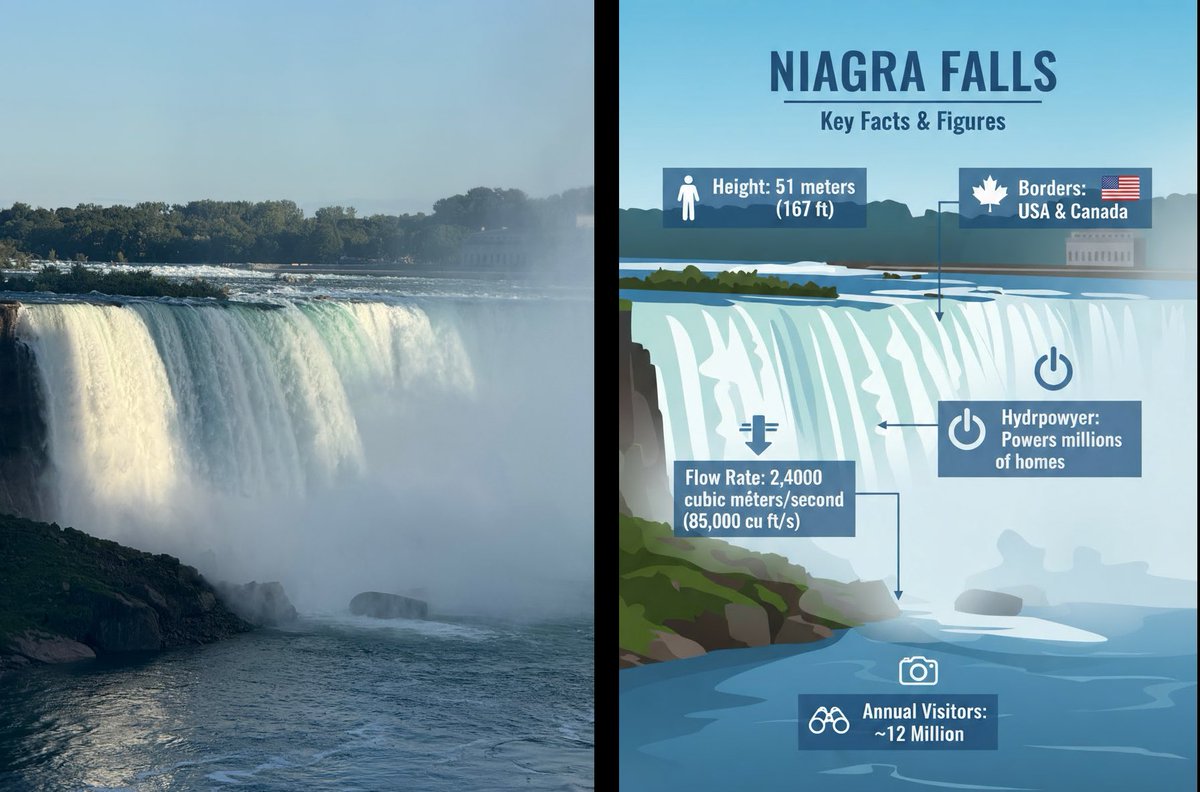
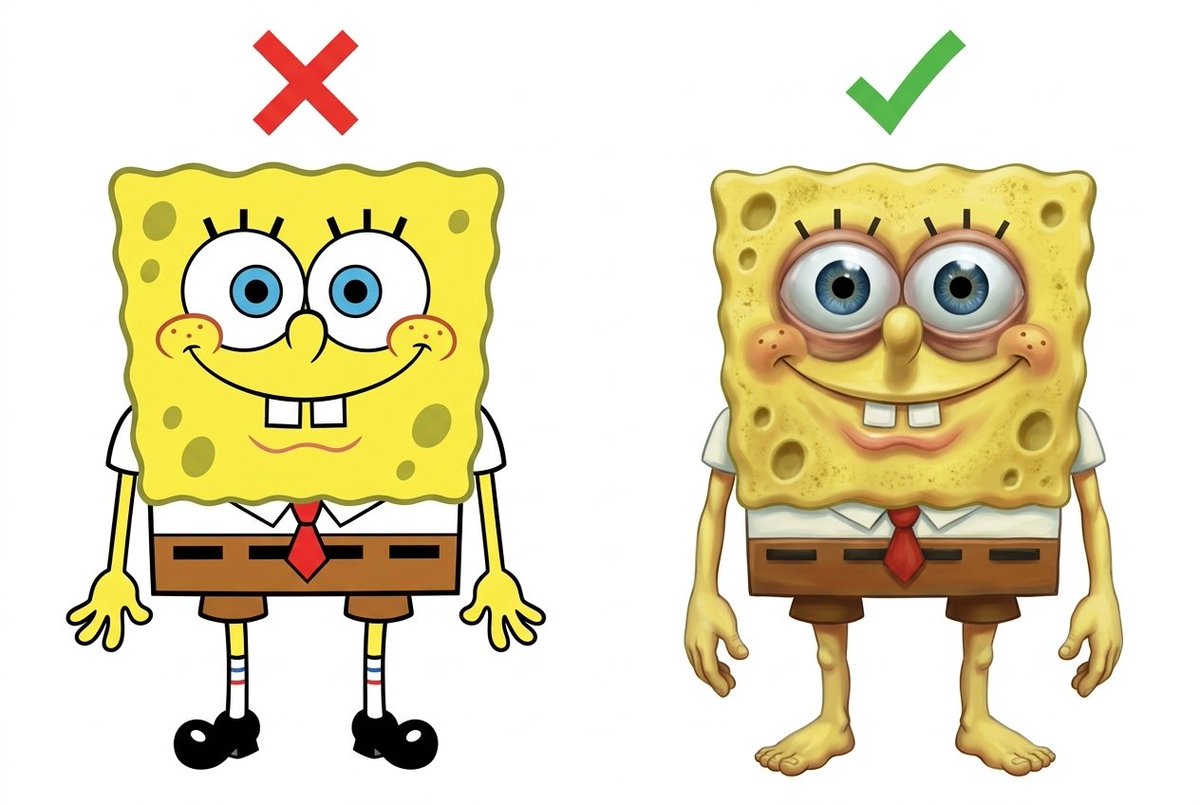
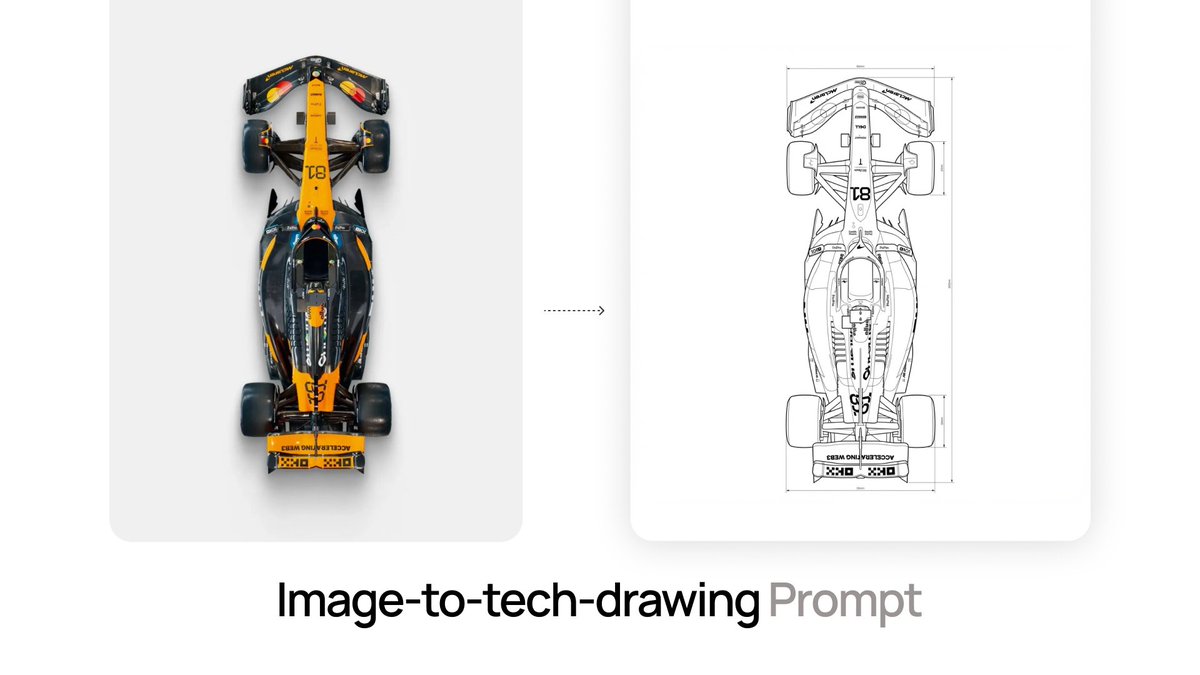
Carefully study Figure 1, and redraw Figure 2 according to its requirements. Place Figure 2 and the redrawn version on the left and right sides of the same white background image, ensuring the logo is not visible.

2026 Fortune Telling Prompt (Super Famicom Style)

2026 Fortune Telling Prompt (Super Famicom Style)

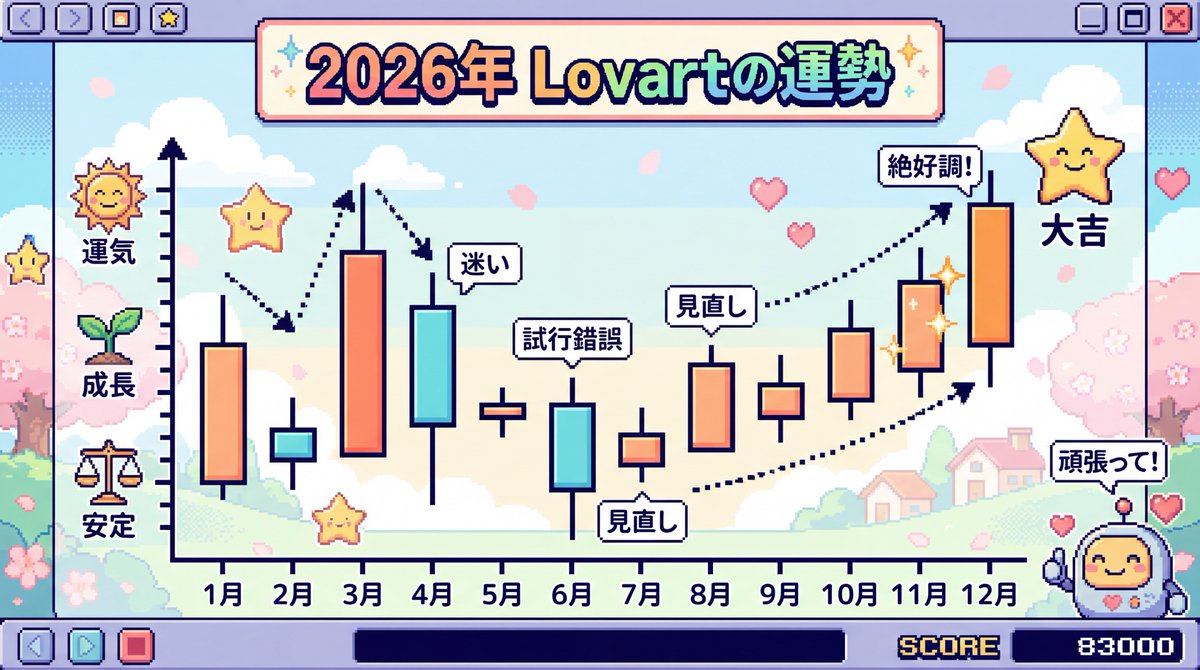
Make the entire background Super Famicom pixel art, and the theme is “The Fortune of {argument name="theme" default="Lovart"} in 2026” visualized as a candlestick chart with the horizontal axis representing January to December. Thoroughly elaborate the details in Japanese. Express it brightly and cutely.

Layered Diorama of Religious Architecture Evolution

Layered Diorama of Religious Architecture Evolution

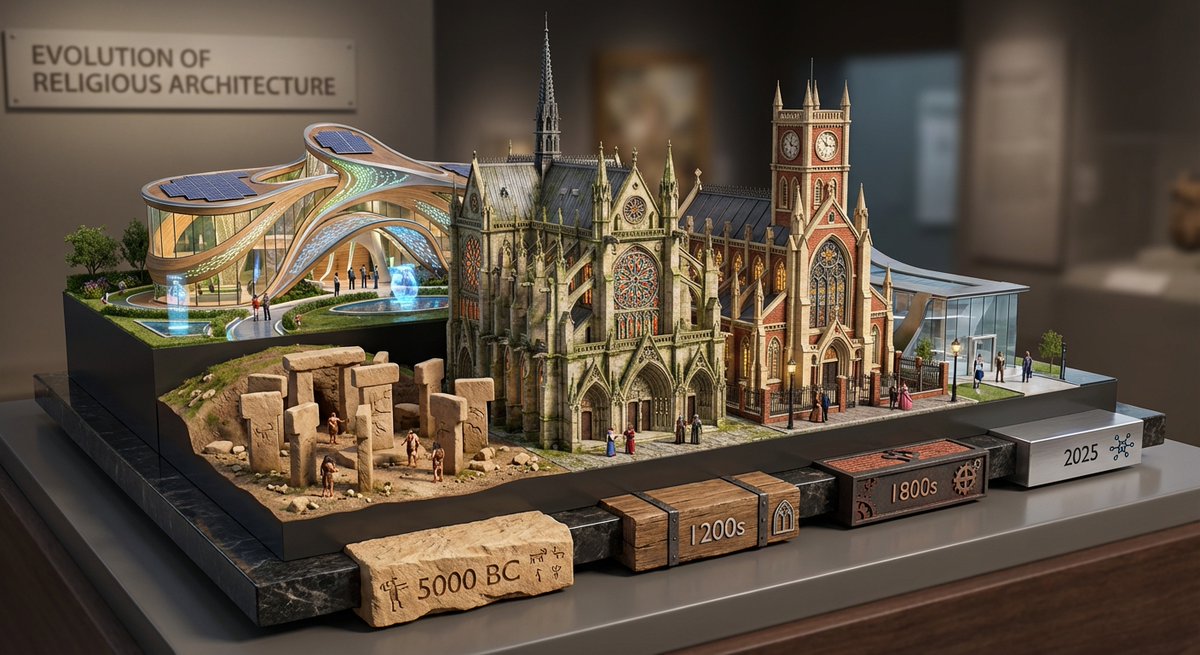
Layered Diorama: Evolution of Religious Architecture Layers: Front ({argument name="era 1" default="5000 BC Architecture"}), middle 1 ({argument name="era 2" default="1200s Architecture"}), middle 2 ({argument name="era 3" default="1800s architecture"}) rear (2025 Architecture). Details: Polished stone base with era-coded tabs (with appropriate materials and elements for each era). Details include stained glass windows, flying buttresses, and other era relevant elements. All years should be visible

Soft X-Ray Luminography Style Template

Soft X-Ray Luminography Style Template

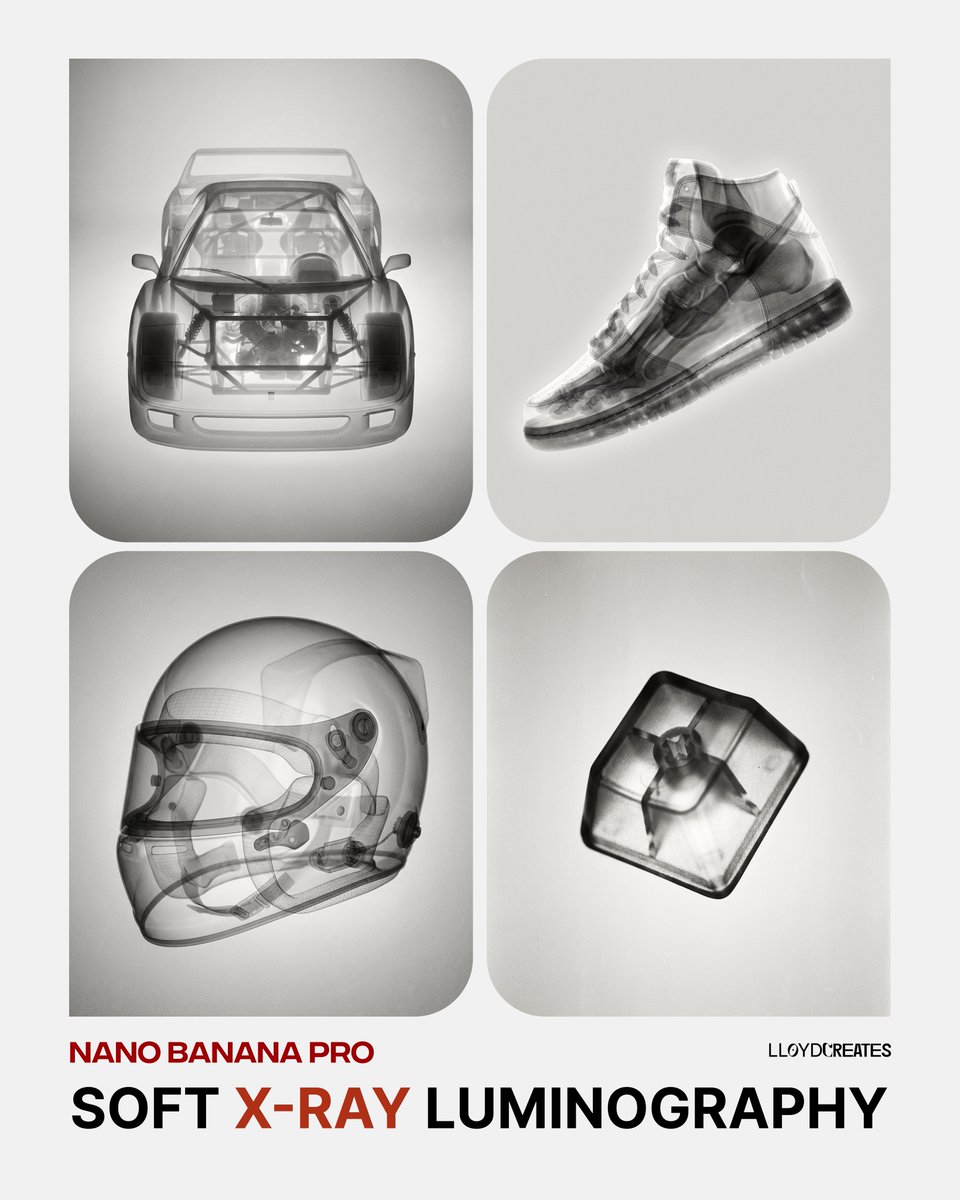
{ "prompt": "A {argument name="object" default="pomegranate"}, rendered in an artistic black and white X-ray photography style. Soft, ethereal translucent quality revealing internal structures and subtle details. Gentle luminosity with delicate tonal gradations from deep blacks to bright whites. Fine film grain texture throughout. Dreamlike and organic aesthetic with smooth gradients. Studio lighting creating soft highlights and dimensional depth. High contrast yet maintaining softness. Analog photography feel with subtle imperfections and grain. Minimalist composition always against a light soft gray background. Scientific meets artistic visualization.", "negative_prompt": "color, harsh shadows, digital rendering, sharp edges, cluttered background, text, logos, overly saturated, neon, cartoonish, 3D render artifacts, noise, compression artifacts, busy composition", "style_parameters": { "mood": "ethereal, scientific, artistic", "lighting": "soft studio lighting, gentle luminosity", "texture": "fine film grain, analog photography", "contrast": "high but soft", "background": "light gray, minimalist, neutral" }, "usage_example": "Replace {object} with: 'pomegranate', 'seashell', 'flower petals', 'human hand', 'butterfly wings', etc." }

3D Radial Explosion Product Visualization Prompt for Nano Banana 2

3D Radial Explosion Product Visualization Prompt for Nano Banana 2

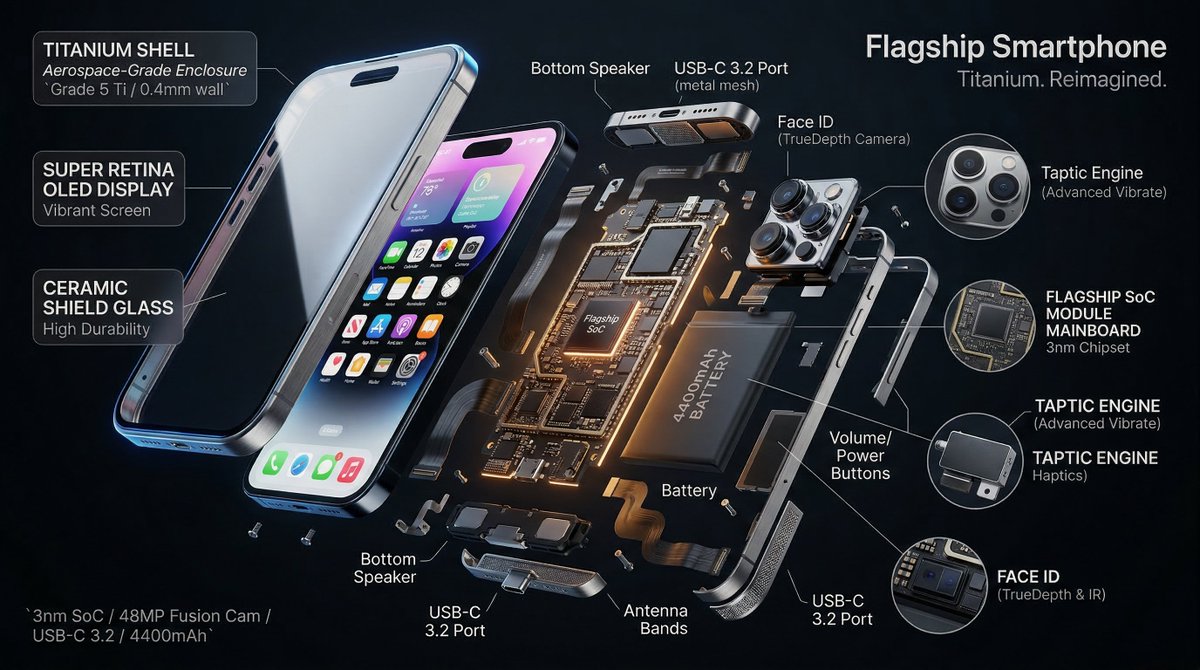
Hyperrealistic 3D radial exploded view of {argument name="product" default="PRODUCT"} {argument name="number of components" default="NUMBER"} components bursting outward from a central axis in every direction, frozen in mid-air. True spatial explosion, not a vertical stack, depth and parallax visible. COMPONENTS (core outward): {argument name="shell material" default="SHELL"} → DISPLAY → FRAME → MAINBOARD → BATTERY → MICRO PARTS shown in 3x floating callout circles MATERIALS: glass refracts and catches specular highlights, aluminium shows brushed grain and machined edges, PCB traces glow faintly amber, rubber gaskets matte with micro-texture, cables with soft bend physics. LABELS: hairline leader to floating box. "[COMPONENT]" uppercase / "[FUNCTION]" italic / "[KEY SPEC]" monospace. Radiate outward, no overlaps. LIGHTING: cool diffused overhead + warm amber underlighting on internals + thin blue rim on outer shell. Displays emit soft UI glow. Circuits self-illuminate. BACKGROUND: {argument name="background color" default="COLOR"}, deep, non-reflective. Midnight black recommended. TITLE: "[PRODUCT NAME]" top right. SUBTITLE: "[TAGLINE]". SPEC BLOCK: "[SPEC 1] / [SPEC 2] / [SPEC 3]" bottom left in monospace. Mood: iFixit teardown meets NASA manual meets WIRED cover. 4K, tack sharp, extraordinary material fidelity.

Map of Morocco in 1799–1800 with plague spread

Map of Morocco in 1799–1800 with plague spread

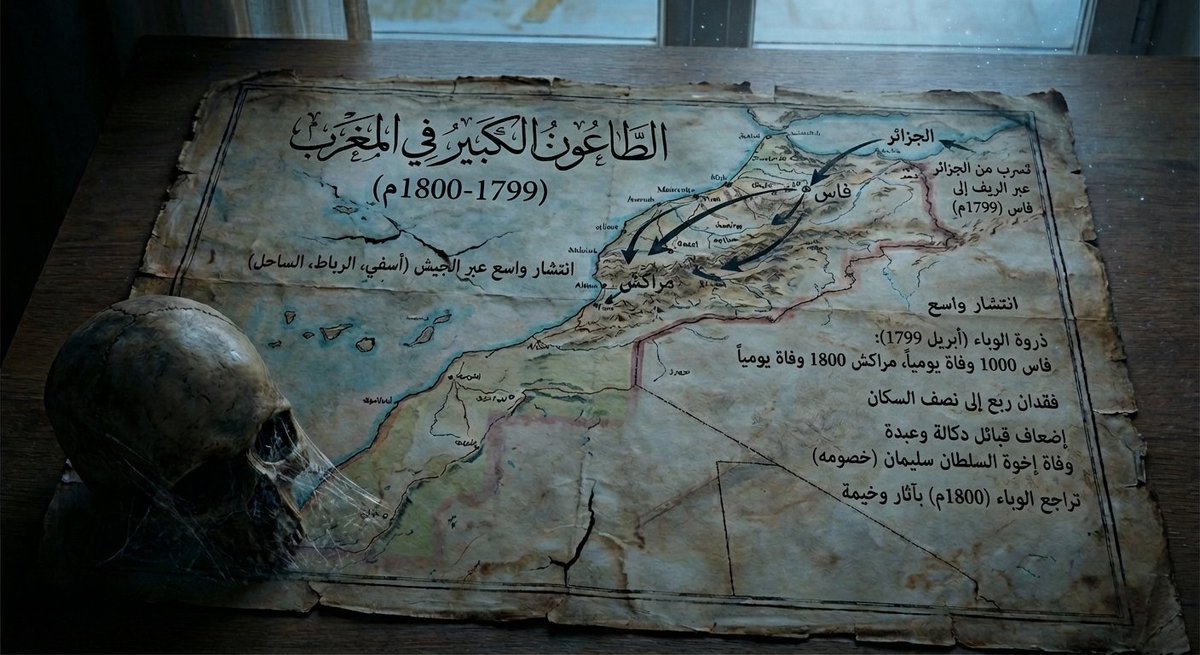
Give me a map of {argument name="region_en" default="Morocco"} in {argument name="period_en" default="1799–1800"}, showing how the plague spread at that time and its consequences, and make it a bit dark in tone.

Abstract Microscopic View of Living Coffee Crema

Abstract Microscopic View of Living Coffee Crema

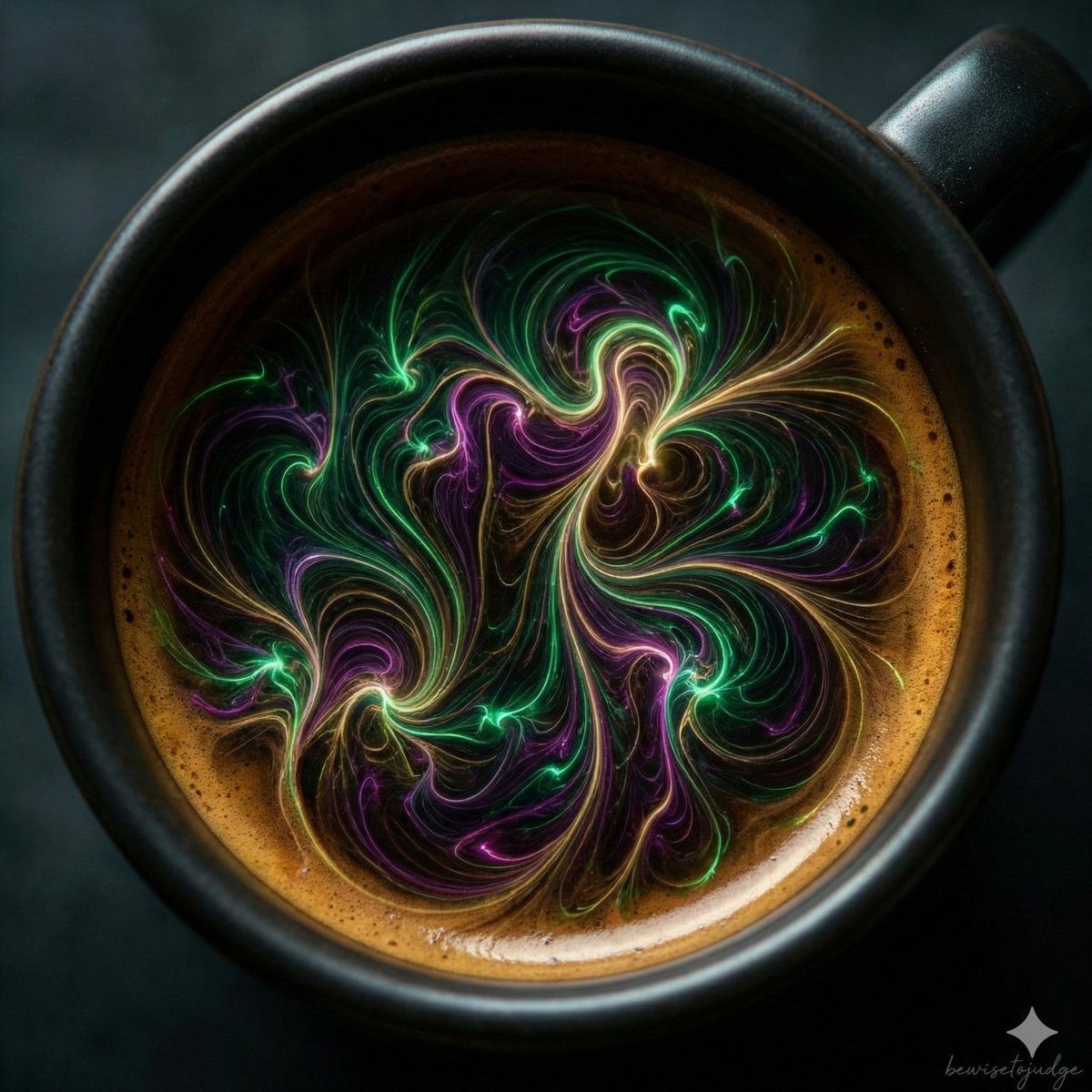
"Abstract microscopic view of living coffee crema, delicate glowing tendrils and fractal networks spreading naturally across the dark espresso base, subtle bioluminescent effects in emerald and magenta hues, organic flowing forms with intricate details, surreal biological fantasy, ultra sharp macro photography style, dramatic volumetric lighting, no horror elements, artistic and wondrous atmosphere, 8k quality"

Safety Hazard Analysis and Visualization

Safety Hazard Analysis and Visualization

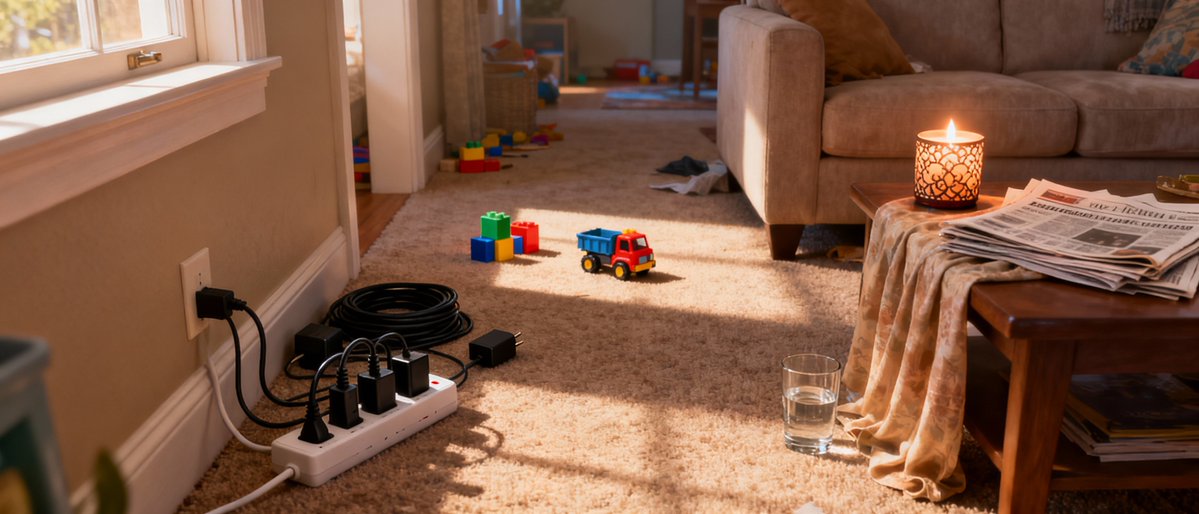
Analyze this image for safety hazards. Re-generate this exact room in black and white, but overlay bright NEON RED bounding boxes around every safety risk you find. Specifically look for: fire risks, tripping hazards, and electrical issues. Label each red box with a small text tag explaining the danger (e.g., 'Fire Risk').

Newspaper Mid-Unfold Diorama Prompt

Newspaper Mid-Unfold Diorama Prompt

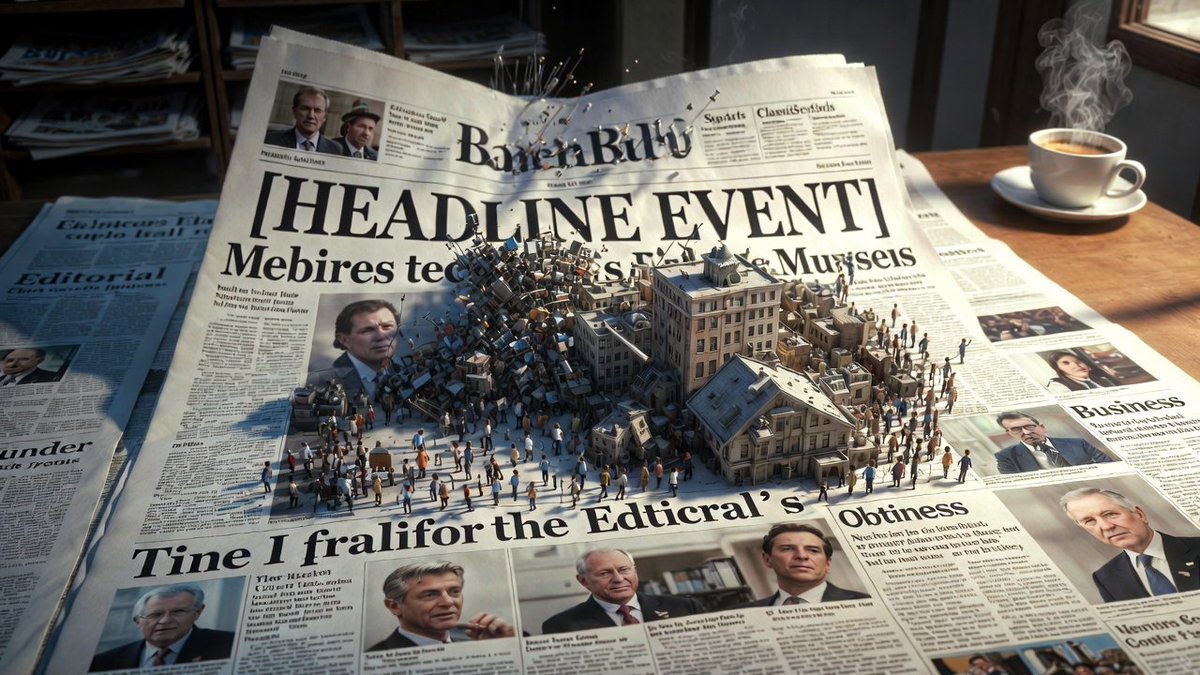
Epic 3D scene: a massive broadsheet newspaper mid-unfold, its headlines erupting into the events they describe. Front page stories become dioramas pushing off the page. {argument name="headline event" default="[HEADLINE EVENT]"} manifests in miniature chaos. Photographs animate and expand into three dimensions. Column text rises as city blocks of information. Editorial section becomes a battlefield of arguing figures. Classifieds transform into tiny desperate lives. Different sections occupy different worlds: sports as stadium, business as trading floor, obituaries as memorial garden. Yesterday's news composites beneath as fading ghost layer. Ink smells almost visible as atmosphere. Newsstand visible at the edge, morning light, coffee steam, 8K, photorealistic.

Macro Diorama Historical Rivalry (Science Wars)

Macro Diorama Historical Rivalry (Science Wars)

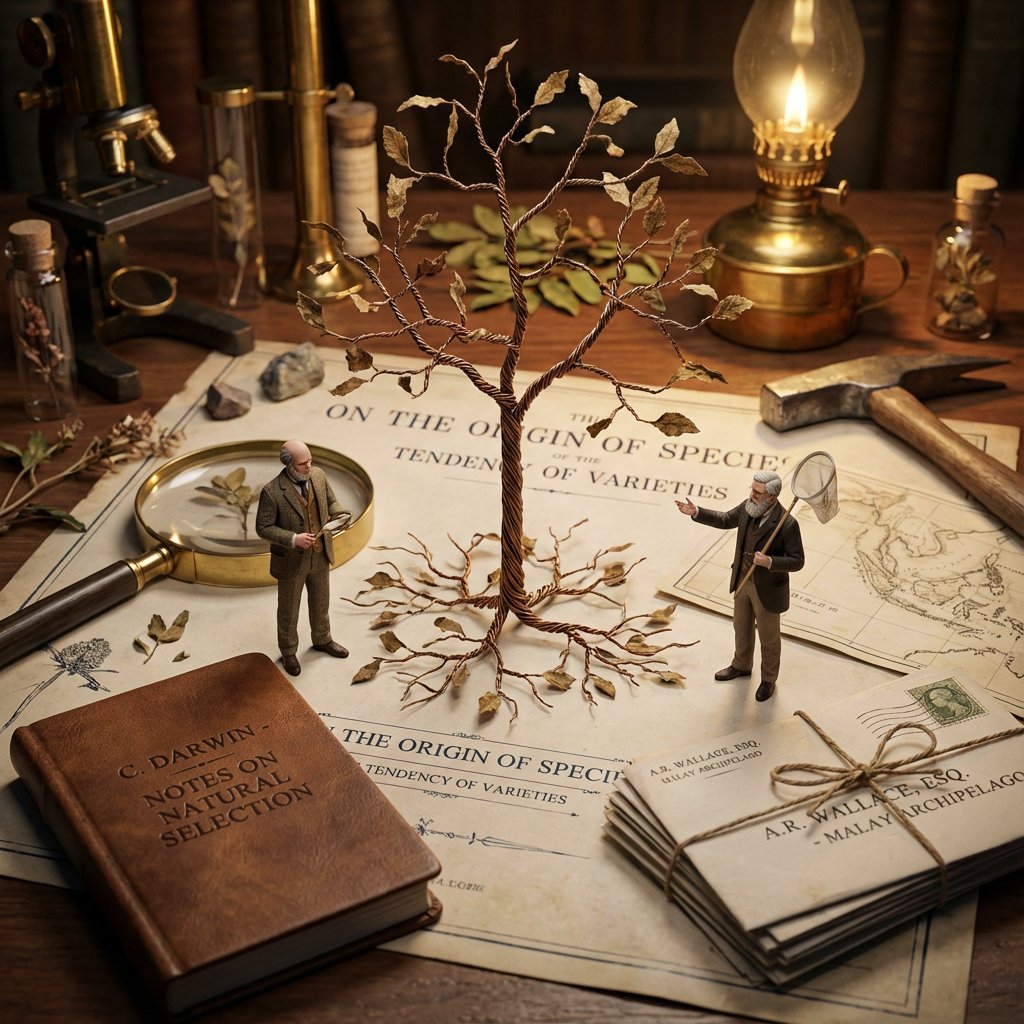
<instructions> Input: Invention/Rivalry = {argument name="invention/rivalry" default="[User Choice]"} Phase 1: Chronological Profiling Ancient (Pre-500 AD): Stone/Papyrus, Oil Lamps. Labeling = Carved symbols or scroll signatures. Renaissance (1400-1600): Parchment, Candlelight. Labeling = Wax seals, hand-lettered envelopes, book spines. Industrial (1800-1940): Blueprints, Gaslight. Labeling = Typed Patent headers, Business Cards, Newspaper Headlines. Modern (1950-Present): Circuit diagrams, Neon. Labeling = ID Badges, Magazine covers, Computer login screens. Phase 2: Goal: A hyper-detailed Macro Diorama where the environment identifies the rivals. 1. The Stage (The Document): The ground is the primary design medium of the era (Clay Tablet, Parchment, Blueprint, or CAD Printout). The Invention:A 3D Prototype is rising from the center, separating the two figures. 2. The Living Miniatures: Two tiny, hyper-realistic figurines (The Rivals) interact with the invention. They are dressed strictly in period-accurate clothing. 3. The Identity Anchors (CRITICAL - Labeling): Instruction: You must seamlessly integrate readable text into the "Giant" props near each figure to identify them to the viewer. Prop A (Near Rival 1): Place a "Giant" personal item with their name visible. (e.g., A letter addressed to "Mr. T. Edison", a book titled "By C. Darwin", or a security badge reading "S. Jobs"). Prop B (Near Rival 2):Do the same for the second figure. (e.g., A Patent application signed "Nikola Tesla", or a court summons for "Mark Zuckerberg"). Context: These items must look like they were carelessly left on the desk, not floating labels. 4. The "Giant" Atmosphere: The Tools: Giant-scale era-appropriate tools (Chisels, Quills, Soldering Irons) tower over the figures. The Clutter: Period-specific debris (Marble dust, Ink spills, Burnt fuses, Empty soda cans). 5. Technical Specs: Lighting: Era-appropriate source (Fire vs. Filament vs. LED). Perspective:Tilt-shift macro photography (45-degree angle). focus on the miniatures. Output: ONE image, 4:5 aspect ratio, photorealistic historical macro photography with legible environmental text. </instructions>

Ultra-Realistic Chocolate Bar Advertising Prompts (Motion and Exploded View)

Ultra-Realistic Chocolate Bar Advertising Prompts (Motion and Exploded View)

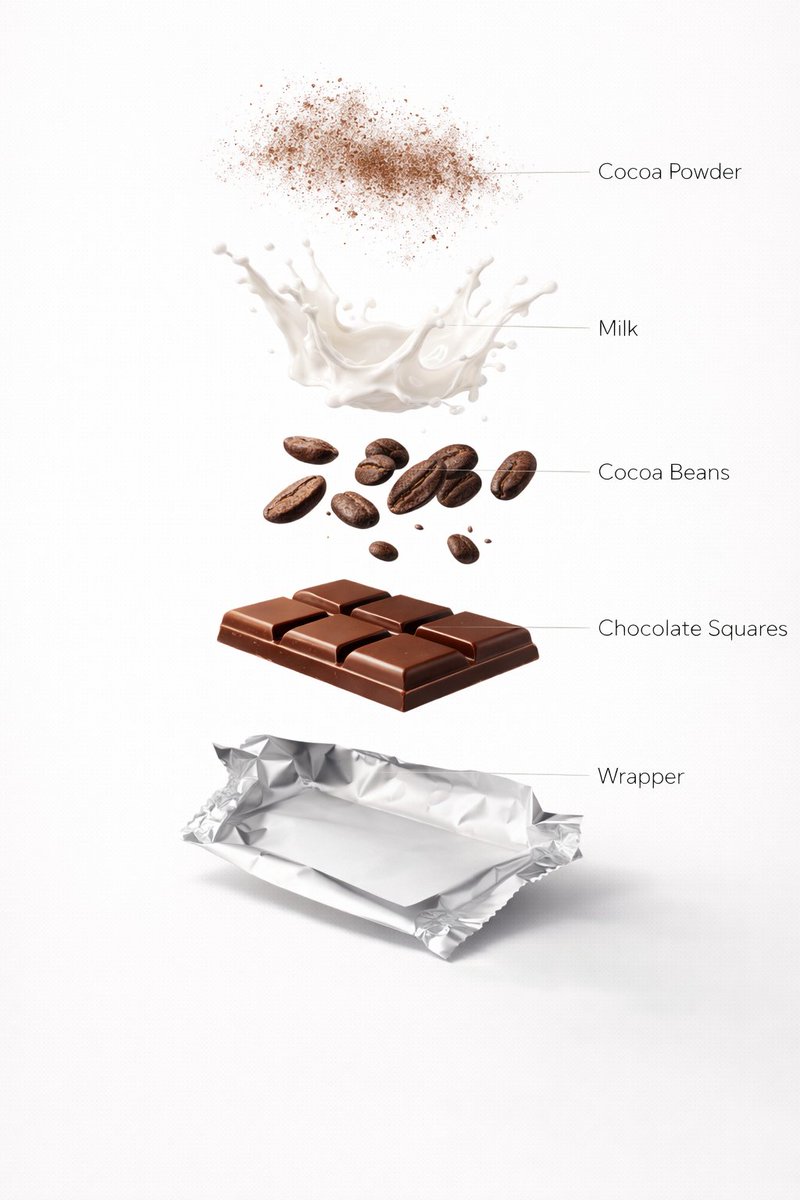
Motion Prompt: The Chocolate start to round spin while ingredients separate gently and precisely, maintaining alignment and scale. The motion is smooth, with no extra effects. Image 1:- Ultra-realistic premium milk chocolate bar, fully prepared and ready to eat, neatly segmented glossy chocolate squares resting on a partially unwrapped silver foil wrapper. Smooth polished chocolate surface with subtle shine, rich warm brown tones, realistic thickness and sharp edges. Clean white studio background, premium food advertising lighting, soft diffused highlights, gentle natural shadows, shallow depth of field, DSLR macro photography, ultra-sharp focus, luxury confectionery aesthetic, minimal composition, no text, no labels, no ingredients visible, 8K photorealism. Image 2 :- Design an ultra-realistic exploded chocolate bar infographic. Top layer cocoa powder dust floating in air, below milk splash frozen mid-motion, cocoa beans, chocolate squares, and wrapper base. Rich brown tones, clean white background, premium food ad lighting, glossy textures, soft shadows, labeled infographic style, ultra-photorealistic, 8K resolution.

Magic Prompt for Automatic Infographic Generation with Nano Banana Pro

Magic Prompt for Automatic Infographic Generation with Nano Banana Pro

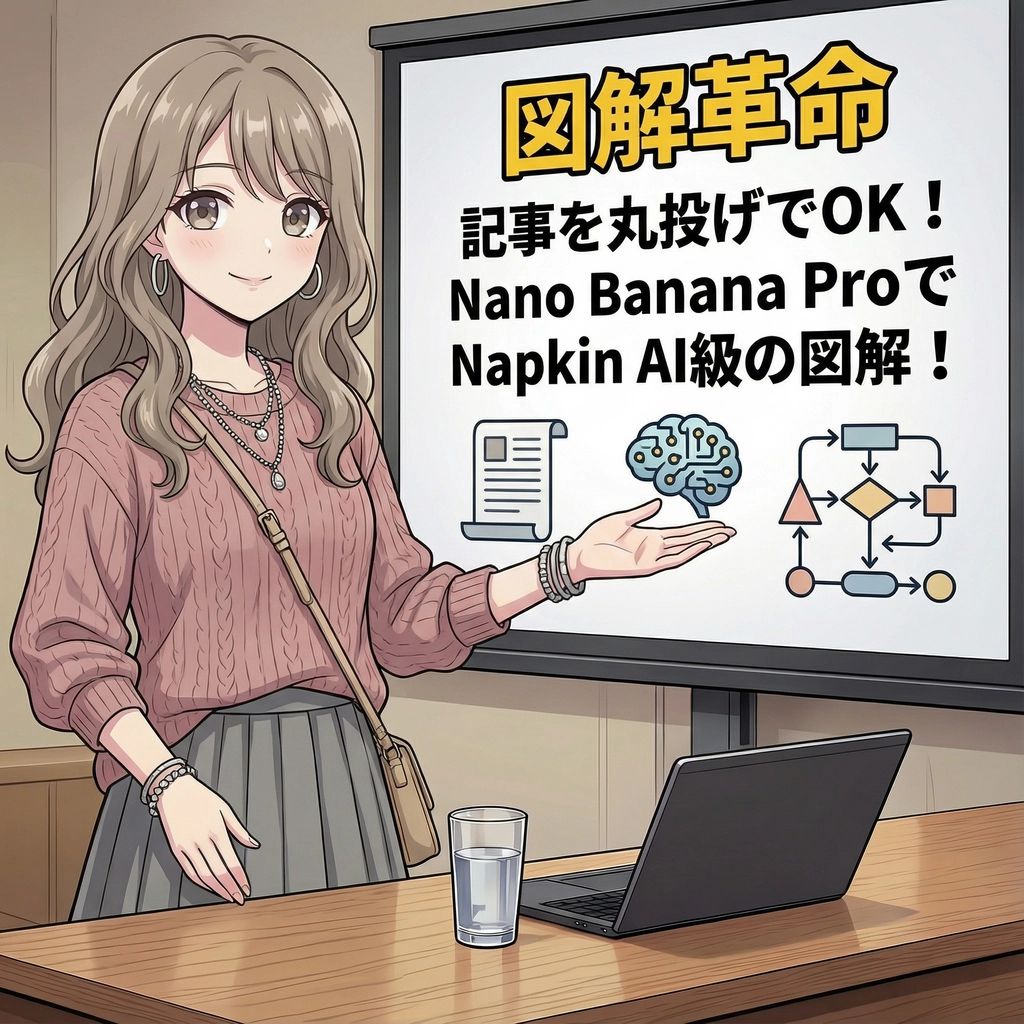
You are an expert in infographics. Read the article or report provided by the user and automatically generate a visually clear and attractive infographic that summarizes its content. Specifically, please create it considering the following elements: ### Objective To visualize the main message, key data, process, or structure of the article or report so that it can be understood at a glance. ### Style and Tone * **Style**: A hand-drawn or minimal and sophisticated diagram style, similar to Napkin AI. * **Tone**: Professional yet approachable and visually appealing. ### Components 1. **Title**: An attractive title that concisely represents the article's theme. 2. **Key Points**: 3 to 5 of the most important points extracted from the entire article. 3. **Diagrams**: Graphs, flowcharts, icons, or conceptual diagrams to represent the key points or processes. 4. **Data**: If there are specific numbers or statistical data in the article, display them in an emphasized manner. 5. **Conclusion/Action**: A summary of the article or the next action expected from the reader. ### Output Format Based on the content of the provided article, output the overall image of the infographic, integrating the above components, as detailed instructions. Describe the diagram ideas, layout suggestions, and the image of the colors and fonts to be used specifically. ### Article/Report {argument name="Content of the Article or Report" default="[Paste the full text of the article or report here]"}

Novel Optical Illusion Generation

Novel Optical Illusion Generation

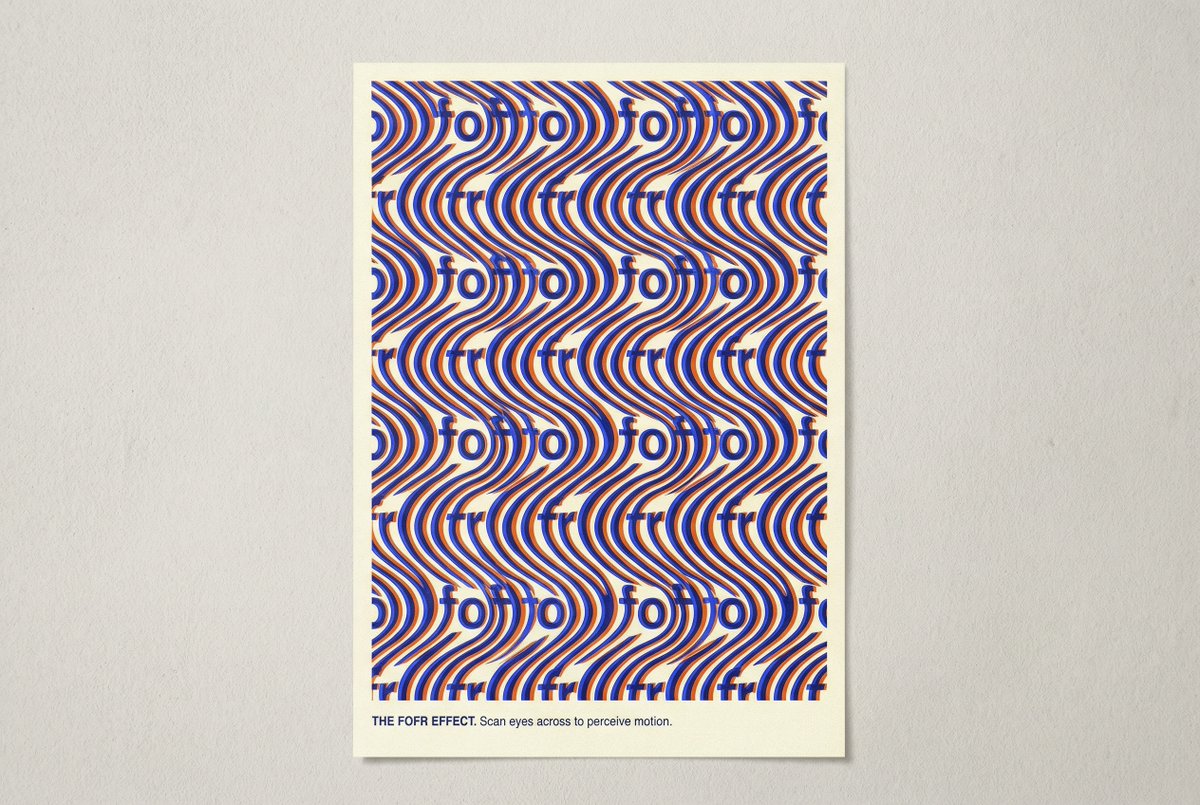
Consider the elements of typical optical illusions. Think about all the different types and how they work. Now make an image that is a novel optical illusion. Avoid the common tropes like impossible structures, steps, faces and vases. Surprise me. The illusion should be based around the word fofr.

AI Comic Production Workflow and Infographic Prompt

AI Comic Production Workflow and Infographic Prompt

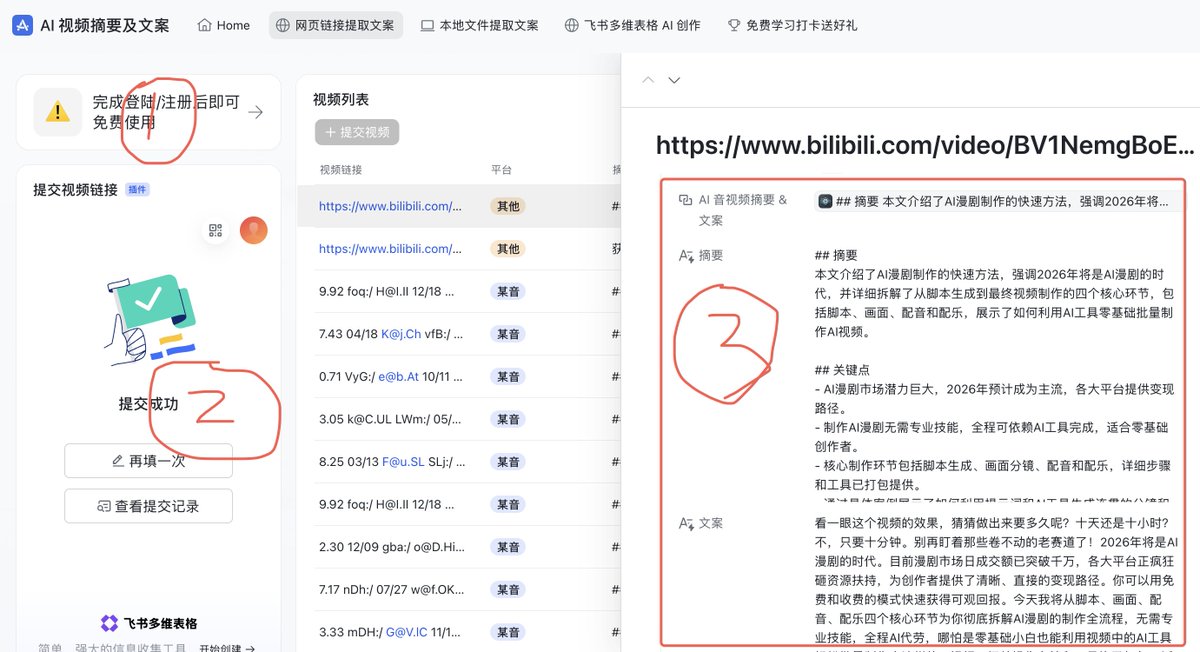
Please create a cartoon-style infographic based on the provided content, following these guidelines: Adopt a hand-drawn illustration style, horizontal layout (16:9 aspect ratio) Add a small number of simple cartoon elements, icons, or recognizable figures to enhance visual interest and memorability If the content includes sensitive or copyrighted figures, replace them with visually similar alternatives; do not refuse to create the illustration All images and text must strictly adhere to the hand-drawn style, avoiding realistic visual elements Information should be concise, highlighting keywords and core concepts. Use ample white space to clearly emphasize key points Unless explicitly stated otherwise, use the same language as the provided content or Chinese Please use nano banana pro to create the image based on the following provided content. <{argument name="content" default="Replace this entirely with the extracted AI comic production workflow text from the previous step"}>

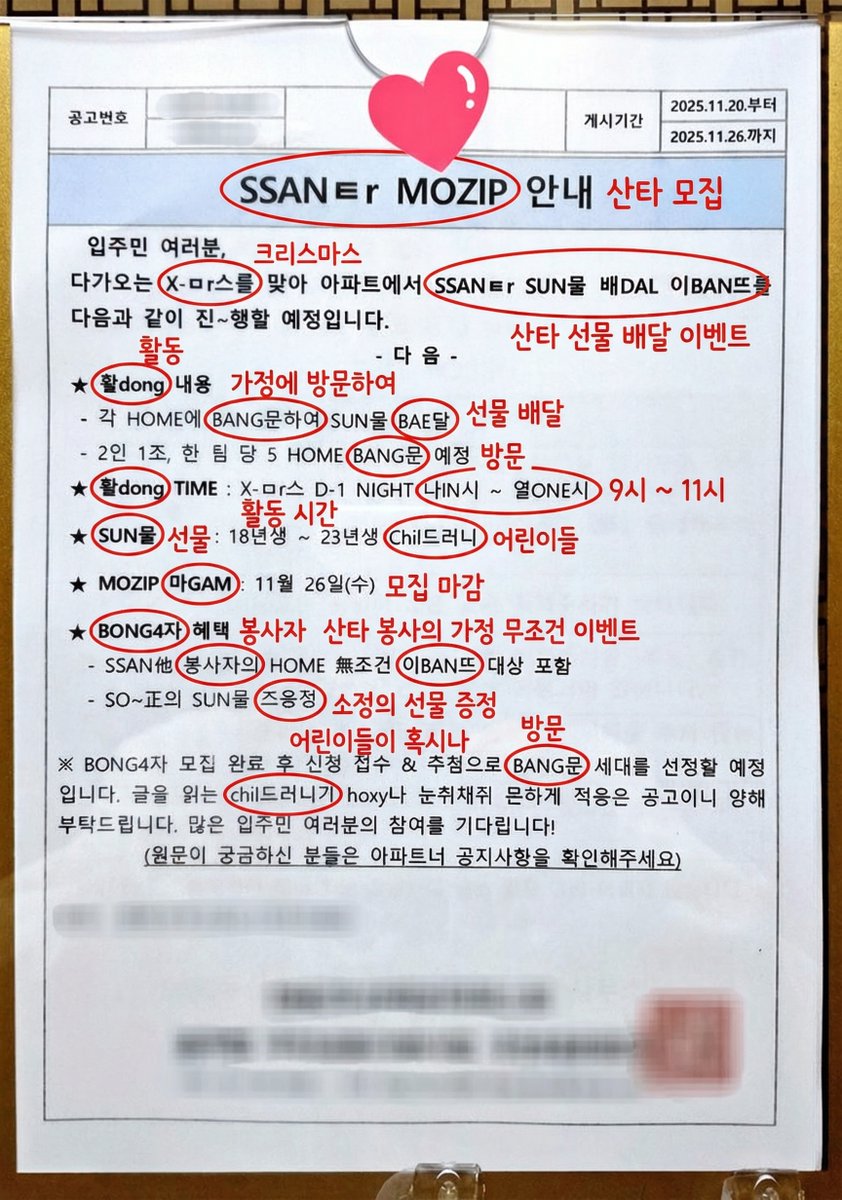
Annotated decoding of a cryptic Santa notice

Annotated decoding of a cryptic Santa notice

This notice can be understood by Koreans. Can you possibly interpret this? And if it is interpretable, could you annotate directly on the original image and write the interpreted keywords or short phrases? For the parts of the cryptic expressions that are key points, circle them and add your annotation next to them.

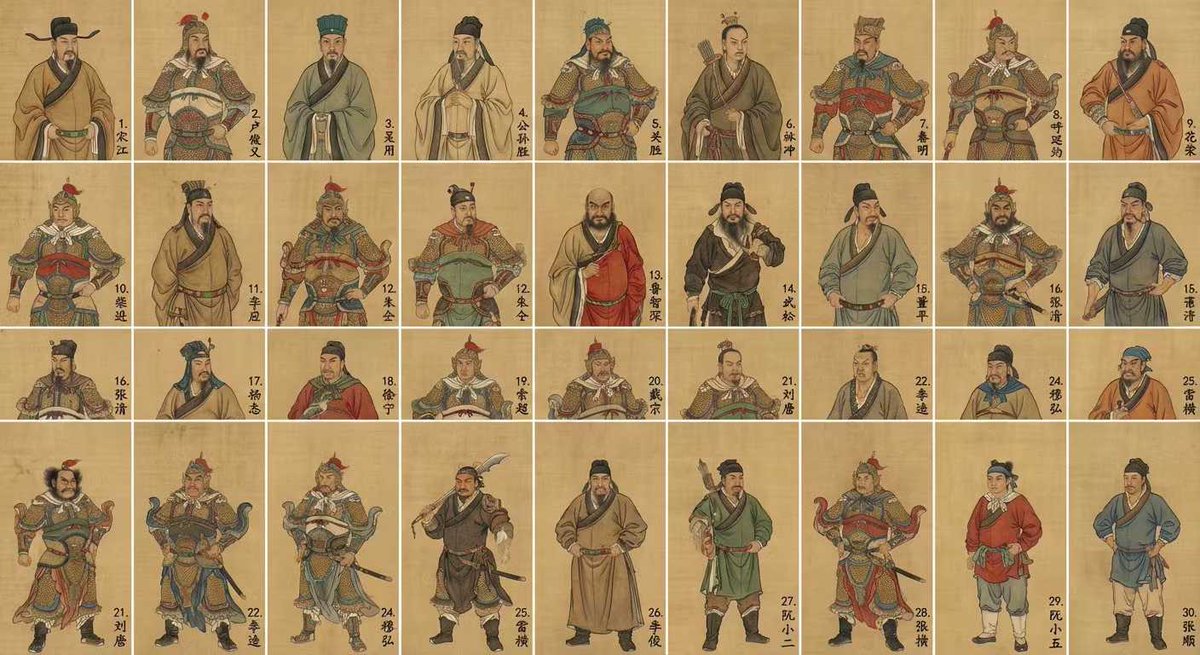
Water Margin top 30 characters grid in gongbi style

Water Margin top 30 characters grid in gongbi style

Generate an image of the top 30 characters from "Water Margin" in a grid format, in the style of Chinese gongbi painting, with each character’s name written in the lower‑right corner of their cell.

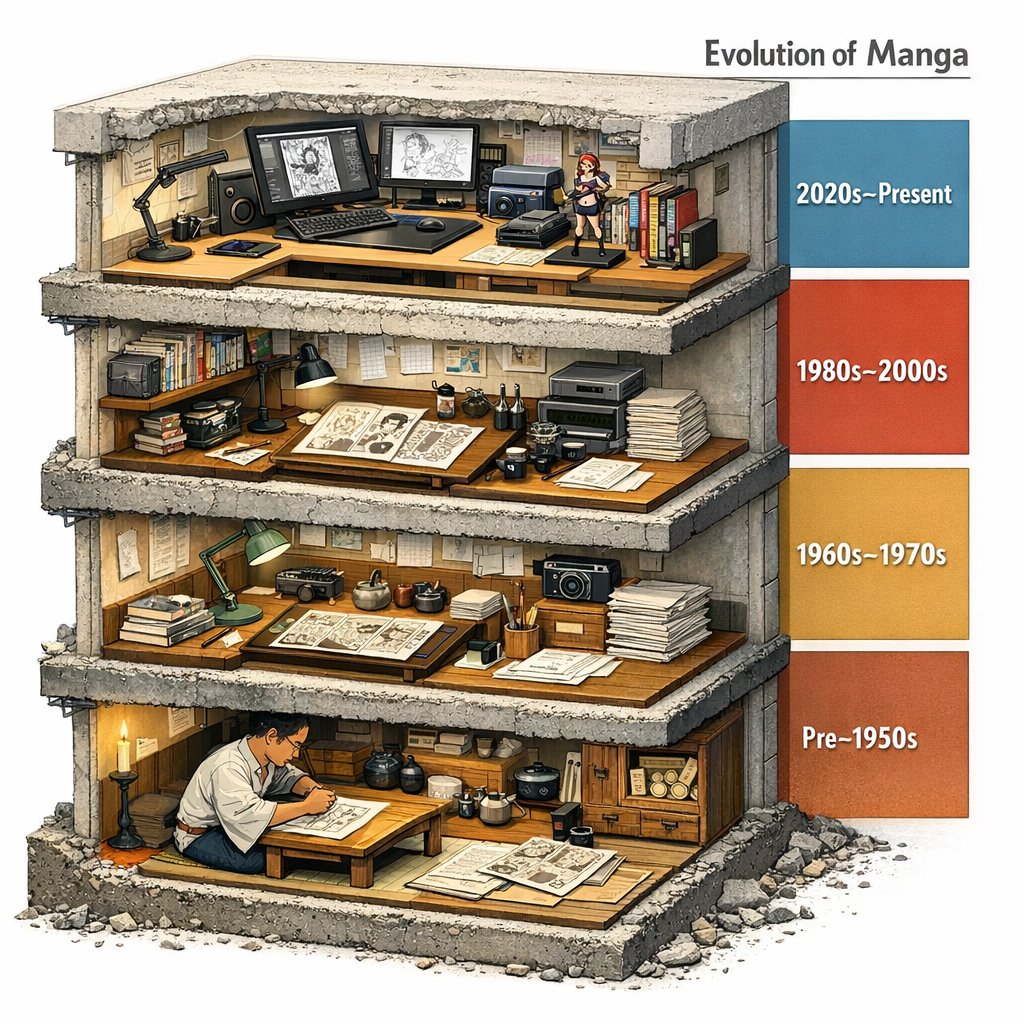
Manga Evolution Architectural Section Prompt

Manga Evolution Architectural Section Prompt

Evolution of Manga --> <LAYOUT> A single chunky block (like a museum cutaway) sliced to reveal 4 stacked floors/strata. Each level represents an era/stage/version inferred from INPUT. Right side: a vertical legend bar with dates/period labels inferred by the model. </LAYOUT> <INFER_AND_RENDER> Infer 4 major phases and depict each with representative artifacts, tools, and environments. Keep transitions educational: show what changed between levels (materials, scale, method). </INFER_AND_RENDER> <STYLE_NOTES> Architectural section realism: visible thickness, rebar/fasteners if applicable, realistic debris at cut edge. </STYLE_NOTES>

部分提示词收录自 X 平台创作者,版权归原作者所有。