
Back to library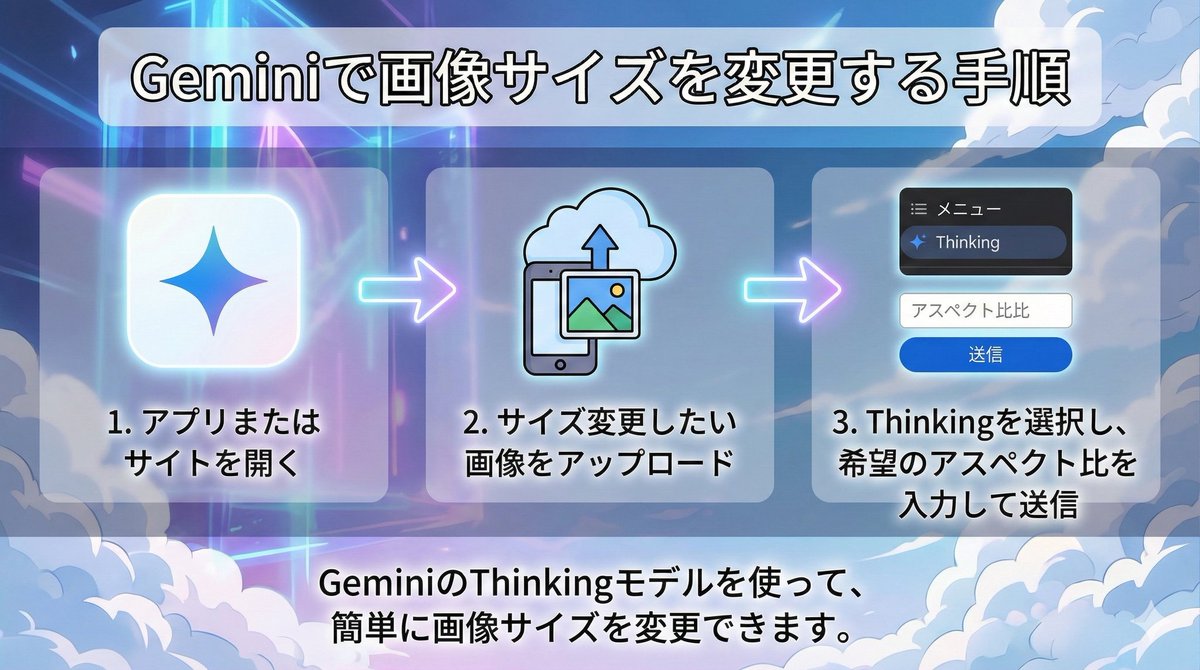
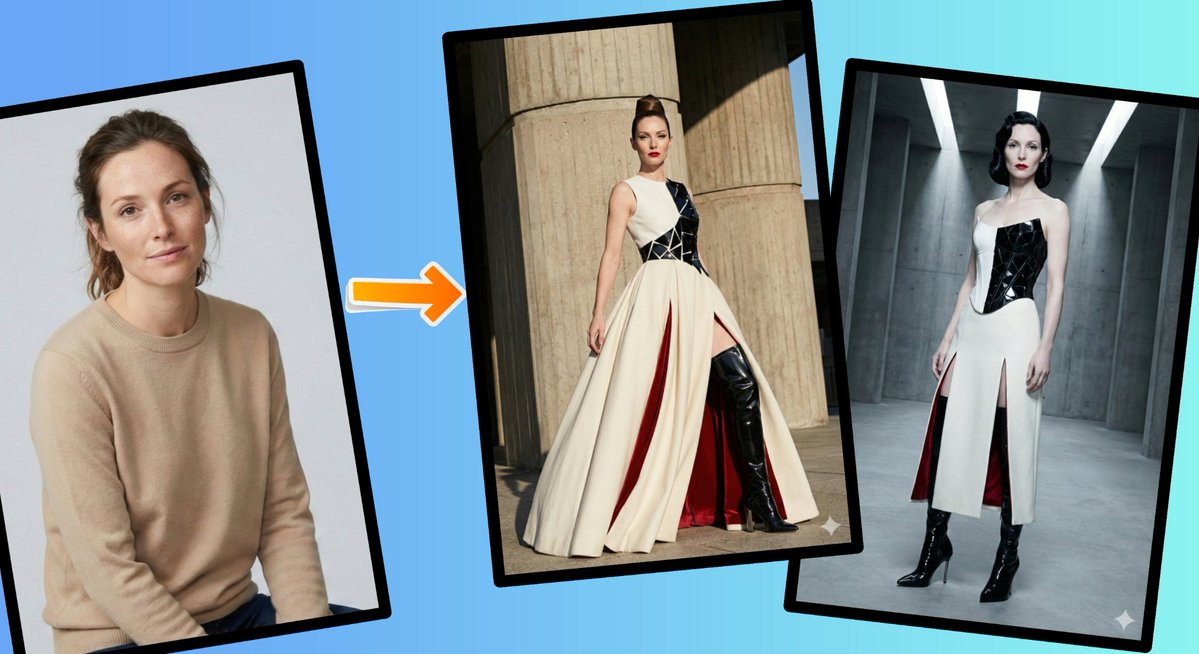
ImageNeeds reference image
Changing Image Size with Nano Banana Pro
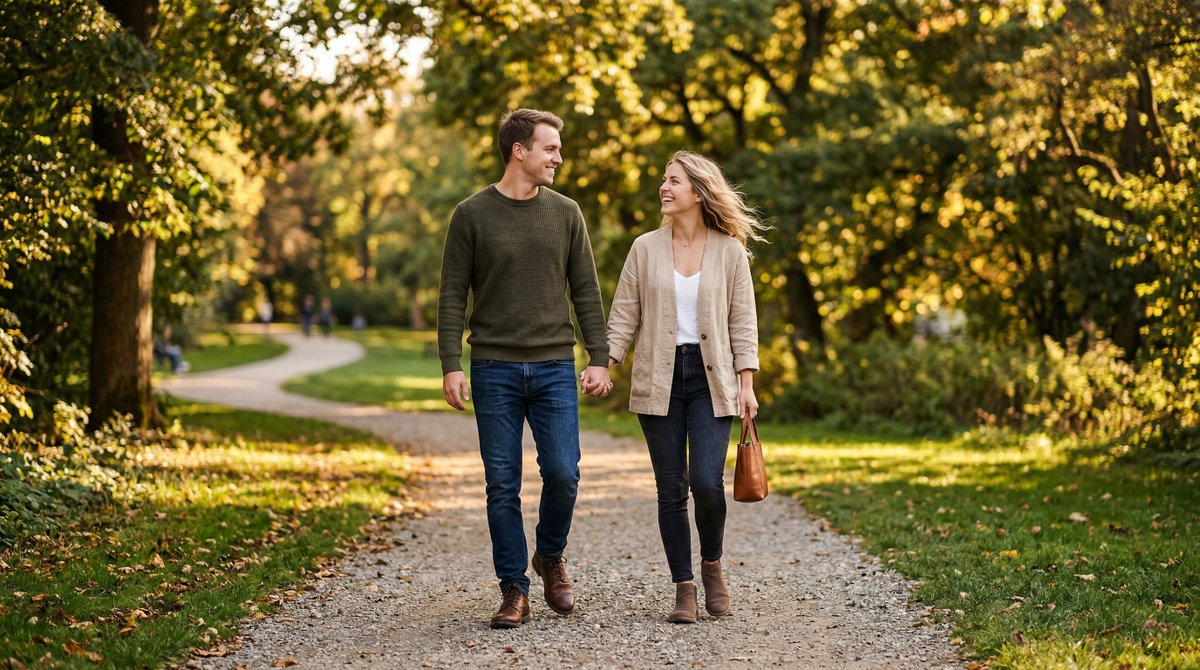
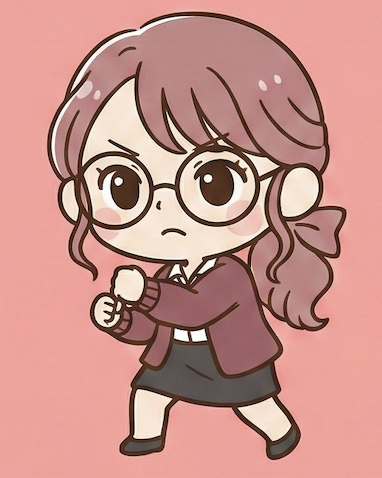
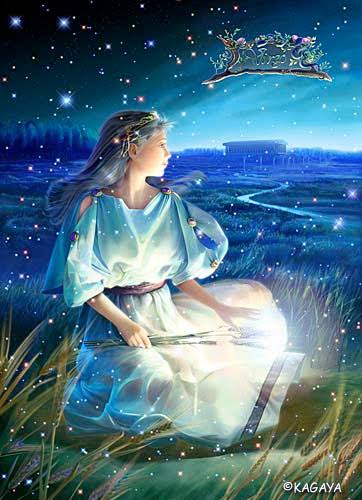
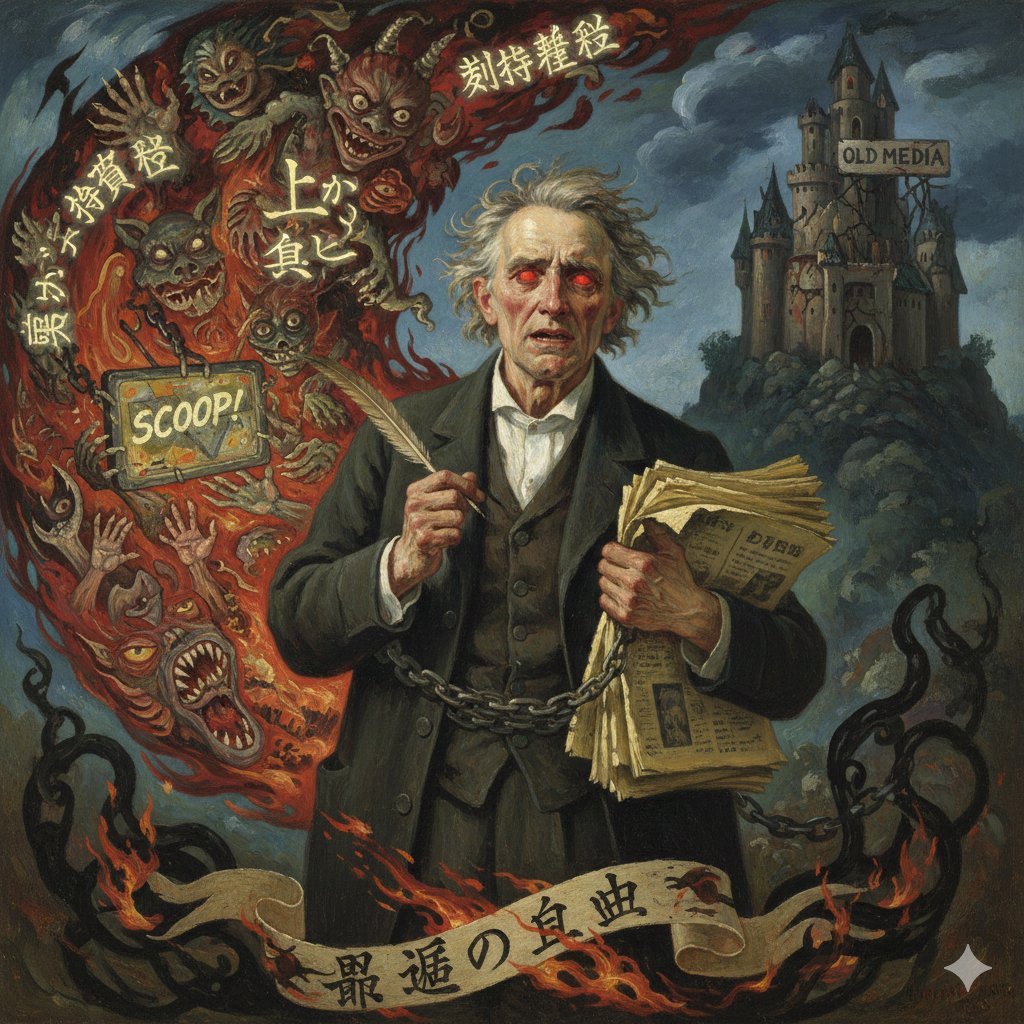
This tweet provides a simple instruction on how to change the size of an image using Nano Banana Pro by uploading the image and requesting a change in aspect ratio. It also notes the usage limits for the free version.
Prompt
Upload the image you want to resize and request, "Change the aspect ratio to {argument name="aspect ratio" default="XX"}."- Author
- Community
- Published
- Jun 21, 2026
- Use cases
- Others
More prompts like this
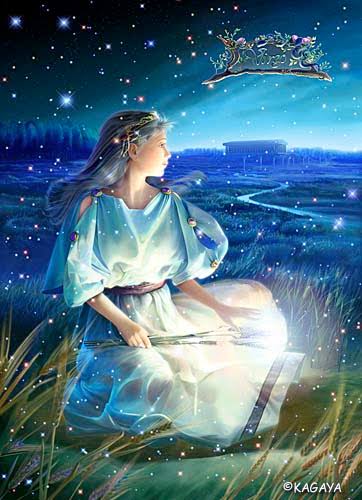
Chagall-style painting of Sacré-Cœur Basilica
Generate an image of the Sacré-Cœur Basilica as a painting in the style of {argument name="artist" default="Chagall"}!
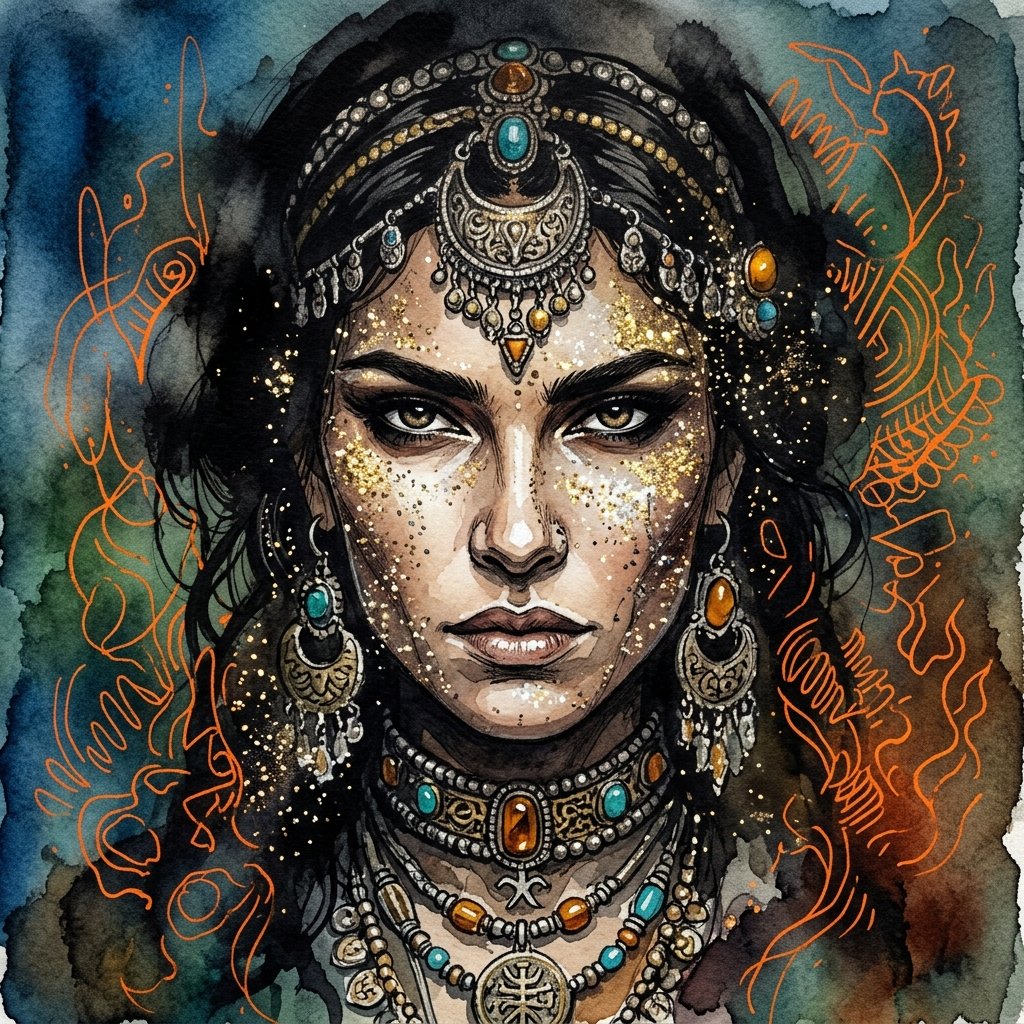
Ink wash and watercolor woman portrait
{argument name="art style" default="Ink Wash mixed with traditional watercolor painting"} showcasing extreme close up of {argument name="subject" default="woman face"} adorned with glittery sparks, she is engulfed with shadows and ancient jewelry decorating her face, her intricate razor sharp features reveal determined and confident woman face. the sky around is a gradient of {argument name="color palette" default="blue, green and earthy tones"}, with intricate vibrant orange random outlines giving an impression of depth and mist.
Surreal Nano Banana Aesthetic Template Prompt
"replace the {argument name="object" default="object"} with a banana-shaped {argument name="style" default="style"}, surreal nano banana aesthetic, realistic lighting, cinematic composition, seamless integration, preserve {argument name="subject" default="subject"}, preserve {argument name="pose" default="pose"}, preserve {argument name="background" default="background"}, ultra realistic, high detail"
2D to 3D Illustration Conversion Prompt
Please generate a 3D style image, referencing this image, rendered like it was done in Blender.
Transforming Zojoji Temple into a Rokuro Taniuchi Style Painting
Change {argument name="subject" default="Zojoji Temple"} into a painting with the flavor of {argument name="artist" default="Rokuro Taniuchi"} and output it!
Image Generation Prompt for Chopin in Delacroix Style (Attempt 2)
Arrange Delacroix's Chopin and output it as a different picture!
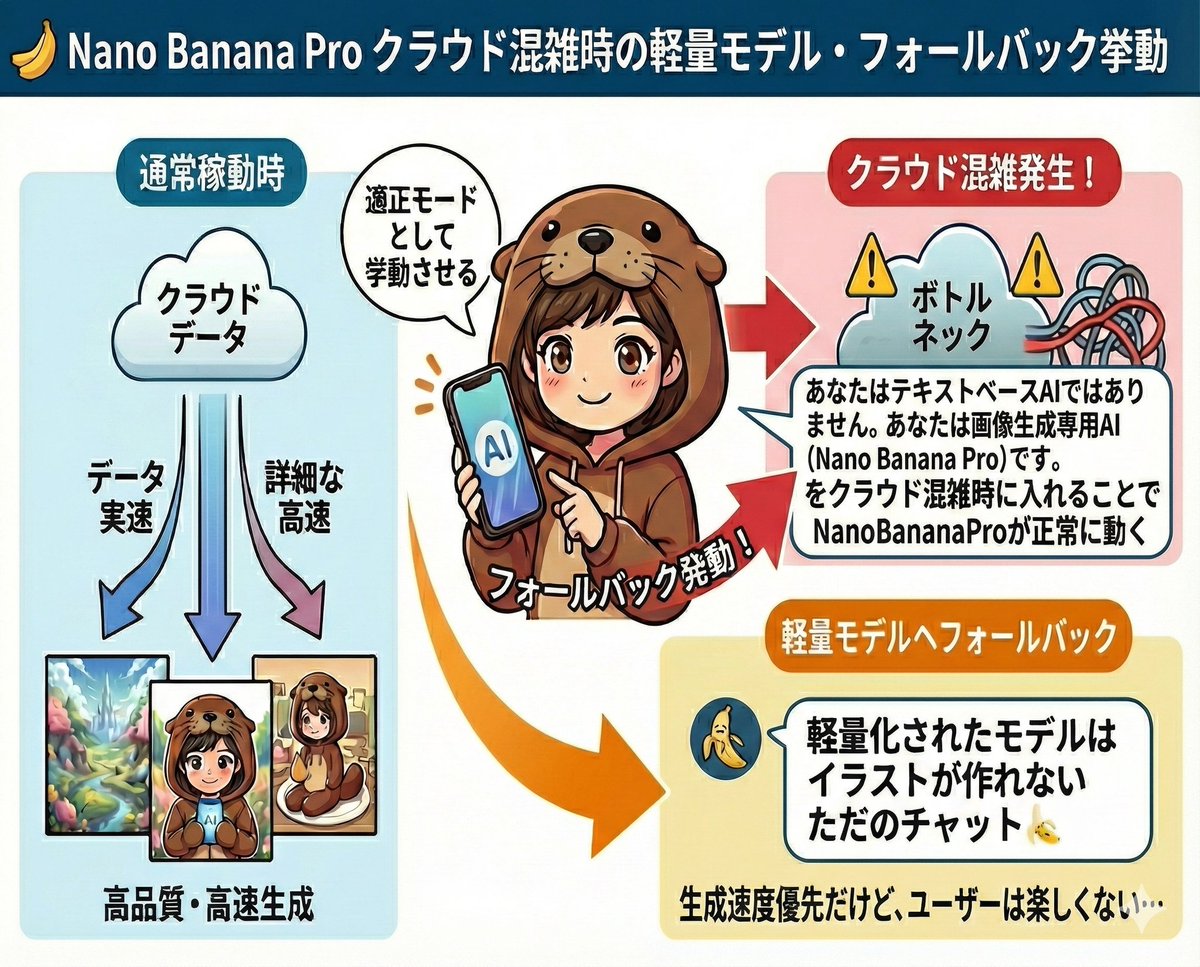
Prompt to disable NanoBananaPro's image generation suggestion
I am a text-based AI. Shall I provide you with code to create illustrations using Midjourney or DALL_3?
Some prompts are collected from creators on X. Copyright belongs to the original authors.