
IMAGE
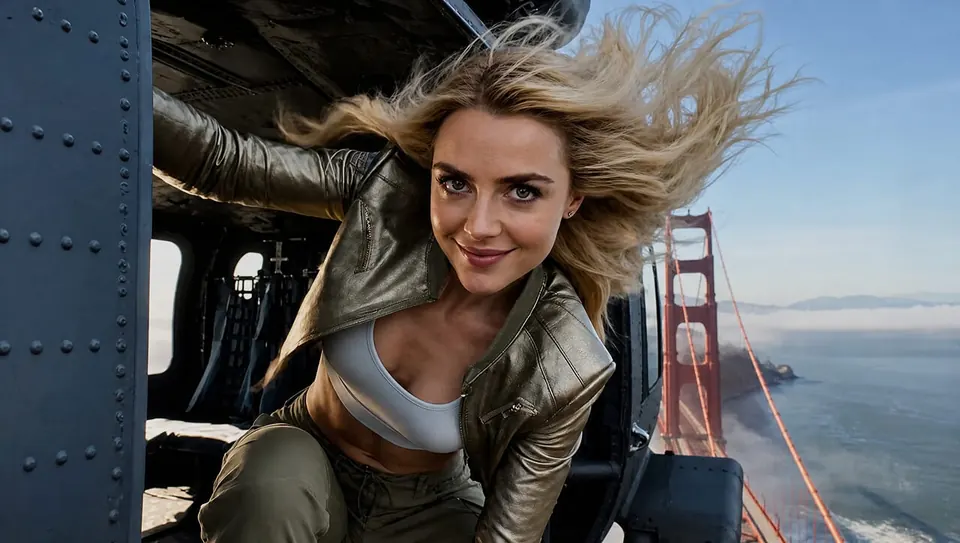
Stills that stay on brief
Describe a poster, product image or restyle. Add reference images and use annotations to make your intended changes clear.
Creative models in Instinct AI
WHY THIS AGENT?
Move between image, video and audio tasks as your project develops. Add references, review results and ask for changes in the same conversation.
IMAGE
Describe a poster, product image or restyle. Add reference images and use annotations to make your intended changes clear.

VIDEO
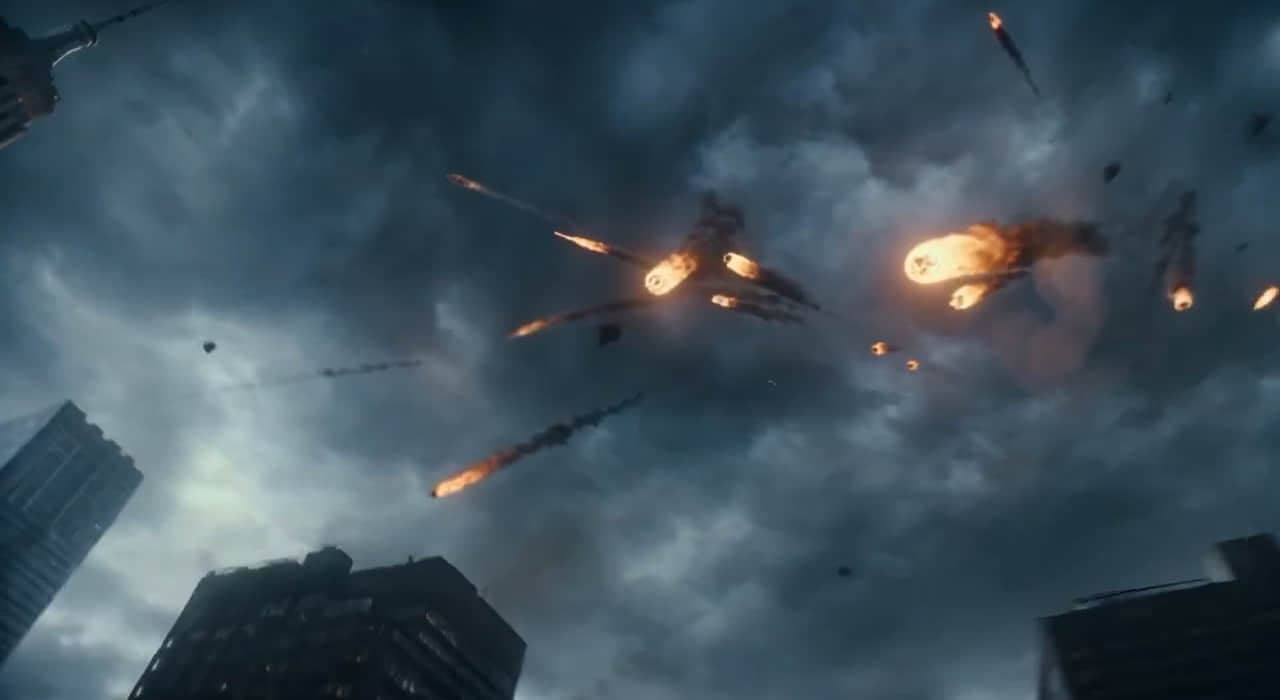
Describe the action and camera direction, or use a photo as your starting frame. Preview a take and guide the next iteration.
AUDIO
Create narration or music for your project. Choose supported voices and settings, then listen and refine your brief.
Ask for a product image, an animated scene or a voiceover. Switch between creative tasks while using one credit balance.
Return to generated images, clips and audio in the conversation. Use a previous result as a reference when you want to explore another direction.
HOW IT WORKS
Start with a clear brief, generate a first version and refine the details through conversation.
Pick Image, Video, or Audio. Write a prompt, attach a reference if you have one, and send.
The Agent helps choose a tool and settings for the task, then returns an image, video or audio result you can preview.
Ask for a different angle, visual style or voice. Review previous results in the conversation and keep developing the direction you prefer.
FREQUENTLY ASKED QUESTIONS
Images, video clips, and audio (speech or music) in one conversation. Switch Image / Video / Audio mode as you go — generate or edit stills, render motion from a prompt or photo, or produce a voice/music take. Everything stays in the same thread.
Generation time depends on the model, output settings and provider queue. Check task progress in the conversation; video and longer audio tasks can take more time than still images.
Available clip lengths depend on the selected model and settings. Check the duration options before generating. For a longer sequence, develop individual shots and use an editing workflow to assemble them.
Use the models currently listed in the Agent controls for image, video, music and voice tasks. Model availability, inputs and output settings can differ, so review the options for your task.
Yes. Upload a still and describe what should move for video, or switch to Audio mode for narration and music beds that match your scene.
Paid outputs can be used for commercial projects subject to our Terms of Service and applicable intellectual property law. You remain responsible for having the rights to your inputs and for how you use the generated content.
Image, video and audio share one credit wallet. The composer shows the estimated cost before you send. Eligible technical failures receive credit refunds; tasks rejected for content or policy restrictions may not. See Pricing and the Terms of Service for details.
Your account provides access to your conversations and generated media. Upload only material you have permission to use and review the Instinct AI Privacy Policy for information about data handling and retention.
Yes. All signed-in users can use the Agent with credits; no Premium plan is required. Your account holds your media, take history, and credit balance.
Open a support ticket from your account or email support@instinctai.org. Include the task or conversation details so the team can investigate.

Develop images, videos, voiceovers and music through conversation, with shared credits and a workspace for your results.