
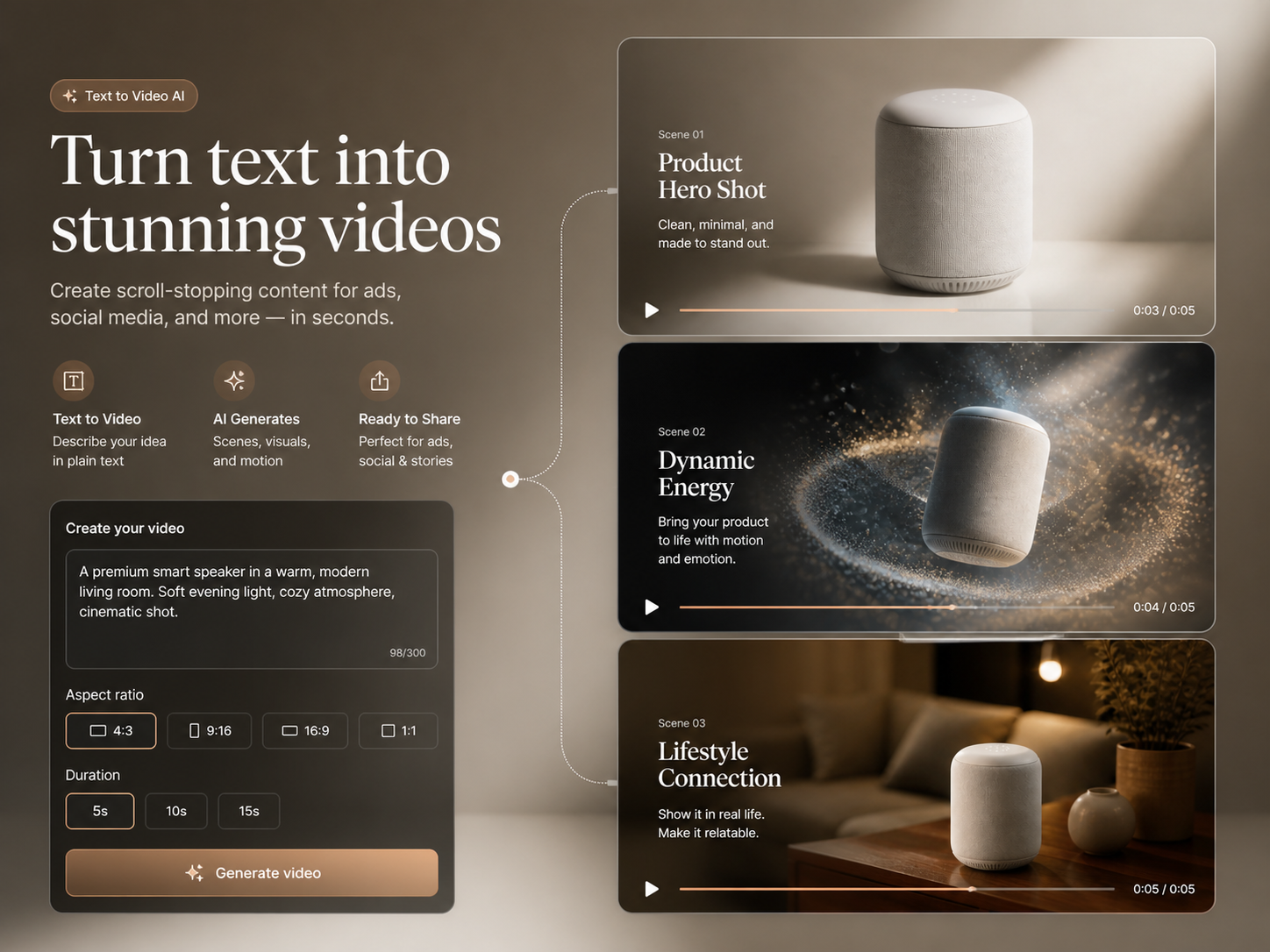
For Social-Ready Content
Turn any idea into ready-to-share videos in the right format for every platform.
Describe a scene, its action and the camera direction. Generate a video clip with Instinct AI, compare the result and refine your prompt for the next take.
Turn a written scene into video with compatible AI models and guided controls.
A 15-second cinematic sci-fi action chase in heavy rain. Two armored fighters battle on the roof of a speeding vehicle through a narrow mountain canyon at night. Wet metal reflections, violent wind, realistic rain, sparks from clashing weapons and a fast handheld orbit build toward a wide reveal of the convoy racing through the storm.
Text to Video AI turns a written idea into complete scenes, motion and camera direction in one browser workflow—no source footage or editing timeline required.
Text to Video AI starts with words and lets Instinct AI translate your scene, action and visual style into motion.
Text to Video AI lets you switch between realistic and stylized models to create the exact look and feel you want.
From Words to a Complete Video
Turn any idea into ready-to-share videos in the right format for every platform.
Direct scenes, motion and camera behavior with a prompt—no manual timeline needed.
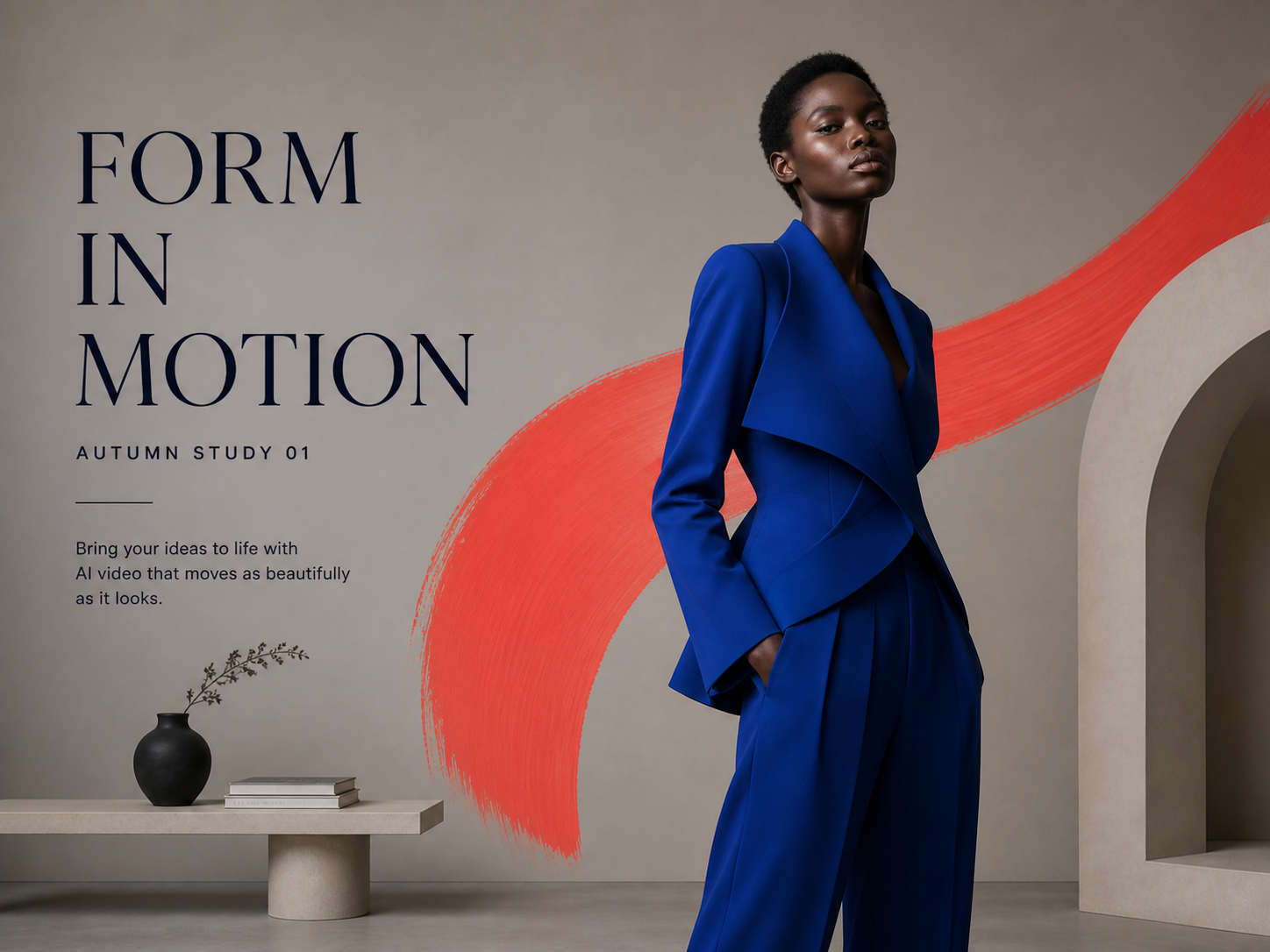
Create polished motion, clean visuals and cinematic transitions directly from text.

Generate more video concepts without shoots, stock footage or extra editors.
Create a video in three clear steps: choose a model, write a detailed prompt and generate.
Use one credit balance across video, images, audio and Agent workflows. Choose a monthly or yearly plan, or a one-time credit pack. Generation costs are shown before you submit.
For trying models and starting smaller creative projects
$119.88 billed yearly
3,000 Credits / month
Secure checkout · cancel renewal anytime
For regular video, image and audio creation
$299.88 billed yearly
10,000 Credits / month
Secure checkout · cancel renewal anytime
For larger projects and more rounds of iteration
$959.88 billed yearly
30,000 Credits / month
Secure checkout · cancel renewal anytime
Text to Video AI turns a written description into a generated video, including scenes, subjects, motion, camera direction and atmosphere.
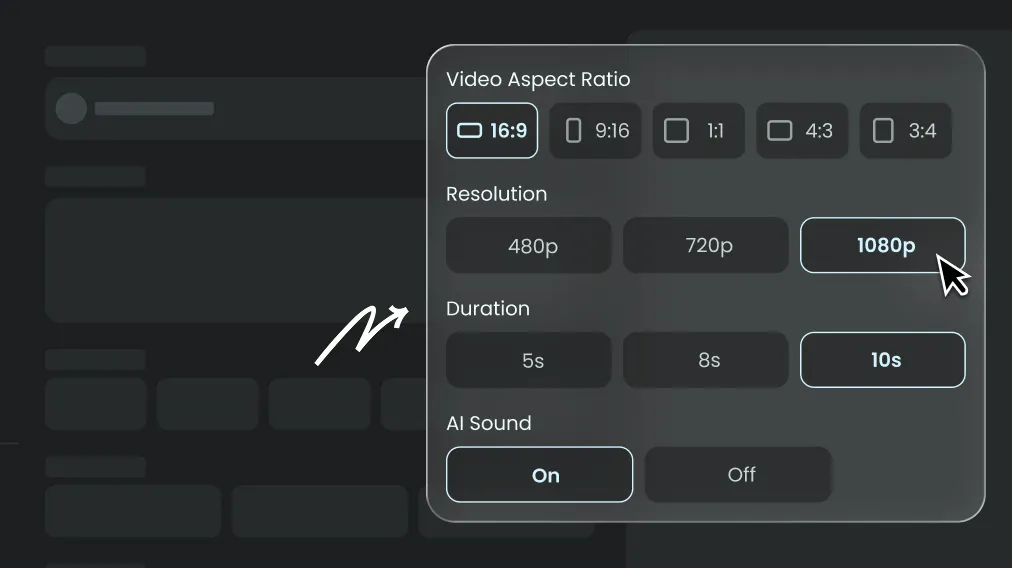
Write a detailed prompt, choose a compatible video model and settings, review the Credit estimate, then select Generate Now.
No. An image is optional on the Text to Video page. Add one only when you want it to guide the visual result.
Describe the subject, action, location, lighting, camera movement and visual style clearly. Keep important directions specific and consistent.
Generation usually finishes within a few minutes, although duration, resolution, model choice and provider demand can affect processing time.
You can try it with available signup Credits. Instinct AI shows the estimated cost before every generation.
Yes. It supports vertical, square and widescreen formats for short-form posts, explainers and other publishing workflows.
Models with native audio expose an AI Sound setting. Availability depends on the selected model.
Refine one variable at a time, simplify conflicting instructions and state the camera direction, action and style explicitly.
Yes, provided you have the rights to every prompt, reference and output you publish.
Instinct AI replaces complex tools — faster, smarter, and more affordable.