
Upload one clear character image. Include the face, hair, clothing and accessories you want to bring into the scene.
Explore the Bulin 47 Freestyle Scene
Watch the original performance and two remix examples. Notice the doorway lighting, the speaker holder and the change of vocalist. Example clip lengths may differ; your generated video uses the duration selected in the workspace.
How to Make a Bulin 47 AI Video
Choose 5 or 10 seconds and a resolution from 480p to 4K. Add optional appearance details, or leave them blank to follow your photo.
Generate your 9:16 video. Review the character, rap handoff and sound in My Creations, then download the version you want to share.
Make the Bulin 47 Scene Your Own
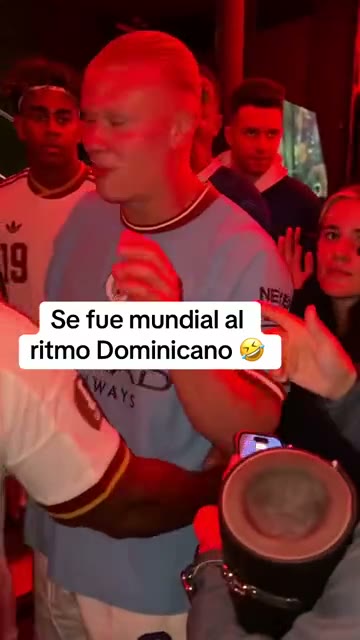
Your Whole Character
The uploaded image guides the face, hair, body proportions, outfit and accessories. You can add appearance details for the new character without rewriting the scene instructions.
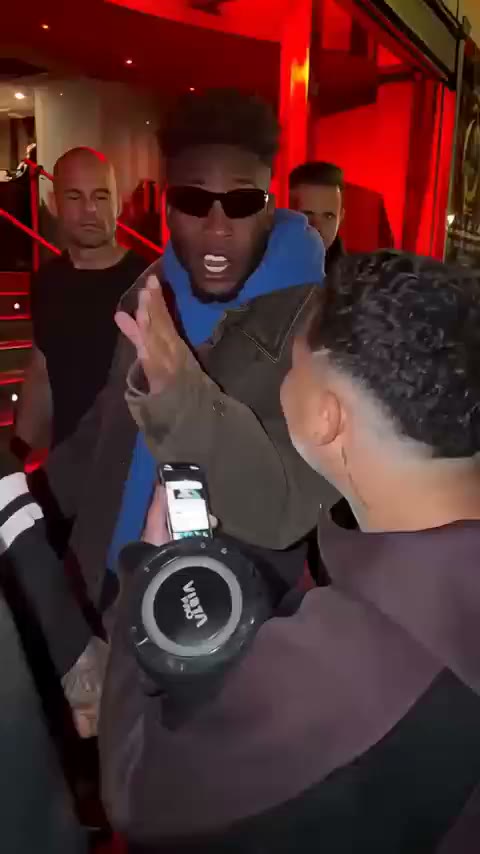
Keep the Rap Handoff
The template targets the rapper behind the speaker holder. It asks the new character to follow that performer's movements and stop lip-syncing when the foreground performer takes over.
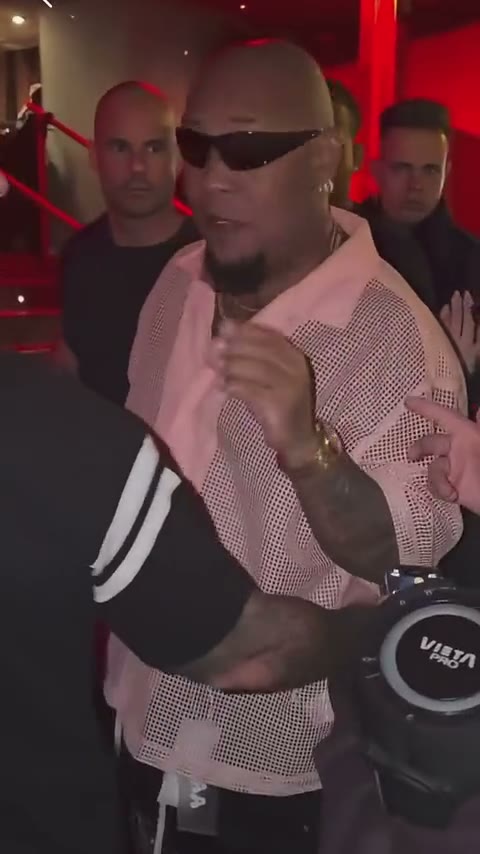
A Vertical Cut That Fits
Generate the first 5 or 10 seconds in 9:16. The instructions preserve the original pace and handoff timing instead of bringing the next verse forward to fit a shorter clip.
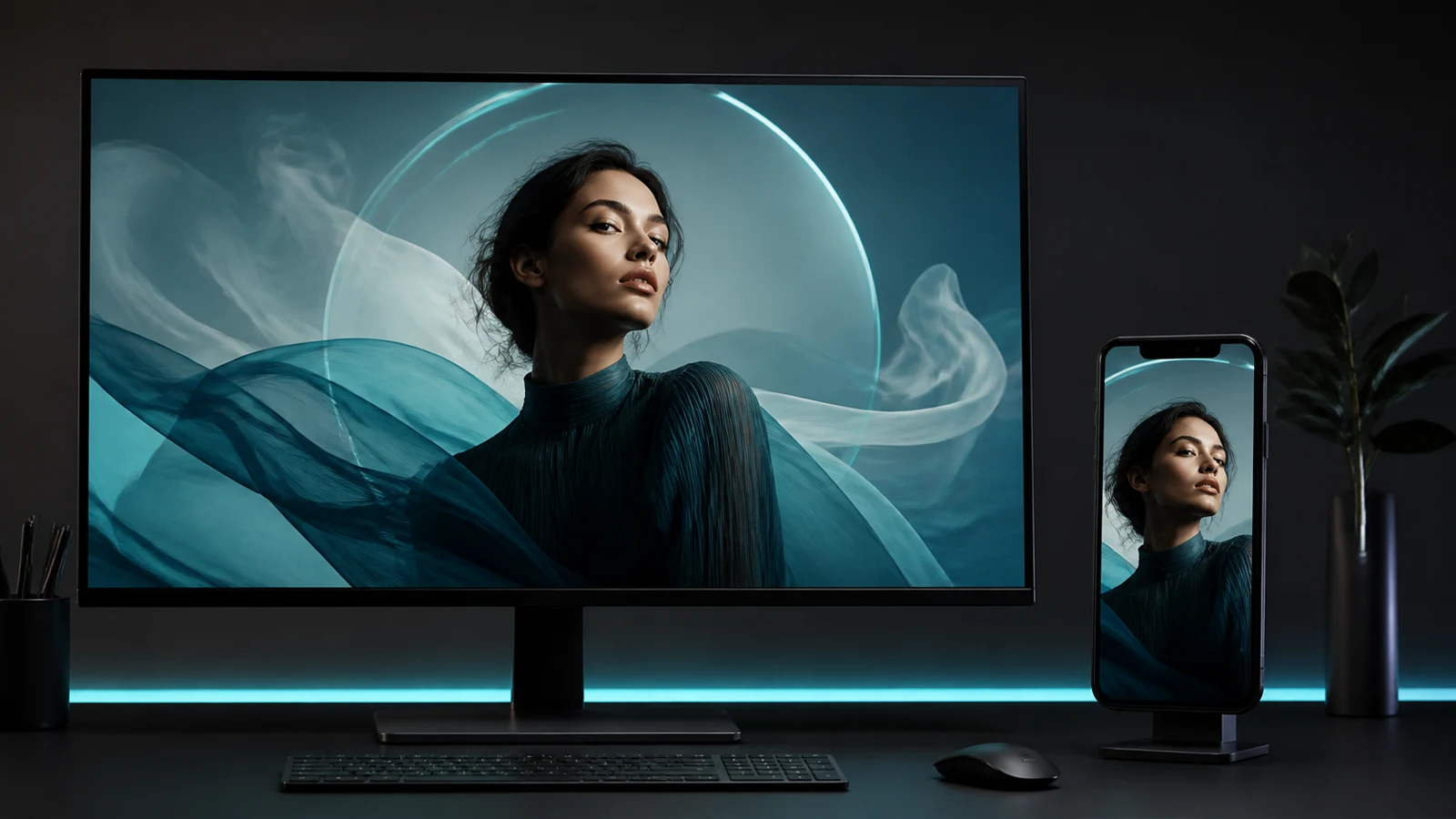
Choose Your Resolution
Pick 480p, 720p, 1080p or 4K before generating. The workspace shows the credit cost for your selected duration and resolution, so you can choose the output that suits your project.
Bulin 47 AI Video Generator FAQ
More AI Effects
AI Football Championship 2026AI Movie CameoAI GugugagaAI Aging & De-agingAI Baby DanceAI SmileAI HeavenAI Fighting VideoAI PaintingAI Palm ReadingAI Shadow CloneAI MovieAI MuscleAI Video AdsAI Anime to Real LifeAI Analog HorrorAI StoryboardAI VampireAI MermaidAI 2D to 3DAI Live PortraitAI Room DesignAI Live BaseballAI DanceAI HanfuAI Background ChangerAI Life 4 CutsAI Bullet TimeAI Spring PortraitsAI Photo to AnimeAI HeadshotAI HairstyleAI Action FigureAI FursonaAI Fisheye LensAI Mini MeAI Dog GeneratorAI ASMRAI Earth ZoomAI Baby
One Photo. A New Character.
Make the Freestyle Yours.
Choose your character, set the quality and create your own version of the Bulin 47 scene.