
Back to library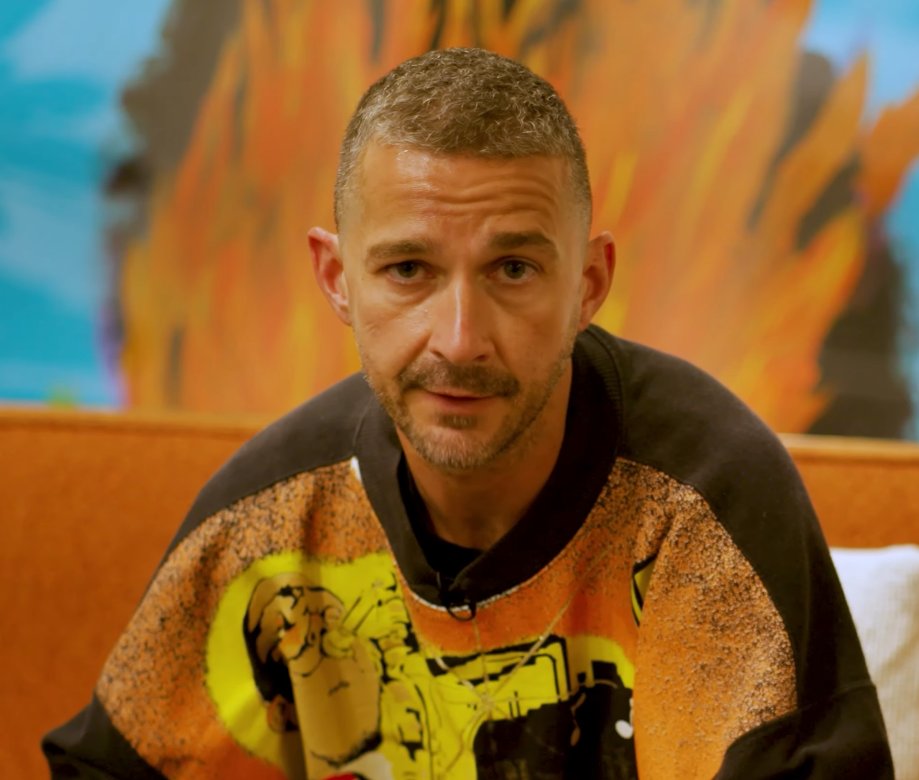
ImageNeeds reference image
Image Editing and Background Replacement Workflow
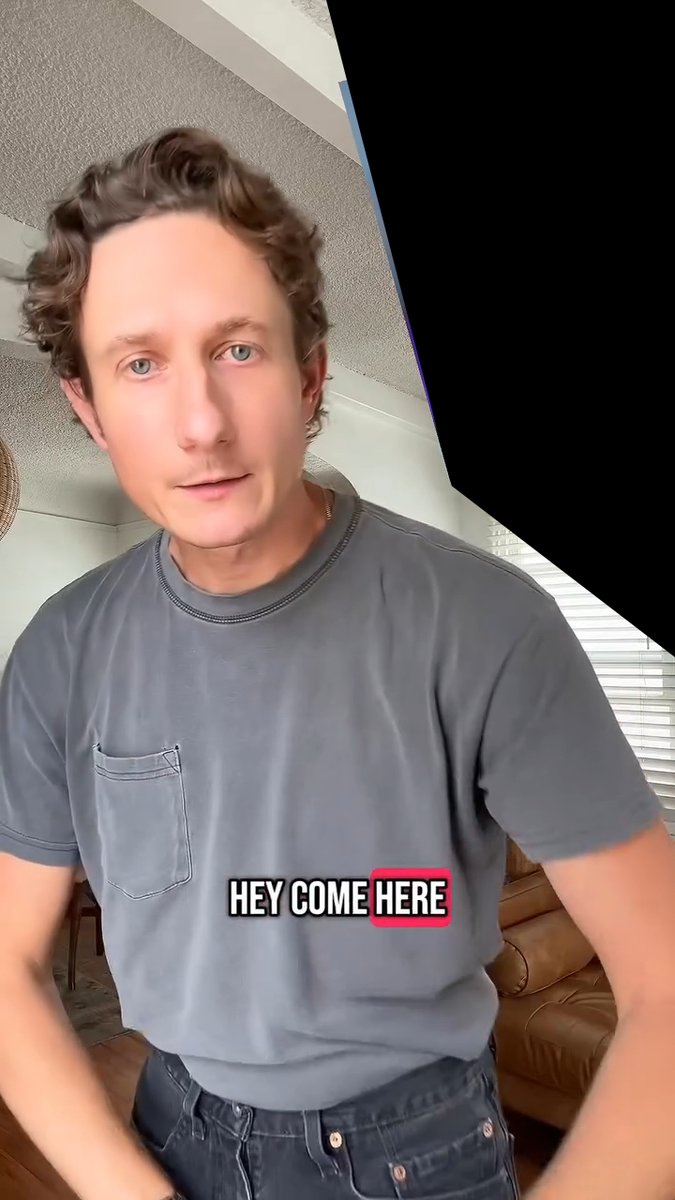
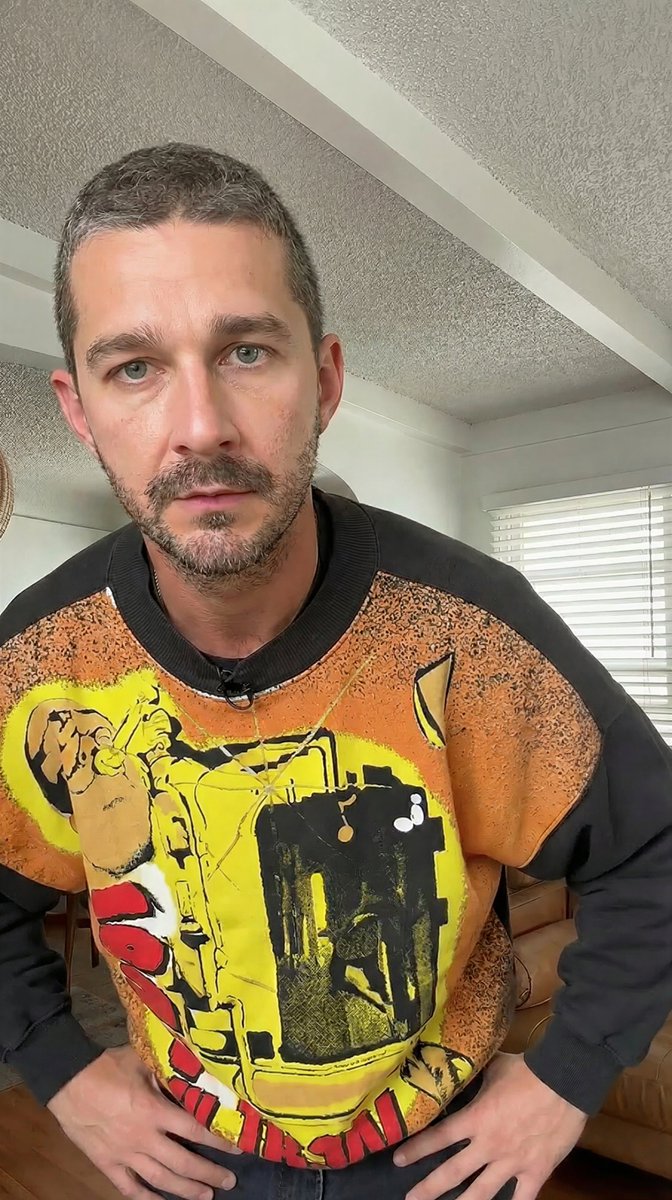
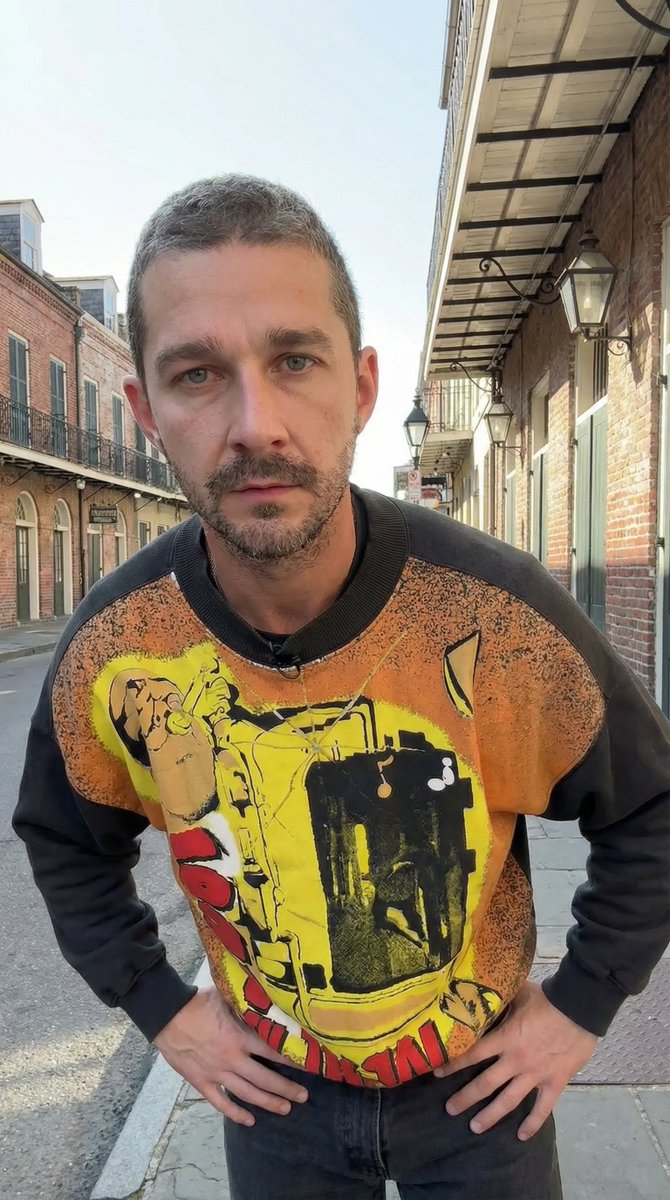
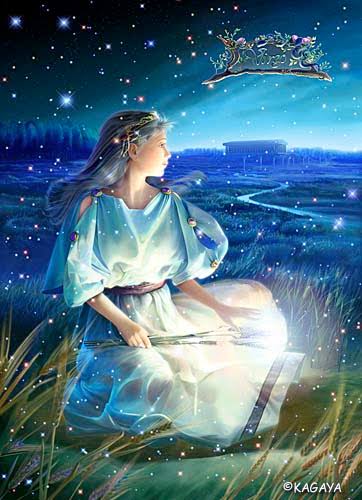
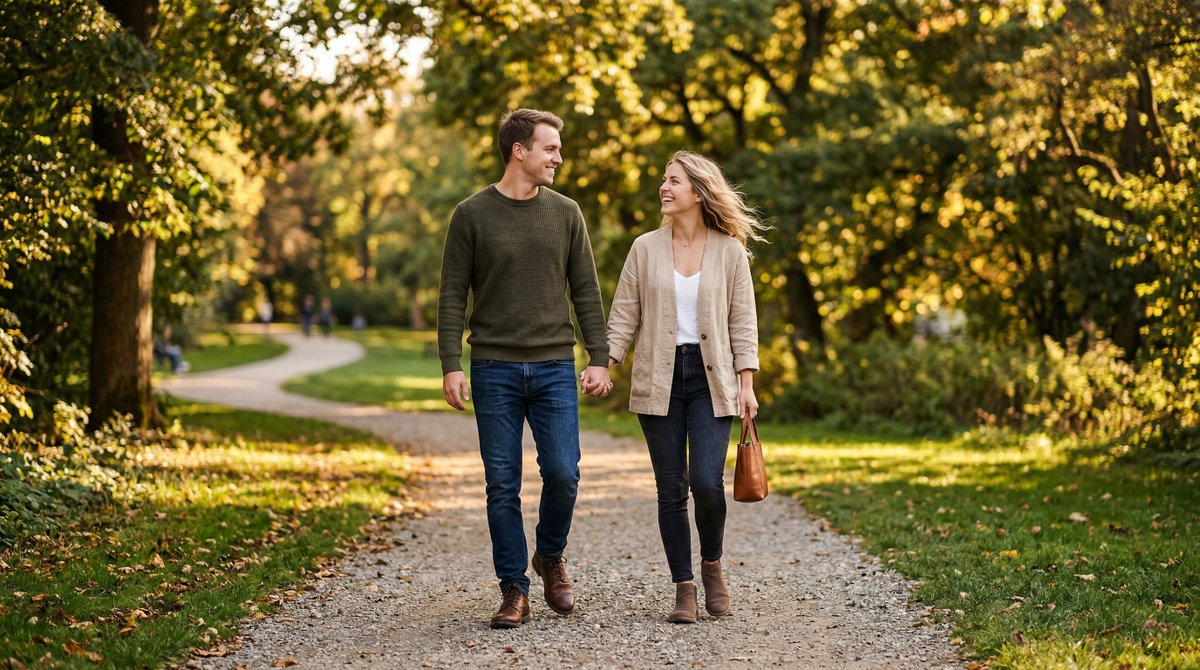
A two-step workflow demonstrating how to use Nano Banana Pro for image editing. The first prompt replaces a person in an image with a person from a second image while maintaining the pose. The second prompt uses the resulting image as input to change the background location and adjust lighting and perspective accordingly.
Prompt
Replace the grey shirt man in image 1 with the orange sweater man from image 2. Match the exact pose from image 1 Remove the caption text "HEY COME HERE" Remove the black from the top right corner

While maintaining the exact pose, change the location in the background to on an empty new orleans street sidewalk. The POV is from someone seated looking upward so match the background perspective accordingly Adjust the lighting on the man to match the new scene.
- Author
- Community
- Published
- Apr 9, 2026
- Use cases
- Others
More prompts like this
Chagall-style painting of Sacré-Cœur Basilica
Generate an image of the Sacré-Cœur Basilica as a painting in the style of {argument name="artist" default="Chagall"}!
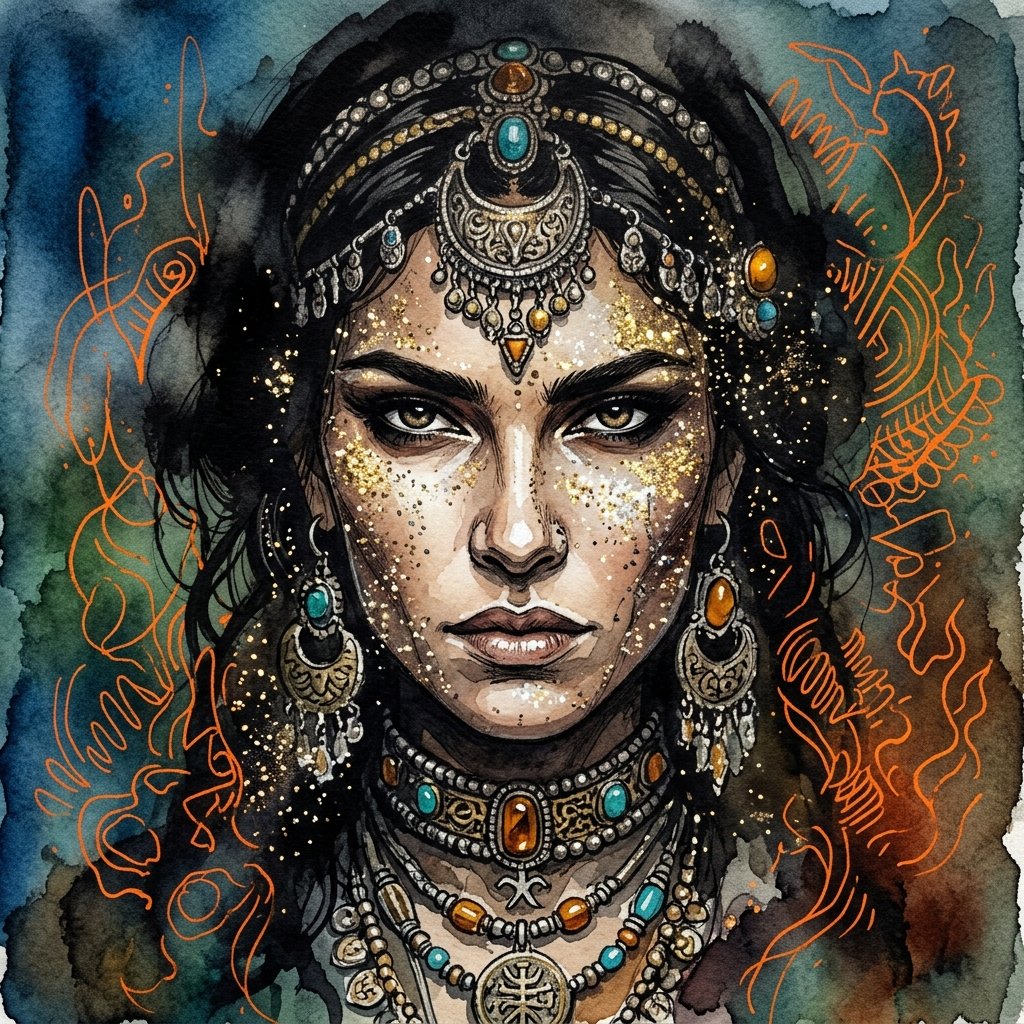
Ink wash and watercolor woman portrait
{argument name="art style" default="Ink Wash mixed with traditional watercolor painting"} showcasing extreme close up of {argument name="subject" default="woman face"} adorned with glittery sparks, she is engulfed with shadows and ancient jewelry decorating her face, her intricate razor sharp features reveal determined and confident woman face. the sky around is a gradient of {argument name="color palette" default="blue, green and earthy tones"}, with intricate vibrant orange random outlines giving an impression of depth and mist.
Surreal Nano Banana Aesthetic Template Prompt
"replace the {argument name="object" default="object"} with a banana-shaped {argument name="style" default="style"}, surreal nano banana aesthetic, realistic lighting, cinematic composition, seamless integration, preserve {argument name="subject" default="subject"}, preserve {argument name="pose" default="pose"}, preserve {argument name="background" default="background"}, ultra realistic, high detail"
2D to 3D Illustration Conversion Prompt
Please generate a 3D style image, referencing this image, rendered like it was done in Blender.
Transforming Zojoji Temple into a Rokuro Taniuchi Style Painting
Change {argument name="subject" default="Zojoji Temple"} into a painting with the flavor of {argument name="artist" default="Rokuro Taniuchi"} and output it!
Image Generation Prompt for Chopin in Delacroix Style (Attempt 2)
Arrange Delacroix's Chopin and output it as a different picture!
Prompt to disable NanoBananaPro's image generation suggestion
I am a text-based AI. Shall I provide you with code to create illustrations using Midjourney or DALL_3?
Some prompts are collected from creators on X. Copyright belongs to the original authors.