Instinct AI

Prompt Library

AI Prompt Library

Curated image, video and web design prompts from creators around the world. Copy any prompt, swap the subject or style, and generate with the latest models.

15,630 prompts · Updated daily · 100% free

599 prompts

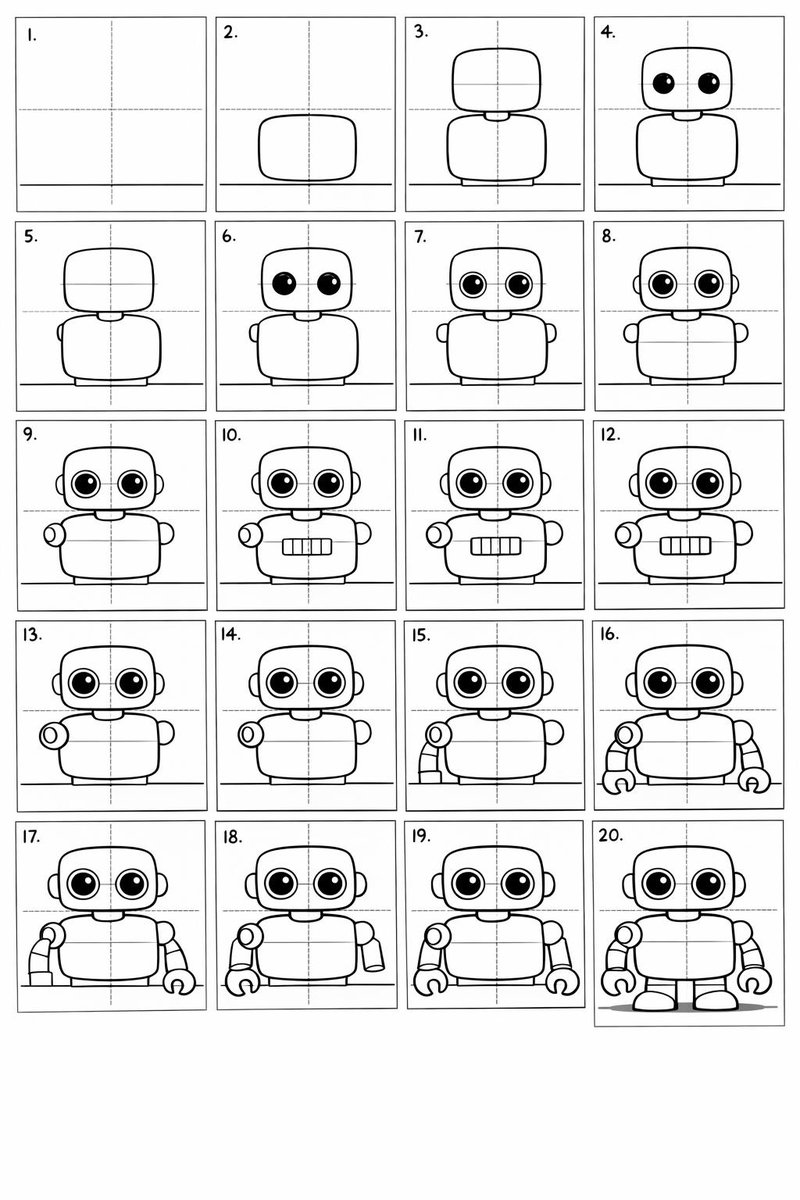
20-Panel Cartoon Robot Drawing Guide Prompt

20-Panel Cartoon Robot Drawing Guide Prompt

Create a 20-panel layout guide for drawing a cute cartoon robot. Each panel keeps everything from before and adds one clear change. 1. Light guide lines: vertical center, horizontal center, and a ground line. 2. Add torso: rounded rectangle above the ground. 3. Add torso centerline. 4. Add head: smaller rounded square above torso. 5. Add neck connector: short rounded block. 6. Add left eye circle. 7. Add right eye circle. 8. Add pupils inside both eyes. 9. Add thin rim rings around both eyes. 10. Add mouth rectangle below eyes. 11. Add evenly spaced vertical slats in the mouth. 12. Add left shoulder joint circle on torso side. 13. Add right shoulder joint circle. 14. Add left upper arm cylinder from left shoulder. 15. Add left elbow circle and left forearm cylinder. 16. Add left claw hand (base curve + two prongs). 17. Add right upper arm cylinder from right shoulder. 18. Add right elbow circle and right forearm cylinder. 19. Add right claw hand to match left. 20. Add legs and feet as simple blocks: two short legs from torso bottom and two rounded trapezoid feet, plus a small ground shadow.

Nano-banana Pro Persona Generation Prompt

Nano-banana Pro Persona Generation Prompt

You are a professional persona designer. Based on the following information, please design a detailed persona. **Target Audience:** {argument name="target audience" default="Women in their 30s, living in the city center, working at an IT company"} **Objective:** {argument name="objective" default="Developing a marketing strategy for a new beauty serum"} **Elements to include in the persona:** 1. Basic information (Name, Age, Occupation, Residence, Family structure) 2. Personality and Values 3. Lifestyle (Daily routine, Hobbies, Information sources) 4. Challenges and Needs (Beauty concerns, Desired solutions) 5. Goals and Motivation 6. Purchasing behavior (Points of emphasis, Budget range, Purchase channels) 7. Touchpoints with the service/product (Usage scenarios, Expected effects) **Output format:** - Use appropriate headings for an easily readable structure. - Include specific descriptions that could be used for a persona image.

Hand-drawn infographic card about long-term IP building

Hand-drawn infographic card about long-term IP building

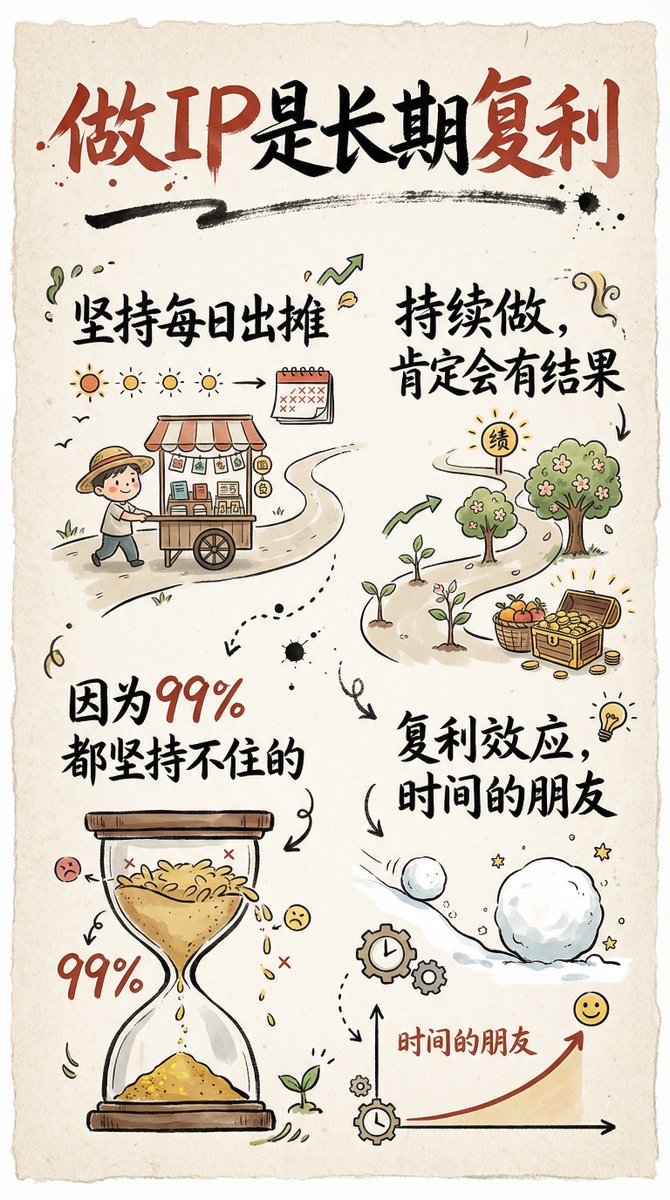
Create a hand-drawn style infographic card in a 9:16 vertical ratio. The card should have a clear theme, with a beige or off‑white paper-textured background and an overall rustic, friendly hand-drawn aesthetic. At the top of the card, highlight the title in large brush-style cursive Chinese characters using a striking red-and-black contrast to draw the viewer’s eye. All text should be in Chinese cursive script. The layout is divided into 2 to 4 clear sections, each using short, concise Chinese phrases to express the key points. The font should maintain the flowing rhythm of cursive script while staying readable and artistic. Add simple, fun hand-drawn illustrations or icons on the card, such as characters or symbolic motifs, to enhance visual appeal and spark reflection and empathy. Maintain visual balance in the overall layout and leave enough white space so the design remains clean, easy to read, and easy to understand. The theme is: “{argument name="theme" default="Building a personal IP is a long-term compounding process; if you keep showing up daily and continue consistently, you will definitely see results, because 99% of people can’t stick with it."}”

Nano Banana Pro Quality Enhancement Keywords

Nano Banana Pro Quality Enhancement Keywords

1. Significantly increase detail and texture 🎨 ・absurdres: For absurdly high resolution. Makes hair and clothing details intricate. ・intricate details: When you want to increase complex details like background or costume decorations. ・official art: Suppresses roughness, resulting in a well-composed and colored image like a professional artist drew it. 2. Change the atmosphere with "Light and Shadow" 💡 ・cinematic lighting: Adds depth and storytelling to the screen with movie-like lighting effects. ・soft lighting / soft focus: Makes the whole image soft, creating a gentle and cute atmosphere. ・ray tracing: Realistically expresses light reflection. Improves the texture of eyes, metal, and water. 3. Enhance character appeal 📸 ・beautiful detailed eyes: Strengthens the drawing of the "eyes," which are the life of anime illustrations. ・looking at viewer: Makes the character look at the viewer, increasing the image's appeal. ・dynamic angle: Prevents stiff standing poses, using dynamic compositions like diagonal or low-angle shots. 4. Adjusting the art style 🖌️ ・flat color: Reduces shadows, resulting in a crisp anime coloring style like a cel painting. ・thick painting: For a rich, heavy texture like impasto painting, when you want a sense of gravitas. Tips for further improving accuracy 🛠 ・Emphasis syntax: Important words are stabilized by enclosing them in parentheses and a numerical value, such as (best quality:1.2). ・Negative prompt: In addition to basics like worst quality, excluding muted color makes the colors more vivid 😳

Clean Whiteboard Animation Illustration

Clean Whiteboard Animation Illustration

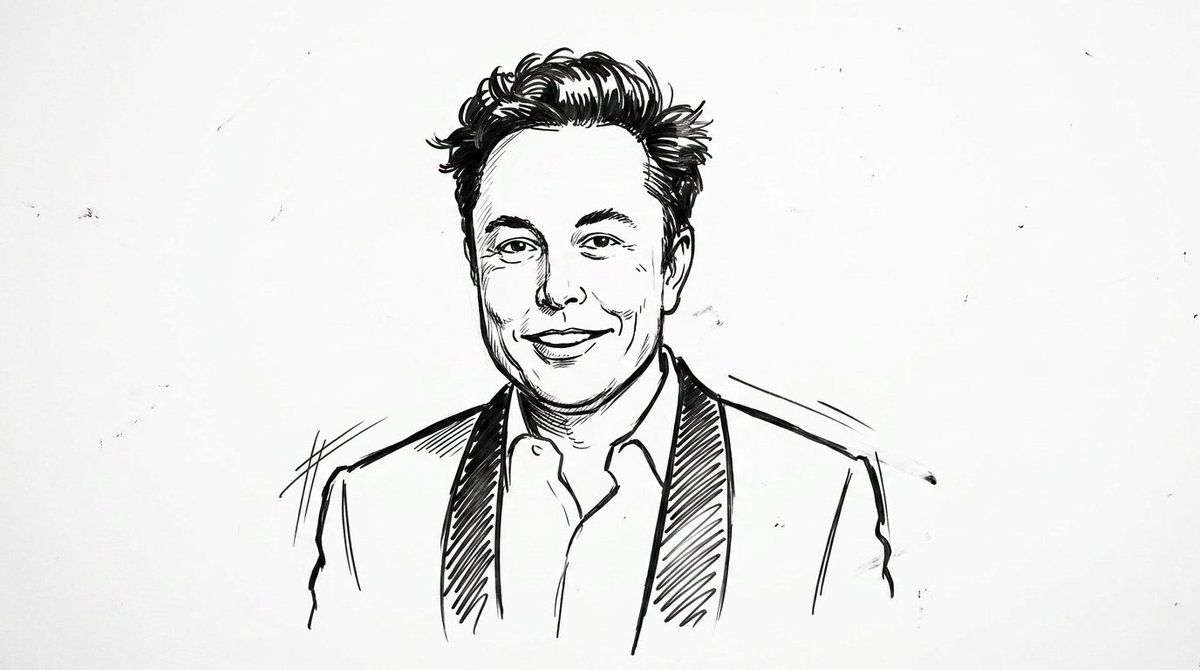
clean {argument name="style" default="whiteboard animation style"} illustration of the person from the reference image, drawn as a simple {argument name="medium" default="black marker sketch"} on a pure white background. Use bold hand-drawn outlines, minimal shading, and a slightly exaggerated cartoon-like style while still preserving the person’s recognizable facial features, hairstyle, and expression. Add subtle motion lines and sketch imperfections to mimic real hand-drawn animation. The character should appear as if being drawn on a whiteboard, with a casual, engaging, and educational vibe. Keep the composition minimal, high contrast, and visually clear, with no complex background elements

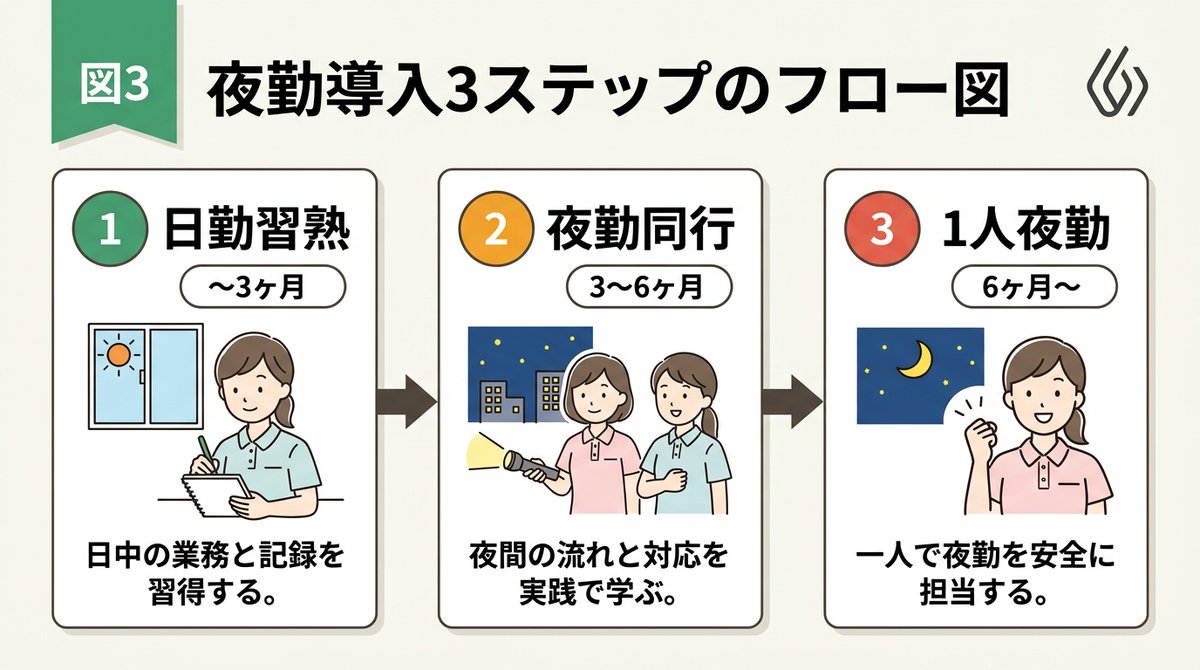
Infographic / Edu Visual - Handwritten Style 3-Step Process Slide
Nano Banana Pro

Infographic / Edu Visual - Handwritten Style 3-Step Process Slide

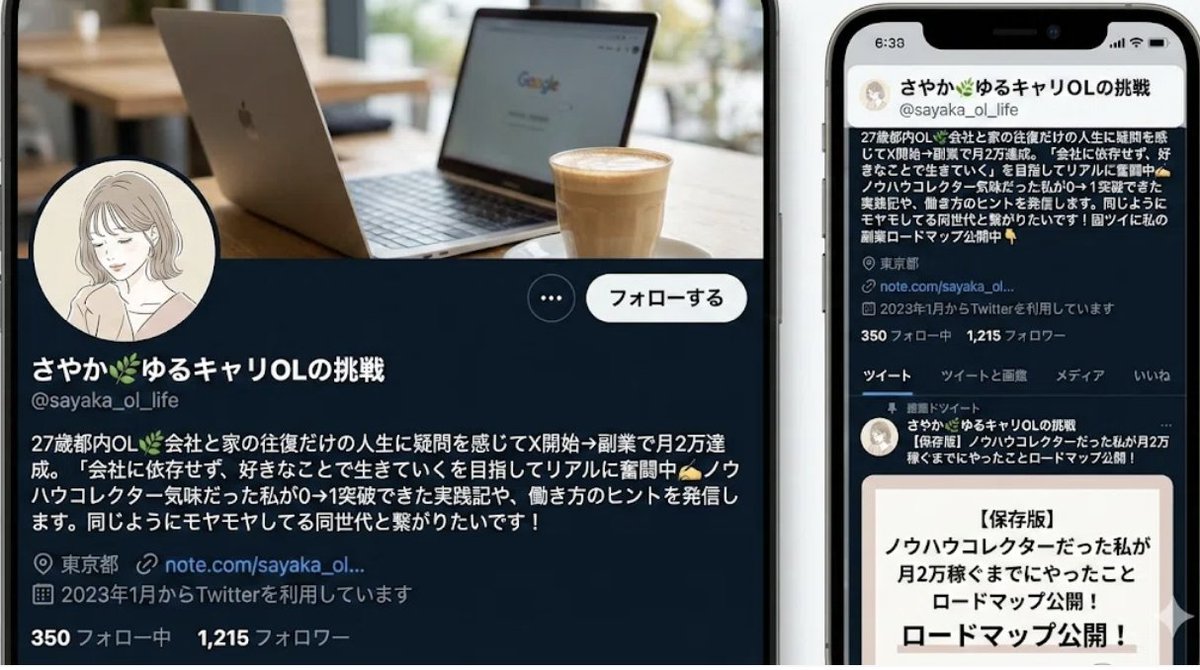
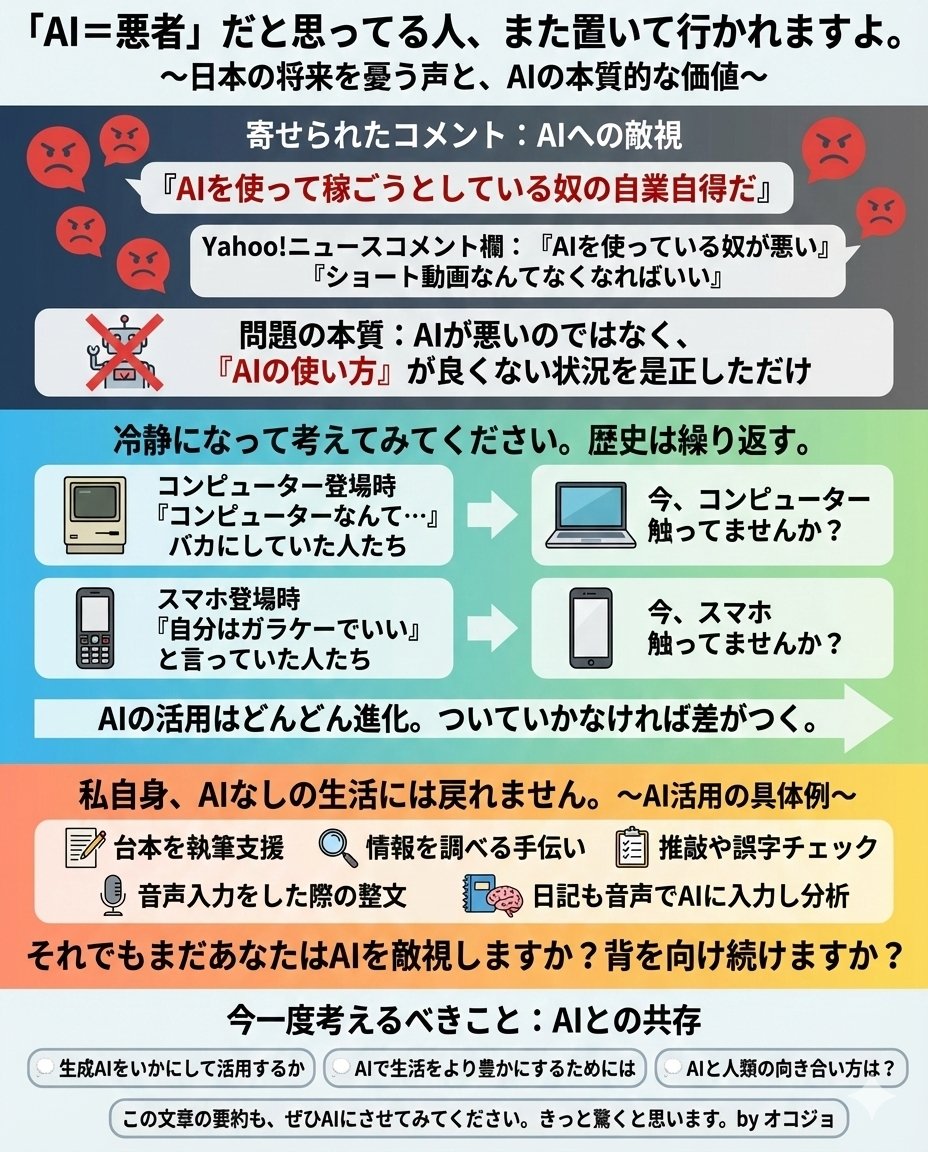
[Input Data] - Overall Title: {argument name="main title" default="3-Step Flowchart for Night Shift Introduction"} - Step 1: Title "{argument name="step 1 title" default="Day Shift Mastery"}" / Period "{step1Period}" / Description "{step1Desc}" - Step 2: Title "{step2Title}" / Period "{step2Period}" / Description "{step2Desc}" - Step 3: Title "{step3Title}" / Period "{step3Period}" / Description "{step3Desc}" - Color Theme: {argument name="color theme" default="green"} [Structure and Layout Specifications] - Style: A clean and friendly 3-step flowchart illustration suitable for Japanese business slides, educational manuals, or internal documents. 16:9 landscape slide configuration. - Background: Clean off-white or solid white background. - Top Title: - Place "Figure 3" or a step badge in the upper left, and to its right, draw a large Japanese main title "{mainTitle}" in a bold, easy-to-read Gothic font. Place a small, clean abstract logo mark at the right edge. - Step Card Arrangement: - Three beautiful rectangular cards arranged side-by-side. Placed in order from left to right, connected by thick arrows. Each card border is color-coded neatly according to the color theme ({colorTheme}). - Card 1 (Left) Interior: - Draw a circular badge "1" and the Japanese title "{step1Title}" prominently. Below that, a capsule label saying "{step1Period}". - In the center, place an illustration of a Japanese woman with a gentle hand-drawn touch taking notes, and a window showing the sun. - At the bottom, place the Japanese description "{step1Desc}". - Card 2 (Center) Interior: - Draw a circular badge "2" and the Japanese title "{step2Title}" prominently. Below that, a capsule label saying "{step2Period}". - In the center, place an illustration of two Japanese women with a flashlight, night sky, and buildings. - At the bottom, place the Japanese description "{step2Desc}". - Card 3 (Right) Interior: - Draw a circular badge "3" and the Japanese title "{step3Title}" prominently. Below that, a capsule label saying "{step3Period}". - In the center, place an illustration of the night sky and crescent moon, and a Japanese woman smiling with a victory pose. - At the bottom, place the Japanese description "{step3Desc}". [Quality and Font Specifications] - Simple, clean 2D illustration, flat design, crisp clear line art. - All text must be accurately drawn in readable Japanese fonts (Gothic) without spelling errors. - Exclude all 3D effects, shadows, laptop mockup backgrounds, or camera tilt; display the flat diagram itself across the entire screen. - Aspect Ratio: --ar 16:9

@AI Guide-Note - 実務で使えるAI活用メディア
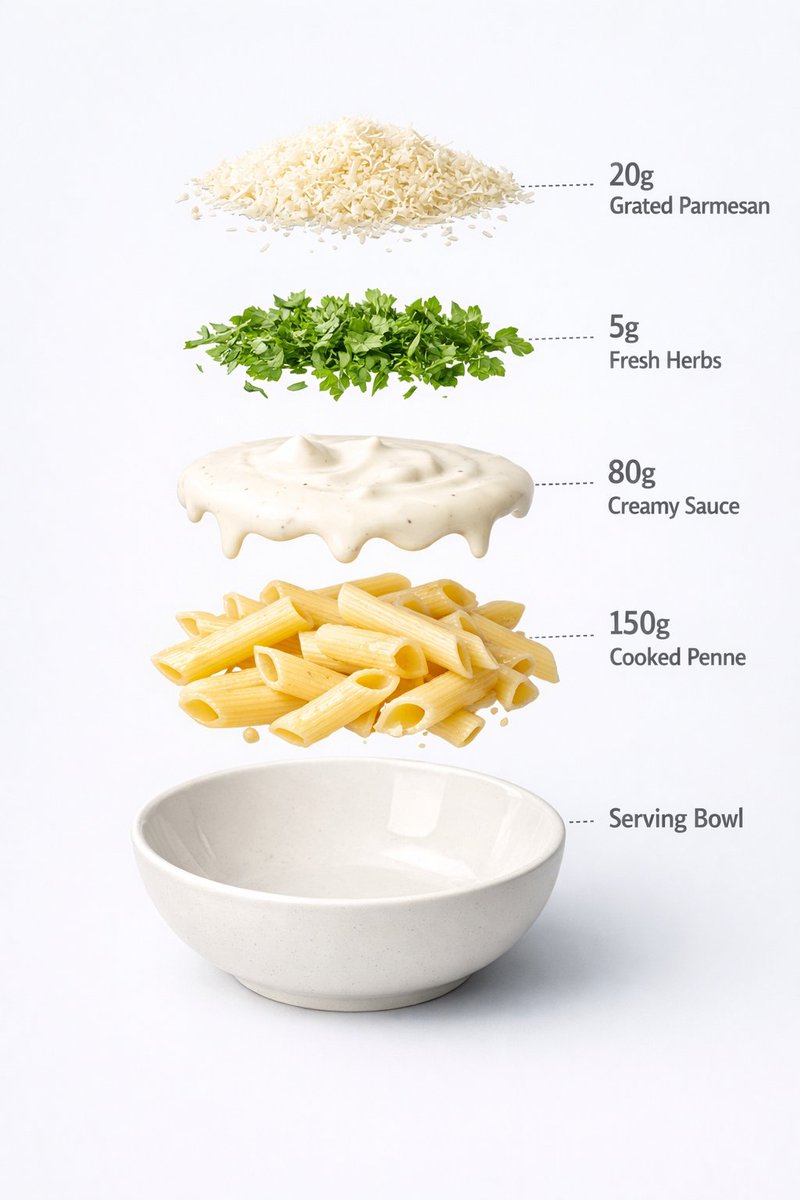
Motion and Image Prompt for Ultra-Realistic Food Photography of Pasta

Motion and Image Prompt for Ultra-Realistic Food Photography of Pasta

Motion Prompt: The pasta Cup start to round spin while ingredients separate gently and precisely, maintaining alignment and scale. The motion is smooth, with no extra effects. IMAGE 1 - Ultra-realistic food photography of a prepared creamy white sauce penne pasta served in a minimal ceramic bowl. Perfectly cooked penne coated evenly in rich, glossy cream sauce, topped with freshly grated parmesan cheese and finely chopped green herbs. Clean white studio background, soft diffused lighting, gentle shadows under the bowl, natural highlights on the sauce, realistic texture and thickness. Centered composition, shallow depth of field, premium restaurant-style presentation, high-detail food styling, 8K quality, sharp focus, no text, no labels, no hands, no props, no watermark. IMAGE 2 - Exploded view of a creamy pasta bowl, presented as a clean commercial breakdown. Exactly five ingredients, evenly spaced in vertical order. Ingredient order (top → bottom): Grated parmesan cheese — 20 g Fresh herbs garnish — 5 g Creamy white sauce — 80 g Cooked penne pasta — 150 g Serving bowl base — 200 g (bottom) Minimal infographic annotations, instructional food design.

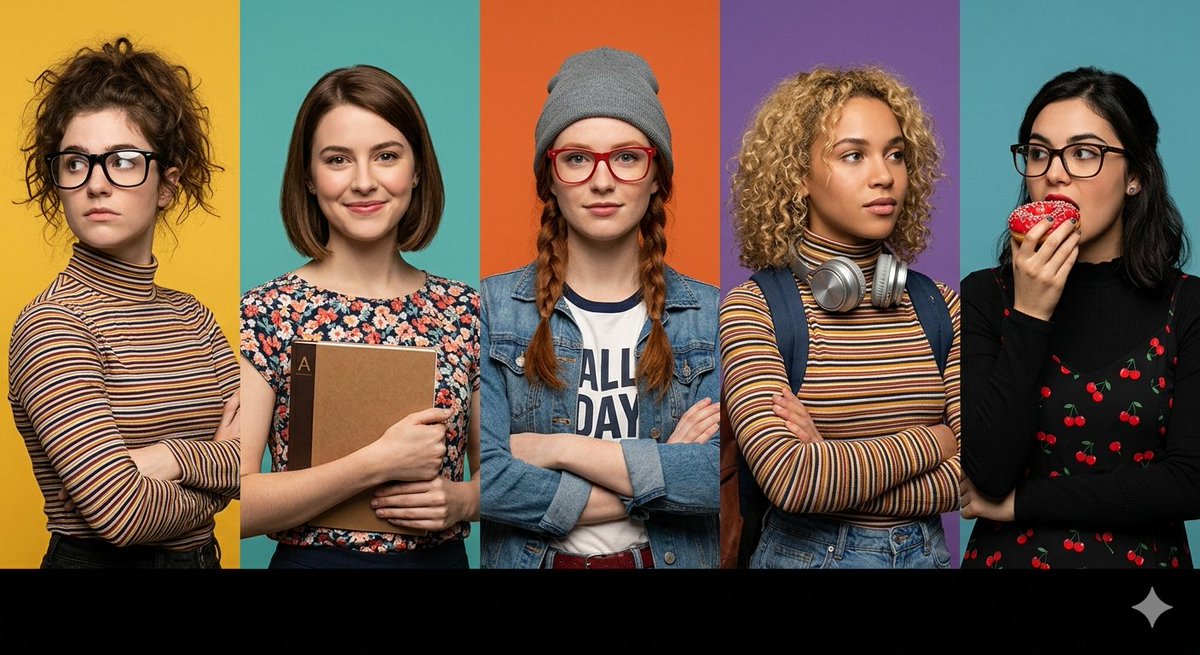
Multi-Panel Cinematic Studio Shot

Multi-Panel Cinematic Studio Shot

A prompt for a wide horizontal frame composed of five distinct vertical panels, each featuring a different character with specific styling, including customizable background colors and foreground elements.

Luxury Cosmetic Brand Infographic

Luxury Cosmetic Brand Infographic

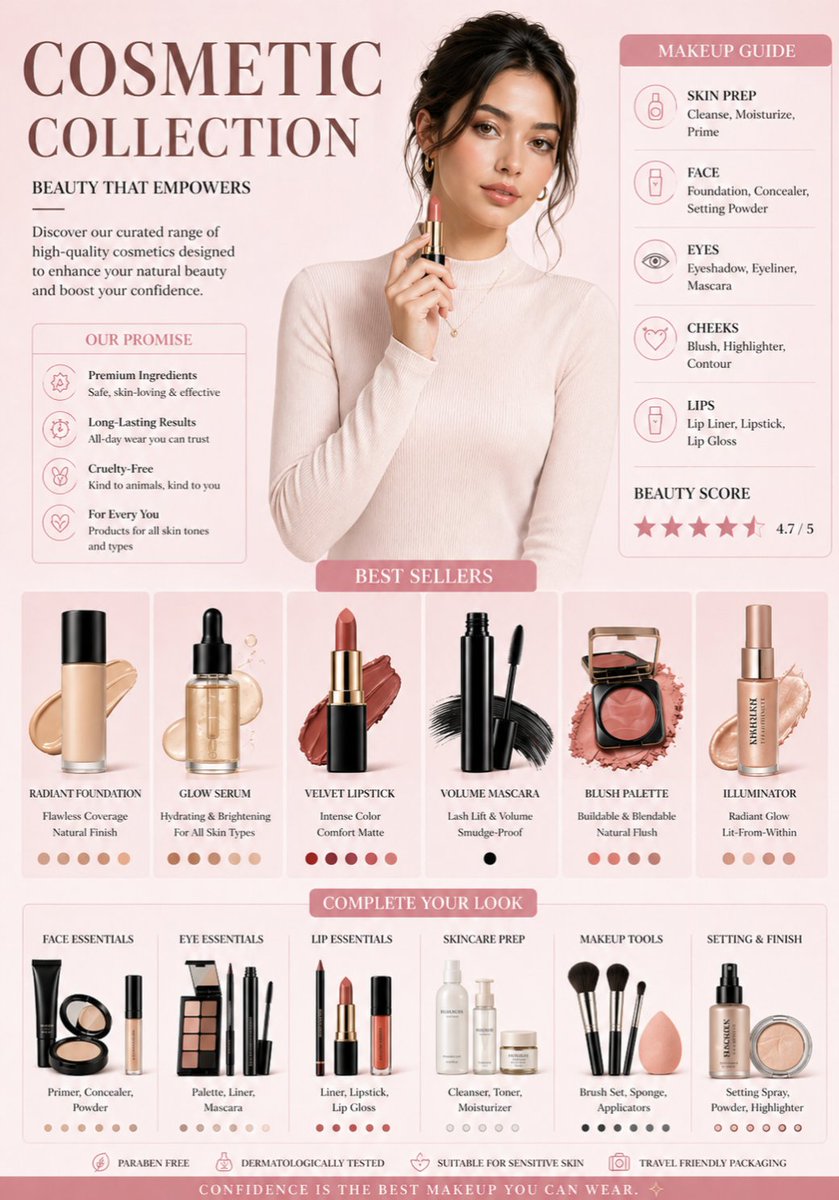
A professional cosmetic brand infographic in a soft aesthetic style. The color palette features {argument name="colors" default="muted rose, cream, and champagne gold"}. At the top center, a high-fashion portrait of a woman with glowing skin and soft makeup, wearing a {argument name="outfit" default="cream turtleneck"}. Below her, a clean grid of isolated makeup products: a glass foundation bottle with a liquid swatch, a sleek black mascara wand, and a rose-gold blush compact. The background is a clean, minimal gradient. Professional studio lighting, soft shadows, high-end commercial photography style, 8k resolution.

Cutaway infographic of a 5th generation stealth fighter jet

Cutaway infographic of a 5th generation stealth fighter jet

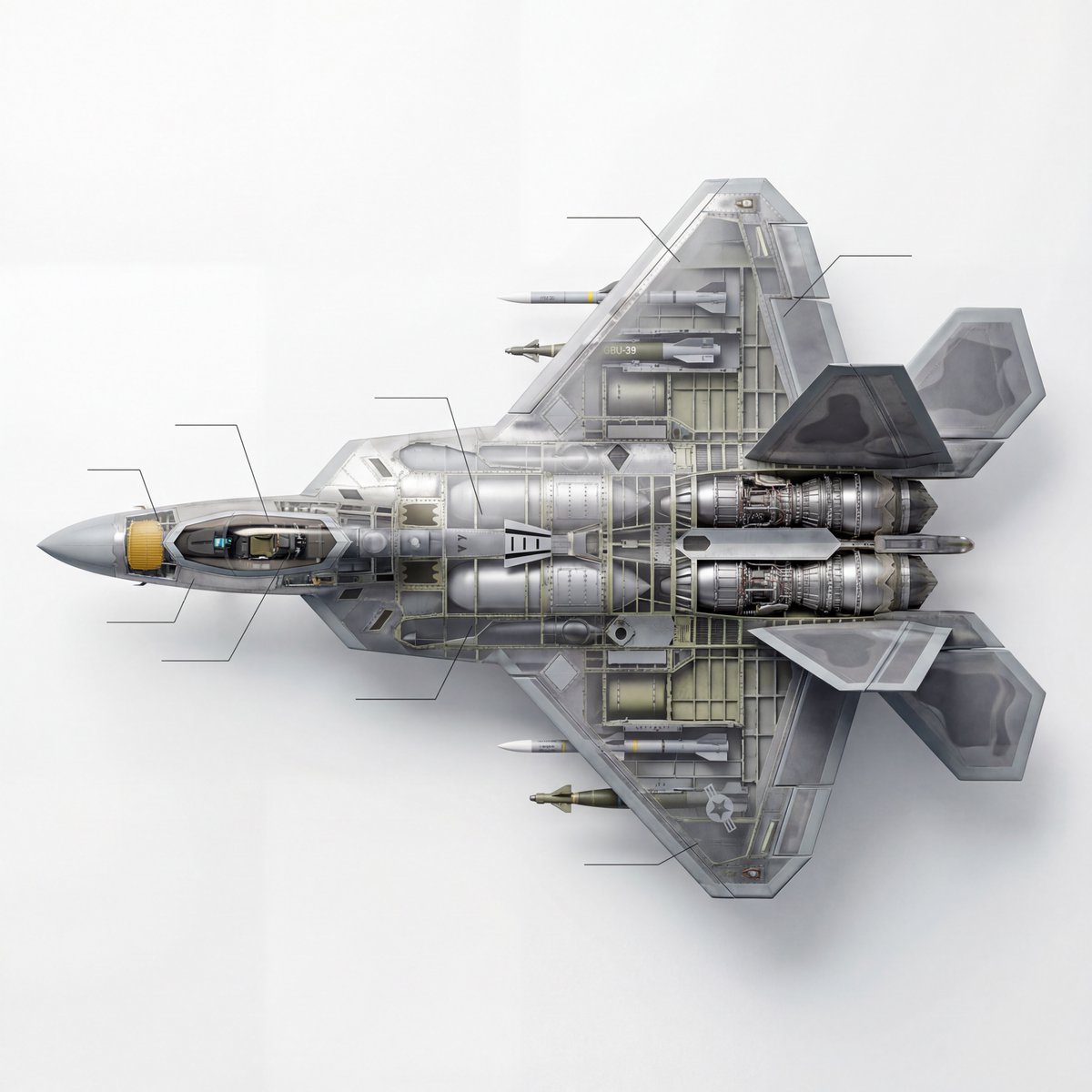
Content description: A scientific educational technical 3D cutaway diagram of a modern fifth-generation stealth fighter jet, in side view. The image clearly shows the complex internal structure, including details of the turbofan engine, the AESA (phased array) radar system in the nose, the cockpit avionics, the pilot’s seat, fuel tanks, and the internal weapons bay loaded with missiles. Style and image quality: High-tech infographic style, Dorling Kindersley (DK) visual encyclopedia style, hyperrealism, extremely detailed engineering blueprint (full-color mode). Lighting and background: Clean white background, soft studio lighting, sharp focus, 8K ultra-high-definition resolution, Unreal Engine 5 rendering feel, clearly defined mechanical parts with a metallic texture. The key requirement is that it must be a cutaway, a cutaway.

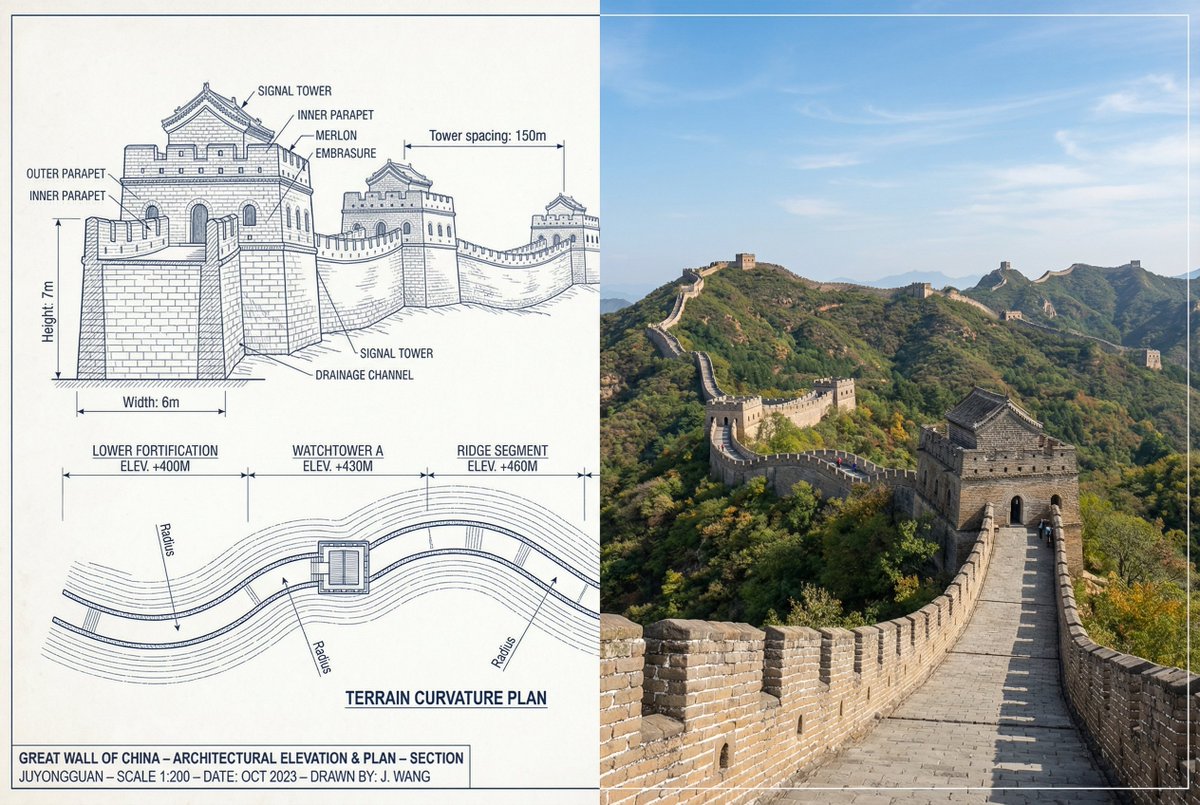
Great Wall of China Mixed Media Comparison

Great Wall of China Mixed Media Comparison

{ "objective": "Create a side-by-side comparison image featuring a technical sketch and real photograph of the Great Wall of China", "image_specifications": { "style": "Mixed media (Technical drawing + Real photograph)", "layout": "Horizontal split - Left side: Sketch with measurements, Right side: Real photo", "aspect_ratio": "3:2" }, "left_side": { "content_type": "Technical sketch of the Great Wall of China", "features": [ "Detailed architectural lines showing wall segments, watchtowers, and defensive structures", "Numerical measurements for wall height, width, and tower spacing", "Elevation labels for wall sections and towers", "Side elevation and top-down layout illustrating wall curvature along terrain" ], "text_annotations": { "units": "Metric (meters)", "language": "English", "font_style": "Blueprint or engineering-style typography" }, "positioning": "Take up the left half of the image" }, "right_side": { "content_type": "High-resolution real photo of the Great Wall of China", "features": [ "Wide panoramic view of the wall stretching across mountains", "Natural daylight with clear or lightly clouded sky", "Realistic colors with visible stone texture and surrounding landscape" ], "positioning": "Take up the right half of the image" }, "visual_elements": { "border_division": "Vertical line or subtle transition between left (sketch) and right (photo)", "color_palette": { "left": "Monochrome or blueprint blue for sketch", "right": "Natural realistic colors" } }, "output_format": { "type": "Image", "use_case": [ "Educational poster", "Architectural comparison", "Historical visualization", "Tourism visual aid" ], "high_resolution": true } }

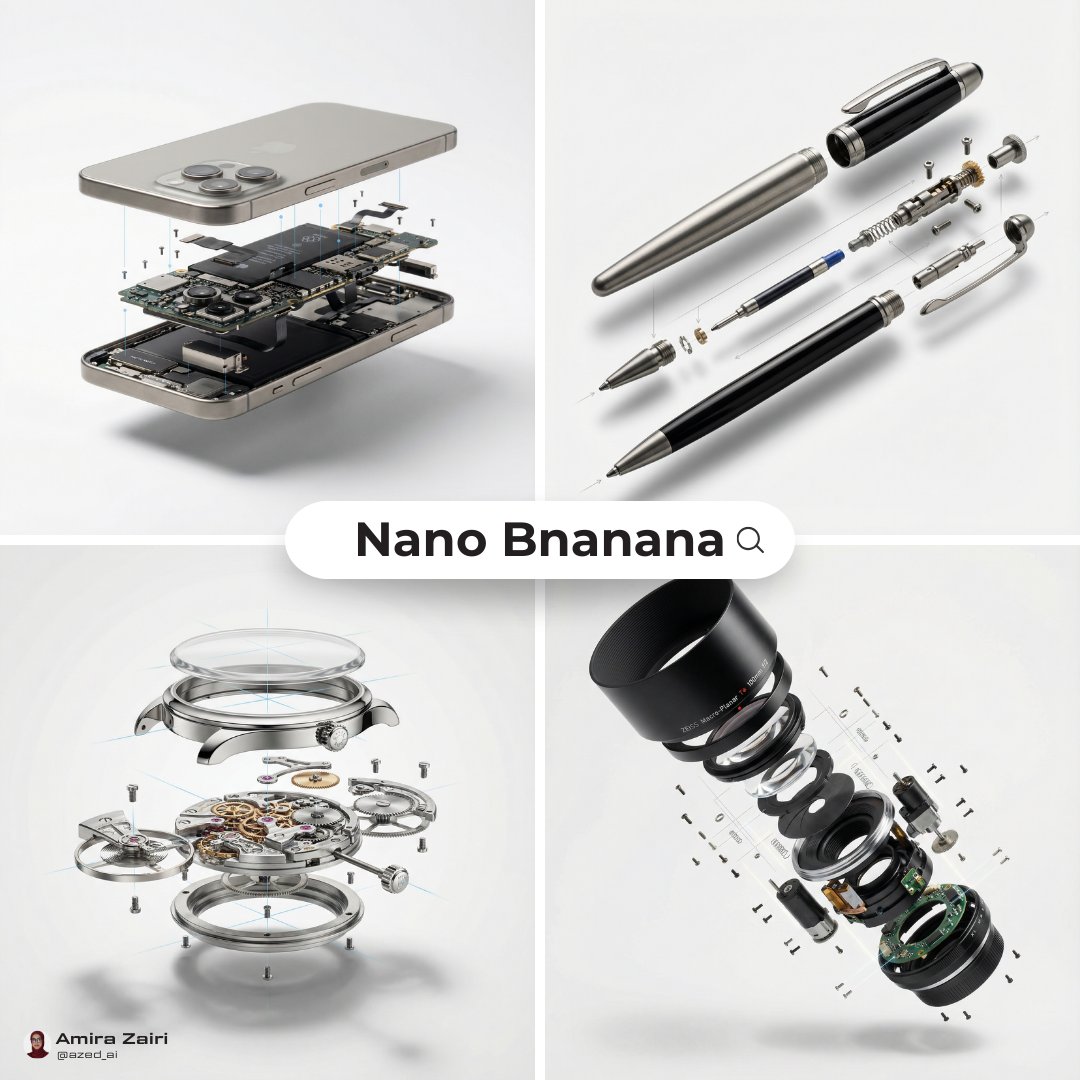
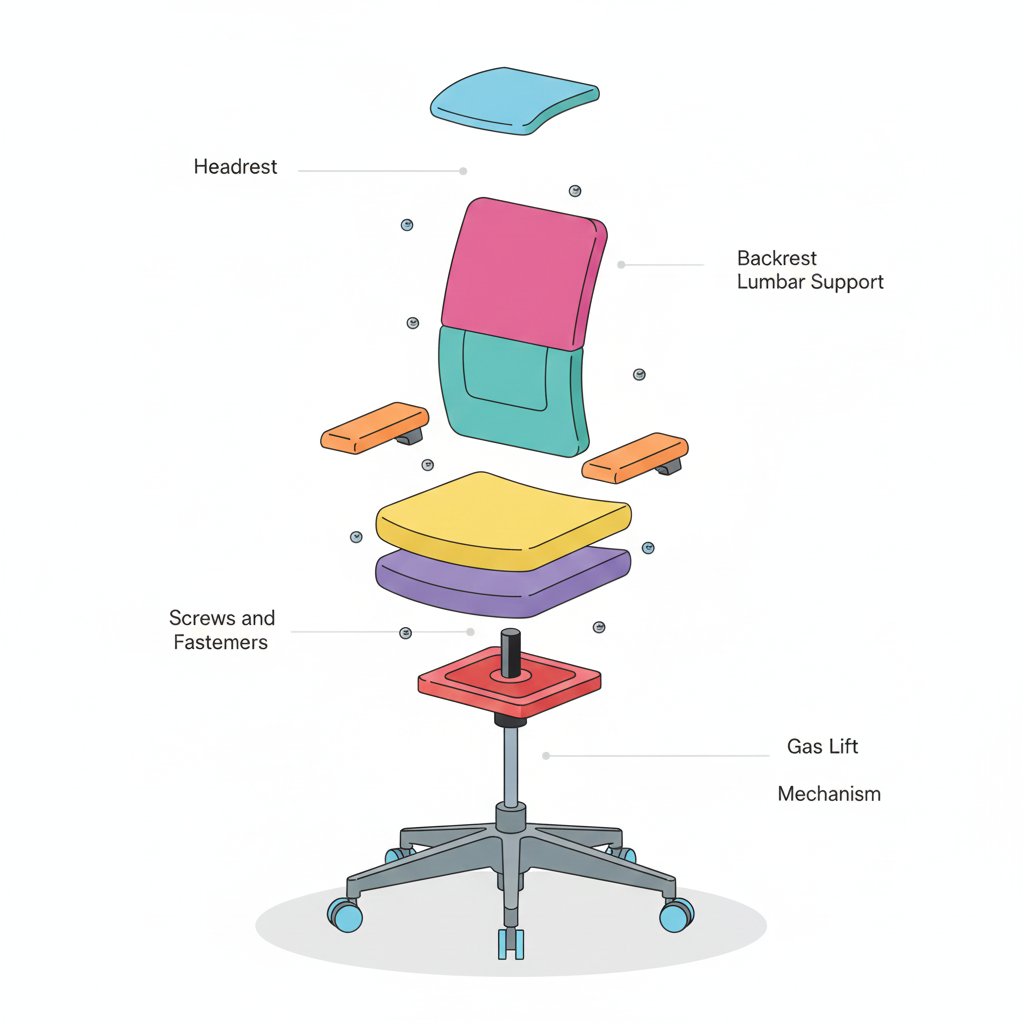
Minimalist Exploded View Industrial Design Diagram

Minimalist Exploded View Industrial Design Diagram

{ "prompt": { "objective": "Create a colorful minimalist exploded view of a chair with clearly labeled parts", "style": "minimalist, modern industrial design, flat yet slightly 3D, clean lines, soft shadows", "composition": "chair centered in frame, all components separated vertically in an exploded view, evenly spaced, balanced layout", "subject": { "type": "chair", "chair_style": "modern ergonomic chair", "parts": [ "Headrest", "Backrest", "Lumbar Support", "Seat Cushion", "Seat Base", "Armrests", "Armrest Pads", "Gas Lift Cylinder", "Tilt Mechanism", "Five-Star Base", "Caster Wheels", "Screws and Fasteners" ], "labels": "clear part names placed beside each component, thin connector lines, clean sans-serif font" }, "colors": "bright yet soft colors for each part, pastel and vibrant mix, each component in a different color, white or very light background", "lighting": "soft studio lighting, gentle shadows under each floating part", "camera": { "angle": "slight isometric view for depth", "focus": "all parts sharp and readable" }, "extra": "educational product diagram look, no clutter, modern design presentation, Instagram-friendly composition" }, "size": "1024x1024", "format": "png", "style_transfer": false }

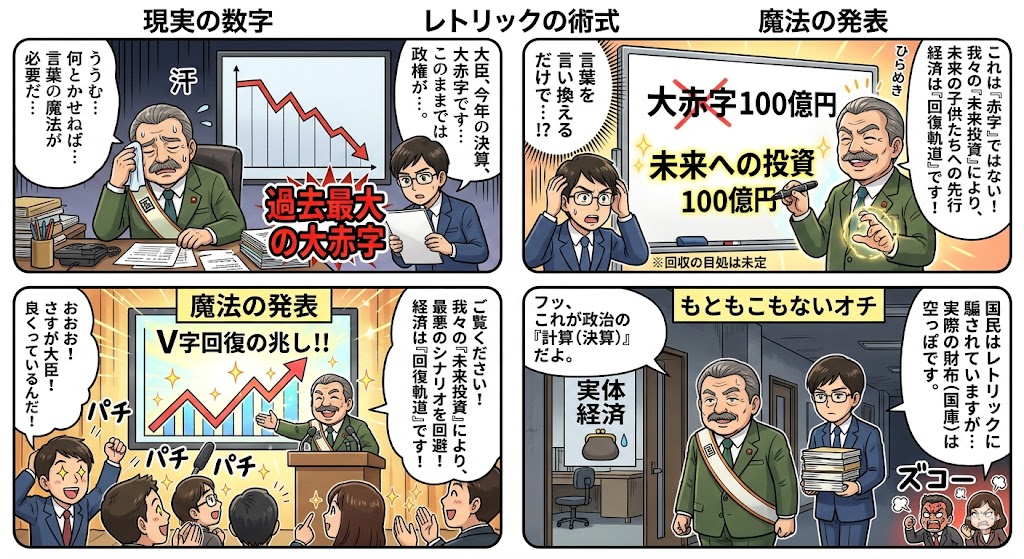
Four-Panel Manga: The Magic of Numbers

Four-Panel Manga: The Magic of Numbers

How settlement and budget figures change their appearance through political magic. Just by rephrasing a deficit as an investment, behold the wonder.

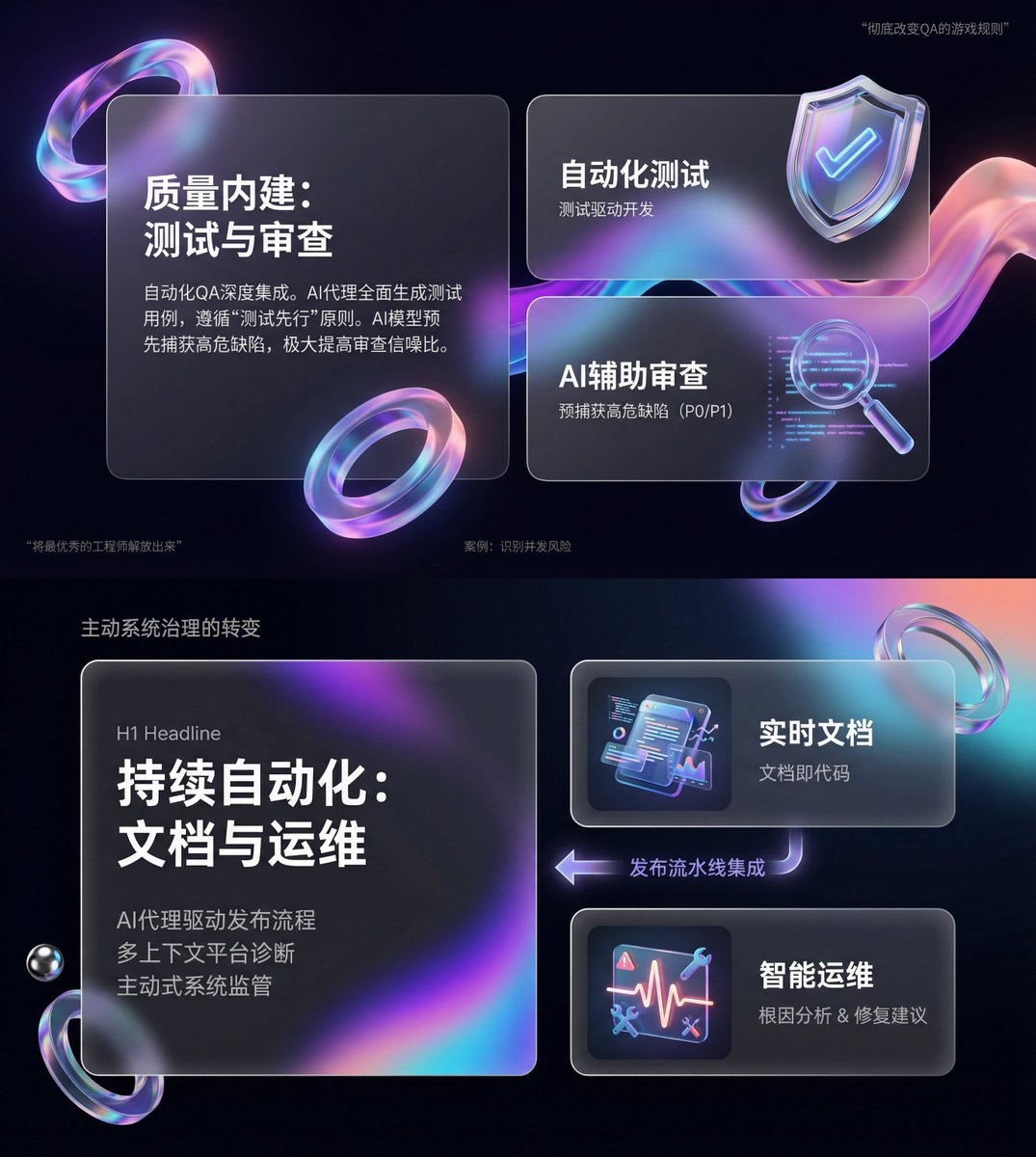
Glassmorphism SaaS-style PPT design prompt for Nano Banana Pro

Glassmorphism SaaS-style PPT design prompt for Nano Banana Pro

You are an expert-level UI/UX presentation designer. Generate high-fidelity, futuristic 16:9 presentation slides. Based on visual balance aesthetics, automatically choose the most perfect composition among a cover, grid layout, or data visualization. For the global visual language, the style should seamlessly blend Apple Keynote minimalism, modern SaaS product design, and glassmorphism. The overall mood should feel premium, immersive, clean, and breathable. Use cinematic volumetric lighting, soft ray-traced reflections, and ambient occlusion. For the color scheme, choose either deep void black or pure ceramic white as the base, accented with flowing aurora gradients such as neon purple, electric blue, soft coral orange, and cyan for the background and UI highlights. For the content modules on each slide, intelligently integrate the following elements: 1. Use a bento grid system as the layout engine, organizing content inside modular rounded-rectangle containers. The containers must be frosted glass with blur, featuring delicate white edges and soft shadows, and strictly preserve generous internal whitespace to avoid crowding. 2. Insert gift-like 3D objects, rendering unique, high-end abstract 3D artifacts as visual anchors. They should look like tangible, expensive gifts or collectibles, with materials such as polished metal, iridescent acrylic, transparent glass, or soft silicone, and shapes like floating capsules, spheres, shields, Möbius strips, or fluid waves. 3. For typography and data, use clean sans-serif fonts with high contrast. If there are charts, use glowing 3D donut charts, capsule-shaped progress bars, or floating numbers; the charts should look like glowing neon toys. Composition logic reference: If generating a cover, place a huge, complex 3D glass object in the center with bold large text over it and aurora waves stretching in the background. If generating a content slide, use the bento grid layout with 3D icons on small cards and text on large cards. If generating a data slide, use a split-screen design: typography on the left, and a large, glowing 3D data visualization chart floating on the right. Rendering quality requirements: Unreal Engine 5 rendering, 8K resolution, ultra-detailed textures, strong UI design sense, UX interface, Dribbble trending style, award-winning design quality.

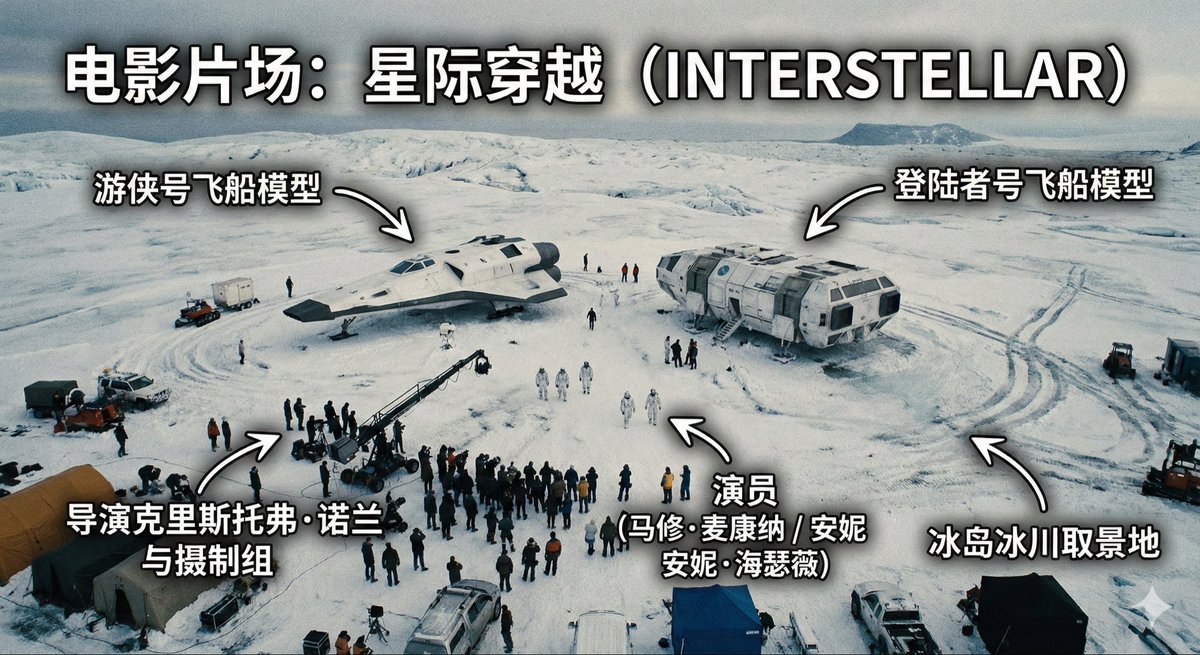
Aerial View of a Film Set

Aerial View of a Film Set

Generate an image of a film set, an aerial high-angle shot of one scene on the set, with annotations indicating the film set is: {argument name="film title" default="If Going to Work Were a Play"}

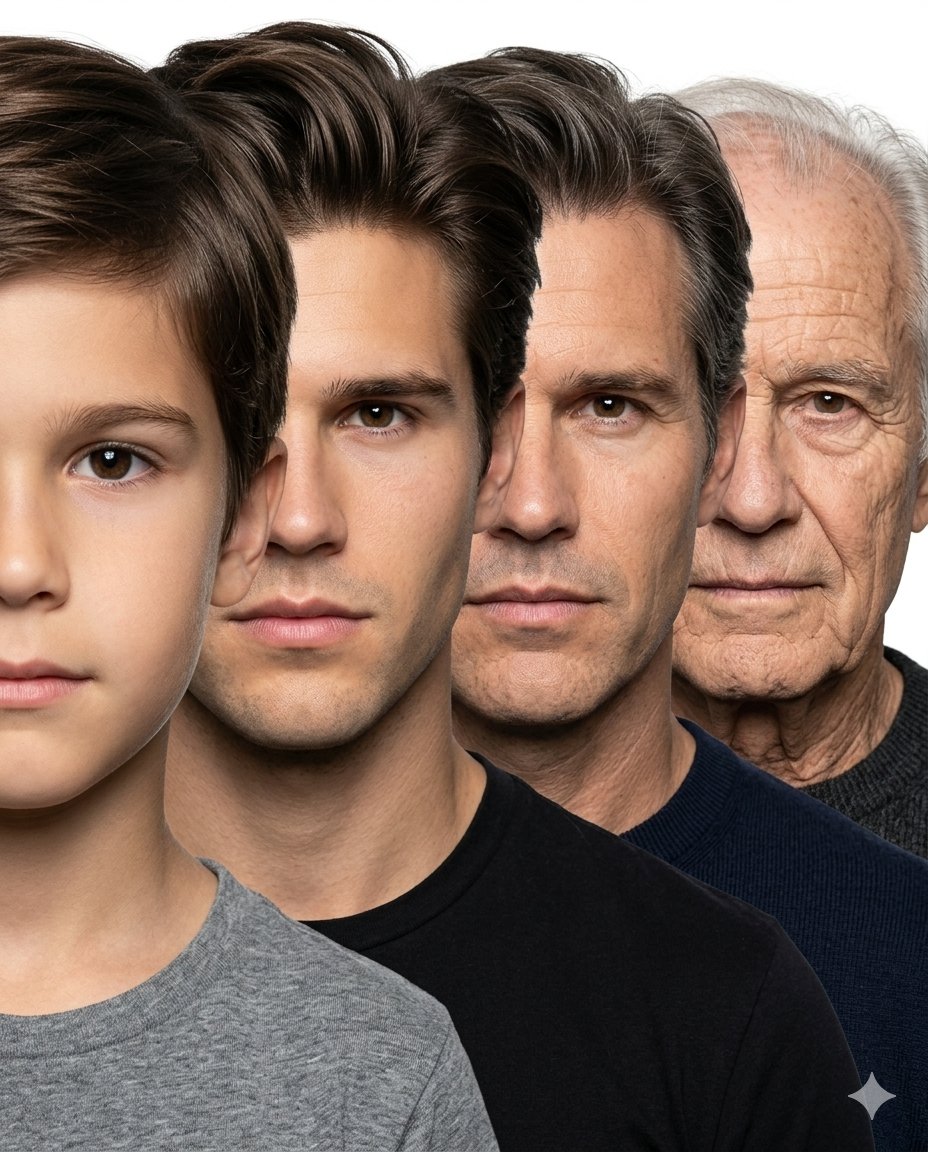
Male Age Progression Portrait

Male Age Progression Portrait

Create a hyper-realistic age progression portrait sequence of the same male individual across {argument name="stages" default="4 major life stages: child (age 6), young adult (age 25), middle-aged man (age 45), and elderly man (age 75+)"}. Use the attached child’s face as the exact identity reference for the youngest stage and ensure every age stage looks like the exact same person naturally aging over time, preserving identical facial structure, nose shape, eye color, jawline, skin tone, eyebrow structure, lips, and facial proportions consistently across all ages. Arrange all four faces in a tightly compressed overlapping side-stacked composition exactly like a professional photographic age progression lineup. Each face should be front-facing, tightly cropped, and positioned slightly behind the previous one from front to back, creating a smooth layered progression from youngest to oldest. Maintain nearly equal face scale across all stages with minimal perspective distortion. Faces should overlap naturally and remain very close together with clean simple spacing, similar to a studio portrait stacking composition. No geometric panels, no cinematic scene composition, no excessive depth effect, no dramatic perspective. Pure white seamless studio background, soft neutral studio lighting, realistic skin texture, natural aging details, plain neutral clothing, ultra photo-realistic, highly detailed, sharp focus, professional portrait photography, seamless identity consistency across all ages. No corp. Aspect ratio 4:5, no text, no logo.

Some prompts are collected from creators on X. Copyright belongs to the original authors.