Instinct AI

Prompt Library

AI Prompt Library

Curated image, video and web design prompts from creators around the world. Copy any prompt, swap the subject or style, and generate with the latest models.

15,630 prompts · Updated daily · 100% free

606 prompts

Turkish History Character Grid

Turkish History Character Grid

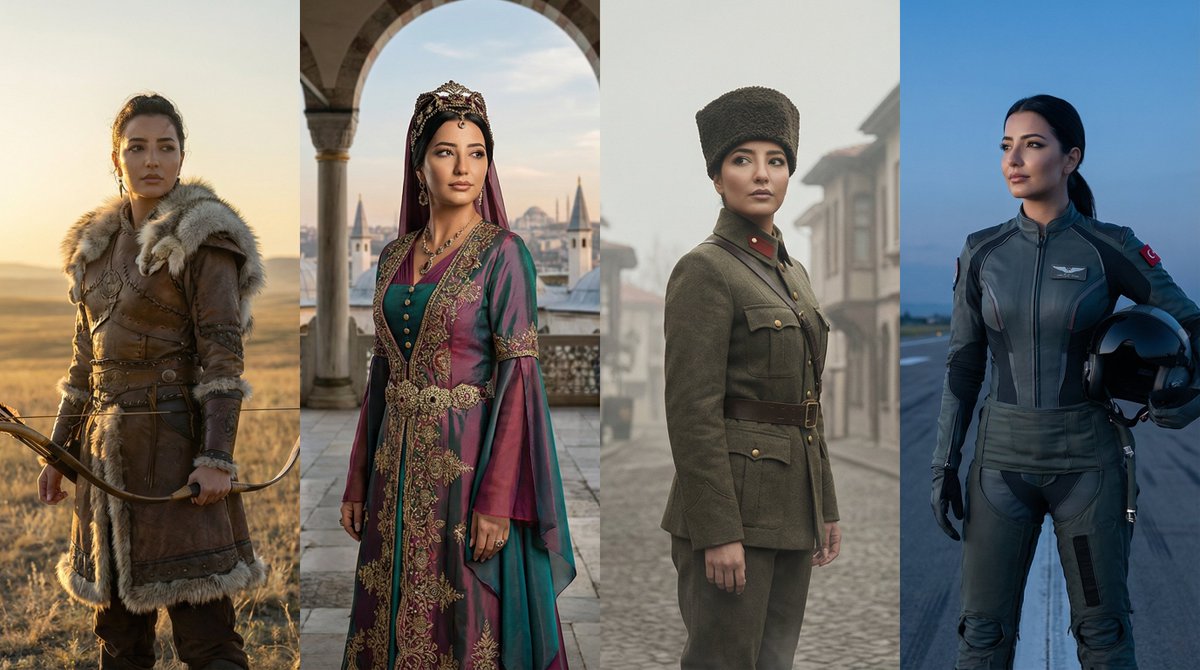
Create a dynamic grid image showing the same character represented across major eras of Turkish history. The image is divided into 4 vertical panels arranged in a clean, graphic grid. Panel 1 (Ancient Era): A Göktürk warrior on the Central Asian steppes, wearing leather armor with wolf fur details, holding a traditional recurve bow. Panel 2 (Imperial Era): An Ottoman figure in the classical era, wearing an intricate Kaftan and a turban or janissary crest, with Istanbul's silhouette in the background. Panel 3 (Independence Era): A 1923 Republic era officer or hero, wearing a traditional "Kalpak" hat and a vintage military wool uniform, representing the War of Independence. Panel 4 (Modern Era): A confident modern-day character or futuristic pilot (Kızıl Elma style), representing the future of Türkiye. Each panel shows the exact same character identity (same face structure and eyes) but adapted to the specific historical era, interacting subtly through poses and gazes looking at each other. Cinematic lighting, hyper-realistic, live action, 8k resolution, highly detailed textures. --ar 16:9
Pop-Up Paper Engineering of Mathematical Symbols

Pop-Up Paper Engineering of Mathematical Symbols

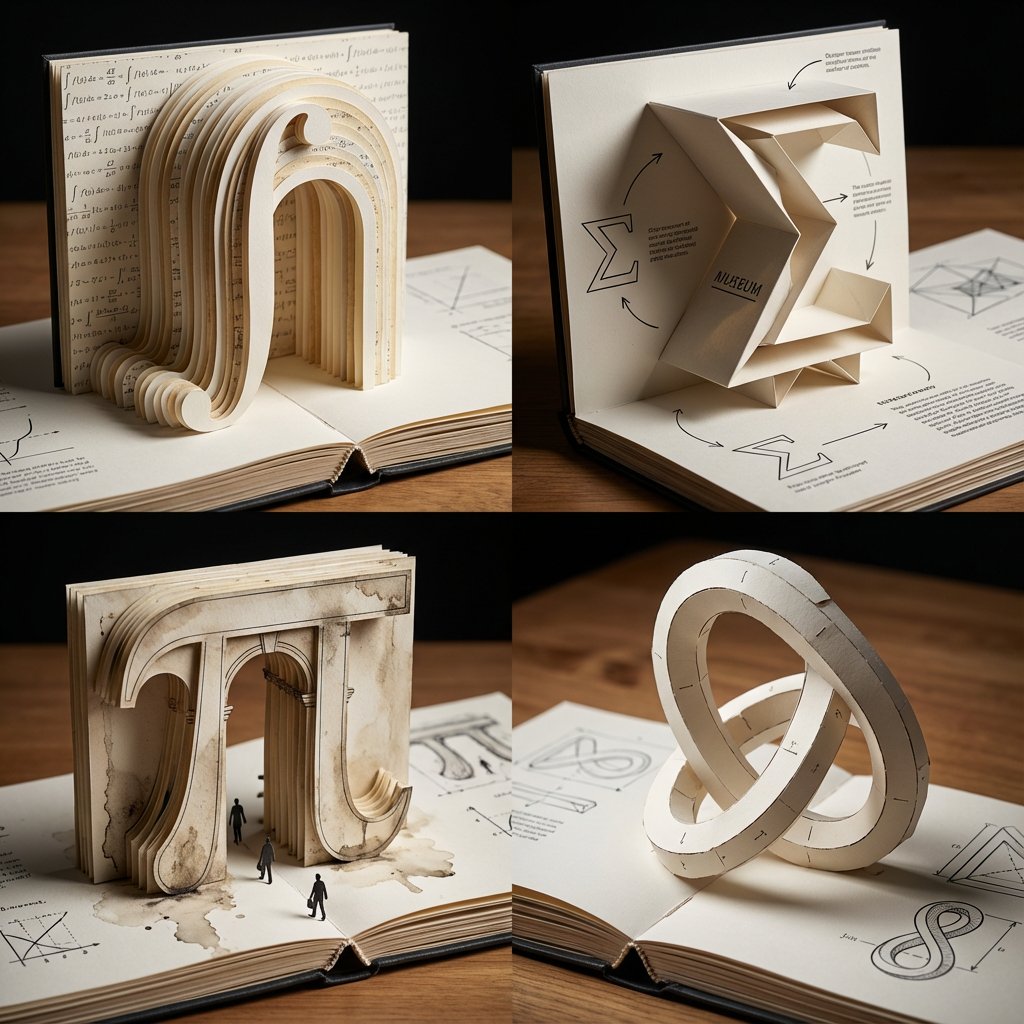
A 2x2 grid of 4 large mathematical symbols built as pop-up paper engineering on an opened book [Top Left: The Integral (∫) as a towering paper archway, cut-paper strata, printed equations as microtext wallpaper] [Top Right: The Sigma (Σ) as a folded paper museum with sharp origami cantilevers, shadow play, diagram callouts] [Bottom Left: The Pi (π) as a pop-up classical gate in layered cardstock, weathered ink textures, tiny paper pedestrians] [Bottom Right: The Klein bottle silhouette as an impossible pop-up sculpture, paper tabs and join lines visible, elegant paradox geometry] Tabletop editorial lighting, shallow DOF, crisp paper fibers, bookbinding details, inked diagrams, swiss grid layout, hyper-clean miniature realism.

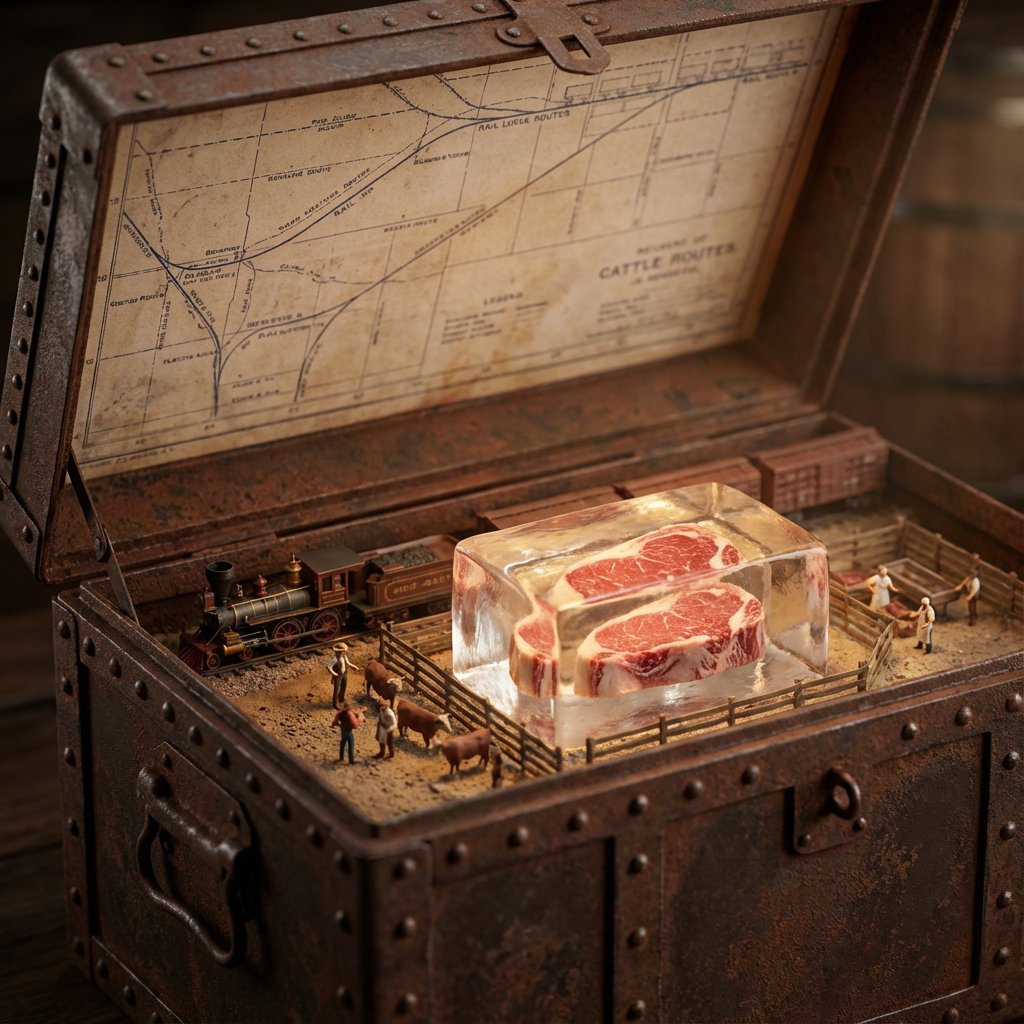
Historical Ingredient Journey Diorama

Historical Ingredient Journey Diorama

<instructions>Input Variable: {argument name="ingredient" default="INSERT INGREDIENT"} Logic 1. Analyze the Era: Before generating, determine the Golden Age of trade for the [Input]. (Example: Beef = 1880s Industrial Rail; Spices = 1500s Silk Road; Bananas = 1920s Steamships). 2. The Container: The chest material must match the Era. If Industrial: Rusted steel, riveted iron, or branded shipping crate wood. If Ancient: Carved sandalwood, brass-bound oak, or woven reed. If Modern: Polymer, aluminum, or sterile medical glass. 3. The Map (Inner Lid): Style must match the Era. (Blueprints for industrial, parchment for ancient, nautical charts for maritime). Route must be accurate. (Rail lines for beef, trade winds for fruit, caravan trails for spices). 4. The Diorama (Base): Transport: Use only the historically correct vehicle. (Steam train, Cargo ship, Camel, Truck, Ox-cart). Figures: Dress figurines in period-correct attire. (Cowboys/Butchers, Sailors/Dockworkers, Nomads/Merchants). Setting: The background of the box interior must match the source origin. (Stockyards, Tropical Port, Desert Oasis). 5. The Specimen (Center): The ingredient is the "Jewel." Encased in a preservation method distinct to the item. (Block of unmelting ice for meat, vacuum tube for delicate organics, crystal phial for powders, wax seal for liquids). Visual Output Rules: Macro lens, shallow depth of field. Volumetric lighting appropriate to the setting (e.g. sunlight, Lantern). No text overlays. Aspect Ratio 1:1.</instructions>

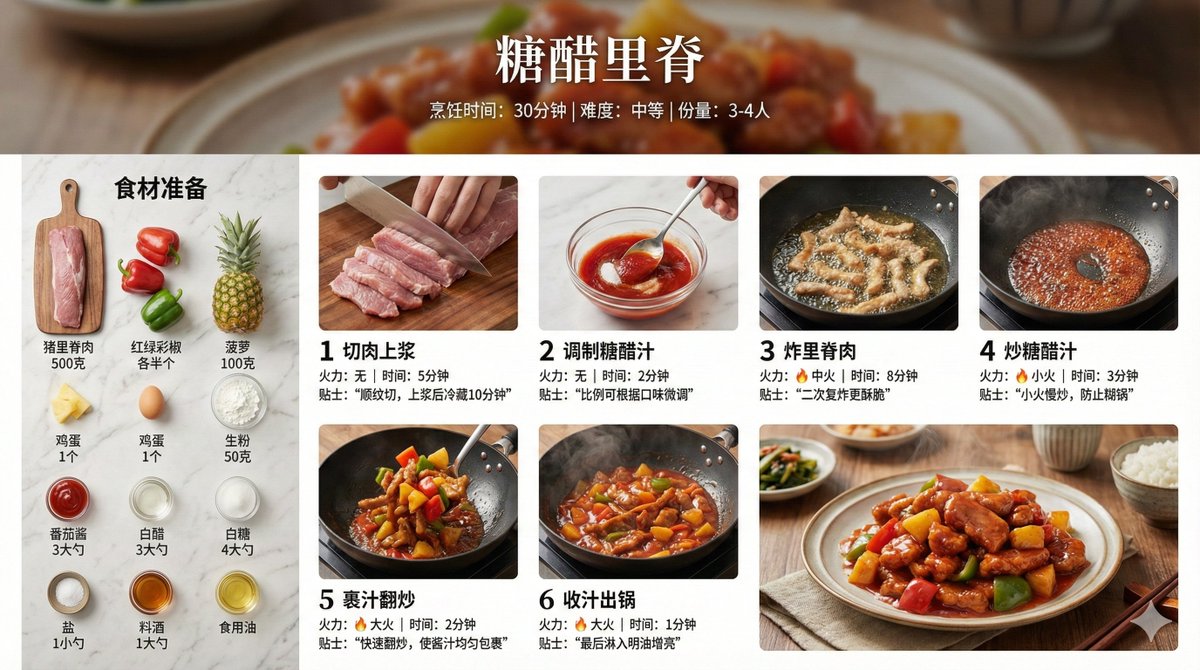
Infographic Prompt for Sweet and Sour Pork Recipe

Infographic Prompt for Sweet and Sour Pork Recipe

Create a home-style cooking step infographic for 【{argument name="dish name" default="Sweet and Sour Pork"}】. 【Overall Style】 - Style: 8K ultra-HD realistic photography style, professional quality suitable for a food magazine - Image Quality: 8K resolution, sharp details, professional food photography lighting - Background: Real kitchen scene/marble countertop/wooden cutting board, shallow depth of field blur - Color Palette: Natural and realistic colors, true colors of ingredients, warm lighting - Layout: Horizontal 16:9 【Top Title Area】 - Main dish title (elegant Chinese font) - Subtitle: Cooking time / Difficulty level / Serving size - Background can use a blurred close-up of the finished dish 【Left or Top - Ingredient List Area】 - Title: "Ingredient Preparation" - All ingredients arranged realistically, neatly organized from a top-down view (flat lay) - Each ingredient labeled with name and quantity - Style: Instagram-style ingredient flat lay photography 【Main Body - Cooking Steps Area】 - 6-8 steps, arranged in a grid or timeline - Each step includes:   * Step number (simple numeric identifier)   * Close-up photo of the actual cooking process:     - Cutting meat: Knife skills details, meat texture     - Blanching: Boiling water, foam     - Caramelizing sugar: Caramel color, oily sheen     - Stir-frying: Dynamic movement in the wok, flame     - Stewing/Simmering: Sauce bubbling, steam rising     - Reducing sauce: Thick sauce, glossy meat pieces   * Brief descriptive text (1-2 sentences)   * Heat/Time notation 【Bottom - Finished Dish Display Area】 - 8K high-definition photo of the finished dish - Professional plating, exquisite tableware - Shot at a 45-degree angle or top-down view - Visible food texture: Gloss of the sauce, fibers of the meat, rising steam - Background: Dining table setting, chopsticks, small side dishes for garnish 【Photography Specifications】 - Lighting: Side-back light/natural window light, creating appetite appeal - Depth of Field: Subject sharp, background naturally blurred - Texture: Visible ingredient texture, oil sheen, reflection of the sauce - Steam: Real steam visible in hot dish steps - Color Temperature: Warm tone (5500-6000K), enhancing appetite 【Auxiliary Elements】 - Tips notation: Key techniques (e.g., "Blanch in cold water to remove odor," "Simmer slowly for 40 minutes") - Heat icon: 🔥 notation for heat level in each step - Timer notation: Duration for key steps - All ingredient quantities, step details, time, and heat should be automatically generated accurately based on the dish

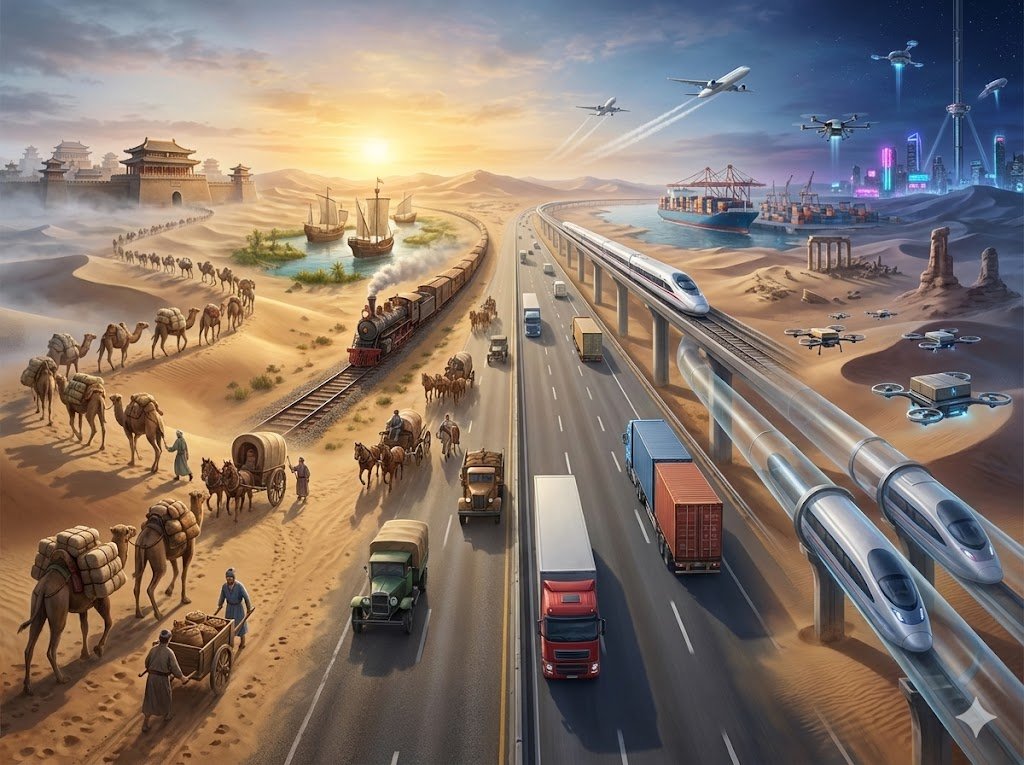
Hyper-realistic Transportation Evolution Panoramic Landscape Prompt

Hyper-realistic Transportation Evolution Panoramic Landscape Prompt

Hyper-realistic digital illustration of humanity's transportation evolution as a seamless panoramic landscape along a river (e.g., {argument name="river name" default="Pearl River or Huangpu River"}), flowing chronologically from left to right: ancient era on the left with wooden canoes and rafts propelled by oars, animal-drawn carts on muddy banks, and early wheelbarrows; transitioning to industrial age with steamships chugging smoke, horse-drawn carriages evolving to steam locomotives on tracks, and hot air balloons; then modern era with massive cargo ships and oil tankers, automobiles and bicycles on bridges, airplanes overhead, and high-speed trains; ending on the right with futuristic unmanned electric vessels, hyperloop pods, flying cargo drones, anti-gravity ships, and space elevators. Elements blend organically: oars become propellers then solar sails, dirt paths morph into highways then aerial lanes, ancient riverside trees as timeless anchors with roots adapting to evolving infrastructure. Ultra-sharp 8K details on textures like wooden plank grains, steam engine rivets, ship hull barnacles, drone LED glows, holographic controls. Cinematic hybrid lighting with misty dawn fading to golden-hour warmth and neon-night futuristic glows, volumetric rays through smoke and exhaust for immersive timeless feel. --ar 4:3 --v 6.1 --stylize 500 --q 2 4K

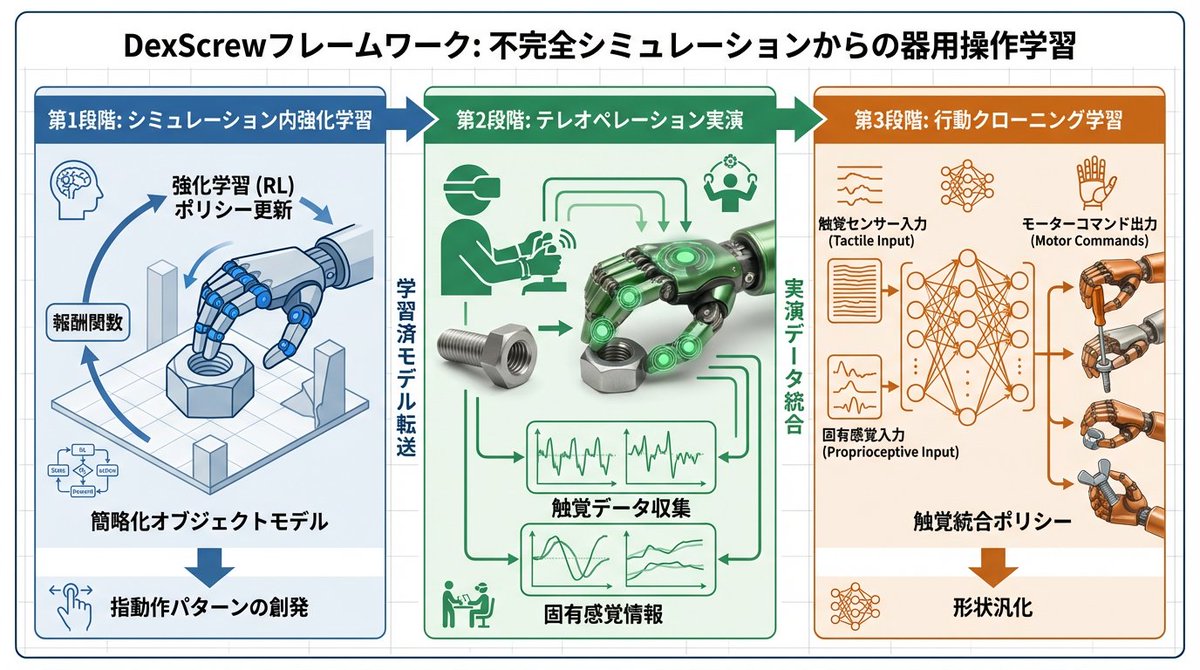
Accurate Academic Diagram Generation Prompt

Accurate Academic Diagram Generation Prompt

To facilitate easy understanding of the paper, use Nano Banana Pro to generate diagrams based on the paper. Place the diagrams in the appropriate locations within the explanatory document. All text within the diagrams should be written in Japanese. Translation of specialized terminology should prioritize accuracy and use academic language.

Tarot Celtic Cross Spread Reading Generation Prompt

Tarot Celtic Cross Spread Reading Generation Prompt

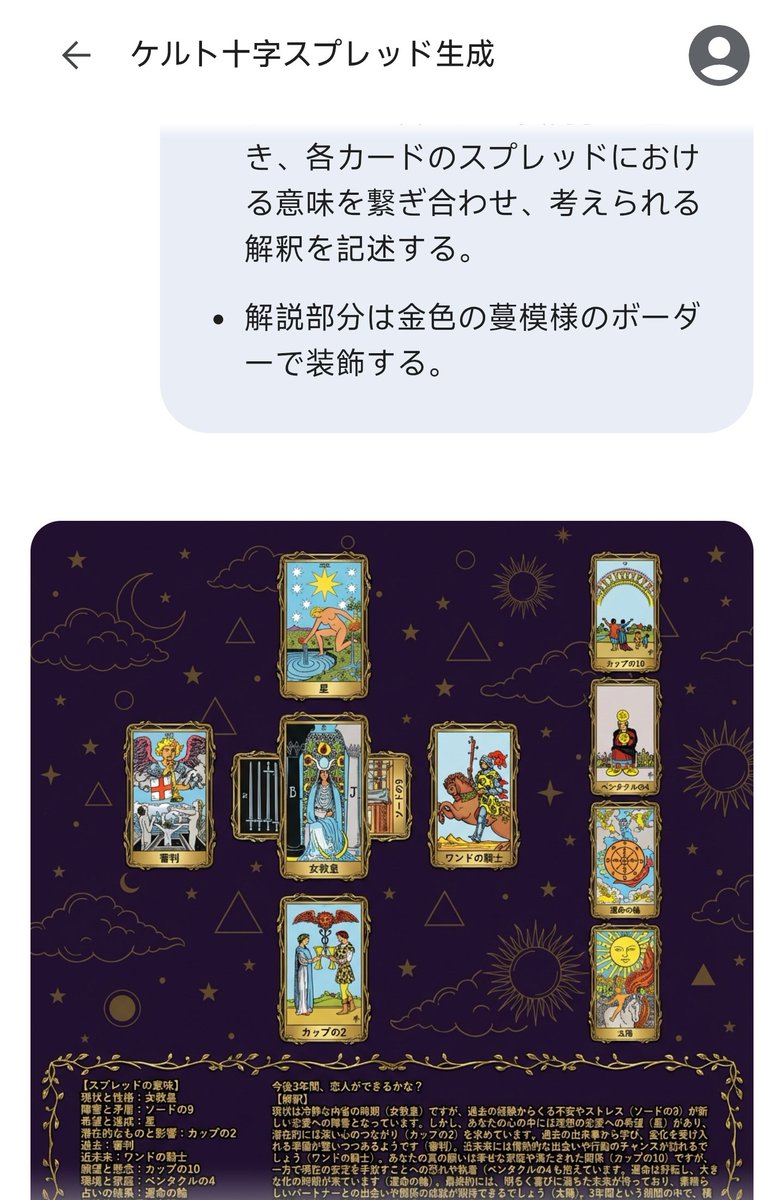
# Generate Results for the Celtic Cross Spread ## Fortune-Telling Parameters - Card indicating the essence of the problem: {argument name="card essence of problem" default="(Fill in 1 card from 78 cards)"} - Question to be asked: {argument name="question to ask" default="(Describe in one sentence)"} ## Image Requirements ### Canvas Settings - 2048*2048px 2K image - Cards and text elements must be at least 20px away from the canvas edges - The card layer should be placed horizontally centered and in the upper 2/3 vertically - The text layer (explanation section) should be placed in the lower 1/3 vertically ### Background Layer - Dark purple background with dark gold stars, clouds, moon, sun, and lines of circles and triangles added to create a mystical atmosphere ### Card Layer - Use all 78 standard Tarot cards. Breakdown: 22 Major Arcana (from "The Fool" to "The World") and 56 Minor Arcana (4 suits: Wands, Cups, Swords, Pentacles). - Each Minor Arcana suit includes number cards 1 through 10 and 4 Court cards. - The edges of the cards are framed with golden metallic vines, and the inside depicts the corresponding image and the name in Japanese. The size of each card is unified and arranged so as not to be cramped. To ensure the text and images of the overlapped cards are visible, the short side (bottom and top edges) of the card should be 1/2 the length of the long side. - Each extracted card must appear only once. If duplication occurs during random extraction, redraw a different card. - Exclude the card specified in "Fortune-Telling Parameters - Card indicating the essence of the problem," and extract the spread from the remaining cards. - Extract 1 card randomly, placed vertically in the center. - Extract 1 card randomly, placed horizontally in the center (with the top of the card facing left), overlapping the vertical center card to form a cross. - Extract 1 card randomly for each position (Up, Down, Left, Right) surrounding the central cross. - Extract 4 cards randomly in a vertical column on the right side. ### Meaning of the Spread - Center, vertical: Current situation and personality - Center, horizontal: Obstacles and contradictions - Up: Hopes and achievements - Down: Potential and influence - Left: Past - Right: Near future - Right column, 1st card: Wishes and concerns - Right column, 2nd card: Environment and family - Right column, 3rd card: Result of the reading - Right column, 4th card: Final outcome ### Text Layer - Use Mincho font, dark gold color, with a 2px black border (#000). - Card Name: Display the name in Japanese at the bottom center of each generated card image. For horizontally placed cards, the name should be displayed at the bottom of the card itself (not the bottom relative to the horizontal placement). - Explanation Section: Include the following content in the explanation section. - On the left side of the explanation section, list all extracted cards in the format: "[Meaning of the Spread] Card Name". - On the right side of the explanation section, describe the possible interpretation by connecting the meaning of each card in the spread, based on the "Fortune-Telling Parameters - Question to be asked". - Decorate the explanation section with a golden vine pattern border.

Visualizing Quantum Mechanics with Diorama Style

Visualizing Quantum Mechanics with Diorama Style

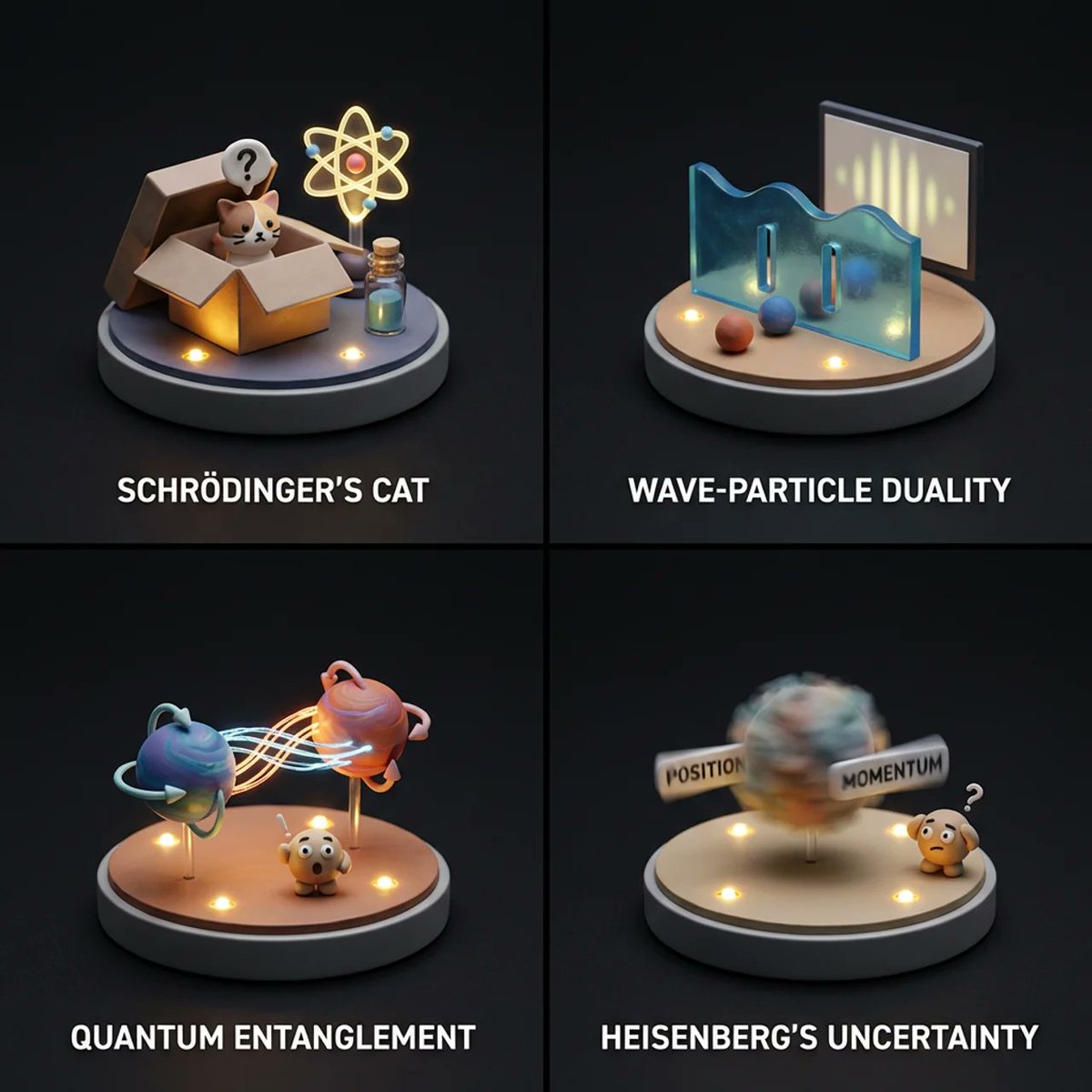
2x2 grid of famous quantum mechanics concepts: Render = ( Micro_Diorama_Platform * 1.0 ) + ( Sculpted_Miniature_Backdrop_[TOPIC] * 1.5 ) + ( 3D_Miniature_Scene_Sculpt_[TOPIC] * 2.0 ) + ( Resin_and_Clay_Materials * 2.0 ) + ( Cinematic_Miniature_Lighting * 2.0 ) + ( Tiny_Mascot_Character * 1.0 ) + ( Clean_Studio_Void * 1.0 ) - ( Photorealism / 2.0 ) - ( Human_Proportions )

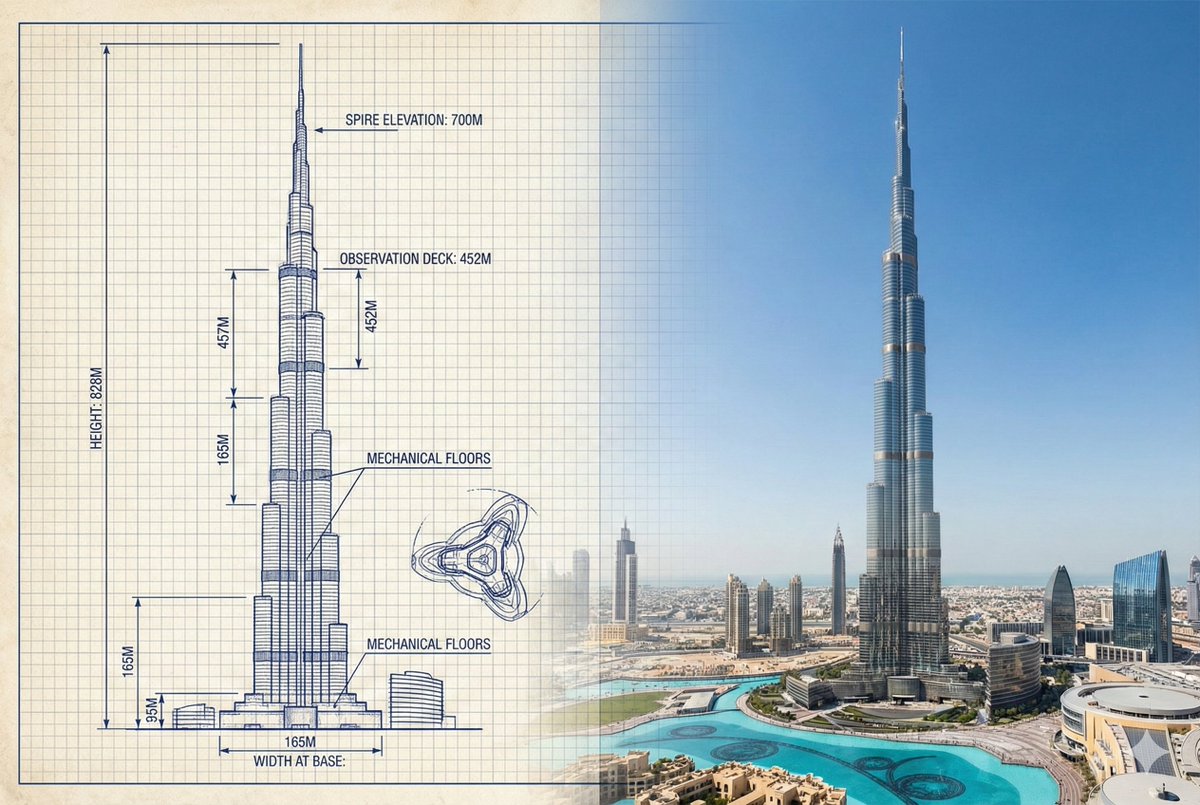
Burj Khalifa Technical Sketch and Real Photo Comparison

Burj Khalifa Technical Sketch and Real Photo Comparison

{ "objective": "Create a side-by-side comparison image featuring a technical sketch and real photograph of the Burj Khalifa", "image_specifications": { "style": "Mixed media (Technical drawing + Real photograph)", "layout": "Horizontal split - Left side: Sketch with measurements, Right side: Real photo", "aspect_ratio": "3:2" }, "left_side": { "content_type": "Technical sketch of the Burj Khalifa", "features": [ "Detailed architectural lines showing tiered setbacks", "Numerical height and width measurements", "Elevation labels for different tower sections", "Side and front elevation views (top-down projection if space allows)" ], "text_annotations": { "units": "Metric (meters)", "language": "English", "font_style": "Blueprint or engineering-style typography" }, "positioning": "Take up the left half of the image" }, "right_side": { "content_type": "High-resolution real photo of the Burj Khalifa", "features": [ "Full view of the tower from base to spire", "Natural daylight with clear sky", "Color image with Dubai skyline or Downtown Dubai context" ], "positioning": "Take up the right half of the image" }, "visual_elements": { "border_division": "Vertical line or subtle transition between left (sketch) and right (photo)", "color_palette": { "left": "Monochrome or blueprint blue for sketch", "right": "Natural realistic colors" } }, "output_format": { "type": "Image", "use_case": ["Educational poster", "Architectural comparison", "Engineering visualization", "Tourism visual aid"], "high_resolution": true } }

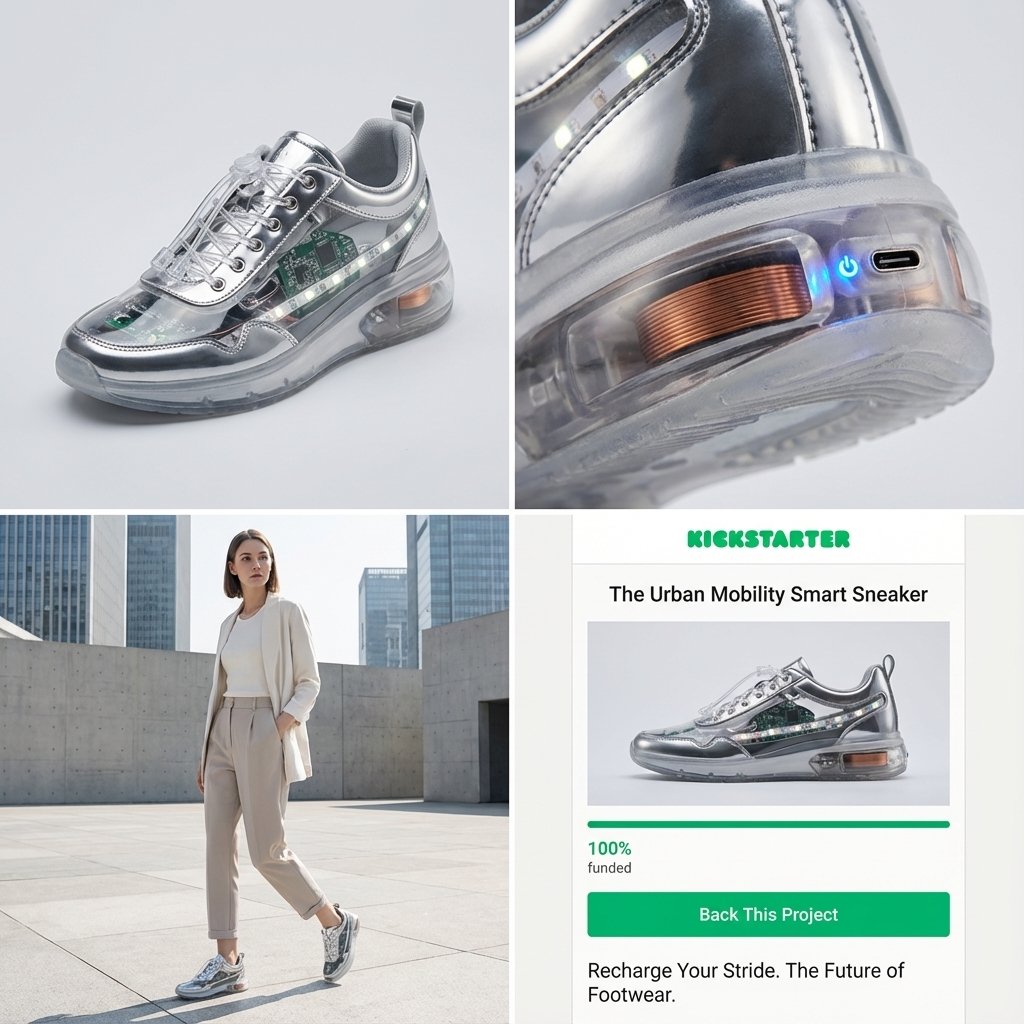
Kickstarter Campaign Generator Prompt

Kickstarter Campaign Generator Prompt

Act as a Senior Product Designer and Crowdfunding Campaign Manager. 1. ANALYZE INPUT Look at the attached image. Determine the material properties (Soft vs. Hard), the primary colors, and the texture. 2. AUTO-SELECT SMART WEARABLE Use this logic to choose the product category. The goal is Clean Modern Tech, not Cyberpunk. IF the input is Soft or Fabric-like ({argument name="soft input examples" default="Ramen, Towel, Moss"}) GENERATE: The All-Climate Smart Jacket. Features: Self-regulating temperature control, hydrophobic coating based on the input texture, and hidden magnetic pockets. IF the input is Rigid, Boxy, or Container-like ({argument name="rigid input examples" default="Toaster, Book, Suitcase"}) GENERATE: The Ultimate Commuter Backpack. Features: Integrated power bank with solar coating, anti-theft biometric zipper locks, and organized modular compartments. IF the input is Mechanical or Footwear-shaped ({argument name="mechanical input examples" default="Stapler, Car, Tool"}) GENERATE: The Urban Mobility Smart Sneaker. Features: Energy-returning sole technology, step-tracking sensors embedded in the heel, and auto-tensioning laces. 3. EXECUTE VISUALIZATION (2x2 GRID) Generate a single image split into a precise 2x2 grid layout. Top Left Panel (Hero Shot): A clean, studio-lit 3/4 angle view of the product on a white or light grey background. It must look refined and manufacturable, using the texture of the input image as a premium material. Top Right Panel (Detail Shot): A zoomed-in macro shot focusing on a specific high-tech feature (e.g., a USB-C port, a magnetic buckle, or a waterproof seam) that shows off the input texture quality. Bottom Left Panel (Lifestyle Shot): A photorealistic shot of a fashionable model wearing the item in a clean, modern city setting (daytime). They look comfortable and stylish. Bottom Right Panel (Campaign UI): A mockup of a Kickstarter campaign page. It should show the product title, a green progress bar at 100% funded, and a bright green button that says Back This Project. Overall Style: High-key lighting, soft shadows, 8k resolution, commercial product photography, minimalist design aesthetic.

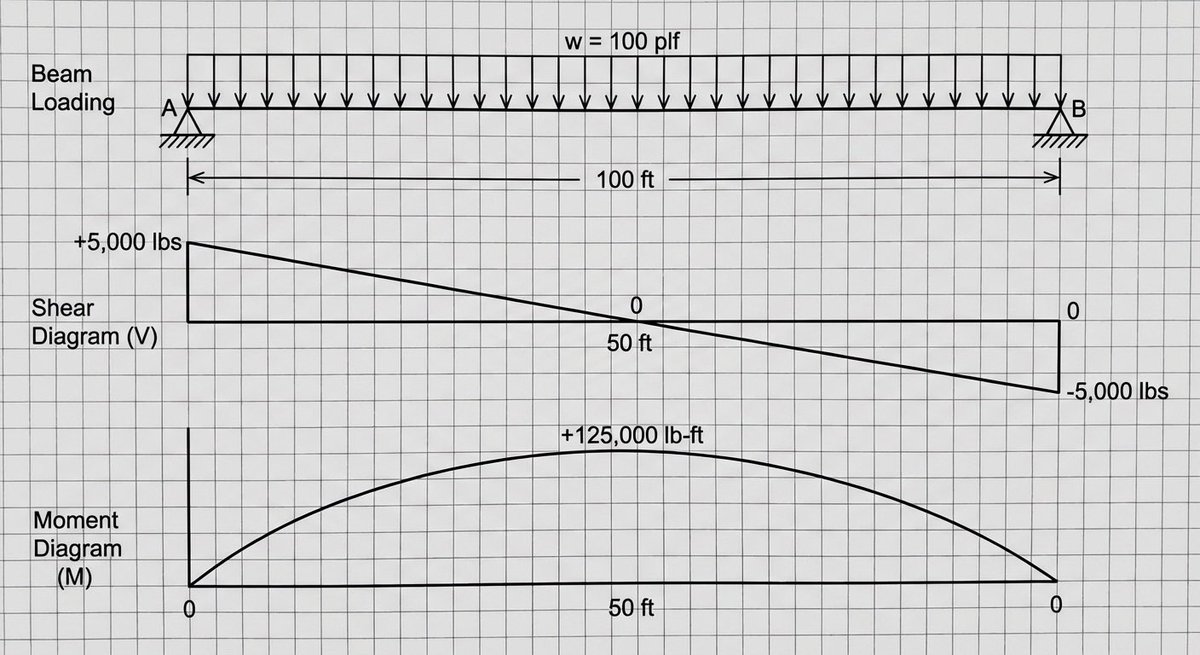
Shear and moment diagram for a loaded beam

Shear and moment diagram for a loaded beam

A shear and moment diagram for a simply supported beam with a uniform load of {argument name="load_en" default="100 plf"}. The beam is {argument name="length_en" default="100 feet"} long.

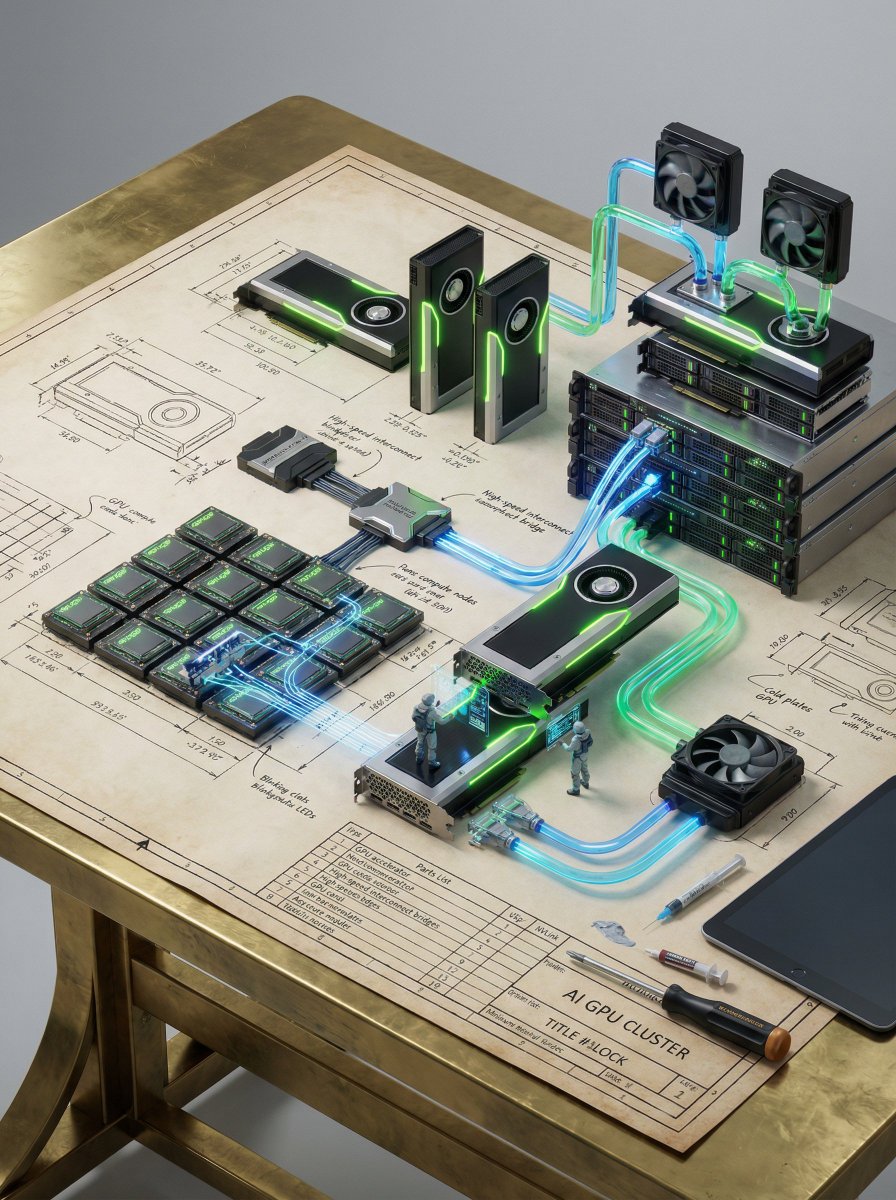
Technical Blueprint of an AI GPU Cluster

Technical Blueprint of an AI GPU Cluster

A detailed technical blueprint of a high-performance AI GPU cluster placed on a polished brass drafting table, with a photorealistic miniature AI server system self-assembling from it — multiple GPU accelerator units (sleek black and metallic modules with neon green accents) rising from the dimension lines, high-speed interconnect bridges threading through the tolerance annotations, and dense compute nodes forming from the grid layout. Stacks of GPU cards slide into server chassis above the parts list, each unit locking in with precision. NVLink-style connectors and high-bandwidth interconnects assemble seamlessly between GPUs, forming a powerful parallel compute network. Rack-mounted AI servers emerge vertically, with layered compute blades building upward in perfect alignment. A liquid cooling system forms from exploded-diagram callouts — transparent cooling pipes with glowing coolant flowing through them, cold plates attaching to GPUs, and radiators assembling with high-performance fans. Heat dissipation fins and airflow channels dynamically shape around the system. A tiny engineer in futuristic protective gear stands on a GPU module inspecting circuits with a holographic diagnostic interface, while another miniature technician connects high-speed data cables into a switch unit. Fiber optic lines glow faintly, representing active data transfer. Functional details illuminate — GPU core lights pulsing softly, status LEDs blinking in synchronized patterns, data streams visualized as glowing lines moving between nodes, and monitoring panels activating during assembly. Signature tools of the trade — precision screwdriver, thermal paste applicator, anti-static tools, fiber connectors, and a digital diagnostic tablet — rest across the blueprint’s title block, partially integrated into the scene. All elements grow organically from the blueprint like a 3D mechanical diorama — circuit traces rising from printed schematics, GPU modules emerging from drawn outlines, cables threading through pencil grid lines. Seamless transformation from 2D blueprint into a fully operational AI infrastructure. LIGHTING: Soft studio lighting combined with strong neon green and cool blue glows from GPUs and data pathways. Subtle reflections from the brass surface and volumetric light enhancing depth. CAMERA & LENS: Shot on a full-frame camera, 35mm lens. Slight low-angle perspective to emphasize scale and power. Cinematic depth of field with focus on central GPU cluster. COMPOSITION: Vertical 2:3 format. Central stacked GPU cluster rising upward with symmetrical balance. Clean negative space around edges with layered depth. STYLE & MOOD: Futuristic, cinematic, high-end AI infrastructure aesthetic inspired by NVIDIA design language. Powerful, clean, and cutting-edge. DETAILS: Ultra-detailed textures — matte black metal, glowing accents, micro circuitry, cooling liquid reflections, cable braiding, LED indicators. 8K resolution, HDR,

Expedition Planning Board Collage Prompt

Expedition Planning Board Collage Prompt

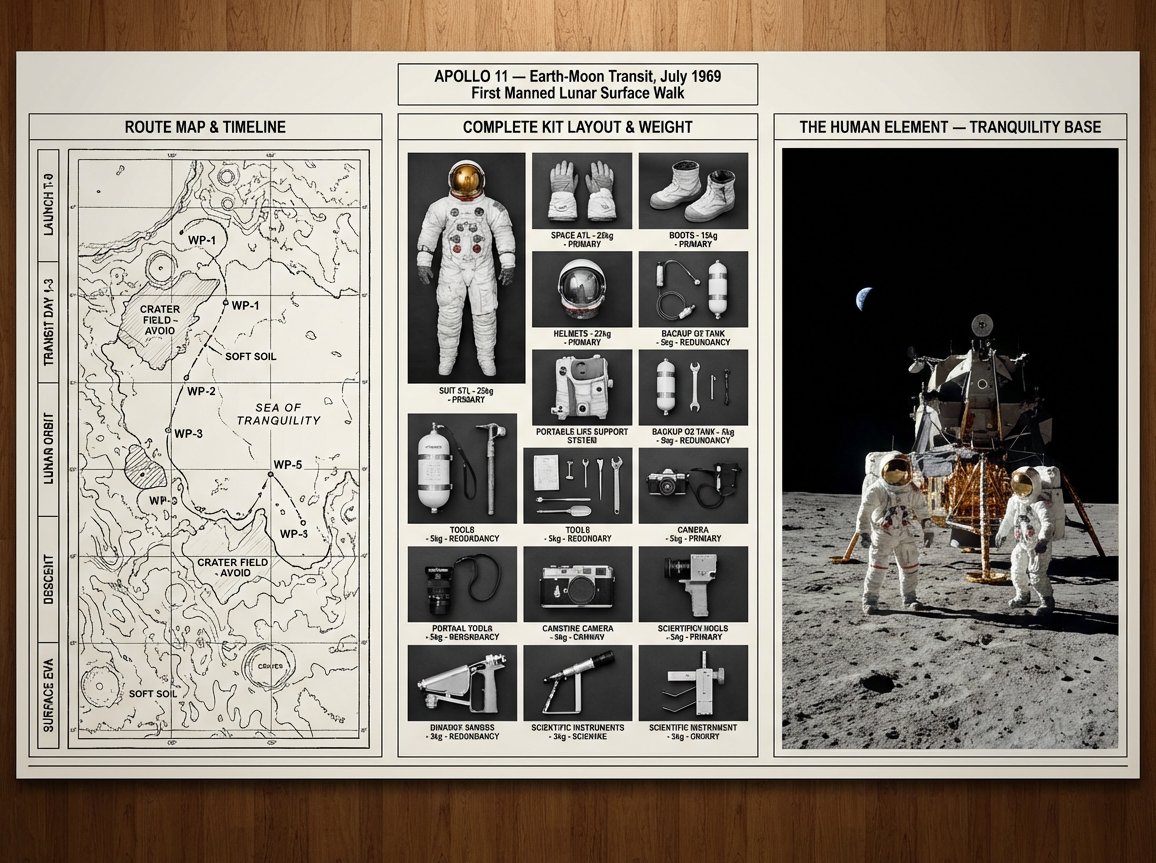
An expedition leader's planning board for {argument name="journey mission" default="[JOURNEY / MISSION]"} — {argument name="destination era" default="[DESTINATION / ERA]"}. Left section: route map with topographical detail, waypoints marked, danger zones annotated, and timeline running along the margin. Center section: complete kit layout, every piece of equipment photographed from above in organized rows, weight and function noted, redundancies highlighted, nothing extraneous. Right section: the expedition in progress or the destination achieved, figures in landscape, scale established, the human element against the immense. Visual style transitions from cartographic precision through utilitarian inventory to epic environmental photography. Title block reading "{argument name="expedition name" default="[EXPEDITION NAME]"} — [ROUTE], [DATE], [OBJECTIVE]".

High-Fashion Zootopia Miniature Visualization

High-Fashion Zootopia Miniature Visualization

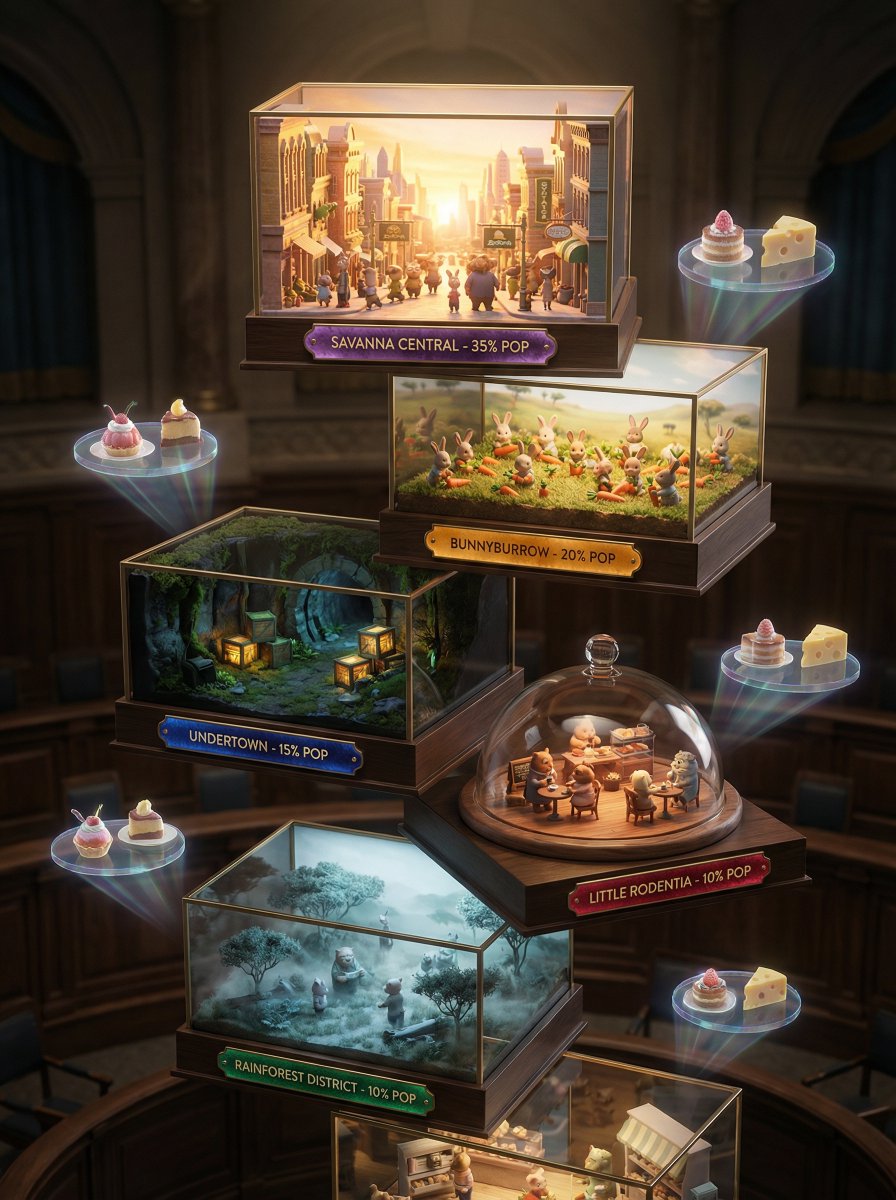
A 3D miniature Zootopia visualization, no human model, showcasing seven artistic miniature stages: bustling Zootopia streets kissed by sunrise, tiny animal citizens harvesting carrots, dimly lit underground tunnels with precise rows of produce crates, intimate city cafe gatherings, ethereal misty morning savanna ambiance. Each tier displays district name, population percentage, and Zootopia Gazette tasting notes designed like precious gems. Backdrop evokes an expensive city hall setting, utilizing strong chiaroscuro lighting to create a high-fashion editorial ambiance. Shot with Hasselblad H6D-100c, 100mm f/2.2, extremely shallow depth of field with exquisite bokeh. Holographic displays of carrot cake pairing suggestions drift subtly, featuring artisanal cheese pairings for whites, intense dark chocolate for reds. The color story shifts from deep earth tones and jewel tones for full-bodied wines to icy greens, silvery golds, and champagne hues for crisp varietals.

First-Person AR Shopping Interface Overlay

First-Person AR Shopping Interface Overlay

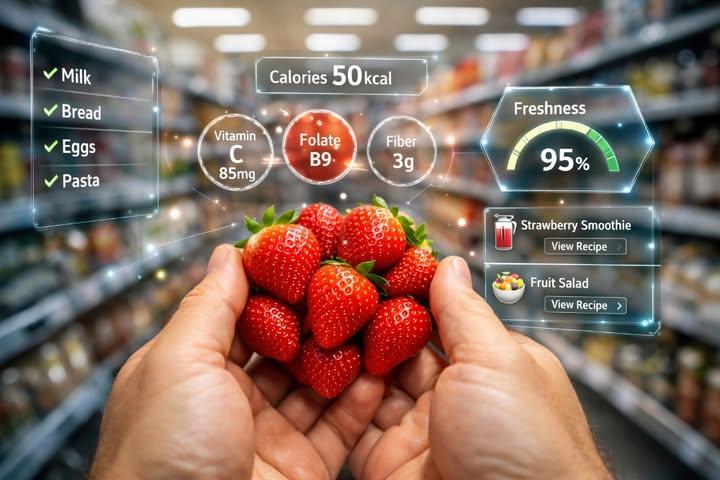
A realistic first-person perspective (POV) shot of a person's hands holding a bunch of fresh, red strawberries in a blurred supermarket aisle. The image features a futuristic Augmented Reality (AR) interface overlay. Glowing holographic graphics surround the strawberries displaying nutritional information like 'Calories {argument name="calories" default="50kcal"}', 'Vitamin C', 'Folate', and 'Fiber'. On the right, a digital gauge shows 'Freshness {argument name="freshness" default="95%"}' and recipe suggestions like 'Strawberry Smoothie'. On the left, a holographic shopping list checks off items like Milk and Bread. High-tech, smart shopping concept, photorealistic lighting, 8k resolution.

High-Fashion Marketing Infographic

High-Fashion Marketing Infographic

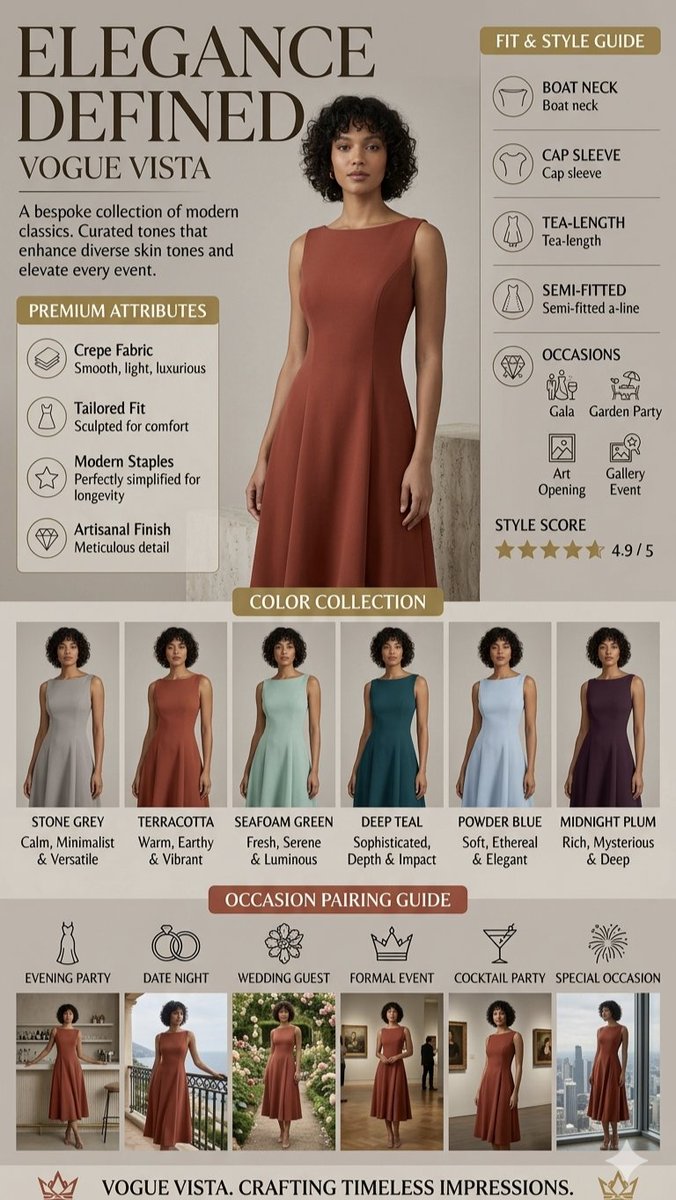
This high-fashion marketing infographic, titled {argument name="title" default="Elegance Defined"} by {argument name="brand" default="Vogue Vista"}, showcases a sophisticated bespoke collection of modern classic dresses. A central model poses in a {argument name="dress description" default="terracotta, tea-length, semi-fitted A-line dress featuring a boat neck and cap sleeves"}, set against a neutral, minimalist background. The layout includes a "Fit & Style Guide," a "Premium Attributes" section highlighting the luxurious crepe fabric and artisanal finish, and a {argument name="color collection" default=""Color Collection" featuring six shades like Seafoam Green and Midnight Plum"}. At the bottom, an "Occasion Pairing Guide" uses a series of lifestyle thumbnails to demonstrate the dress's versatility for events ranging from garden parties and art openings to formal evening galas.

Isometric living room layout based on a sofa photo

Isometric living room layout based on a sofa photo

Create a living room layout that suits this sofa. Make it a room in a single-story house in the city where a married couple lives. Show the entire room as an isometric bird’s-eye view. Use an anime-style illustration.

Vintage Patent Document for an Invention
Nano Banana ProFeatured

Vintage Patent Document for an Invention

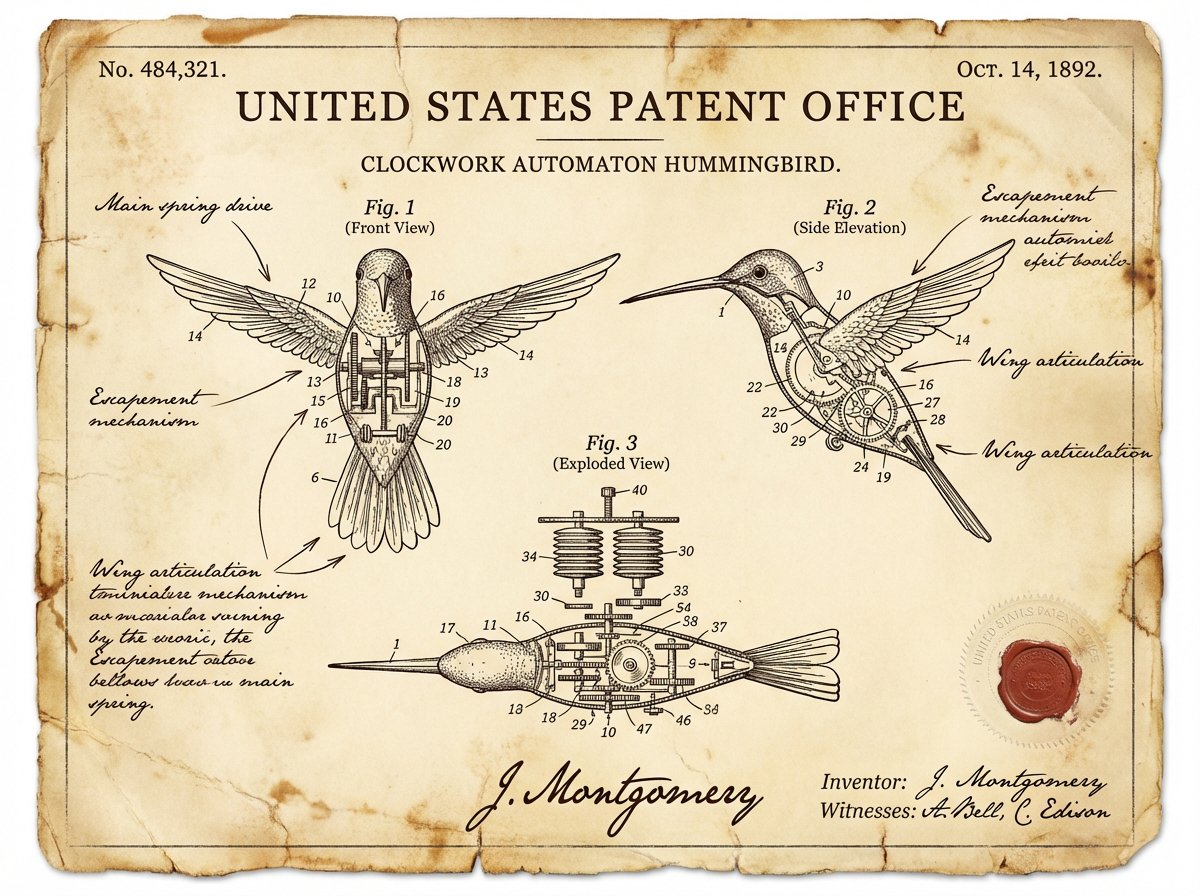
A vintage patent document for {argument name="invention" default="INVENTION"}, styled after late 1800s United States Patent Office filings. The page features precise technical drawings with numbered callouts (Fig. 1, Fig. 2, Fig. 3) showing front, side, and exploded views. Handwritten annotations in fountain-pen ink describe mechanisms. The paper is aged ivory with foxing stains and soft fold creases. An official embossed seal and red wax stamp appear in the corner. A hand-signed inventor's name and date appear at the bottom. The entire image feels like a recovered archival document—authoritative, historic, and slightly mysterious.

@Alexandra Aisling
Hyper-realistic editorial food infographic of Indian Veg Curry

Hyper-realistic editorial food infographic of Indian Veg Curry

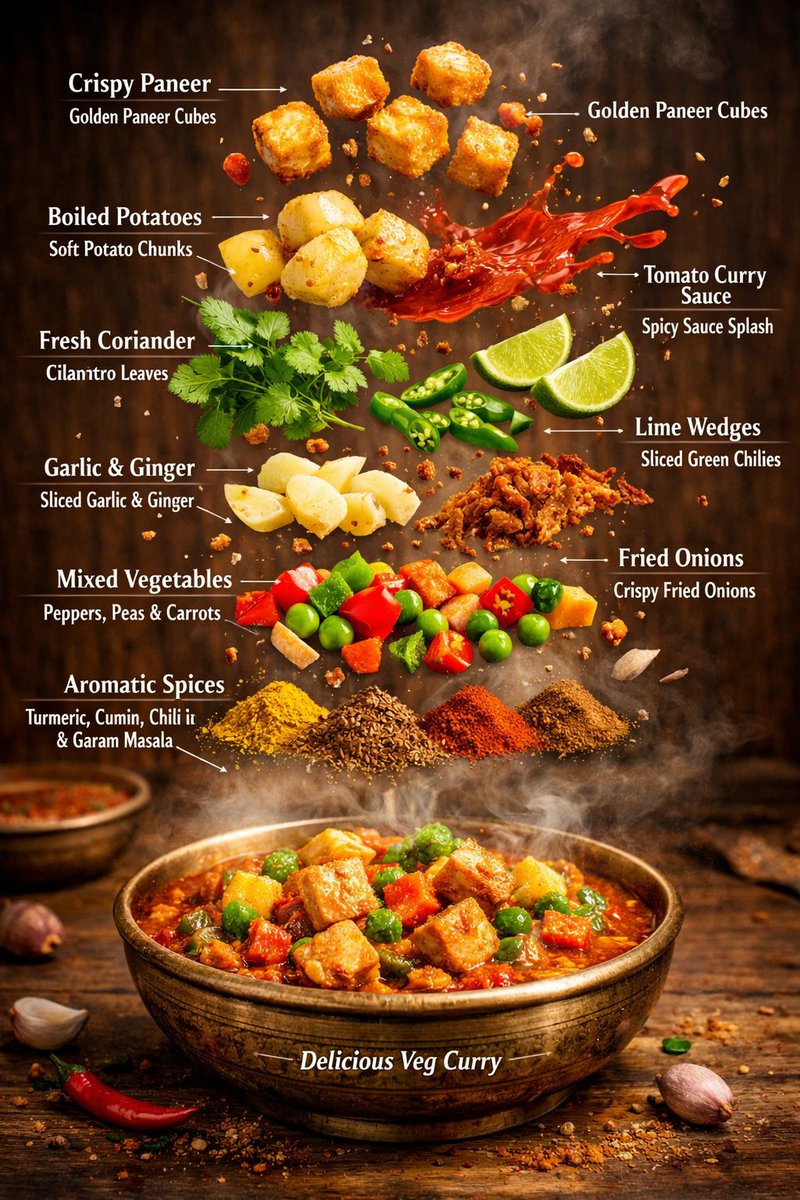
{ "image_prompt": { "type": "Hyper-realistic editorial food infographic", "subject": { "cuisine": "Authentic Indian Vegetarian", "base_element": "Traditional rustic bowl filled with steaming, freshly cooked curry at the bottom, rich and aromatic", "levitating_ingredients": [ "Golden, crispy paneer cubes", "Soft boiled potato chunks", "Glazed tomato-curry sauce splashes suspended mid-air", "Vibrant fresh coriander leaves", "Sliced green chilies", "Lime wedges", "Thin slices of garlic and ginger", "Crunchy fried onions", "Colorful vegetables: red bell peppers, green peas, orange carrots", "Sprinkle of aromatic spices: turmeric, cumin seeds, red chili powder, garam masala" ] }, "composition": { "layout": "Clean vertical infographic composition", "arrangement": "Realistic gravity-defying floating ingredients, layered for visual hierarchy", "background": "Warm rustic wooden tabletop or traditional Indian brass plate", "visual_hierarchy": "Bowl anchored at the bottom, ingredients rising vertically with natural spacing, creating depth and focus on main dish" }, "graphic_design_elements": { "labels": "Sharp, clear English text annotations for each ingredient", "lines": "Delicate thin white pointer lines connecting floating ingredients to labels", "style": "Professional editorial food magazine infographic, visually educational, vibrant and appetizing" }, "lighting_and_mood": { "lighting": "Cinematic studio lighting with warm highlights and soft shadows, enhancing textures", "color_palette": "Rich, vibrant warm tones to highlight spices, vegetables, and curry", "effects": "Visible rising steam, motion-frozen mid-air ingredients, slight reflections and glistening sauce for mouth-watering effect" }, "technical_specs": { "camera_settings": "Shallow depth of field, ultra-sharp focus on foreground elements, DSLR cinematic lens effect", "details": "Ultra-detailed textures on paneer, vegetables, spices, and sauce; realistic steam and glossy highlights", "resolution": "8K ultra-realistic, suitable for high-end digital display, print, or magazine cover" } } }

Deconstructed Ingredients Visualization

Deconstructed Ingredients Visualization

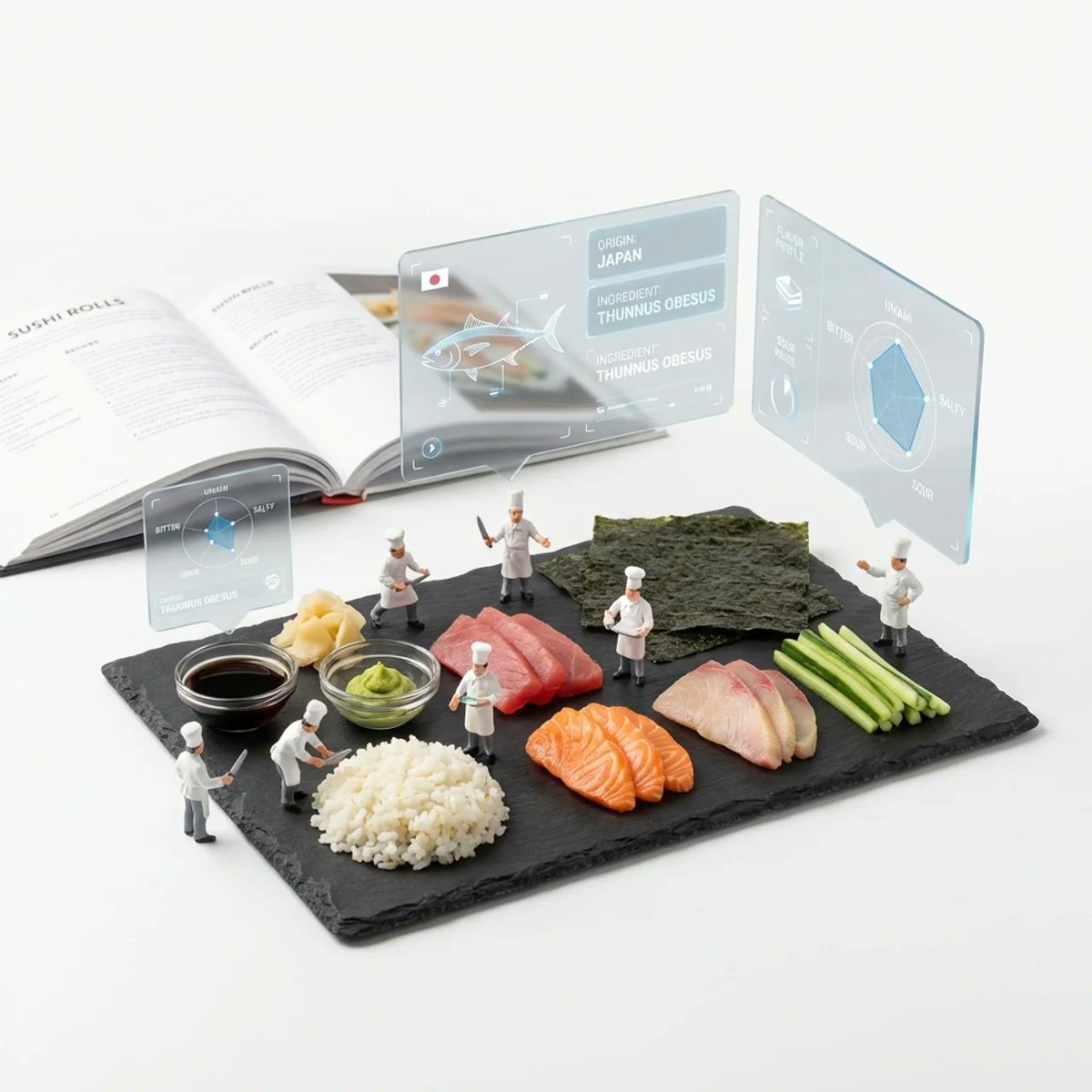
( Deconstructed_Ingredients_{argument name="dish name" default="[DISH_NAME]"} * 1.5 ) + ( Miniature_Plastic_Toy_Chef * 1.2 ) + ( Floating_Frosted_Glass_AR_UI_Panels * 1.5 ) + ( Flavor_Profile_Radar_Charts * 1.0 ) + ( Slate_Serving_Board * 1.0 ) + ( Blurred_Cookbook_Background_{argument name="dish name 2" default="[DISH_NAME]"} * 0.8 ) + ( Pure_White_Studio_Void * 1.0 ) - ( Human_Sized_Chef / 2.0 ) - ( Messy_Plating / 2.0 )

Some prompts are collected from creators on X. Copyright belongs to the original authors.