Instinct AI

Prompt Library

AI Prompt Library

Curated image, video and web design prompts from creators around the world. Copy any prompt, swap the subject or style, and generate with the latest models.

15,630 prompts · Updated daily · 100% free

606 prompts

Multi-Step Diagram Generation and Coloring Book Creation

Multi-Step Diagram Generation and Coloring Book Creation

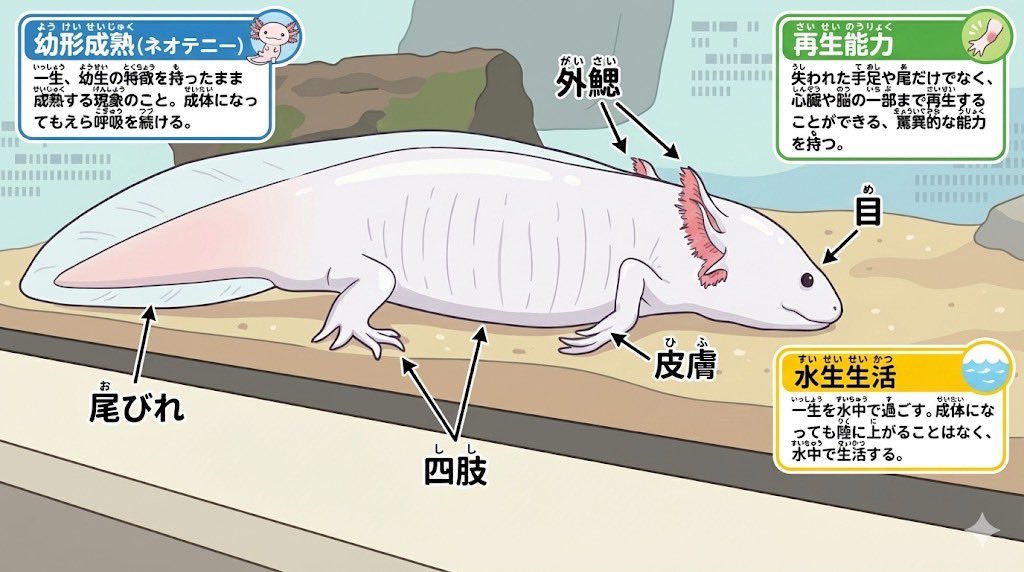
Animal photo -> Diagram Clean diagram completed ↓ Modified for elementary school students Ruby text (furigana) is also included in the coloring ↓ Turn it into a coloring book page ↓ Your own diagram is complete♪

Fitness Journey Digital Collage

Fitness Journey Digital Collage

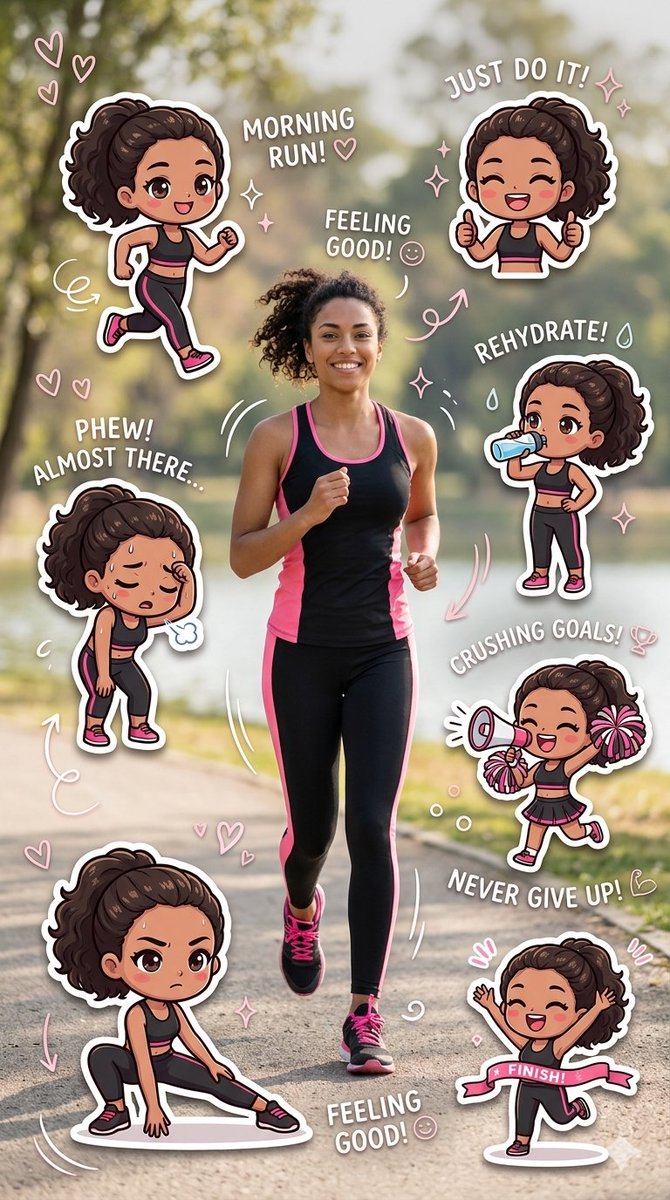
A vibrant, {argument name="theme" default="fitness-themed"} digital collage featuring a central photo of a {argument name="subject action" default="smiling woman jogging along a park path"}, surrounded by a series of expressive "chibi-style" stickers. The woman and her animated counterparts are dressed in matching {argument name="outfit colors" default="black and pink"} athletic gear. Each sticker depicts a stage of a workout journey—from the energy of a "Morning Run!" and the determination of a deep stretch, to the exhaustion of being "Almost There" and the final triumph of crossing a line. The composition is decorated with playful pink hearts, sparkles, and motivational text like "Just Do It!" and "Crushing Goals!", creating a cheerful and inspiring narrative.

Photorealistic Diorama Isometric Map Prompt

Photorealistic Diorama Isometric Map Prompt

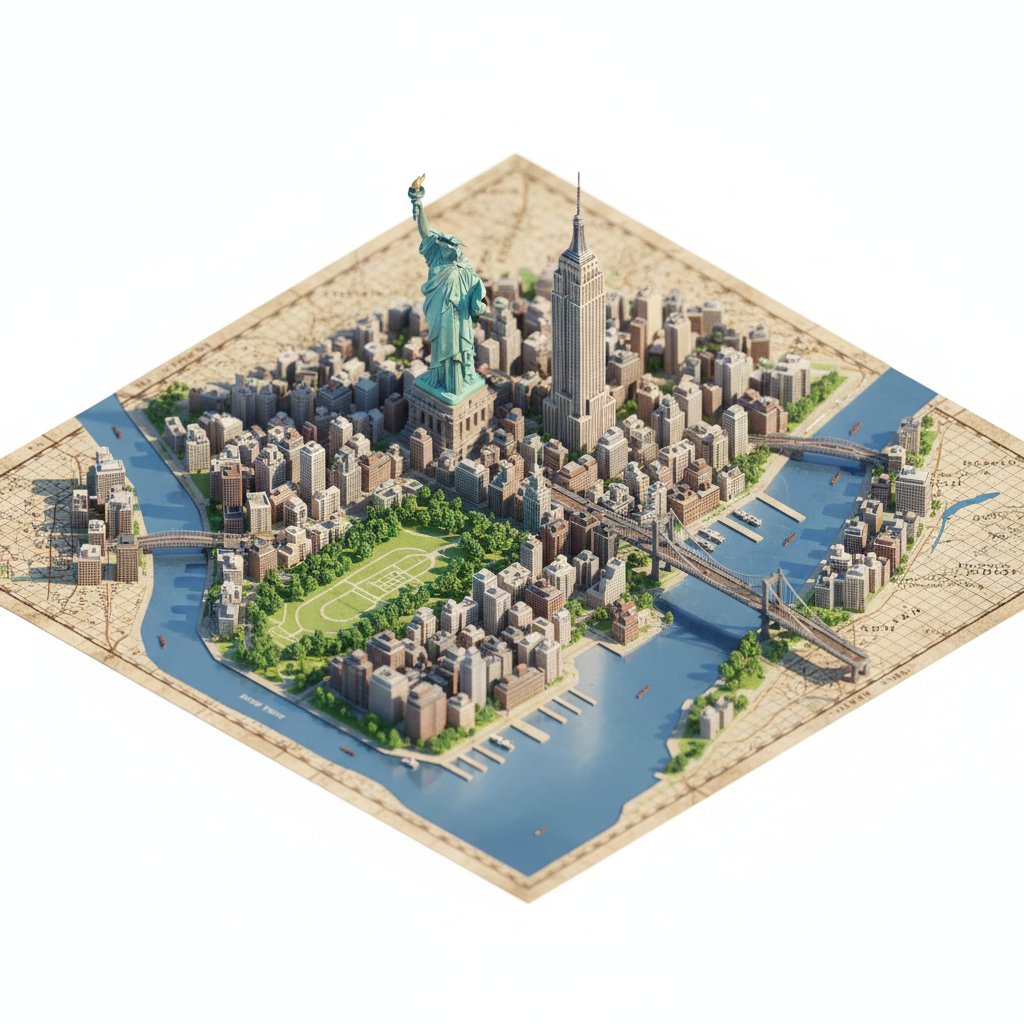
"description": "Create a highly detailed, photorealistic miniature diorama style isometric map of {argument name="city location" default="CITY/LOCATION"} placed on a vintage textured paper map.", "perspective": { "type": "isometric", "angle": "45 degree top down", "look": "macro photography with tilt-shift miniature effect" }, "geography": { "shape": "follows real geographic shape of {argument name="city location" default="CITY/LOCATION"}", "landmarks": { "oversized": true, "dominant": true, "primary_focus": "monuments", "secondary_elements": "smaller and simplified" }, "architecture": "ultra detailed miniature", "roads": "selective", "greenery": true, "water_bodies": true, "terrain": true, "materials": ["stone", "wood", "concrete", "glass", "foliage"] }, "lighting": { "type": "soft cinematic daylight", "effects": ["natural shadows", "warm highlights", "subtle atmospheric depth"] }, "water": { "rivers": true, "coastlines": true, "depth_gradients": "smooth", "reflections": "gentle" }, "map_base": { "type": "old world cartographic paper", "features": ["visible grid lines", "paper grain", "printed place names"] }, "focus": { "sharp_on_landmarks": true, "edge_falloff": "gentle" }, "quality": { "museum_quality": true, "handcrafted_diorama_realism": true, "ultra_high_resolution": true }, "background": { "color": "clean pure white", "restrictions": ["no floating text", "no logos", "no watermarks", "no futuristic or cartoon elements"] }, "aspect_ratio": "4:5" }

Kid-Friendly Emotion Illustrations (Cartoon Dog)

Kid-Friendly Emotion Illustrations (Cartoon Dog)

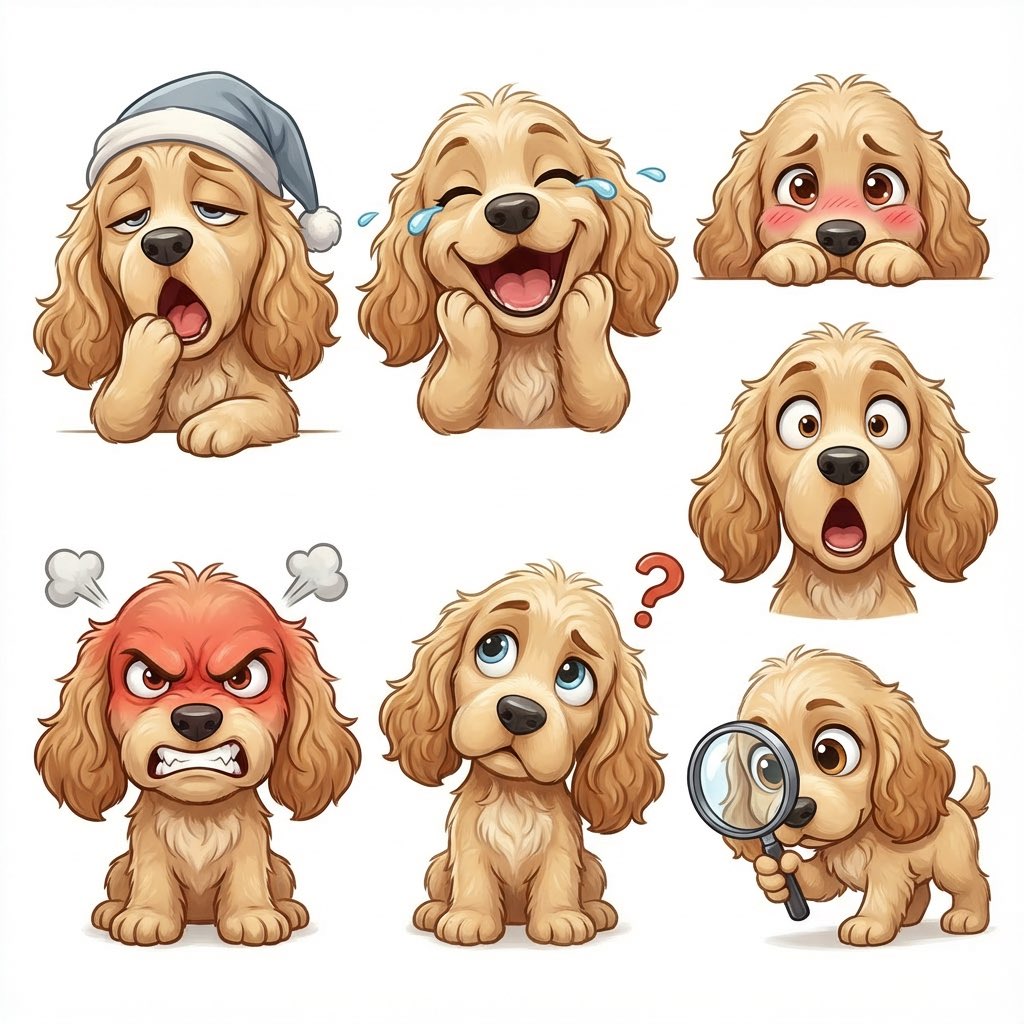
Create kid-friendly emotion illustrations using one cartoon dog character with clear facial expressions ({argument name="emotions" default="happy, sad, angry, confused, surprised, tired"}). Simple style. White background. Designed for kids to point and identify emotions.

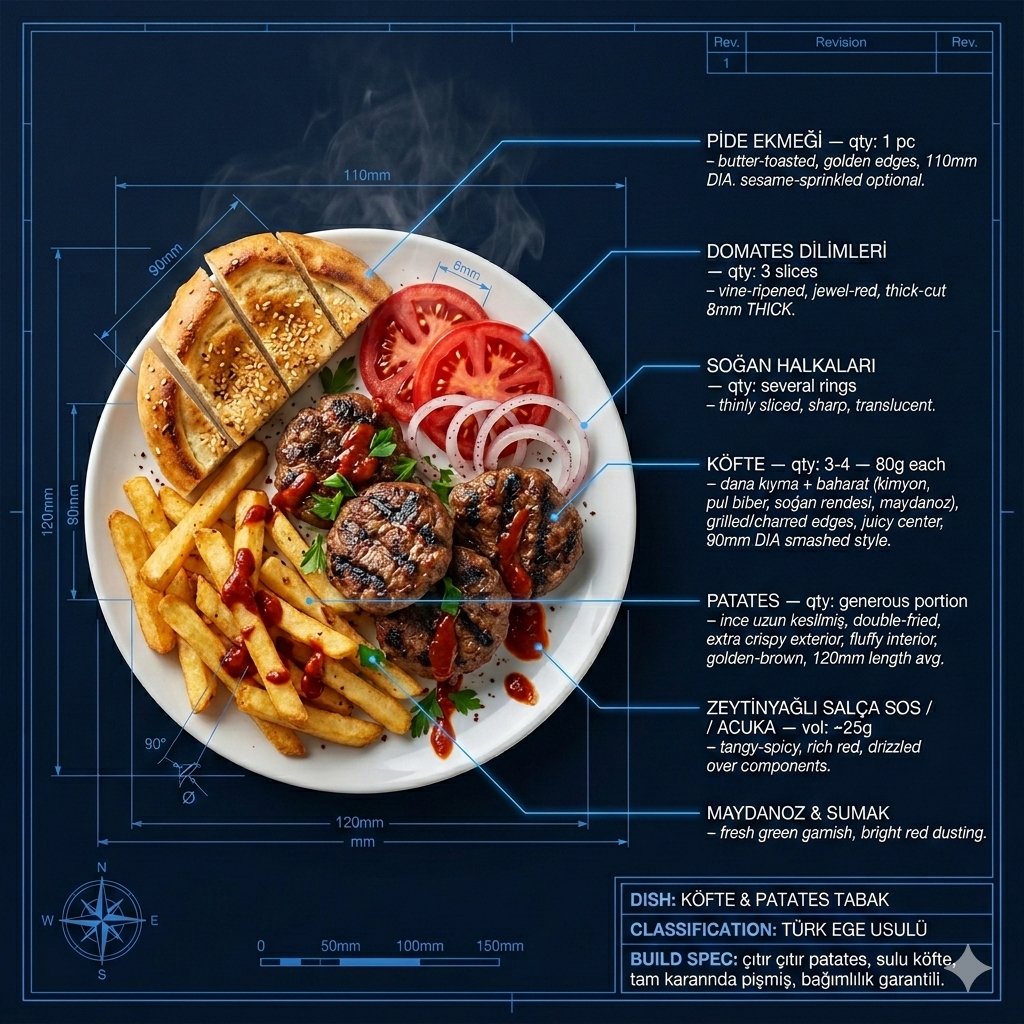
Technical Architectural Blueprint of KÖFTE & PATATES

Technical Architectural Blueprint of KÖFTE & PATATES

Technical architectural blueprint of KÖFTE & PATATES on deep navy blue drafting paper #0A1628. Hyperrealistic photorealistic food hero centered and dramatically lit — warm studio spotlight from upper left, soft fill from right, visible steam wisps and sauce drips frozen mid-motion in full color. Food rendered with obsessive detail: glistening textures, visible moisture, char marks, melting elements catching light. Blueprint linework in crisp electric blue #4A90D9 — precise measurement lines, dimension arrows, cross-section callouts, grid overlay, compass rose bottom-left, scale bar bottom-center, revision block top-right. LABELS: Each ingredient connected by a thin glowing electric blue line with a sharp 90-degree elbow joint — exactly like a professional CAD drawing. Label text in bright white Helvetica Neue Light uppercase, ingredient name bold, descriptor below in thin italic: "INGREDIENT NAME — qty: X — preparation method, texture descriptor, origin". Food positioned left-of-center. All labels clustered right side and top, lines fanning outward cleanly with no crossovers. Main components from top to bottom: - PİDE EKMEĞİ — butter-toasted, golden edges, 110mm DIA. sesame-sprinkled optional. - DOMATES DİLİMLERİ — vine-ripened, jewel-red, thick-cut 8mm THICK. - SOĞAN HALKALARI — thinly sliced, sharp, translucent. - KÖFTE — qty: 3-4 — 80g each, hand-minced dana kıyma + baharat (kimyon, pul biber, soğan rendesi, maydanoz), grilled/charred edges, juicy center, 90mm DIA smashed style. - PATATES — qty: generous portion — ince uzun kesilmiş, double-fried, extra crispy exterior, fluffy interior, golden-brown, 120mm length avg. - ZEYTİNYAĞLI SALÇA SOS / ACUKA — tangy-spicy, rich red, drizzled 25g. - MAYDANOZ & SUMAK — fresh green, bright red dusting. Bottom-right title block with double border: "DISH: KÖFTE & PATATES TABAK // CLASSIFICATION: TÜRK EGE USULÜ // BUILD SPEC: çıtır çıtır patates, sulu köfte, tam kararında pişmiş, bağımlılık garantili." Mood: NASA food engineering meets Michelin lokanta — clinical precision with irresistible appetite appeal. Dramatic, extraordinary, craveable. 4K, tack sharp, electric blue linework glowing softly, warm food tones popping against cool navy.

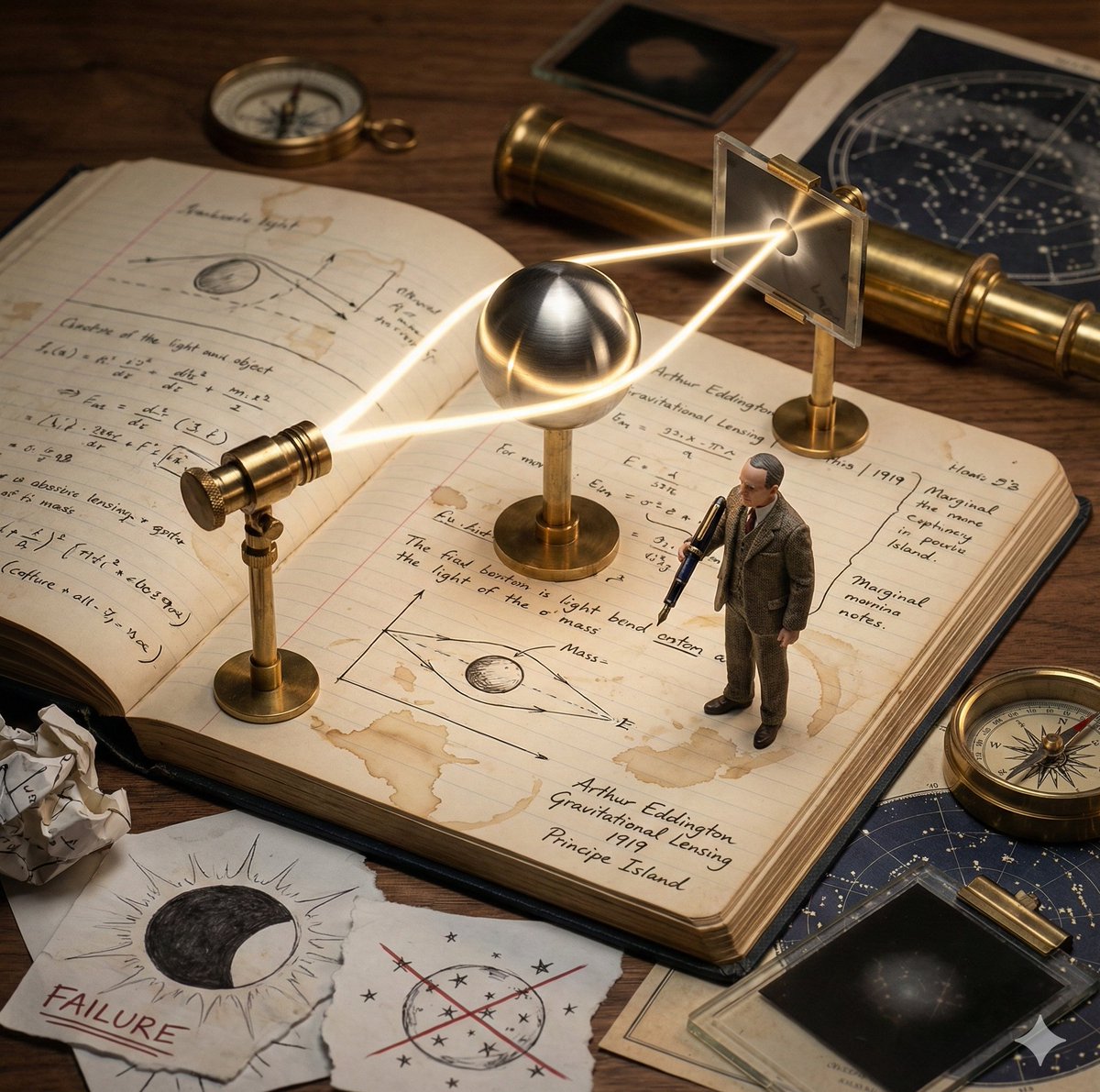
Kinetic Sculpture of Scientific Discovery in a Lab Notebook

Kinetic Sculpture of Scientific Discovery in a Lab Notebook

Role: Science Historian & Kinetic Sculpture Engineer Input: Scientific Discovery: {argument name="scientific discovery" default="{{DISCOVERY}}"} Primary Scientist: {argument name="scientist name" default="{{SCIENTIST_NAME}}"} Year: {{YEAR}} Lab Location: {{LOCATION}} Phase 1: Concept Analysis Identify the defining eureka moment behind {{DISCOVERY}} Briefly imply earlier failed attempts through visual cues Select the key physical apparatus used or symbolized in this discovery (e.g. telescope, prism, microscope, equation, clock, lens) Phase 2: Visual Execution Goal: A single 1x1 frame showing a working “lab notebook contraption” frozen mid-discovery. Scene Rules: Base: An open, aged lab notebook on a wooden desk. Coffee stains, handwritten equations, rough sketches, and marginal notes fill the pages. The Machine: A functional brass and glass apparatus rises directly from the notebook pages. Steampunk-inspired but scientifically grounded. The Process: The apparatus actively demonstrates {{DISCOVERY}} Examples: light bending, gears rotating, particles flowing, rings orbiting, waves oscillating. The Scientist: A tiny, realistic figurine of {{SCIENTIST_NAME}} in period-accurate lab clothing, holding a fountain pen and taking notes. The Failure: Crossed-out equations, torn sketches, and crumpled paper scattered near the notebook. The Eureka: One subtle glowing element (LED, filament, beam of light, energized ring) symbolizing the breakthrough moment. The Label: Handwritten in fountain pen style on the notebook page: “{{SCIENTIST_NAME}} | {{DISCOVERY}} | {{YEAR}} | {{LOCATION}}” Era Props: Period-accurate tools such as a slide rule, telegram, brass compass, glass tubes, Bunsen burner, vacuum tubes, or notebooks. Style & Output Composition: Single frame, centered subject, square 1x1 Lighting: Dramatic side lighting, warm highlights, deep shadows Texture: Brass, glass, paper fibers, ink stains clearly visible Photography Style: Industrial scientific photography, cinematic realism Mood: Quiet intensity, intellectual tension, frozen moment of discovery Quality: Ultra-detailed, macro realism, shallow depth of field

Industrial Blueprint Generation Prompt

Industrial Blueprint Generation Prompt

“Analyze the uploaded reference image to understand the mechanical structure and geometry of the object. Generate a comprehensive, industrial-level blueprint of this specific product. Present the design as a professional orthographic projection, featuring clear plan, elevation, and section views to detail the internal and external construction. Deconstruct the assembly into its primary components and apply legible, technical text labels (denominations) for each part using a standardized sans-serif engineering font. Render the visual in a classic blueprint aesthetic with precise white vector-style lines on a deep blue grid background, ensuring high contrast and professional accuracy suitable for manufacturing documentation.”

Universal 3D Anatomy Dissection Prompt

Universal 3D Anatomy Dissection Prompt

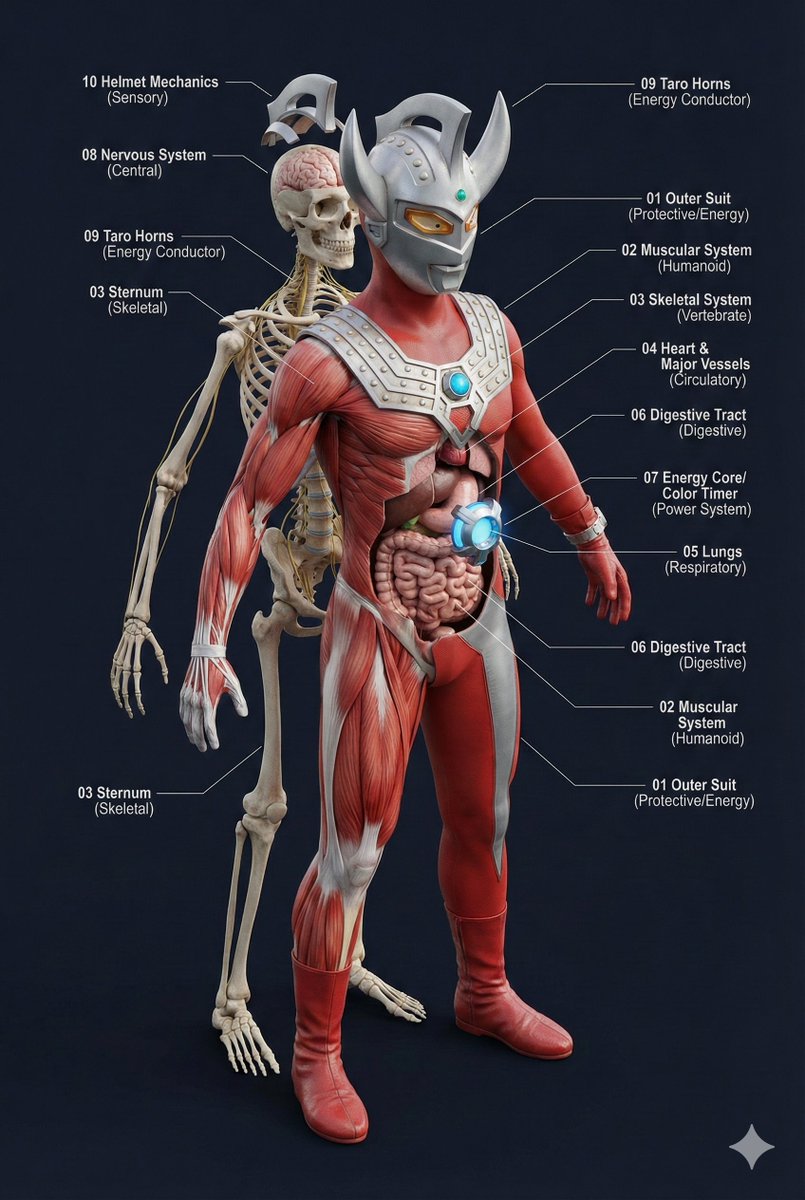
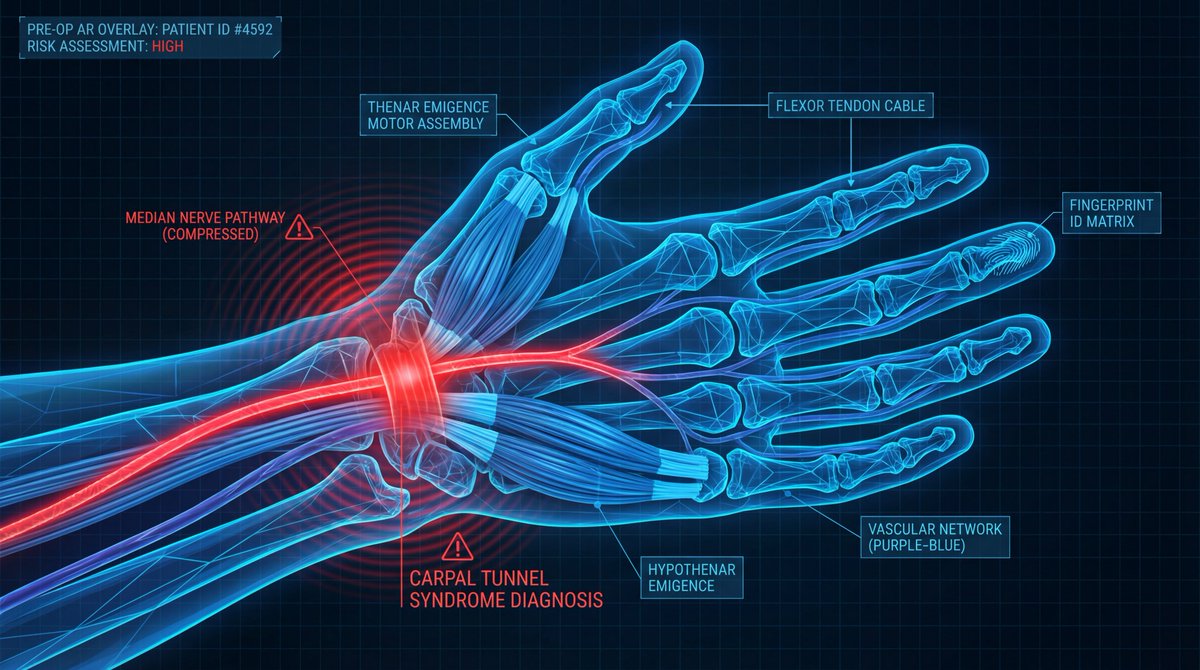
A single prompt can 'dissect' the body structure of any creature?! This universal prompt can generate: ✨ Ultra-detailed 3D anatomical diagrams ✨ Automatically adapted skeletal/visceral systems ✨ Numbered professional medical annotations Whether it's the internal structure of Pikachu or the core of Godzilla, everything can be seen through! 👀

Forest Passage Under Stars
Grok Imagine

Forest Passage Under Stars

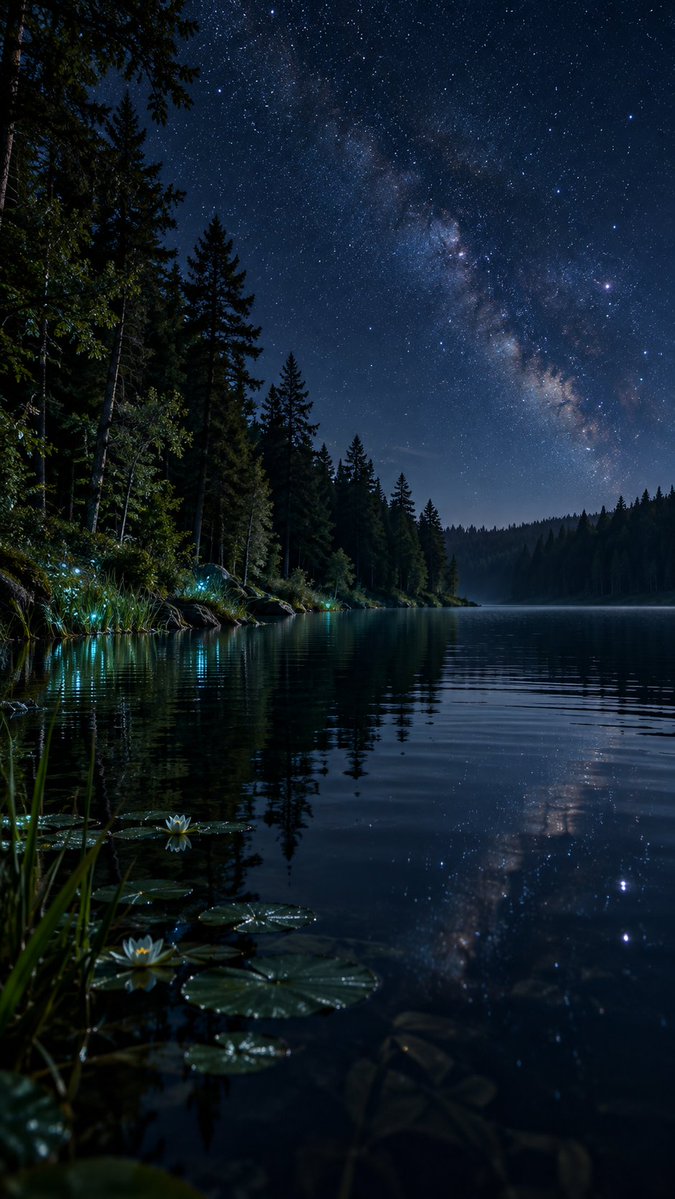
A quiet passage through a forest glowing beneath the stars A hidden lake, a sky full of stars, and just a trace of light along the shore. Sometimes the most magical places are the quietest. ✨🌌

@Nagarjuna Creates
Voxel Magazine Pop-up Art

Voxel Magazine Pop-up Art

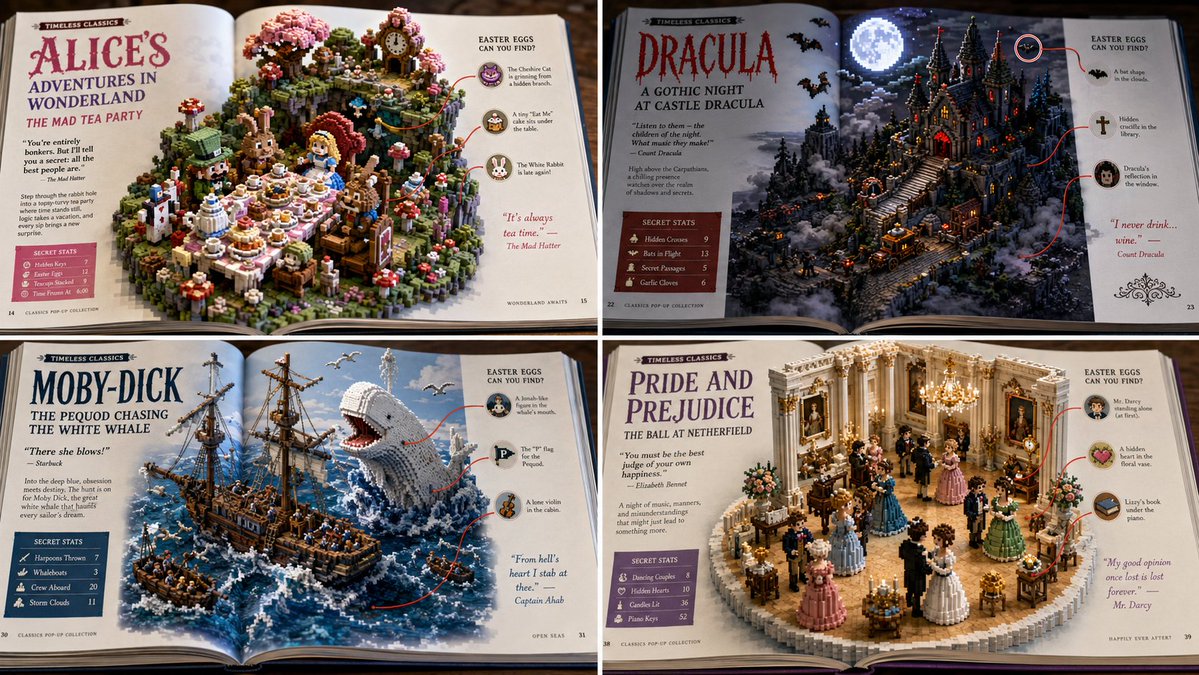
2x2 grid, 16:9, do this for public space, non copyrighted books: { "Scene_Type": "Macro Photography of an Open Magazine Spread", "Topic": "{argument name=\"franchise\" default=\"[FRANCHISE]\"} - {argument name=\"scene\" default=\"[SCENE]\"}", "AI_Semantic_Inference": { "The_Pop_Up": "A 3D, isometric, highly detailed voxel/clay block of the [SCENE] rising out of the glossy magazine pages.", "The_Layout": "Left and Right margins feature editorial text columns, bold headlines, and 'Secret Stats' boxes.", "The_Callouts": "Red circles drawn around AI_INFER(hidden easter eggs in the 3D model), with red lines connecting them to the 2D margin text." }, "Aesthetic": "Slightly glossy paper texture, vibrant colors, satisfying tactile blend of 2D print media and 3D isometric art." }

Sketch Drawing Annotation Prompt

Sketch Drawing Annotation Prompt

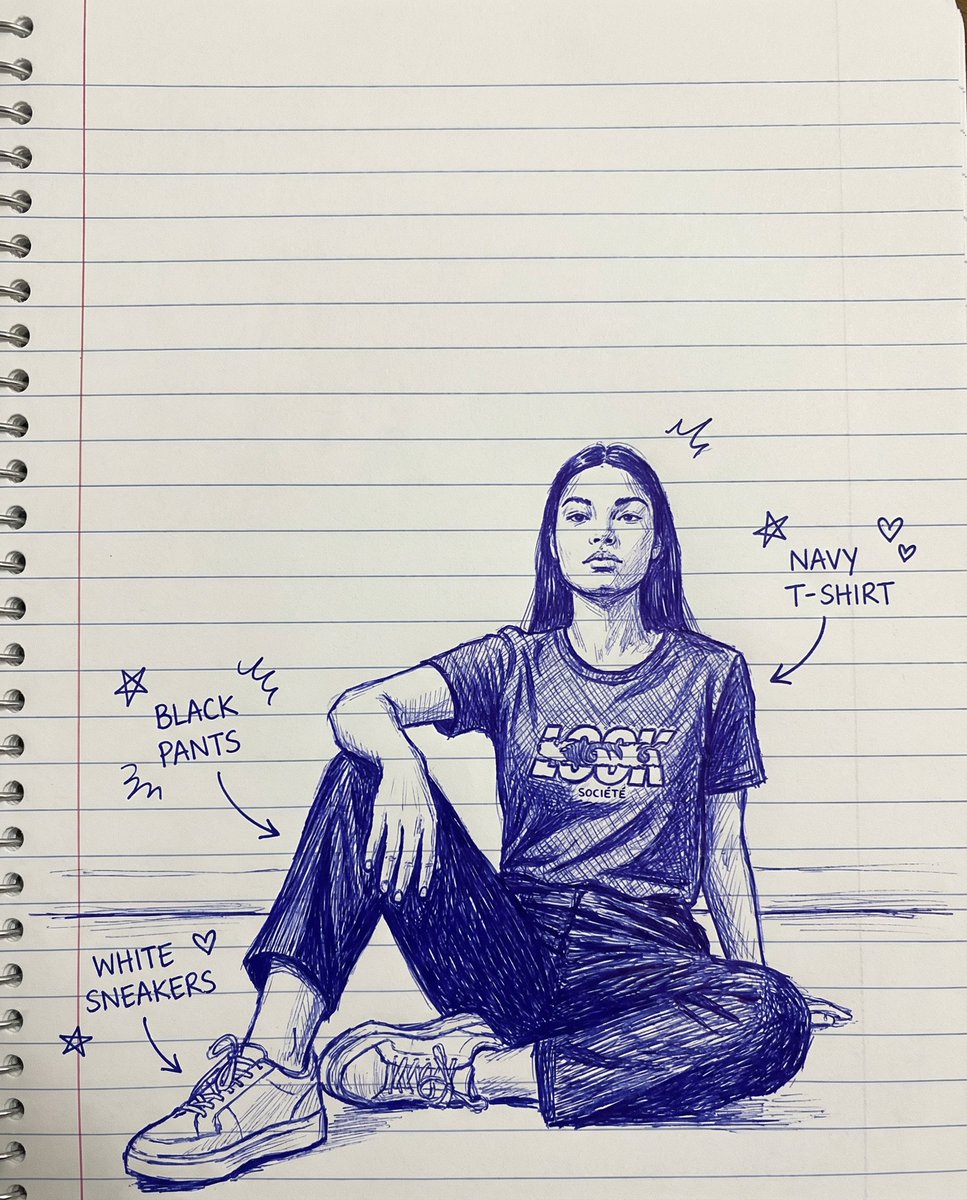
create a sketch of a hand-drawn drawing with lines on notebook paper, doodles, and arrows identifying each item of clothing

Knolling Flat Lay Product Photography Prompt (Inventions)

Knolling Flat Lay Product Photography Prompt (Inventions)

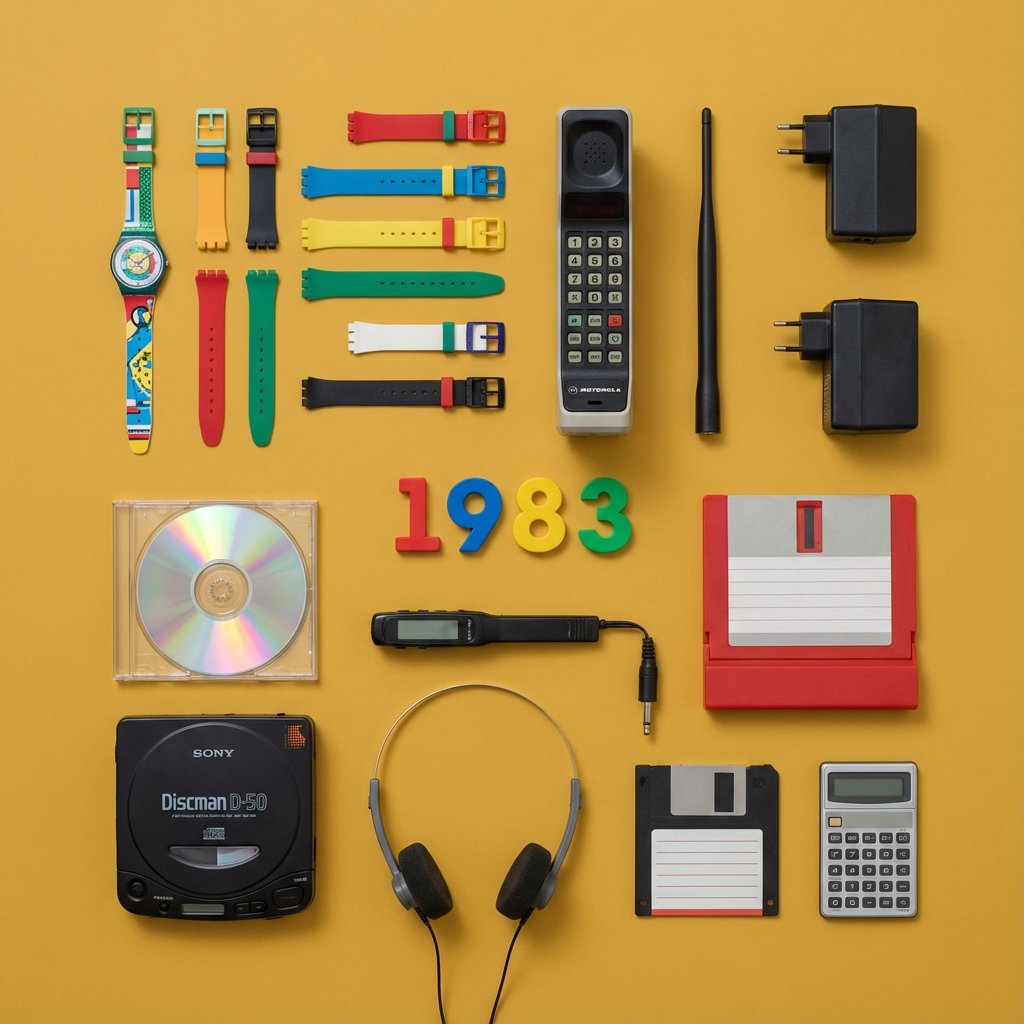
Do this for {argument name="year" default="1983"} > You are a Professional Product Photographer specializing in knolling Flat Lay photography. I will provide a Year or inventor. Step 1: The Selection. > Identify 3 to 5 inventions from that year, plus 5-7 smaller related accessories (e.g., if the invention is a camera, include film rolls; if it's a car part, include a wrench). Step 2: The Layout. Arrange all items on a flat, solid-colored matte background (choose a color that contrasts well with the items). The Grid: Align everything at perfect 90-degree angles. Organize them by size and shape. The Vibe: Deconstructed, organized, satisfying, geometric. The Lighting: Soft, flat, overhead studio lighting (shadowless). Output: A single 4:5 image. The Year (e.g., "1955") should be arranged using physical typography (like metal letters or cut paper) placed in the center of the grid. Style: Wes Anderson symmetry, high-end commercial advertising, vibrant.

Technical Infographic Overlay on a Photorealistic Object

Technical Infographic Overlay on a Photorealistic Object

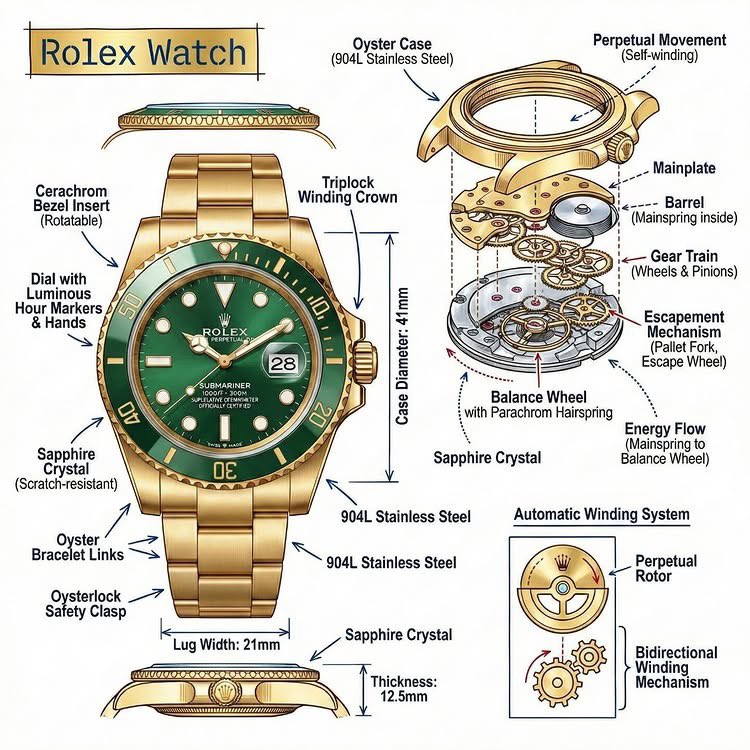
Create an infographic image of {argument name="object" default="[OBJECT]"}, combining a realistic photograph or photorealistic render of the object with technical annotation overlays placed directly on top. Use black ink–style line drawings and text (technical pen / architectural sketch look) on a pure white studio background. Include: •Key component labels •Internal cutaway or exploded-view outlines (where relevant) •Measurements, dimensions, and scale markers •Material callouts and quantities •Arrows indicating function, force, or flow (air, sound, power, pressure, movement) •Simple schematic or sectional diagrams where applicable Place the title {argument name="object title" default="[OBJECT]"} inside a hand-drawn technical annotation box in one corner. Style & layout rules: •The real object remains clearly visible beneath the annotations •Annotations look hand-sketched, technical, and architectural •Clean composition with balanced negative space •Educational, museum-exhibit / engineering-manual vibe Visual style: Minimal technical illustration aesthetic. Black linework layered over realistic imagery. Precise but slightly hand-drawn feel. Color palette: Pure white background. Black annotation lines and text only. No colors. Output: 1080 × 1080 resolution Ultra-crisp Social-feed optimized No watermark

Flat UI/Startup Style Illustration Prompt

Flat UI/Startup Style Illustration Prompt

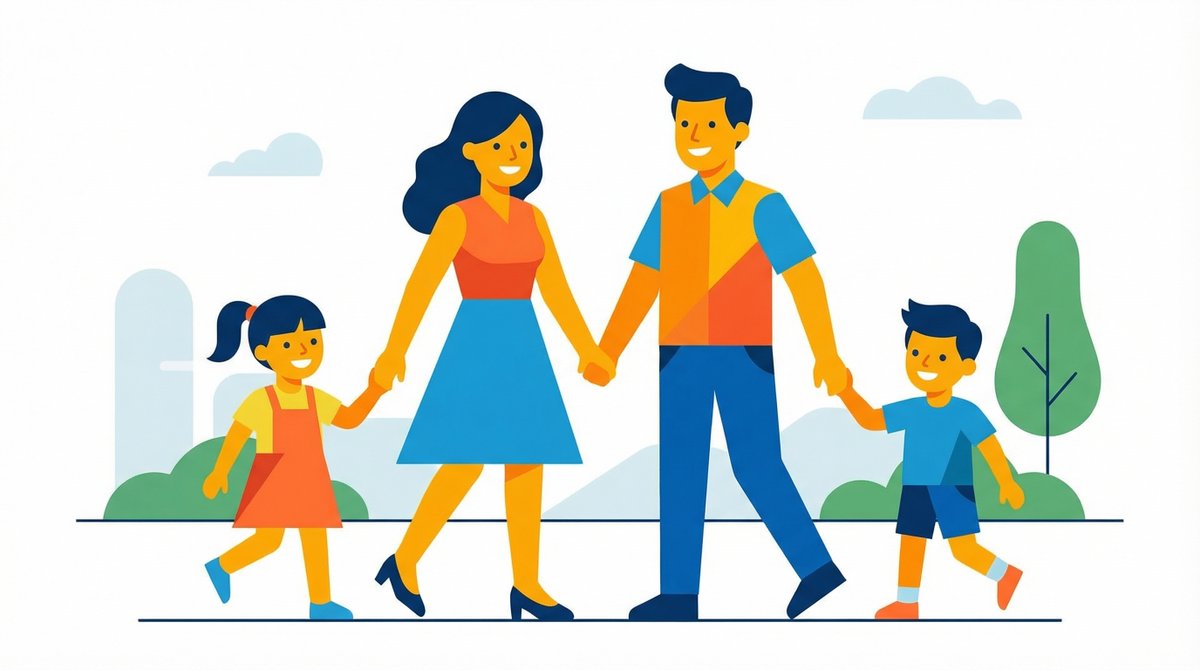
Flat illustration of {argument name="subject" default="[subject]"}, startup-style vector art, bright colors, simple shapes, clean and professional design, white background, no text.

Evolutionary Blueprint Sheet for an Invention

Evolutionary Blueprint Sheet for an Invention

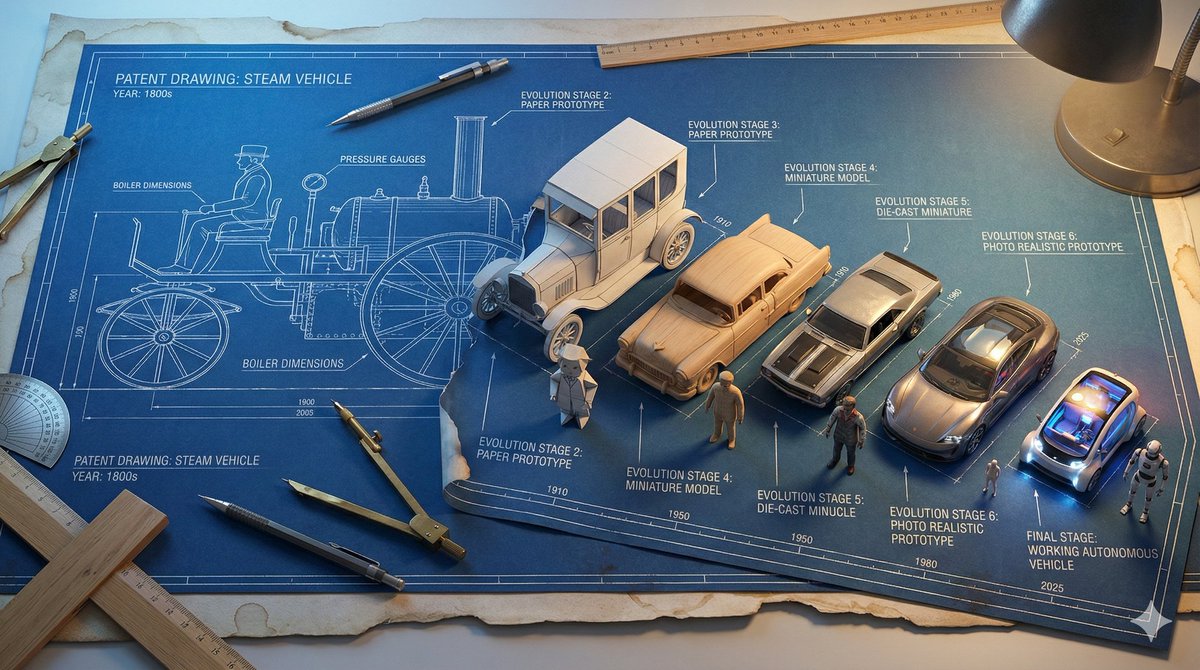
Single large horizontal blueprint sheet, 16:9 aspect ratio, showing the complete evolutionary journey of **{argument name="invention name" default="[INVENTION]"}** from its first concept to its modern form, presented as a technical blueprint coming to life. Authentic aged blueprint paper with white technical lines on deep blue background, subtle coffee stained edges and worn paper texture. Forced perspective across the page from left to right. Left side shows the original patent era design of **{argument name="invention name" default="[INVENTION]"}** as a pure flat 2D technical line drawing, precise drafting style, no depth. Inventor figure on the far left also drawn fully in 2D blueprint line art. Gradual transformation across 7 to 9 clearly separated stages moving rightward: Stage 1 pure technical line drawing. Stage 2 blueprint lines beginning to lift off the page with a paper craft effect. Stage 3 partial miniature model emerging from the blueprint. Stage 4 fully formed 3D miniature model, unpainted. Stage 5 painted miniature with realistic materials. Final stage shows a photo realistic tiny working version of **{argument name="invention name" default="[INVENTION]"}**. The inventor figure evolves in parallel from flat 2D drawing on the left into a fully 3D miniature figurine on the right, matching the same transformation stages. Each stage labeled with technical annotations, measurement markings, arrows, and small evolution dates in blueprint drafting style typography. Drafting tools including compass, protractor, mechanical pencil, ruler, and T square interacting with the flat blueprint areas, while the 3D sections break free from the page. Lighting transitions from cool LED blueprint table backlight on the left to realistic practical lighting on the right, emphasizing depth and realism. Ultra detailed technical illustration meets practical effects, high realism, clean composition, museum quality concept visualization.

Monumental Mathematical Symbols as Terrain Typography

Monumental Mathematical Symbols as Terrain Typography

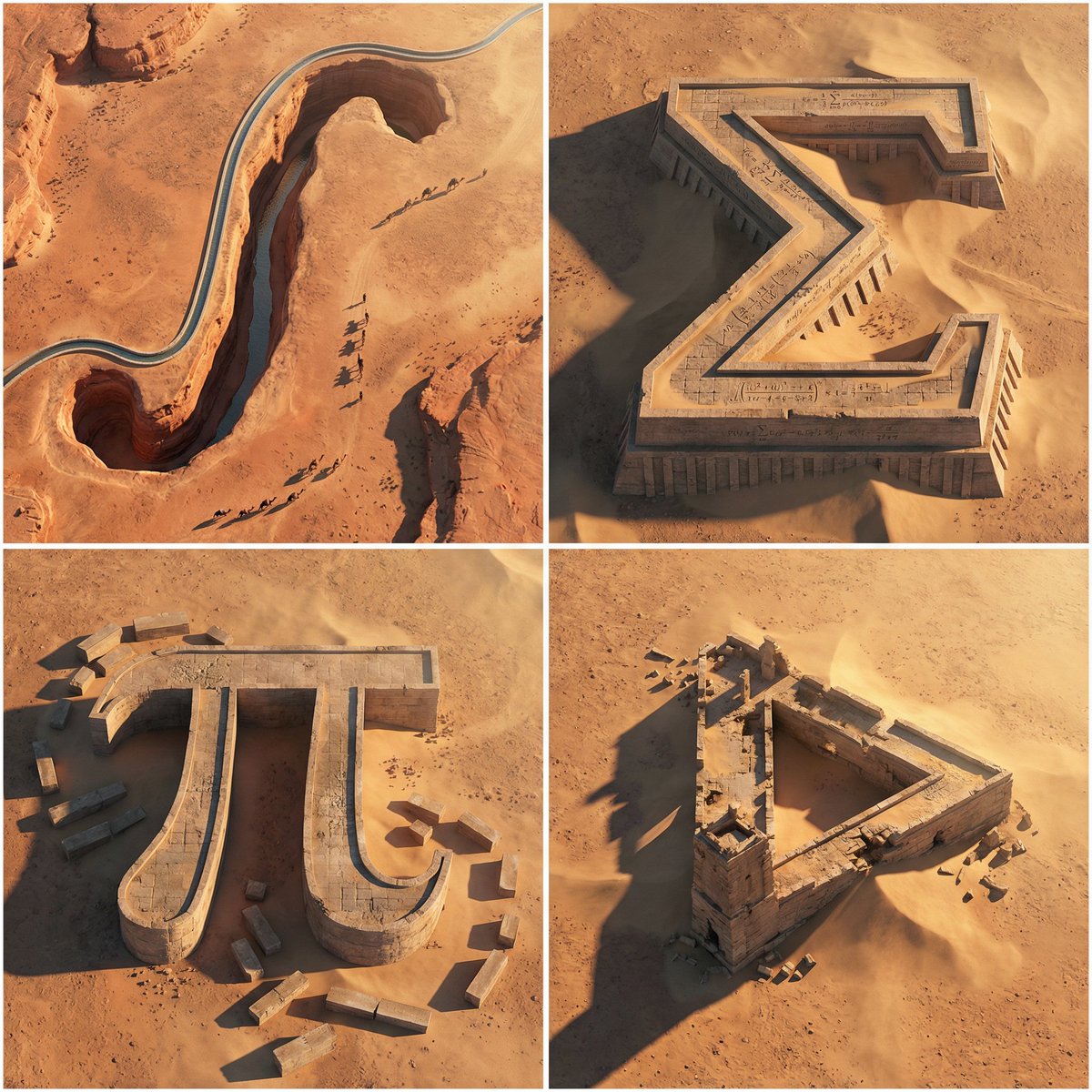
A 2x2 grid of 4 monumental mathematical symbols carved as colossal terrain typography in an arid landscape [Top Left: “∫” as a canyon-cut arch in sandstone, a thin aqueduct stream following the curve, tiny caravans casting long shadows] [Top Right: “Σ” as a stepped fortress carved into a mesa, sharp terraces, windblown sand pooling in corners, micro equations chiseled in] [Bottom Left: “π” as massive stone pylons connected by a lintel bridge, ruined blocks scattered like proof fragments] [Bottom Right: Penrose Triangle as impossible ruins half-buried, forced perspective illusion, harsh sunlight slicing edges] Aerial oblique shot, golden hour desert light, crisp dramatic shadows, photoreal erosion detail, minimal haze, swiss 2x2 grid composition.

Paper Annotation and Review Prompt

Paper Annotation and Review Prompt

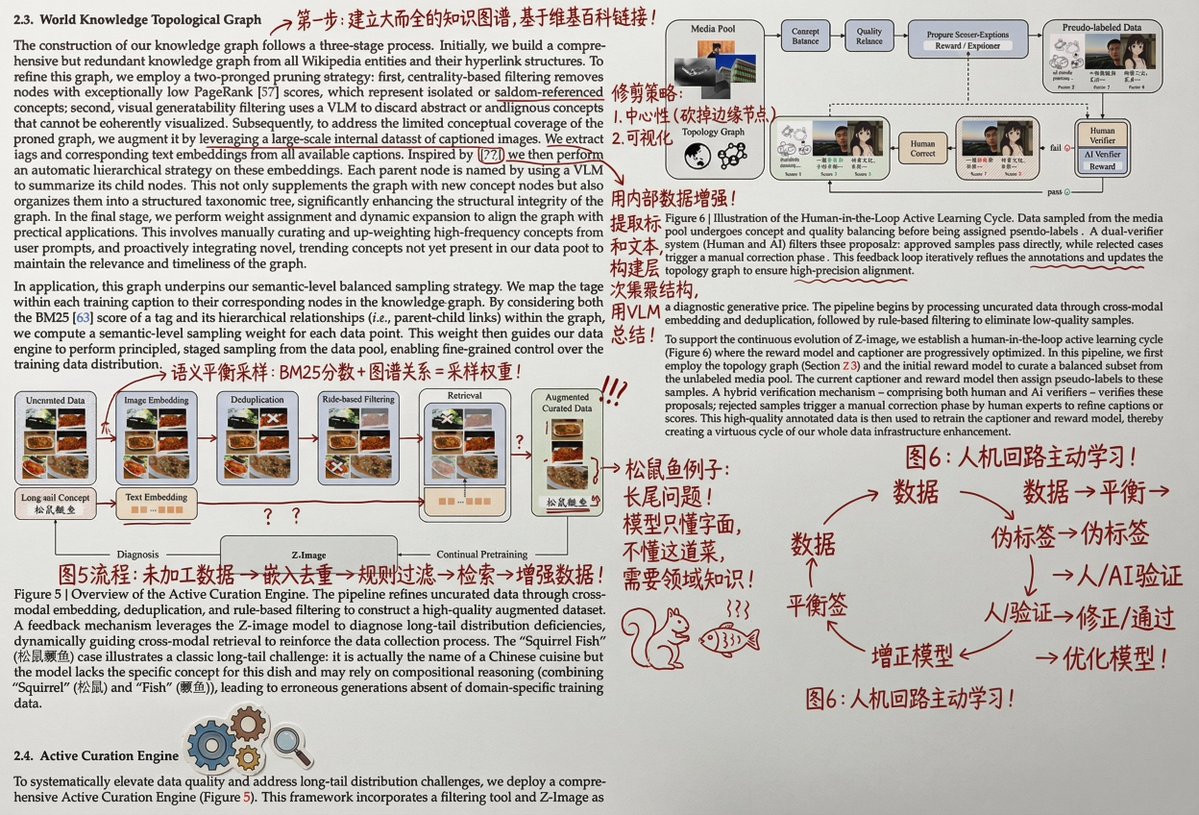
Print it out, and then wildly add handwritten Chinese annotations, graffiti, and doodles in red ink. You can also add some small clip art. The main content of the Chinese annotations should be to help a person with university-level knowledge understand the principles and details of this part of the paper.

Anatomy Visualization Prompt Template (Great White Shark Example)

Anatomy Visualization Prompt Template (Great White Shark Example)

A digital illustration of a {argument name="subject" default="great white shark"} in {argument name="action/state" default="mid-hunting approach"}, portrayed with a network of glowing {argument name="primary color" default="cold bioluminescent blue"} lines mapping its {argument name="system type" default="sensory and predatory anatomy"}. The cartilaginous skeleton is rendered as flexible geometric framework, the lateral line system as a full-body motion detector array. The image is set against abyssal ocean black, depth pressure readings floating at the margins. The {argument name="area of interest" default="ampullae of Lorenzini, hundreds of electroreceptor pores clustered on the snout"}, are emphasized with a pulsing {argument name="accent color" default="red-orange"} glow, indicating {argument name="condition" default="active electromagnetic detection: the prey's heartbeat rendered as intercepted signal waves feeding into the shark's targeting consciousness"}. The teeth are visualized as serrated replacement queues. The style merges marine biology research documentation with military targeting system aesthetics, designed to resemble a naval analysis of nature's most refined predator, clinically respectful of four hundred million years of evolution.

Some prompts are collected from creators on X. Copyright belongs to the original authors.