Instinct AI

Prompt Library

AI Prompt Library

Curated image, video and web design prompts from creators around the world. Copy any prompt, swap the subject or style, and generate with the latest models.

15,630 prompts · Updated daily · 100% free

1,102 prompts

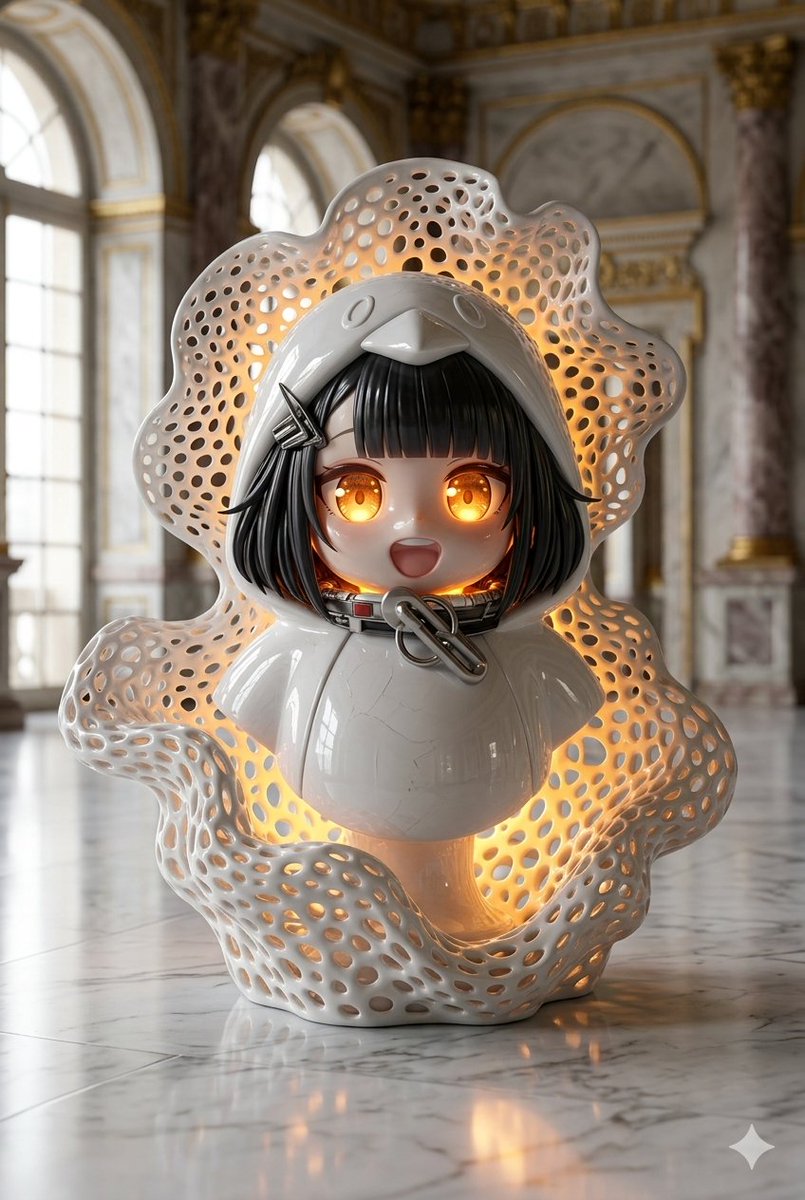
Porcelain Gugu Sculpture with Amber Light

Porcelain Gugu Sculpture with Amber Light

Create an 8K ultra‑photorealistic bust sculpture of {argument name="subject name" default="gugu"} crafted from glossy white porcelain, resting on a reflective marble floor. Surround her with flowing, organic wave‑like structures featuring intricate perforated holes. A strong, warm amber light glows from inside the hollow forms and subtly from her eyes. The background shows a softly blurred, luxurious classical interior with arched windows and gold moldings. Use cinematic lighting, high contrast, realistic reflections, fine porcelain texture, gallery‑quality detail. ar 2:3

Cinematic Alien Exploration Prompt
Grok Imagine

Cinematic Alien Exploration Prompt

Create a continuous 15-second cinematic exploration beginning from this exact image. No cuts. The alien does NOT walk, fly, or move like a human. 0–3 seconds: The camera slowly approaches the alien from behind. It remains almost motionless, overloo...

@LisaVale
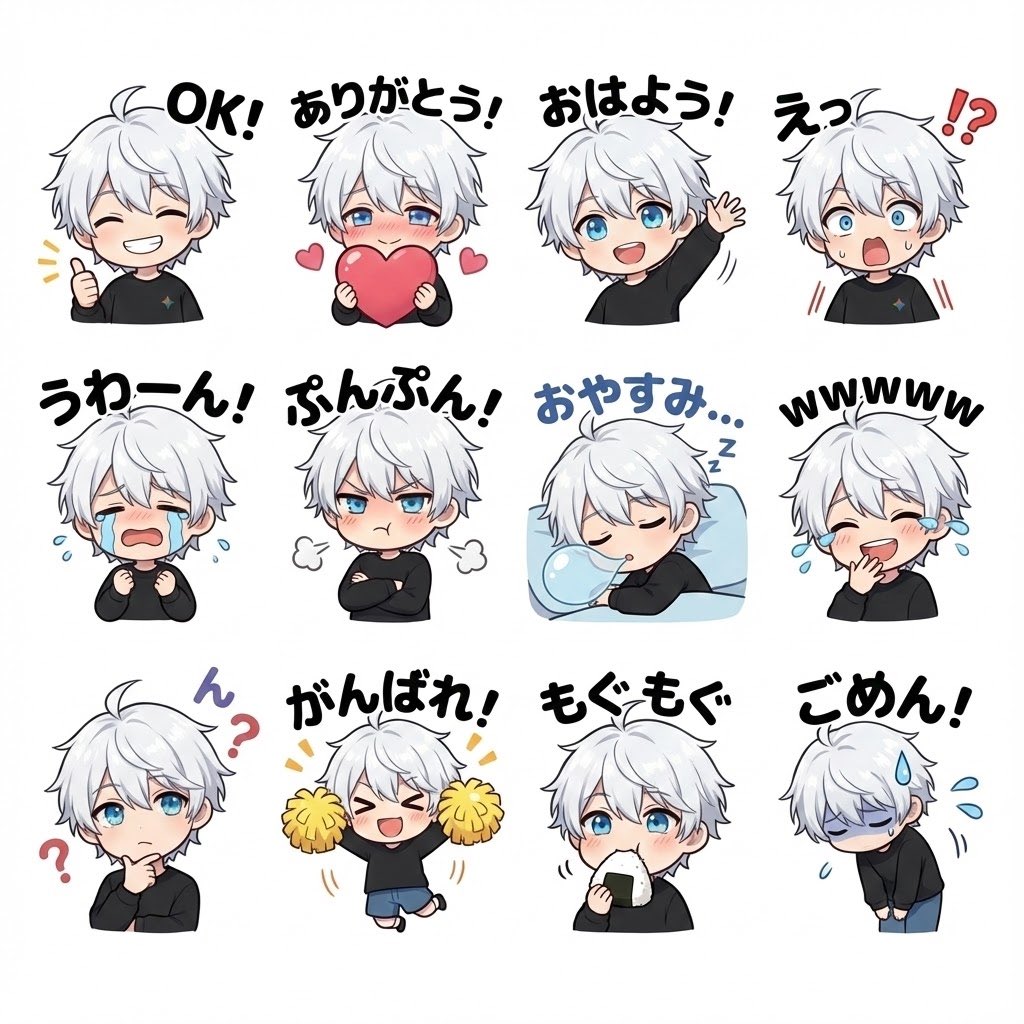
Chibi character LINE stickers set

Chibi character LINE stickers set

Turn the character in the attached image into a chibi character. Create LINE stickers, with different expressions, poses, and speech bubbles, in {argument name="num_stamps_en" default="12"} variations.

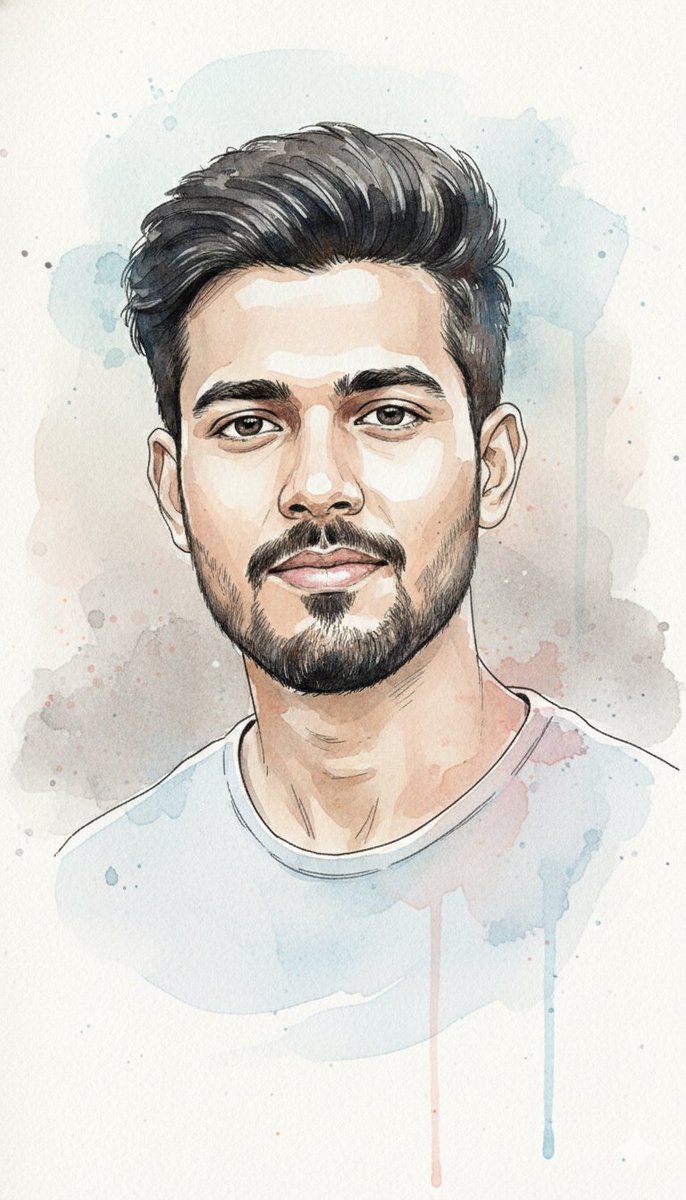
Watercolor and Ink Portrait with Identity Lock

Watercolor and Ink Portrait with Identity Lock

"Create a high-detail watercolor and ink portrait of the exact same face (100% match). Preserve the facial features precisely. The artwork should blend soft flowing watercolor washes in pastel blues and warm pinks with expressive black ink linework defining contours and hair strands. The colors should bleed naturally into each other with visible paper texture and delicate brush splatter. Use light transparency layers to convey emotion, depth, and a sense of calm movement. Place the subject in front of a textured wall (e.g., brick, stucco, or painted surface) instead of a plain background, keeping the wall subtle so it complements the portrait without distracting. Maintain a soft, artistic feel with the wall integrated naturally behind the figure."

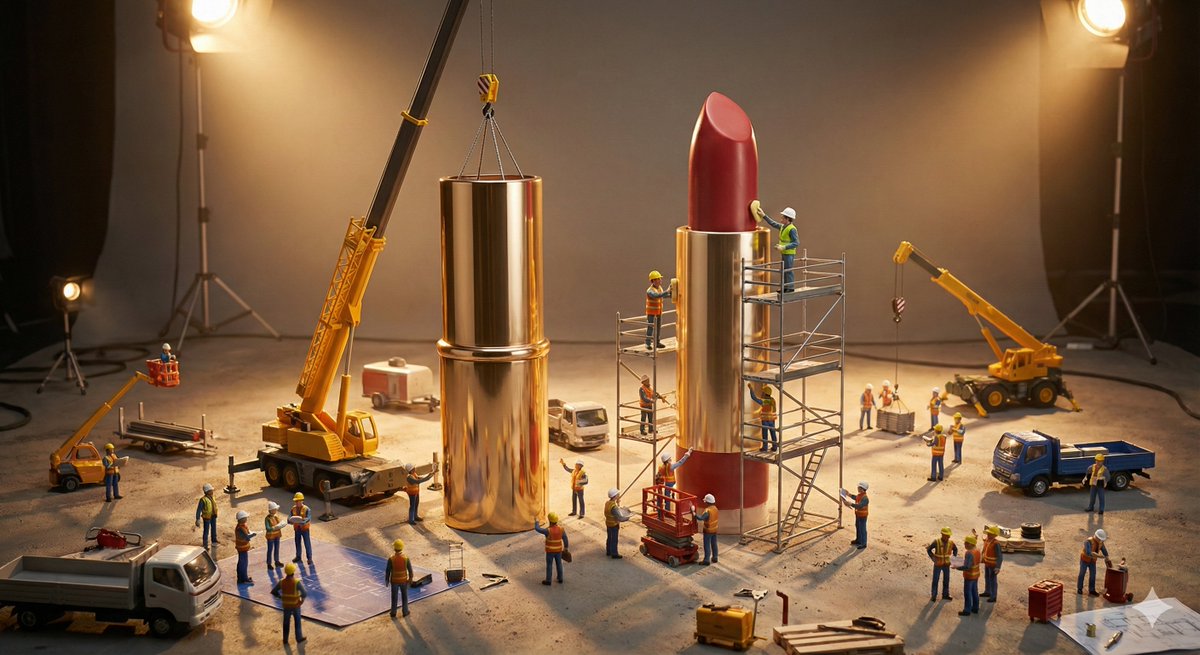
Construction of the Impossible Prompt: Miniature Engineers

Construction of the Impossible Prompt: Miniature Engineers

A large-scale construction site where tiny {argument name="workers" default="ENGINEERS / BUILDERS"} assemble an oversized {argument name="object" default="EVERYDAY OBJECT"} piece by piece. Scattered components, tools scaled correctly, realistic materials, dramatic worksite lighting.

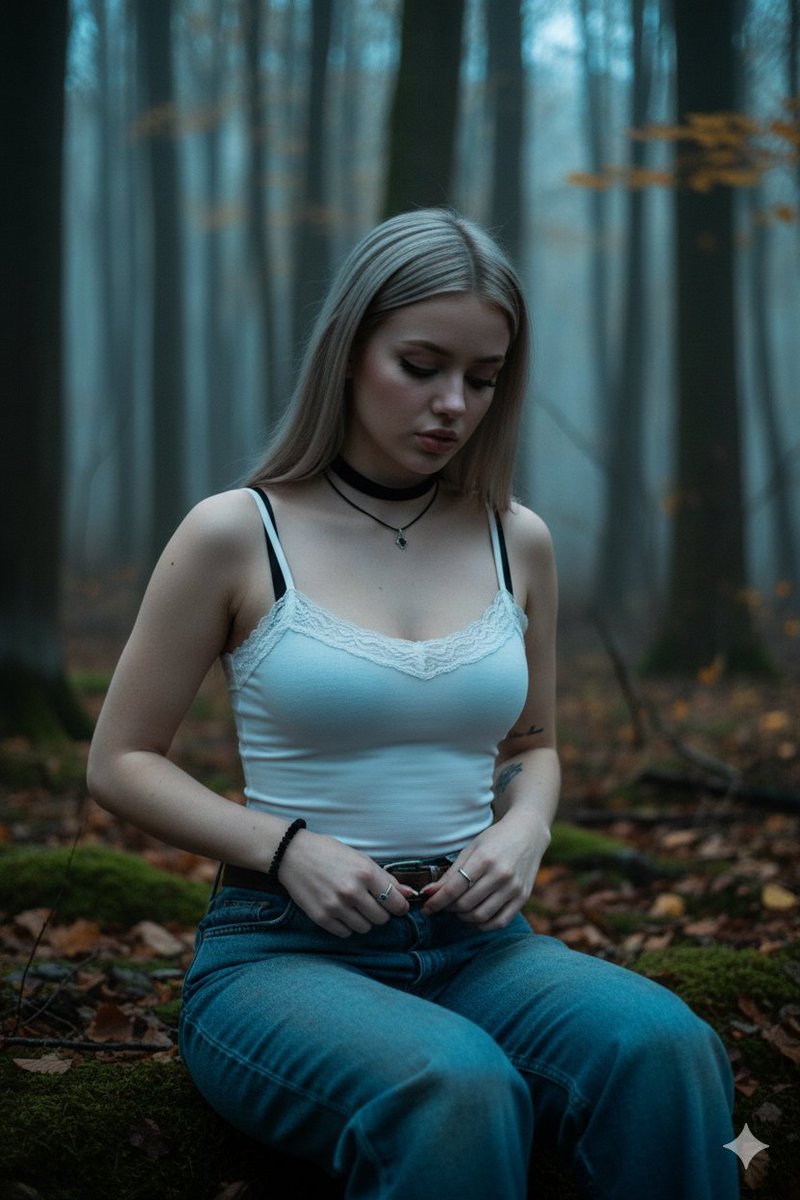
Goth/Emo Forest Portrait

Goth/Emo Forest Portrait

{ "prompt": "young western woman with pale skin and long dyed dark blonde hair, emo/goth style, sitting on forest ground in autumn woodland, moody dark atmosphere, dim bluish twilight lighting, soft shadows, cinematic low key lighting, slight fog in background", "subject": { "description": "20-25 year old female, delicate features, tired/introspective expression, eyes looking down, slightly parted lips, natural makeup with dark lipstick", "hair": "long straight blonde hair falling over shoulders and chest", "clothing": { "top": "tight white lace-trimmed camisole tank top, thin spaghetti straps, slightly sheer fabric, black bra straps visible underneath", "bottom": "baggy low-rise medium-wash blue jeans, intentionally worn and slightly dirty look, dark brown belt loosely visible", "accessories": [ "black velvet choker with small silver pendant", "black beaded bracelet on right wrist", "black hair scrunchie on left wrist", "silver ring with dark stone on left hand ring finger", "small subtle tattoo on inner left forearm" ] } }, "pose": "sitting on forest floor, knees bent, leaning slightly forward, hands resting on/opening the top button of jeans, casual intimate moment, looking down at own hands/clothes", "environment": "dense autumn forest, fallen leaves, mossy ground, tree trunks, dim natural light filtering through trees, cold tones, slightly bluish cast, moody melancholic atmosphere", "style": "realistic photography, film grain, cinematic, soft bokeh background, shallow depth of field, 35mm lens feel, natural imperfections, raw emotional portrait, dark romantic aesthetic", "lighting": "low key, cool color temperature 4500-5500K, soft diffused light, deep shadows on face and body, subtle rim light on hair", "quality_tags": "highly detailed, sharp focus on face and upper body, realistic skin texture, detailed fabric texture, natural lighting, masterpiece, best quality, ultra realistic", "negative": "blurry, overexposed, bright daylight, warm tones, smiling, happy expression, heavy makeup, plastic skin, cartoon, anime, extra limbs, deformed hands, bad anatomy" }

Classical Winged Figure Blowing a Horn Painting

Classical Winged Figure Blowing a Horn Painting

A painting on a light beige background depicts a winged figure in profile, blowing a horn. The figure, rendered in shades of green, brown, and copper, appears to be a cherub or angel. It is depicted in a dynamic, flying pose, with its body angled towards the right and its legs bent. The wings are spread wide, with detailed feathering. The cherub holds a long, conical horn to its lips with both hands. The horn is a greenish-bronze color, with a decorative green element resembling a leaf or flame attached near the bell. The figure's face is serene, with braided hair and a headband. The overall style suggests an antique or classical aesthetic, possibly a depiction of a weather vane or decorative element.

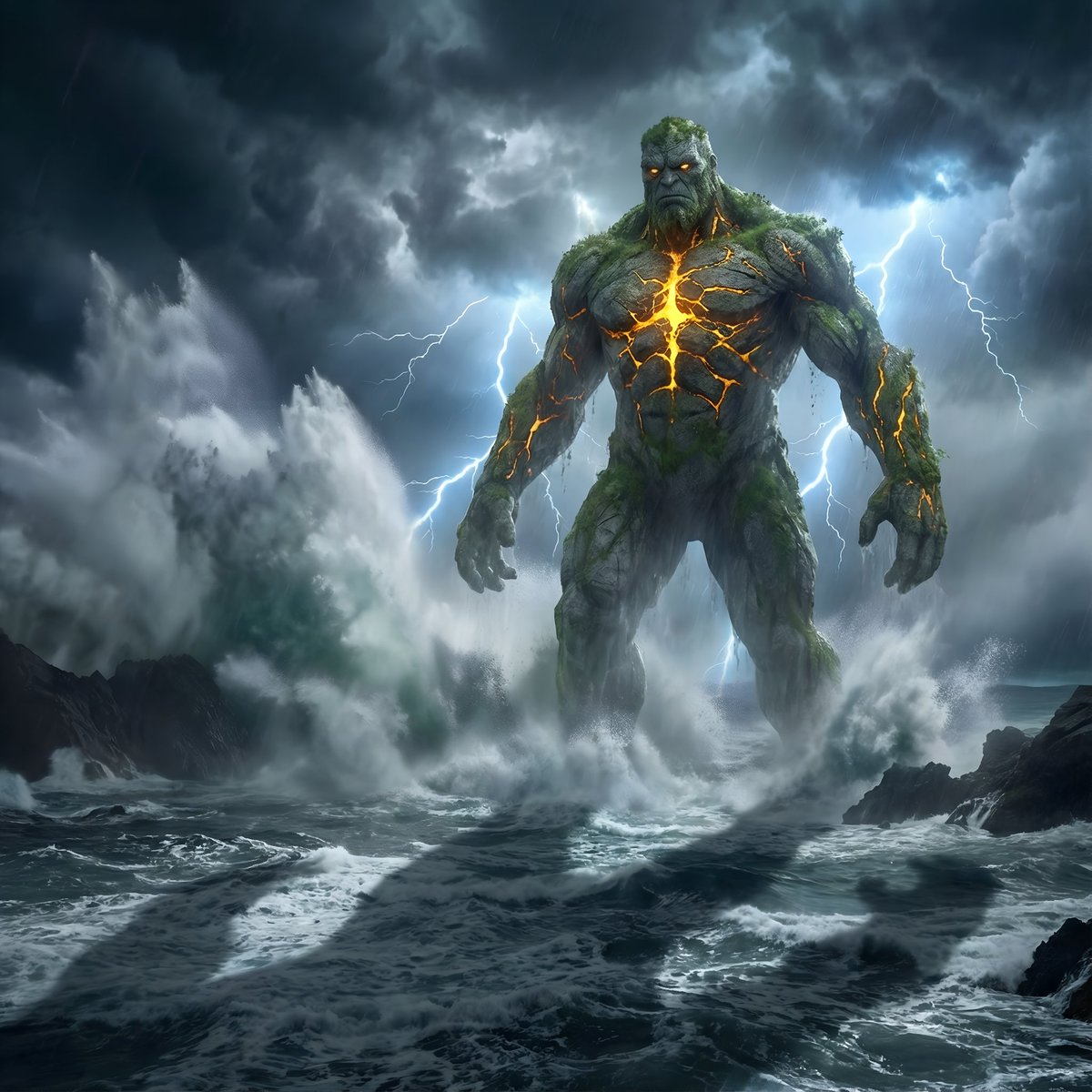
Colossal Stone Titan Rising from Ocean

Colossal Stone Titan Rising from Ocean

Cinematic hyper-real scene of a colossal stone titan rising from a storm-torn ocean with glowing cracks spreading across its body. Lyra atmosphere: thunder-lit clouds, violent spray particles, mist turbulence, volumetric lightning casting giant shadows. Captured with 24mm wide epic lens, deep contrast grading, ocean physics realism. Rendered in 8K photoreal fantasy detail. —ar 4:5

Scribbly MS Paint Redraw

Scribbly MS Paint Redraw

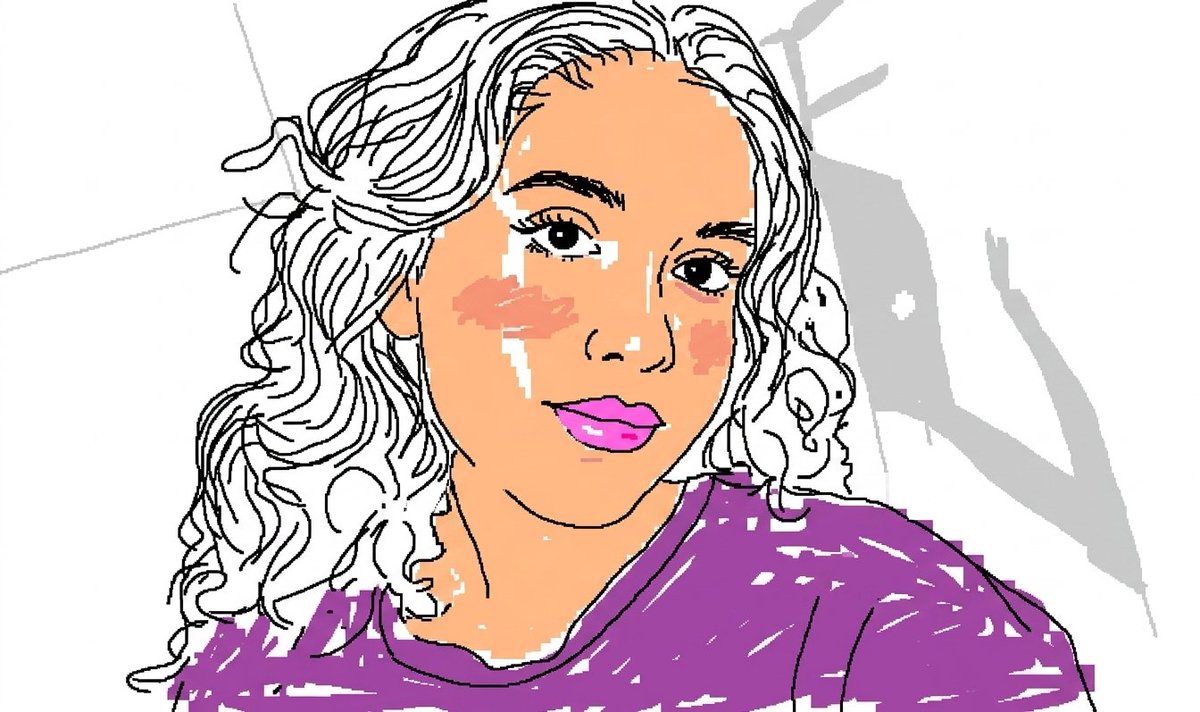
Take the exact face from the attached reference image as the primary subject. Use the precise facial features, bone structure, eye shape, nose, lips, jawline, skin tone, and expression of the woman shown in the reference photo. Maintain her exact face with high fidelity as the core element, but redraw the entire image in the most {argument name="style" default="clumsy, scribbly, and utterly pathetic way"} possible. Create a terrible amateur {argument name="software" default="MS Paint drawing"} on a {argument name="background" default="pure white background"} using only a mouse, with jagged, uneven lines, horrible proportions, and obvious mistakes everywhere. Make the hair look like it was drawn with the pencil tool in 5-pixel strokes, messy and scribbly with random stray lines sticking out. The eyes should be slightly misaligned, one bigger than the other, with crooked eyelashes and uneven pupils. The nose should be awkwardly shaped, the mouth lopsided and poorly filled. Skin should have visible pixelation, blotchy coloring, and bad airbrush attempts. Add terrible shading that looks like it was done with the spray can tool in MS Paint, with harsh edges and color bleeding. Dress her in a poorly drawn version of the reference outfit using blocky shapes, wrong perspective, and mismatched colors. The hands and fingers must look broken and deformed, with extra or missing fingers. Pose her in a similar position to the reference but make the anatomy completely wrong — shoulders at odd angles, neck too long or too short, head floating unnaturally. Emphasize the low-quality pixel-by-pixel feel with visible compression artifacts, dithering, and 1990s Windows 95 aesthetic. The overall drawing should be vaguely similar to the reference but also not really — kind of matching but off in a confusing, awkward, and hilarious way. Proportions should be ridiculous, symmetry completely broken, colors oversaturated or completely wrong in places. Include random MS Paint artifacts like leftover selection marquees, thick black outlines that don’t match, and clumsy fill bucket overflows. The background must be completely white with no extra elements except maybe a few accidental scribbles or stray pixels. Make it look like a child or a very unskilled adult spent 10 minutes struggling in MS Paint. Prioritize maximum pathetic quality — the worse it looks, the better. Exaggerate every flaw while still keeping the core identity of the exact face from the reference image recognizable but hilariously distorted. Photorealistic accuracy is forbidden. Only crude, low-resolution, mouse-drawn MS Paint style is allowed. Maximum chaos, maximum awkwardness, maximum comedy in the terrible execution.

Sumi-e Style Koi Painting

Sumi-e Style Koi Painting

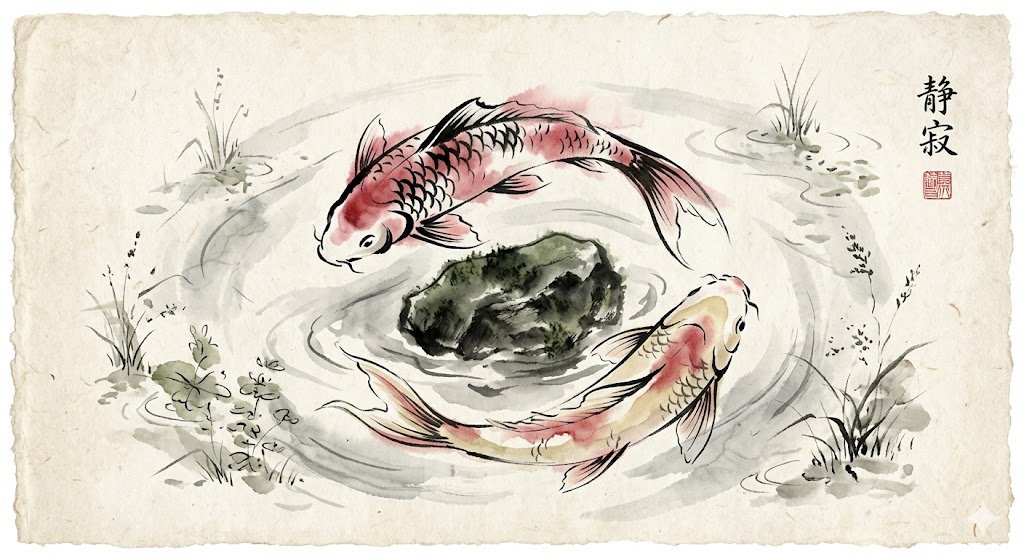
A traditional Japanese ink wash painting of a pair of graceful koi fish circling a submerged stone, created in expressive sumi-e style with flowing black ink lines and delicate crimson and pale gold watercolor tints. The pigments softly bleed into textured rice paper, evoking a sense of serenity and timeless beauty.

Cinematic Portrait Drenched in Electric Blue Water Splashes

Cinematic Portrait Drenched in Electric Blue Water Splashes

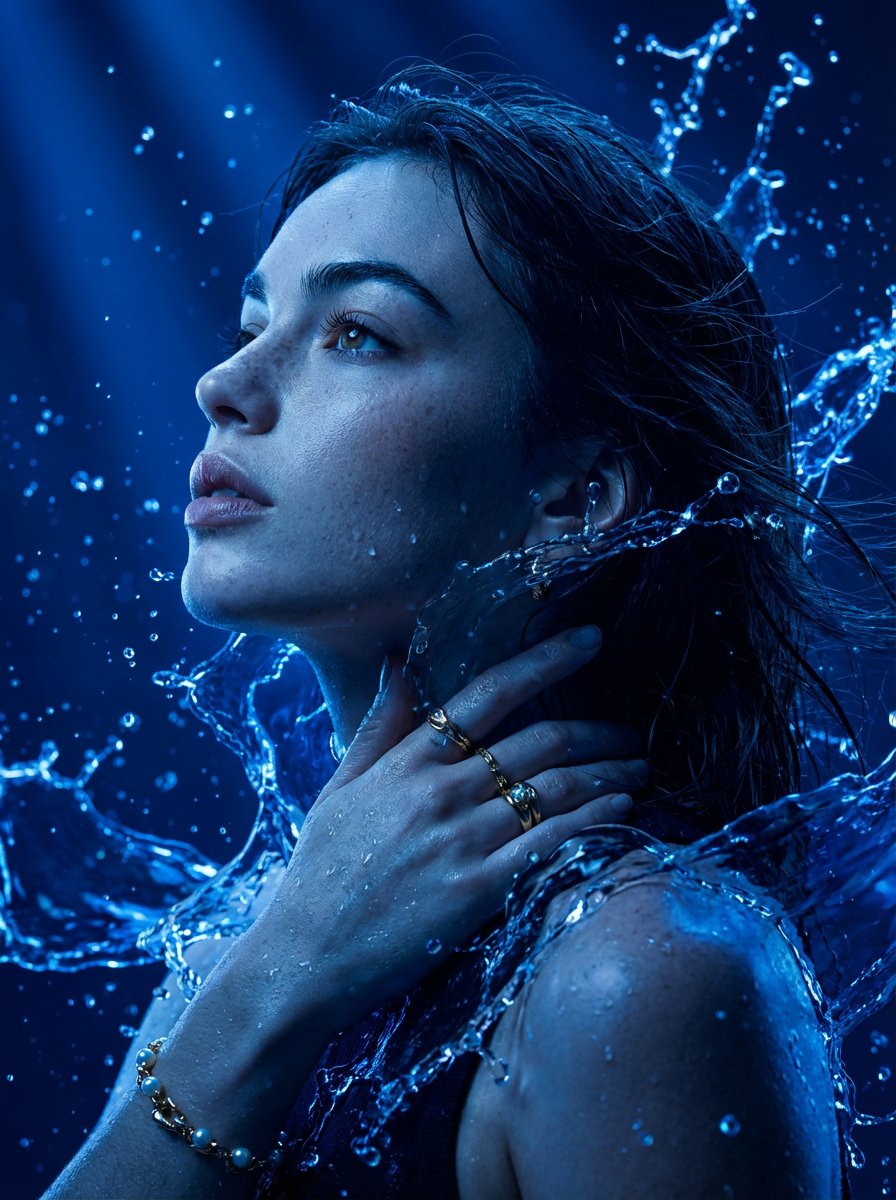
A hyper-detailed cinematic portrait of a human face use selected image for face reference in side profile, looking upward with a calm and powerful expression, the entire subject illuminated in deep {argument name="light color" default="electric blue"} light, water splashes and liquid energy wrapping around the head and shoulders, high contrast, dramatic lighting, ultra-realistic skin texture, fine pores visible, sharp focus, 8K resolution, volumetric lighting, dark blue background, futuristic, ethereal, emotional, digital art, photorealism, high detail.

Image Editing: Background and Object Replacement

Image Editing: Background and Object Replacement

Replace the background with [{argument name="holiday theme background" default="Holiday theme background"}]. Change the person's outfit to [{argument name="outfit" default="Outfit"}]. The person is holding a [{argument name="object" default="Object"}]. Don't change the person's pose Show me this photo as if a professional photographer captured it with proper lightly, color grading, depth of field. Also replace the background with {argument name="new background" default="jurassic dinosaur christmas time"}. The man is holding a {argument name="new object" default="dinosaur"}. Don't change the man's pose

Surreal Conceptual Art Prompt: Light Bulb Mannequin

Surreal Conceptual Art Prompt: Light Bulb Mannequin

A surreal minimalist conceptual artwork, a white light bulb with a large transparent glass sphere, glowing softly from inside with warm golden light at the bottom forming a gentle filament-like illumination. A small, delicate pure white bird (white dove or small white sparrow) with subtle feather details perches calmly on the brightest inner glowing ring at the top of the filament inside the bulb. The light bulb is fused/merged seamlessly onto the upper torso of an elegant faceless white mannequin or abstract female figure dressed in a smooth minimalist white suit jacket with a high rolled white collar/stand collar. The figure is shown only from neck to waist in profile view, standing upright, clean elegant posture. The entire sculpture-like figure is pure white/ivory/off-white with soft matte ceramic or plaster texture. Very soft neutral gray studio background, subtle shadows, high-end surreal photography style, cinematic lighting, dreamlike peaceful atmosphere, conceptual art, extremely high detail, 8k resolution

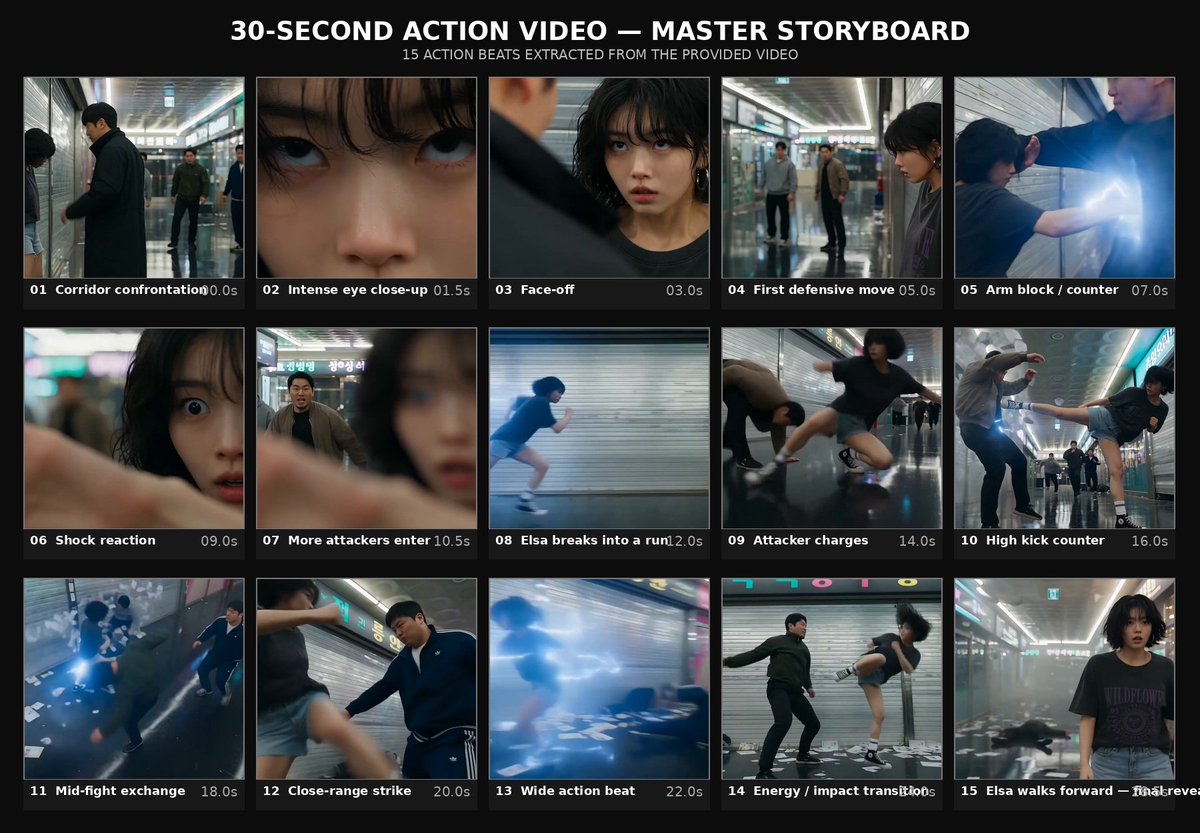
Subway Action Sequence Script
Seedance 2.0

Subway Action Sequence Script

Create a 30-second, 1080p ultra-realistic cinematic action video featuring Elsa. Use the provided Elsa Master Character Set only as the strict identity reference for Elsa. Use the provided 20-panel Master Storyboard as the exact visual and chronological guide for the entire video. Do not copy any identity from the storyboard. The storyboard controls the action, shot progression, locations, framing and choreography, while the Master Character Set controls Elsa's face and physical identity. CHARACTER CONSISTENCY: Preserve Elsa's exact facial identity, facial proportions, hairstyle, skin tone, body proportions and recognizable appearance throughout the entire video. Keep her outfit consistent: black cropped top, fitted black pants, black leather jacket, black boots and a black shoulder bag. The same Elsa must appear in every shot. STYLE: Ultra-realistic live-action cinematic action sequence set inside a modern underground subway corridor. The environment should feel real and lived-in: tiled walls, fluorescent ceiling lights, concrete floors, distant commuters, signage, subway entrances and realistic urban details. Use cinematic handheld camera work combined with controlled action cinematography. Natural motion blur, realistic lighting, realistic shadows, physically accurate movement and believable human reactions. No fantasy powers, no supernatural effects, no exaggerated wire-fu and no impossible movements. ACTION: Keep the confrontation clearly fictional and choreographed for cinematic storytelling. Avoid graphic injury, blood or gore. SHOT 1 — 00:00–00:01 Elsa walks alone through the subway corridor carrying her shoulder bag. Use a medium-wide tracking shot from the front as commuters move naturally in the background. SHOT 2 — 00:01–00:02 Cut to a closer side angle as Elsa senses movement behind her. She slightly turns her head and looks over her shoulder. Her expression becomes alert but controlled. SHOT 3 — 00:02–00:03 Reveal several suspicious figures approaching from behind. Use a longer lens perspective that compresses the corridor and creates tension. SHOT 4 — 00:03–00:04 Close-up on Elsa's face. She notices the situation and remains calm and focused. Use shallow depth of field with the subway corridor softly blurred behind her. SHOT 5 — 00:04–00:05 Elsa turns into a narrower side passage. The camera follows quickly behind her as the atmosphere becomes more confined. SHOT 6 — 00:05–00:06 The figures block Elsa's path. Use a frontal medium shot showing Elsa surrounded by the group while maintaining clear spatial geography. SHOT 7 — 00:06–00:08 One attacker reaches toward Elsa's arm. Elsa reacts immediately, pulling her arm away and creating distance. Use a dynamic side angle with realistic body mechanics. SHOT 8 — 00:08–00:09 Elsa performs a quick defensive movement to escape the grab. Keep the choreography controlled and realistic. The camera moves with the action rather than using exaggerated effects. SHOT 9 — 00:09–00:11 A second attacker moves toward her. Elsa pivots out of the way and uses a controlled defensive counter, causing the attacker to lose balance and fall safely. Use a wider shot so the complete movement is readable. SHOT 10 — 00:11–00:12 Elsa creates space between herself and the attackers. Her shoulder bag swings naturally with the movement. Use a fast handheld camera adjustment. SHOT 11 — 00:12–00:14 An attacker moves toward Elsa again. Elsa uses the shoulder bag defensively to create distance and escape the immediate threat. Do not depict graphic impact. SHOT 12 — 00:14–00:15 Elsa performs a fast controlled kick that stops the attacker's advance. Use a low three-quarter angle emphasizing the movement while keeping realistic proportions. SHOT 13 — 00:15–00:17 Another attacker approaches. Elsa quickly changes direction, evades the incoming movement and performs a controlled defensive strike. Use a dynamic tracking camera. SHOT 14 — 00:17–00:18 Close action beat as Elsa completes the defensive sequence and creates separation. Keep the movement realistic and clearly choreographed. SHOT 15 — 00:18–00:20 Wide shot of the corridor. The attackers are now on the ground or backing away while Elsa remains standing and composed. No blood, wounds or graphic injury. SHOT 16 — 00:20–00:22 The tension disappears. Elsa calmly fixes her hair and adjusts her jacket. Use a close-up that contrasts her calm expression with the action that just occurred. SHOT 17 — 00:22–00:24 Elsa picks up and adjusts her shoulder bag. Use a medium close-up with natural handheld movement. SHOT 18 — 00:24–00:27 Elsa walks confidently down the subway corridor. The camera tracks backward in front of her. Commuters naturally move through the background. SHOT 19 — 00:27–00:29 Elsa approaches the subway exit stairs. Use a rear tracking shot as she walks toward the brighter exit. The lighting gradually becomes warmer and brighter. SHOT 20 — 00:29–00:30 Before leaving, Elsa briefly turns her head and looks back toward the camera with a calm, confident expression. Hold for a short cinematic beat. Cut to black. CAMERA LANGUAGE: Use a mixture of wide establishing shots, handheld tracking shots, close facial shots, side angles, low three-quarter angles and dynamic action framing. Every camera movement should be motivated by the action. Use short speed ramps only where they naturally emphasize an important movement. Do not overuse slow motion. Maintain clear spatial continuity so the viewer always understands where Elsa and the other characters are positioned. PHYSICS & CONTINUITY: Realistic human anatomy and movement. Realistic weight transfer. Natural hair and clothing movement. Natural shoulder-bag physics. Realistic footsteps and body momentum. No teleportation. No duplicated characters. No disappearing props. No impossible body deformation. AUDIO: Authentic subway ambience throughout. Footsteps, distant train sounds, station announcements, ventilation, commuters talking, clothing movement, bag movement and subtle action impacts. Music should be minimal and cinematic, building tension during the confrontation and becoming quieter as Elsa walks toward the exit. No dialogue. No subtitles. No text overlays. No logos. No watermark. FINAL LOOK: Premium ultra-realistic live-action action cinema with believable choreography, strong visual continuity and a grounded urban atmosphere. The sequence should feel tense, stylish and cinematic while remaining physically realistic and non-graphic.

@Elsa Ai
Professional cake advertising photo

Professional cake advertising photo

Turn this Cheeseduke cake into a very professional advertising photo. Use lighting and camera angle to present a refined, delicious feeling, and showcase Cheeseduke’s “4D subtraction” process: no butter, no whipped cream, no starch, and no water added.

Some prompts are collected from creators on X. Copyright belongs to the original authors.