
Text or Image Start
Write a scene from nothing, or upload a photo to animate the subject you already have.
Create video clips from text, images or reference media with Instinct AI. Choose a model, describe the action and set the available duration and resolution.
Turn a prompt or a still image into a video clip with leading AI video models.
A 15-second cinematic sci-fi action chase in heavy rain. Two armored fighters battle on the roof of a speeding vehicle through a narrow mountain canyon at night. Wet metal reflections, violent wind, realistic rain, sparks from clashing weapons and a fast handheld orbit build toward a wide reveal of the convoy racing through the storm.
One AI video generator handles both ways to start a clip: describe a scene in words, or upload an image and bring it to life. Choose the model, length, resolution and aspect ratio in one place, and every finished video stays in your history.
Cinematic scenes written from scratch and still photos turned into motion. See how the AI video generator handles action, camera moves, lighting and realistic detail.
Run Seedance, Kling, Veo, Wan, Hailuo and more from the same prompt box, and pick the model that best fits the motion, realism or speed you need.
Go from an idea or a picture to a shareable video clip without editing software.
Write a scene from nothing, or upload a photo to animate the subject you already have.

Describe pushes, pans, tracking shots and subject movement in plain language.
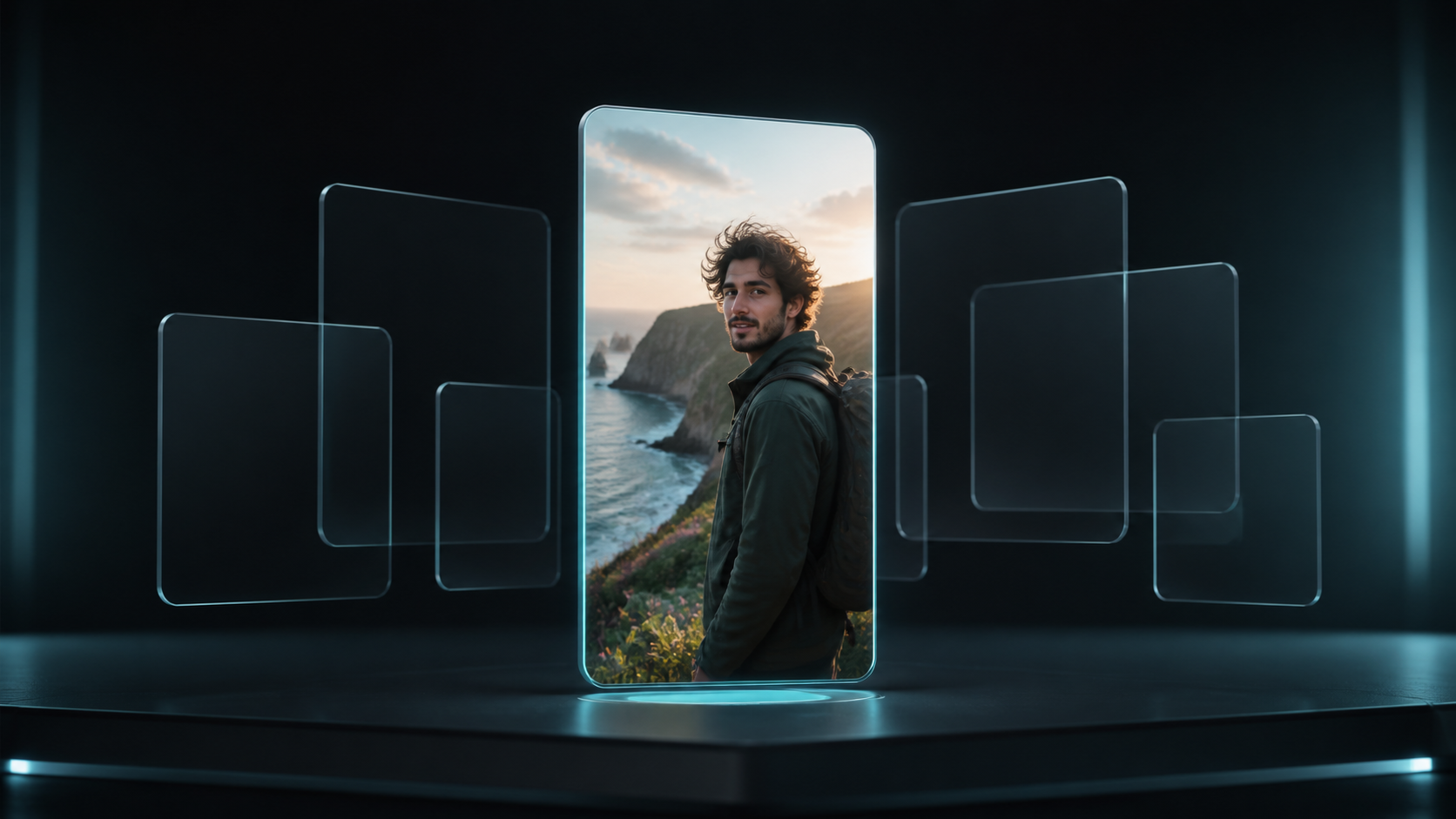
Choose vertical, square or widescreen ratios for Reels, Shorts, TikTok, ads or YouTube.
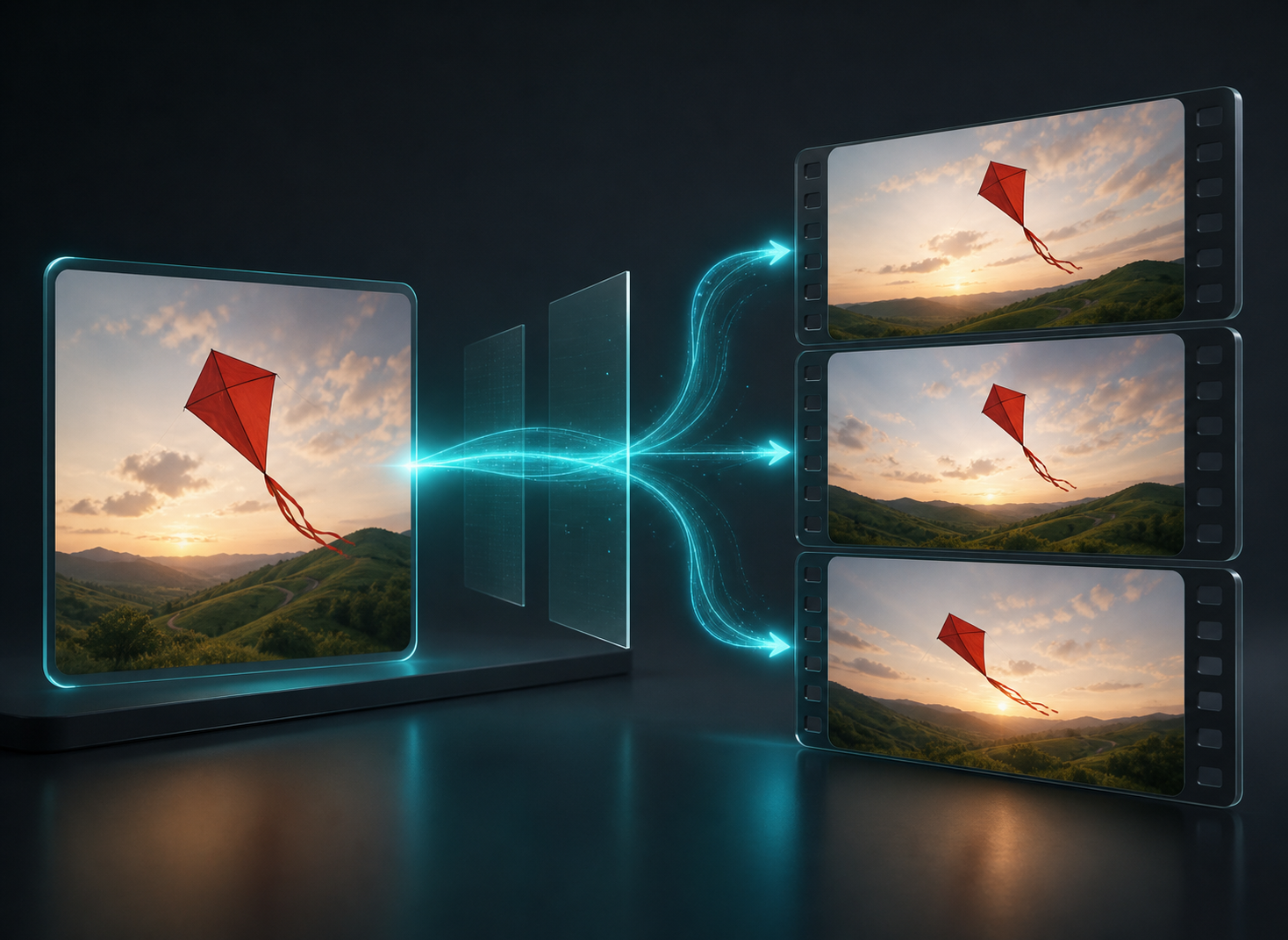
Test several versions of a shot across models before committing to a final cut.
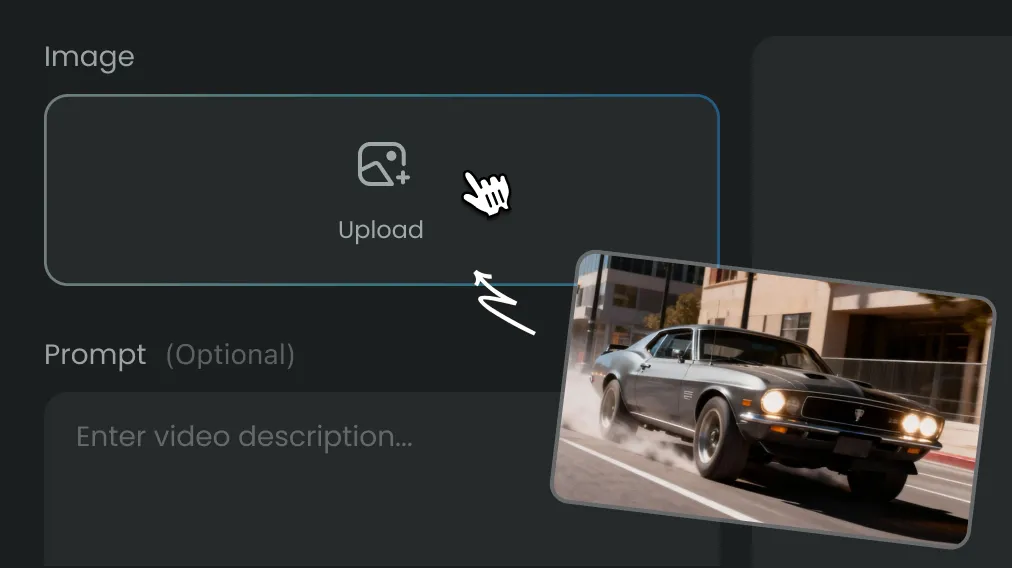
Create an AI video in three steps, starting from text, an image or both.
Use one credit balance across video, images, audio and Agent workflows. Choose a monthly or yearly plan, or a one-time credit pack. Generation costs are shown before you submit.
For trying models and starting smaller creative projects
$119.88 billed yearly
3,000 Credits / month
Secure checkout · cancel renewal anytime
For regular video, image and audio creation
$299.88 billed yearly
10,000 Credits / month
Secure checkout · cancel renewal anytime
For larger projects and more rounds of iteration
$959.88 billed yearly
30,000 Credits / month
Secure checkout · cancel renewal anytime
It is an online tool that creates short video clips from text prompts or from uploaded images, with several leading AI video models available in one workspace.
New accounts get signup Credits to try it. The Credit cost depends on the model, duration and resolution, and Instinct AI shows it before generation starts.
Yes. Upload an image, describe how the subject and camera should move, and the generator animates it while keeping the look of the original picture.
It depends on the shot. Seedance and Kling handle complex motion well, Veo excels at photorealistic scenes, and Wan or LTX are good for fast, lower-cost drafts. Try the same prompt on two models to compare.
Most models generate clips of about 5 to 10 seconds per run, and some support longer durations. Available lengths are shown when you select a model.
Describe the subject, the action, the setting and the camera movement in that order, plus lighting and mood. One clear action per clip usually gives the most stable result.
Most clips are ready within a few minutes. Higher resolution, longer duration and busy periods can add time, and you can leave the page while it renders.
Those tools each focus on one input type. The AI video generator combines them, so you can start from a prompt or an image on the same page.
Commercial use depends on your plan, the selected model's terms and the rights to any images you upload. Review those terms before publishing.
Describe a scene or upload an image and get a finished clip in minutes, or open a focused tool for one workflow.