
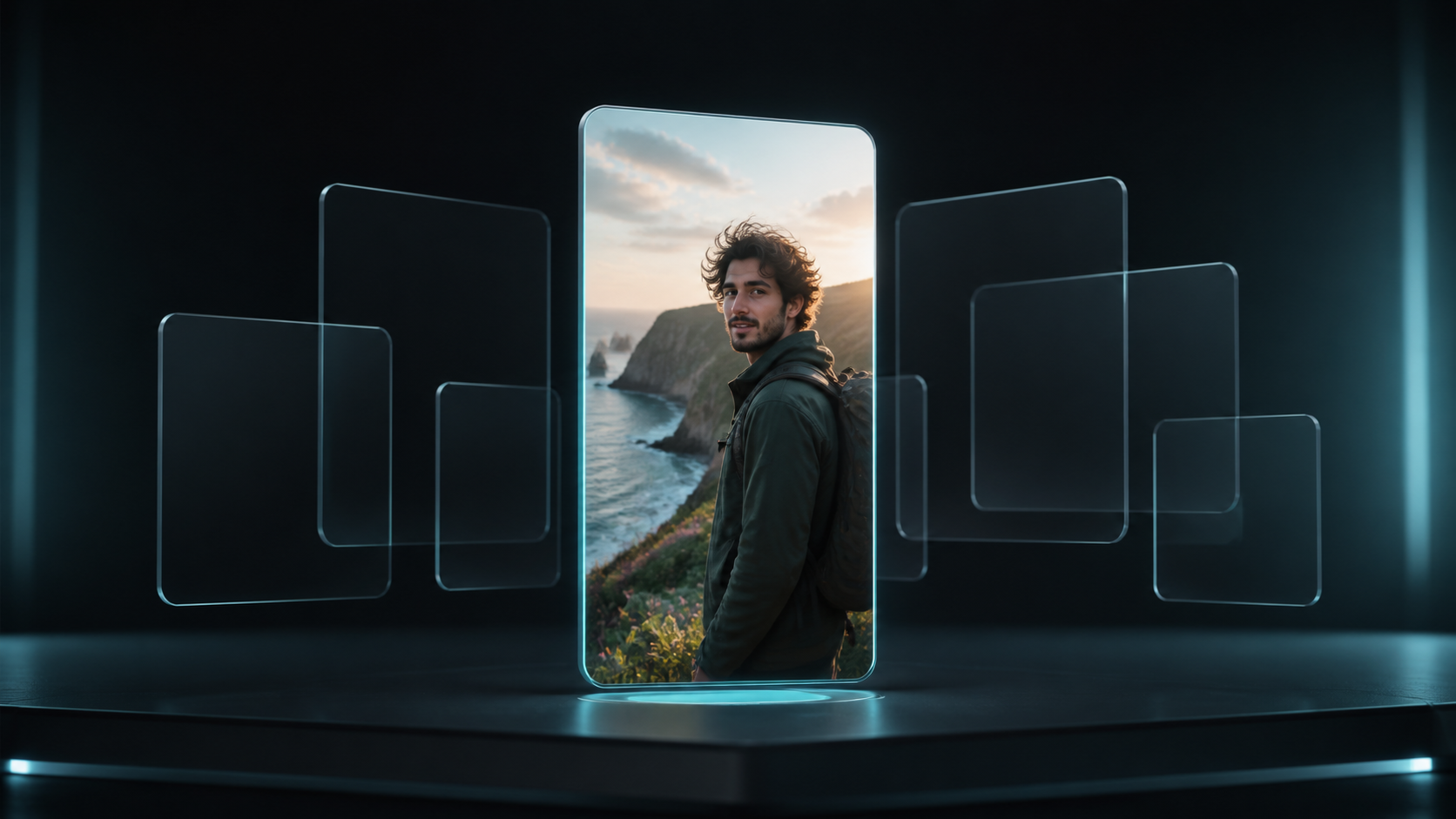
For Social-Ready Content
Create once, then share, publish, or promote instantly.
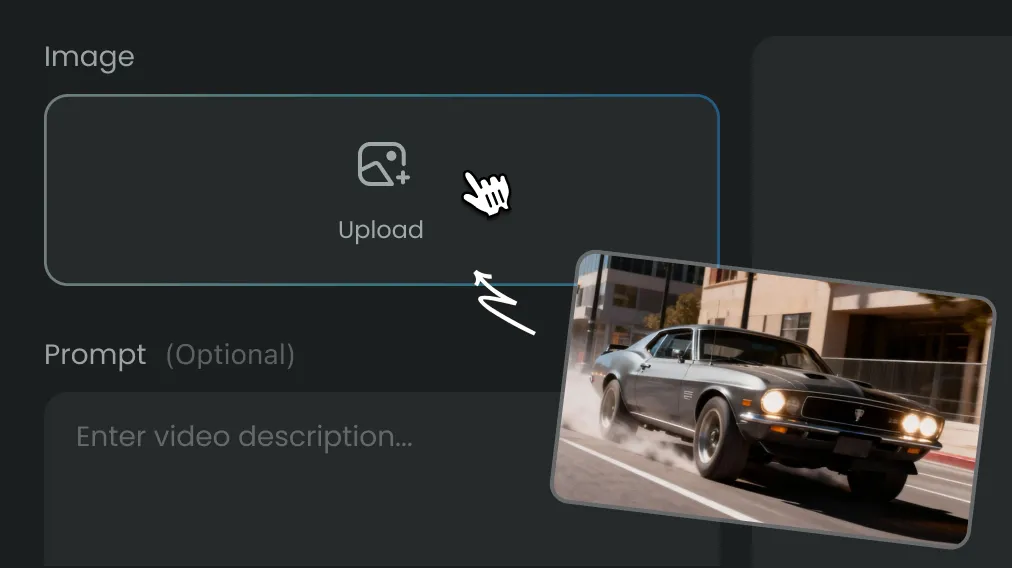
Upload a reference image and describe what to change. Use Instinct AI to explore new styles, settings and compositions while guiding the result with your original image.
Upload a picture, describe the change, and restyle or refine it with compatible image models.
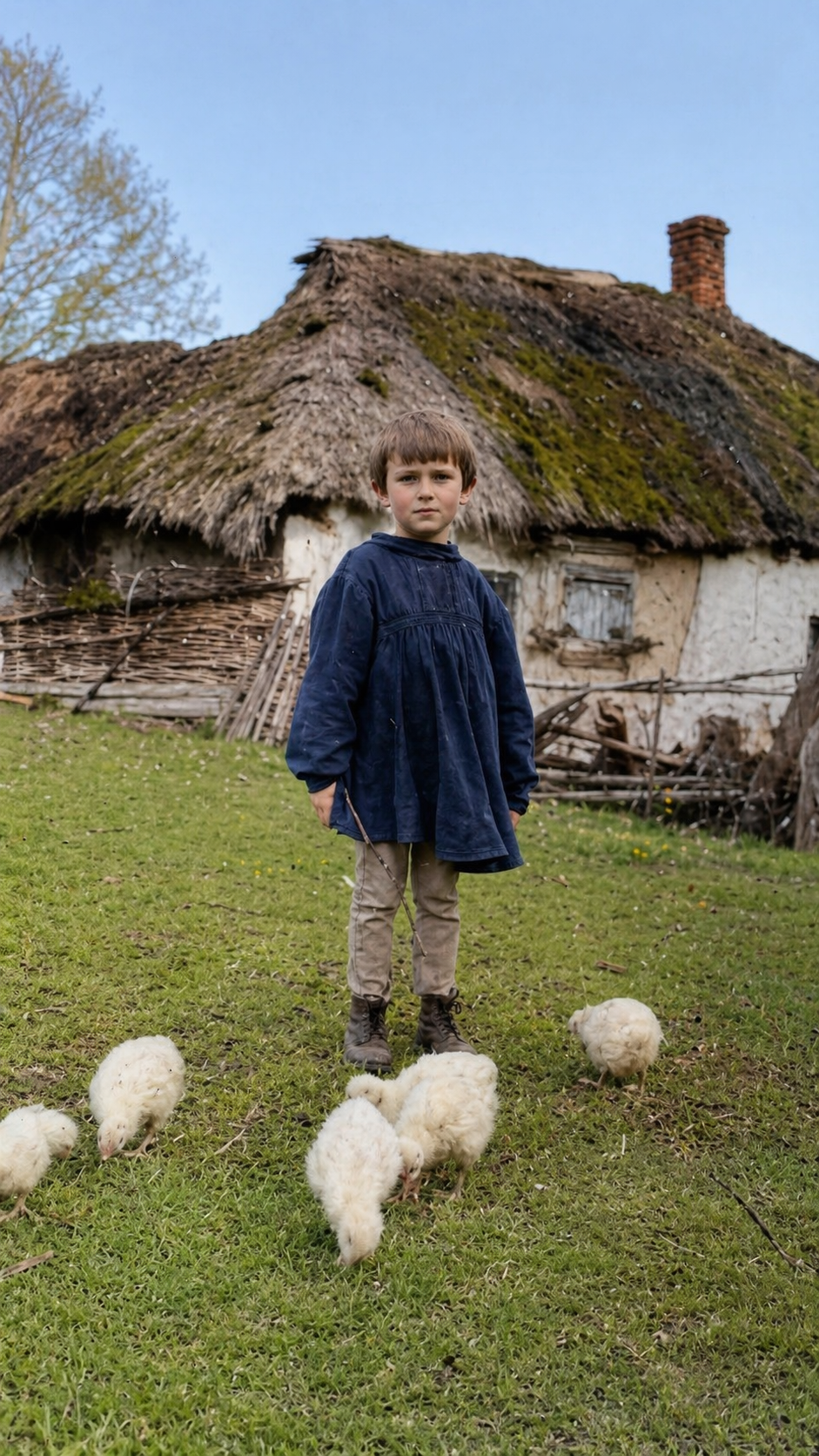
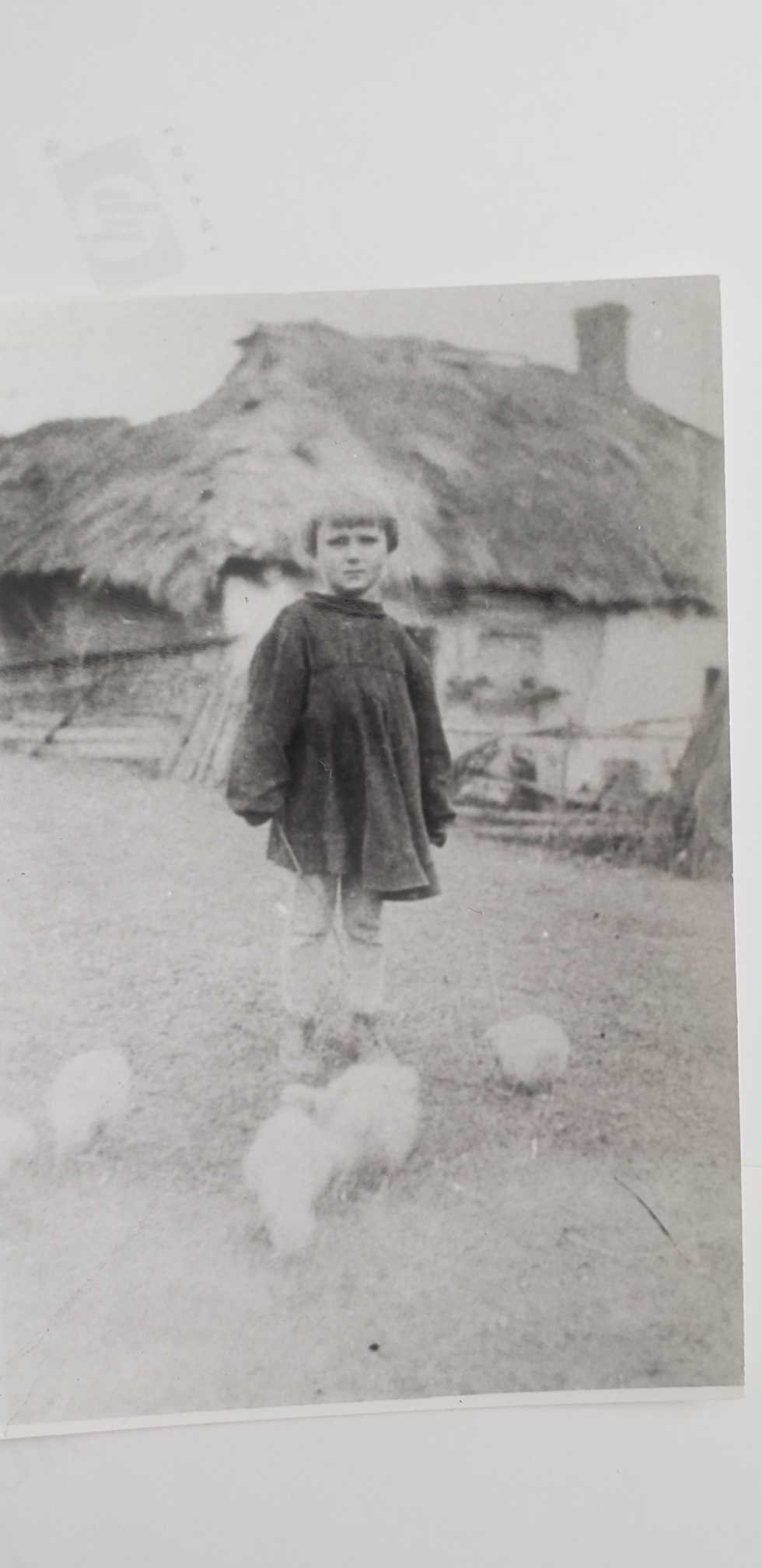
restore, improve quality, sharpness and add colors. make it look like picture was taken yesterday
Image to Image AI combines a visual reference, plain-language editing and model-compatible controls in one focused Instinct AI workflow.
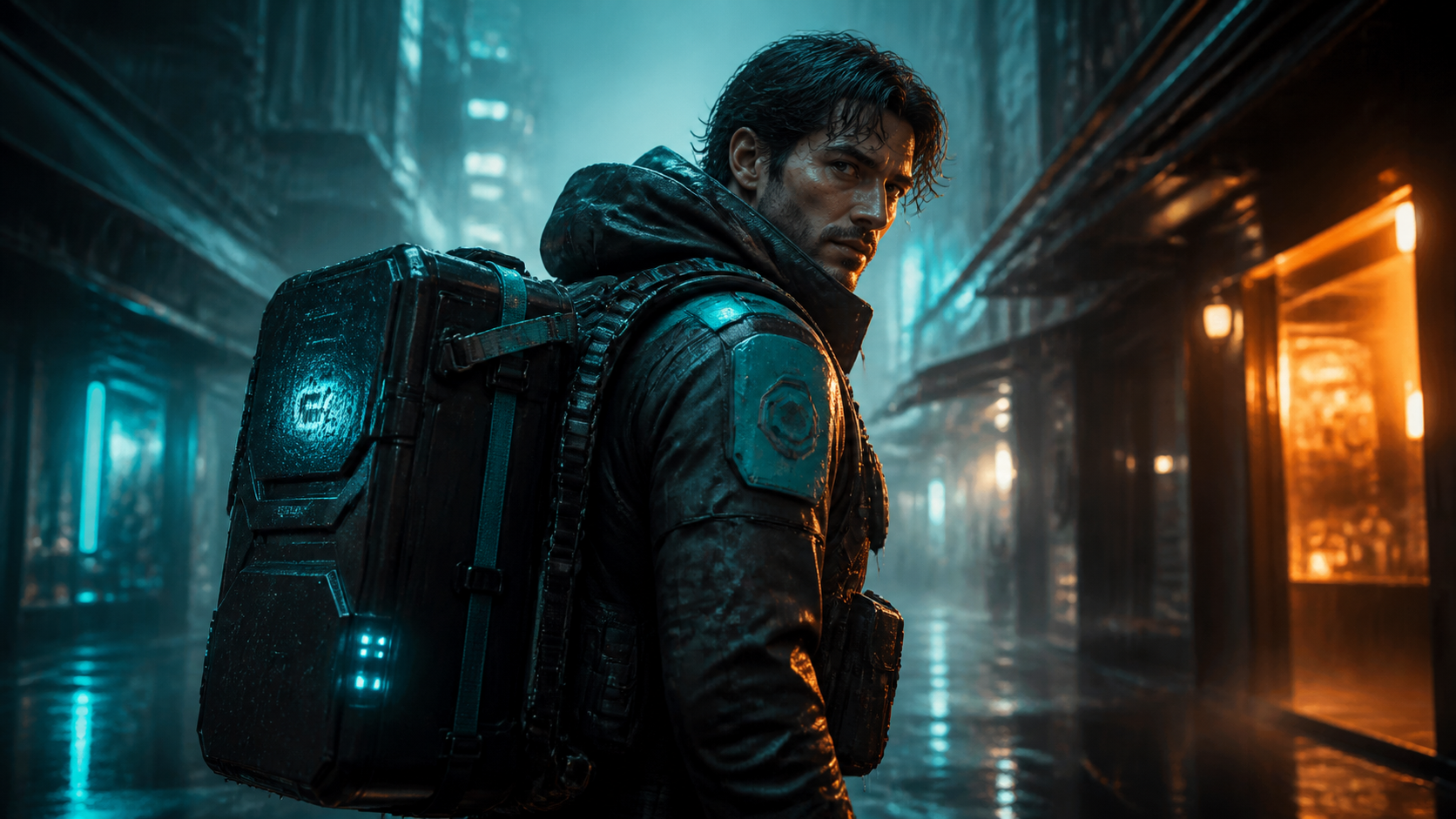
Compare how Image to Image AI can restyle, refine or rebuild selected details while keeping the source available for another iteration.
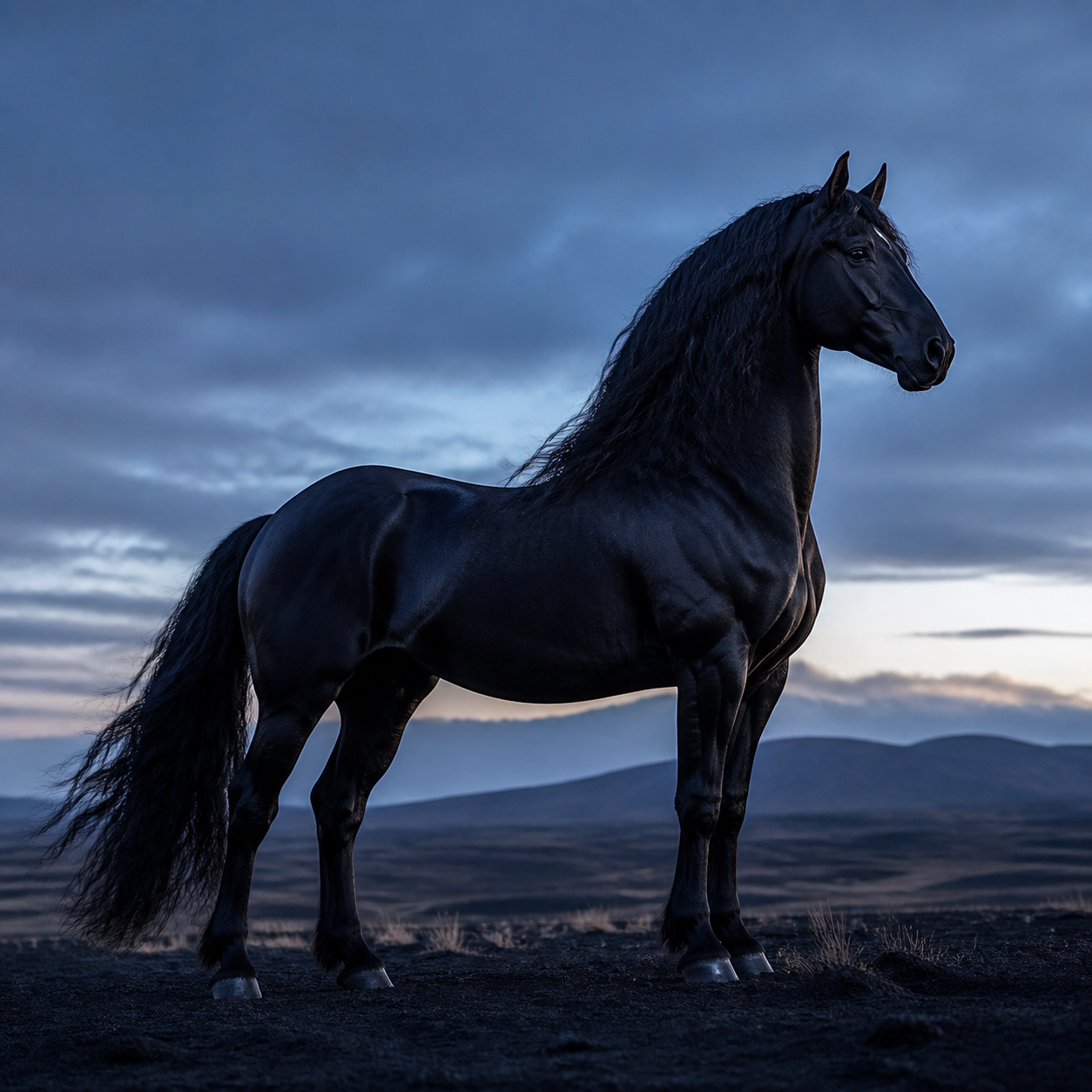
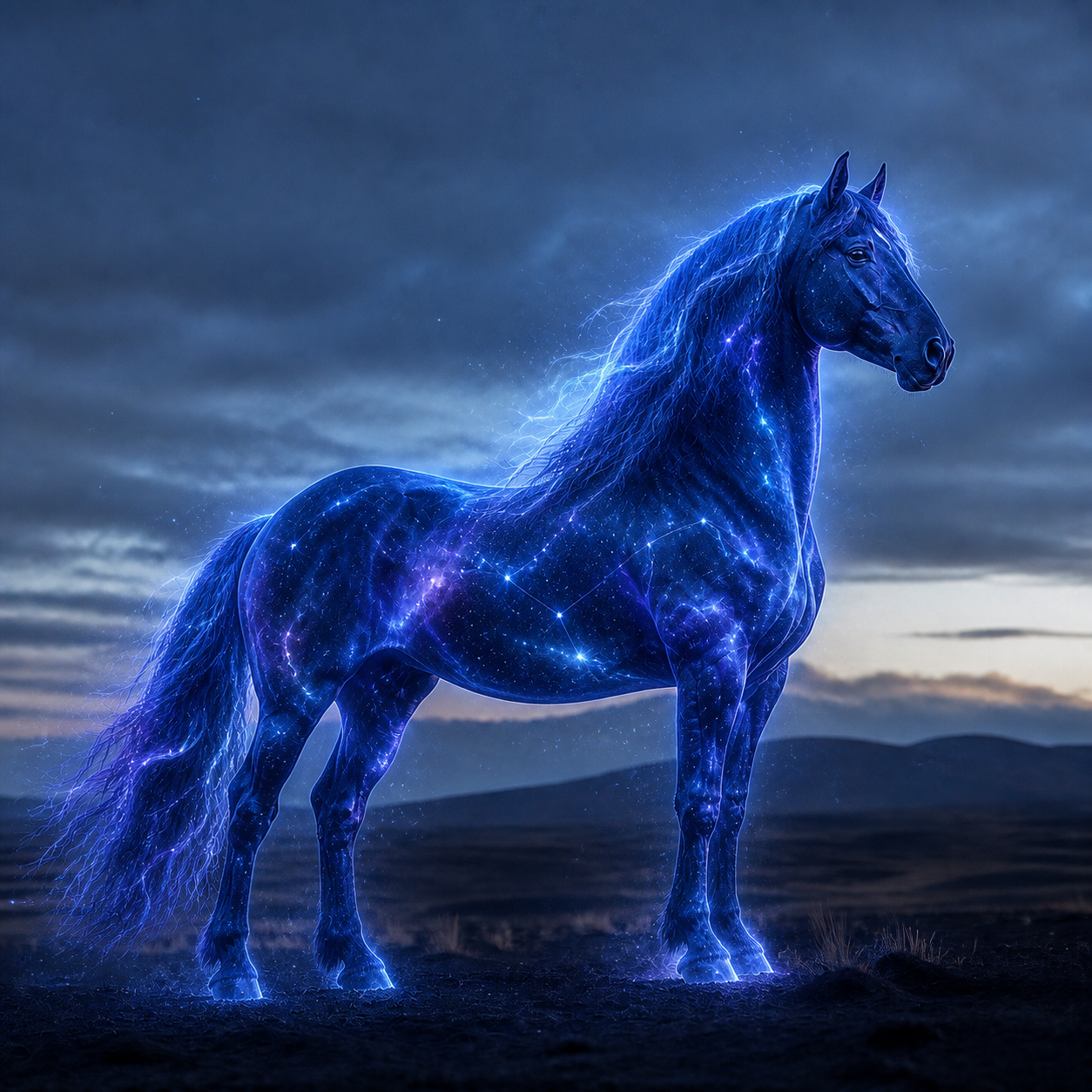
Choose a compatible model around the source image, edit direction and output quality you need.
From Raw Image to Art
Create once, then share, publish, or promote instantly.

Enjoy consistently sharp and visually pleasing results from simple text prompts.
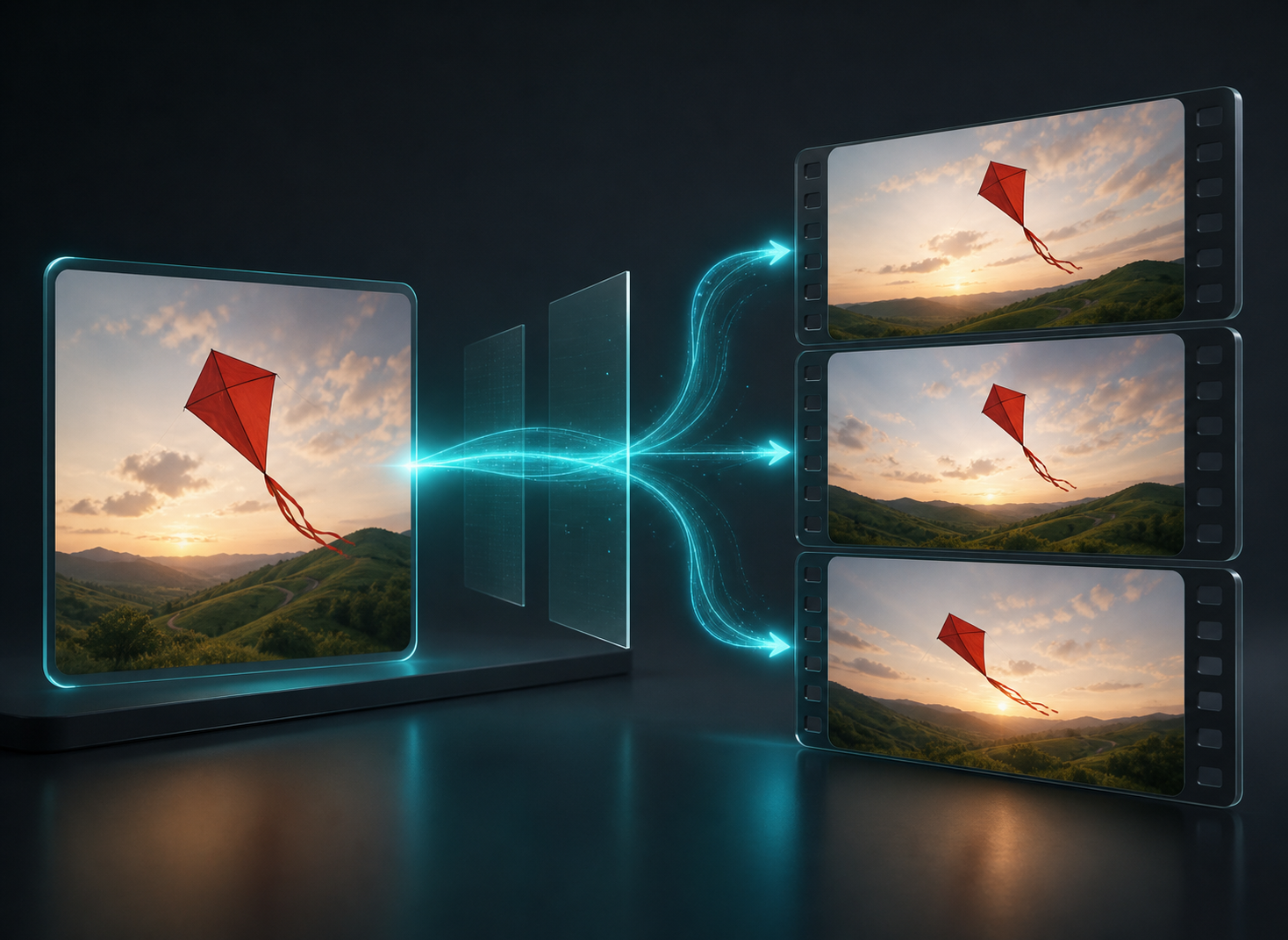
Clear controls and intelligent defaults make creation intuitive from the first use.
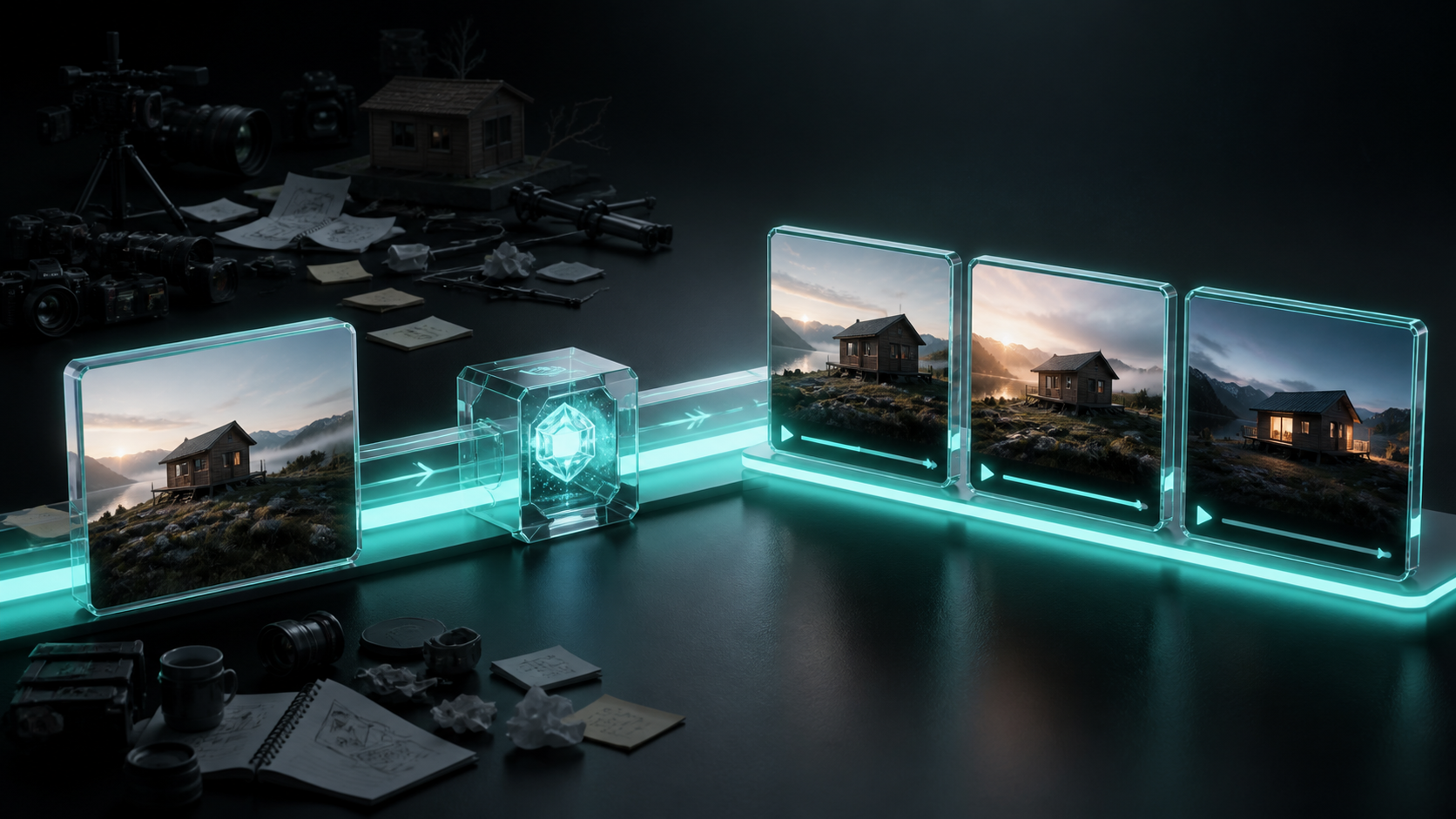
Use AI generation to reduce manual effort and production overhead.
Use Image to Image AI in three steps: upload a source, describe the edit and compare the completed result.
Use one credit balance across video, images, audio and Agent workflows. Choose a monthly or yearly plan, or a one-time credit pack. Generation costs are shown before you submit.
For trying models and starting smaller creative projects
$119.88 billed yearly
3,000 Credits / month
Secure checkout · cancel renewal anytime
For regular video, image and audio creation
$299.88 billed yearly
10,000 Credits / month
Secure checkout · cancel renewal anytime
For larger projects and more rounds of iteration
$959.88 billed yearly
30,000 Credits / month
Secure checkout · cancel renewal anytime
Image to Image AI edits or restyles a source while preserving the visual information you ask to keep, using prompt-based direction and a compatible image model.
Upload a clear source, describe the change, choose a model and review the Credit estimate before generation.
It can adjust style, background, lighting, color, composition or selected details while using the original image as a reference.
It can retain important identity cues, although results vary. Clear faces, consistent instructions and moderate changes usually improve stability.
It often completes in under two minutes. High-resolution models and provider demand can increase processing time.
It can be tested with available signup Credits. The exact Credit requirement appears before each request.
Commercial use depends on your ownership of the source, active plan and the selected model provider's terms.
State what must stay unchanged, describe one main edit and avoid combining several conflicting styles in the same prompt.
Uploads remain in your workspace and are used to perform the generation requests that you initiate.
Every successful result is saved in My Creations so you can review, download and compare earlier versions.

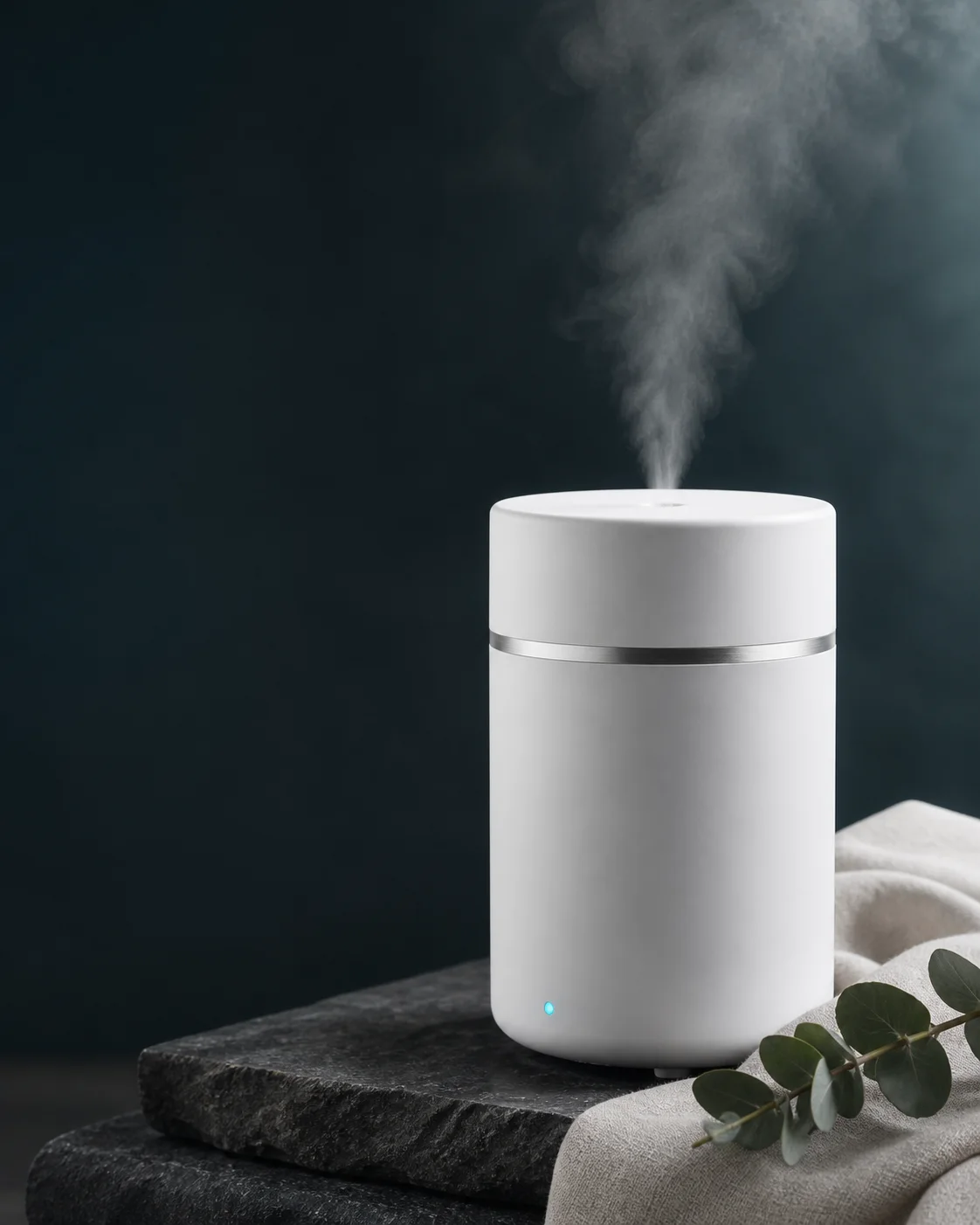
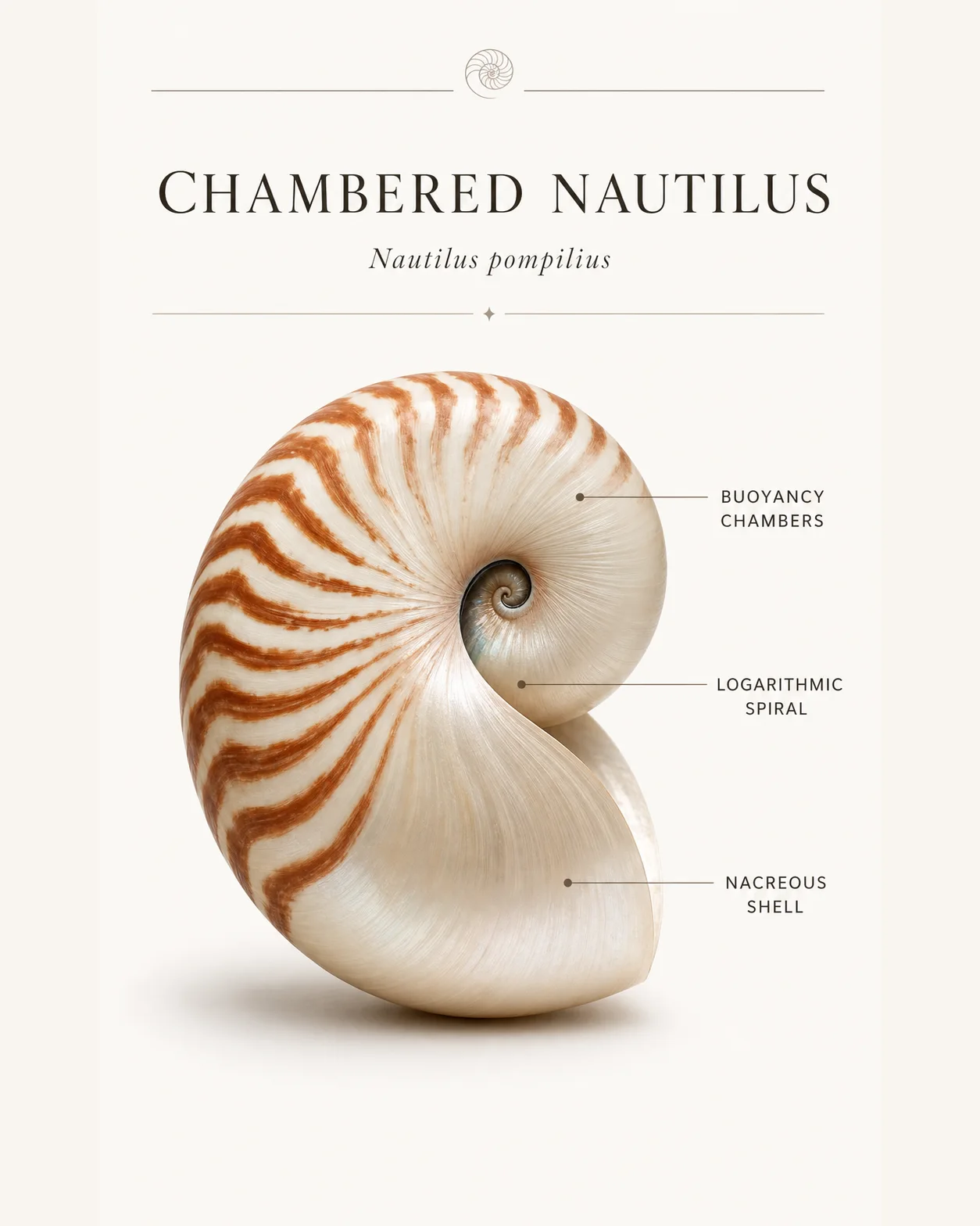

Refine an existing picture with Image to Image AI, or start from a sentence with Text to Image AI.