
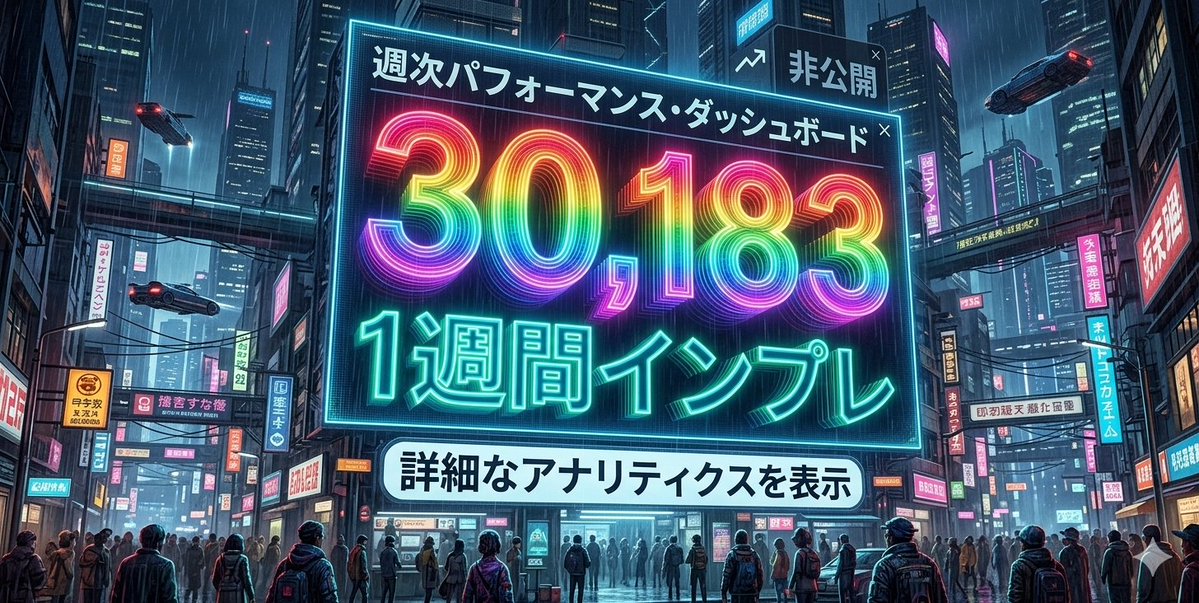
Cyberpunk Rainbow Impression Counter
{argument name="number" default="30183"} with a rainbow gradient, {argument name="style" default="Cyberpunk"}
Prompt Library
Curated image, video and web design prompts from creators around the world. Copy any prompt, swap the subject or style, and generate with the latest models.
15,630 prompts · Updated daily · 100% free
242 prompts
{argument name="number" default="30183"} with a rainbow gradient, {argument name="style" default="Cyberpunk"}
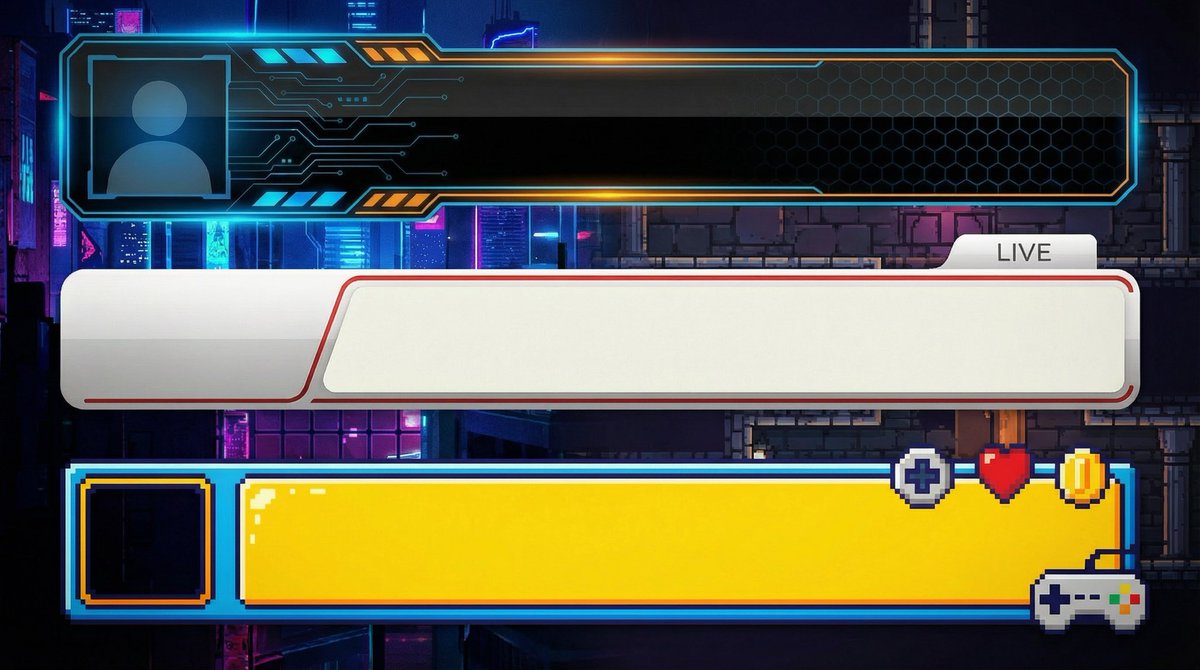
【Create Subtitle Bases for YouTube】 ●Basic Information ・Do not input text; only create the subtitle base (lower third) ・Opaque ・Horizontal ・Solid green background for easy transparency ・Create three different design patterns stacked vertically ・Aspect ratio is "16:9" ・Resolution is "2K" ---------------- ●Design Information ({argument name="genre" default="Business"}) ・Clean and simple design ・Design easy to use for {argument name="genre" default="Business"} videos ・{argument name="genre" default="Design that conveys reliability"} ---------------- ●Design Information (Game Commentary) ・Clean and simple design ・Design easy to use for game commentary ---------------- ●Design Information (Entertainment) ・Clean and simple design ・Design similar to those used by Japanese entertainment YouTubers ---------------- ●Design Information (Vlog/Daily Life) ・Clean and simple design ・Calm design easy to use for stylish Vlog videos
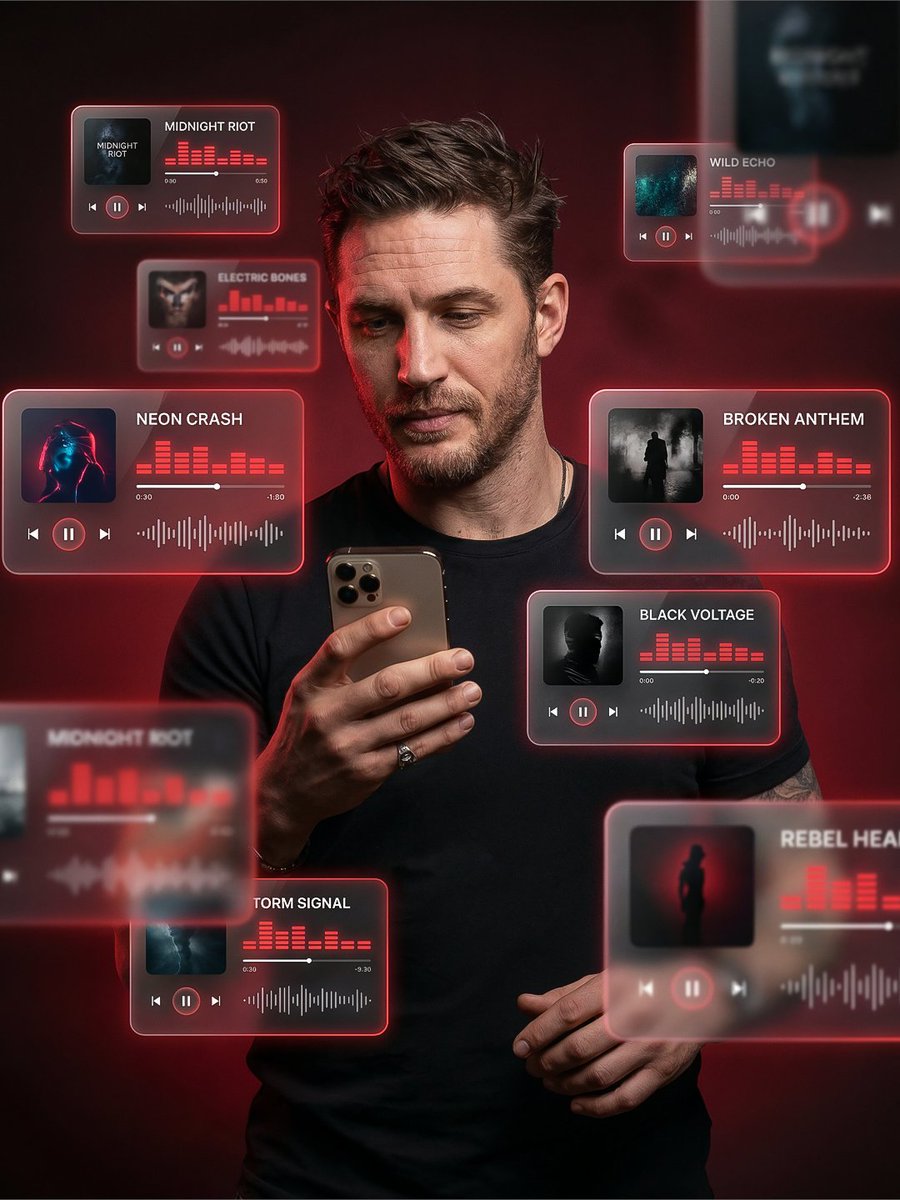
Create a premium 3:4 vertical cinematic AR poster of a stylish young man holding a smartphone. He looks modern, confident, and effortlessly cool, with sharp facial features, slightly messy hair, and a relaxed yet focused expression, as if curating his music vibe. His posture is natural - one hand holding the phone, the other slightly relaxed, conveying calm control and presence. Surround him with floating 3D music UI cards (inspired by Spotify / Apple Music), placed at different depths - some in the foreground partially blurred, some behind him, creating strong cinematic depth and motion. Each UI card must clearly display one track title (sharp, readable, correctly spelled): Midnight Riot, Electric Bones, Wild Echo, Neon Crash, Broken Anthem, Black Voltage, Storm Signal, Rebel Hearts. Design the UI in a glassmorphism style — translucent frosted glass panels with soft rounded corners, subtle reflections, glowing neon edges ({argument name="neon colors" default="red, pink, electric blue tones"}). Each card includes: Album artwork (dark, moody, cyberpunk aesthetic) Play/pause buttons Progress bars Animated equalizer bars Audio waveforms Lighting: studio-quality cinematic lighting with soft glow from the floating UI illuminating his face naturally. Add subtle rim light around his silhouette for depth. Maintain realistic skin tones with a premium editorial look. Background: {argument name="background" default="dark, moody gradient"} (charcoal, deep red, black tones) with soft haze and minimal noise, keeping it clean and high-end. Style & Quality: ultra-realistic, high-end fashion-tech aesthetic, cinematic composition, 8K resolution, sharp focus on the subject with depth-of-field blur on some UI elements. Slight motion blur on a few cards for realism. Overall vibe: futuristic, premium, music-driven identity - like a digital DJ or vibe curator controlling sound in a cinematic tech universe.
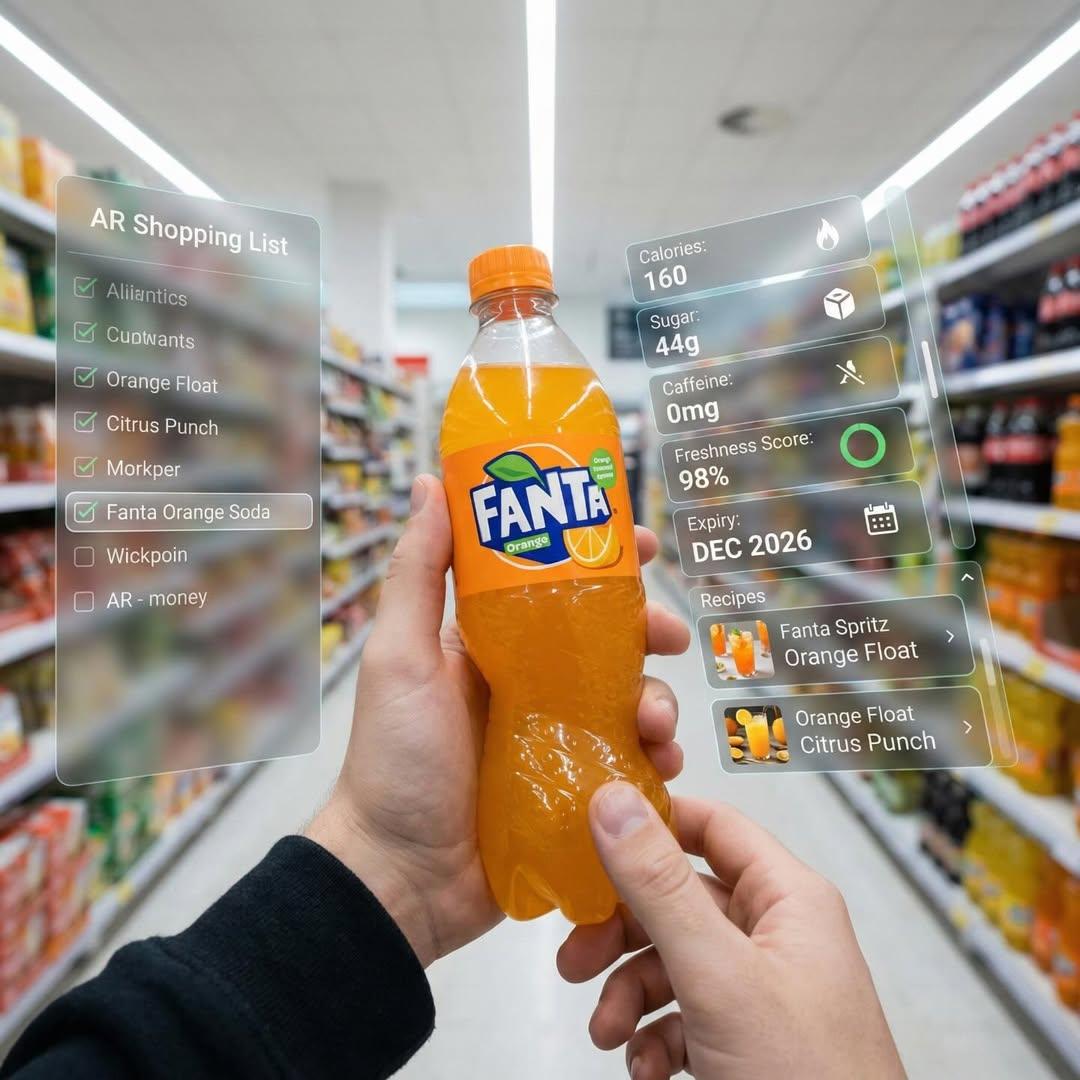
First-person perspective inside a brightly lit supermarket aisle. Realistic human hands bring a bottle of Fanta soda close to the camera. The vibrant orange drink in its iconic branded bottle is surrounded by a multi-layered holographic augmented reality interface, displaying nutritional data including calories, sugar content, caffeine levels, freshness indicator, expiration date, and recommended serving methods and cocktail recipes. The user interface elements smoothly move and reorganize based on the viewer's gaze direction, as if dynamically responding to user focus. In the left peripheral vision, a vertical translucent shopping list is visible, where Fanta is highlighted as the currently active option among the checked items. Hyper-realistic mixed reality, clean futuristic AR design, glass-textured UI panels, soft ambient light, realistic light and shadow, natural depth of field, immersive first-person interface, showcasing next-generation retail technology.
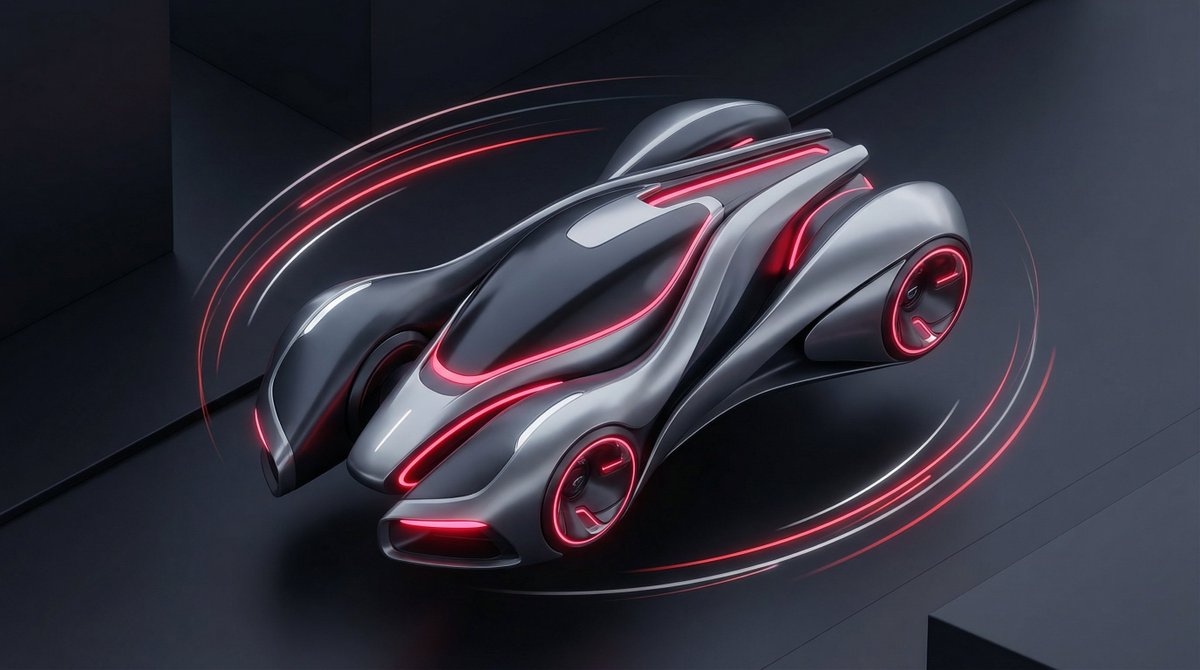
A stylized illustration of {argument name="product or technology" default="[PRODUCT / TECHNOLOGY]"} visualized as {argument name="futuristic metaphor" default="[FUTURISTIC METAPHOR]"}. Isometric or 3D-inspired illustration, smooth surfaces, glowing accents. Color scheme: {argument name="color scheme" default="[NEON / DARK MODE / PASTEL TECH]"}. Clean background, soft shadows, premium startup aesthetic. (Great for SaaS visuals, AI tools, landing pages.)
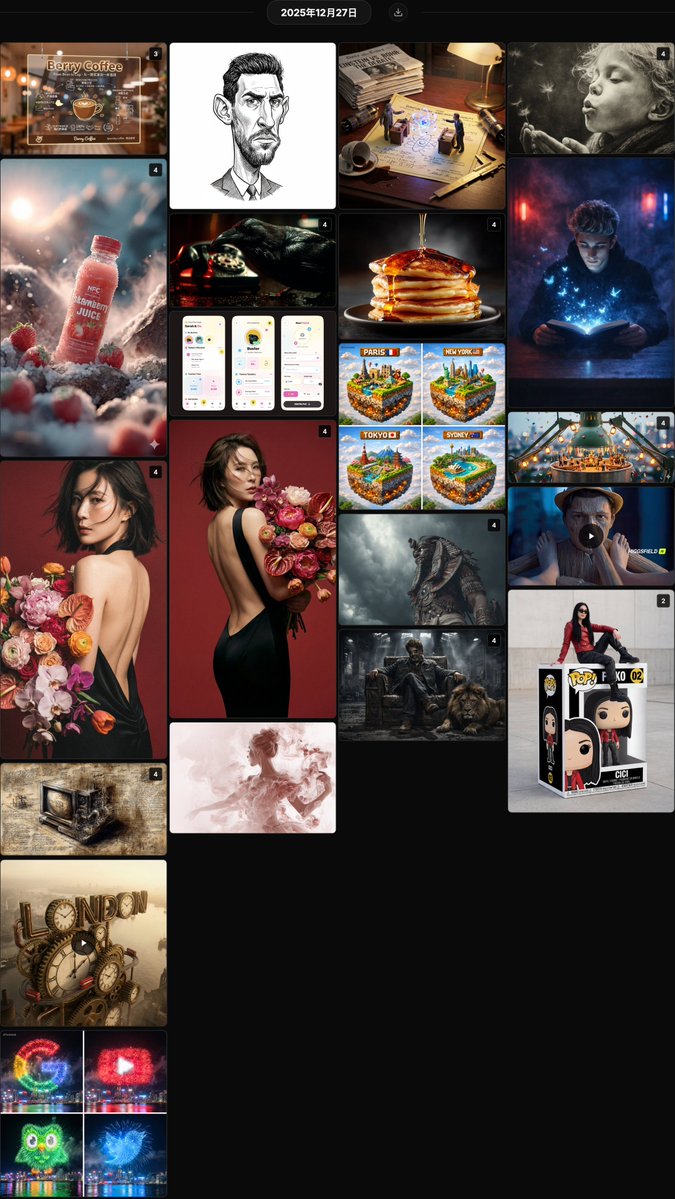
@hx831126 Fashionable backless photo shoot prompt sharing, combined with uploaded facial features to generate high-end magazine style portraits, with realistic and natural details @berryxia Sharing a prompt template for transparent acrylic shop signs, combining hand-drawn chalk style information layout with brand display, suitable for DIY in catering, technology, and other scenarios @LudovicCreator Smoke moment art prompt template, creating a fragile and fleeting atmosphere with soft blurred edges and dreamy charcoal texture @AllaAisling Liquid pouring product photography prompt, capturing the moment fluids like honey, paint, or milk make contact, creating an appealing sensory texture @anandh_ks_ Gangster king and lion cinematic style prompt, combining absolute facial lock with an industrial ruin scene, creating a strong sense of authority @TechieBySA Fireworks brand Logo prompt sharing, using night sky fireworks to accurately replicate the colors and shapes of logos like Google and YouTube @azed_ai Epic cinematic cultural fusion prompt, using symbolic armor and dramatic lighting to create a grand atmosphere for cross-cultural warriors @Arminn_Ai Giant Funko Pop toy box prompt, featuring a real person sitting in a custom package, with collector-grade detail restoration @YaseenK7212 Strawberry juice advertising photography prompt series, combining natural environment and condensation droplets to create a fresh and appealing commercial visual @David_eficaz Political cartoon style exaggerated portrait JSON prompt, emphasizing facial features with fine ink lines and shadows in an editorial style @RobotCleopatra Da Vinci manuscript style modern object prompt, restoring Renaissance aesthetics with ink line cross-sections and mirrored annotations @Gdgtify London city clockwork mechanical giant text prompt, dynamically blending Victorian gears with a red bus @aleenaamiir Miniature festival prompt on the edges of everyday objects, vividly narrating a story with small figures, lanterns, parties, and cinematic wide-angle close-ups @TechieBySA Minecraft style floating city cube prompt, building fun visuals with iconic landmarks and voxel sky @hx831126 Analysis of backless photo facial consistency prompt, using close-up half-body composition to improve identity feature retention rate @LudovicCreator Smoke art QT interactive prompt, capturing the fleeting, dreamy moment of the subject with a soft charcoal texture @Gdgtify Scientists' war macro diptych prompt, featuring miniature duels between historical rivals on patent drawings for educational fun @itis_Jarvo33 Mysterious smoky room magic book prompt, creating an immersive reading atmosphere with blue light, butterflies, and flocks of birds @RobotCleopatra Neo-noir cinematic golden prompt, recreating the classic atmosphere with Venetian blind shadows, smoke, and tungsten light effects @mattiapomelli Whimsical interface design for a pet management App, full of vitality with saturated colors, hand-drawn lines, and cartoon elements
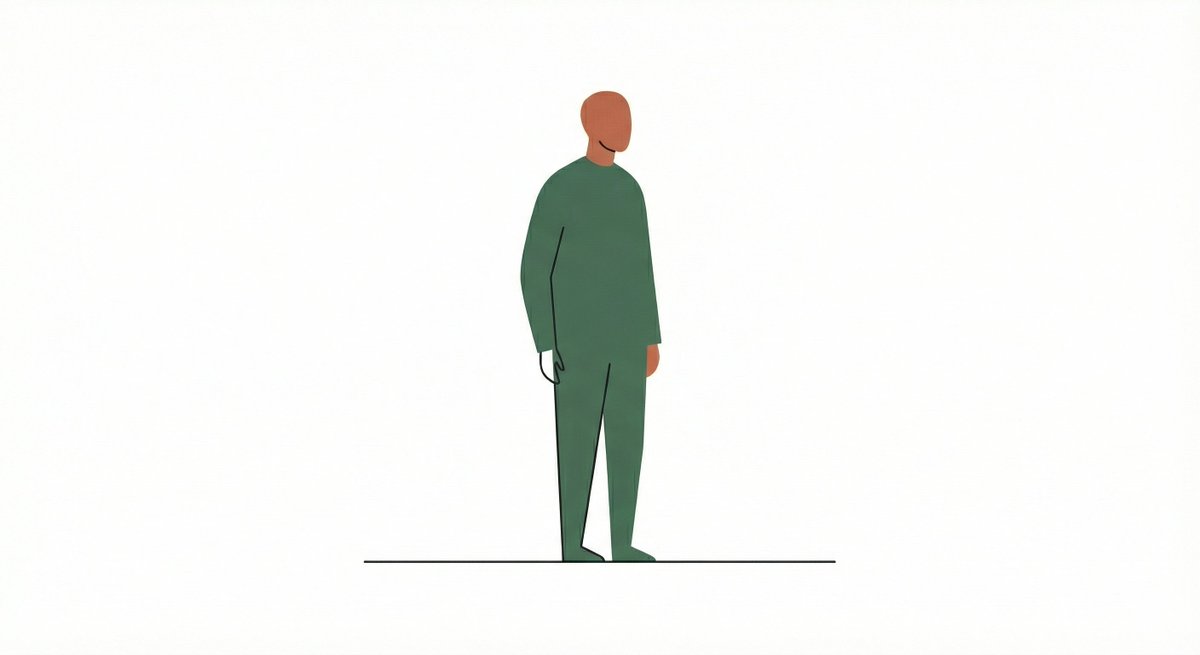
Illustrate {argument name="subject" default="a cityscape"} using a combination of thin lines and large flat shapes. Keep the interaction sparse and intentional. The result should feel contemporary and design-forward.
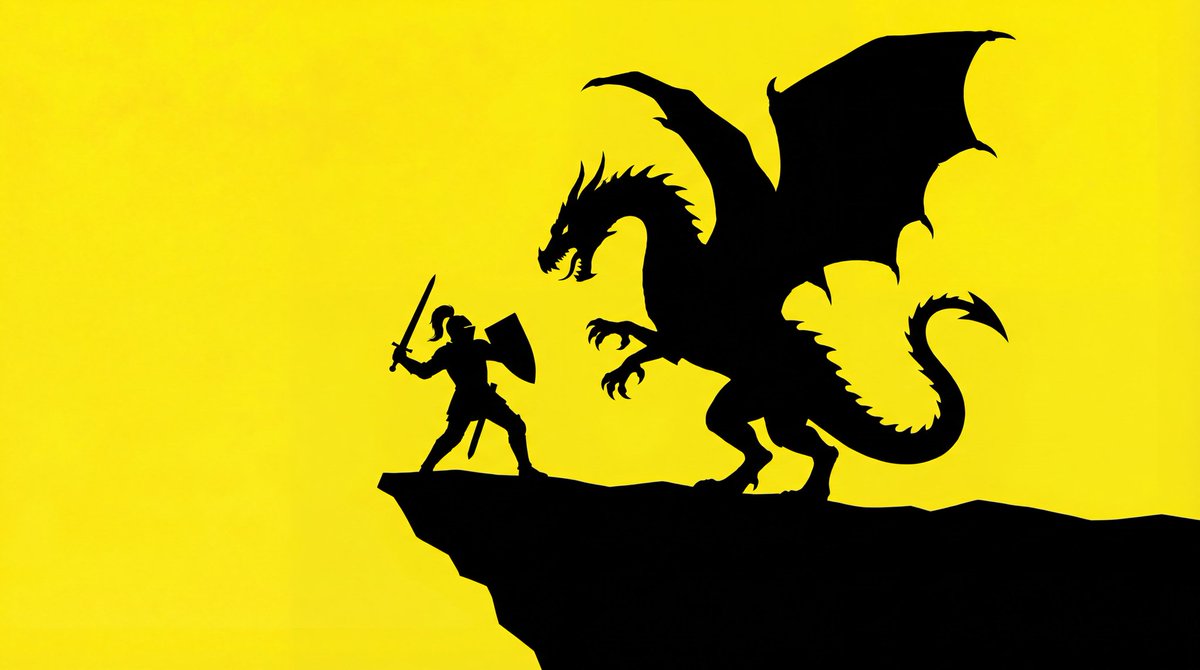
The silhouette of a basic outline of a {argument name="object" default="[PROMPT]"}. The background is bright yellow, and the silhouette is solid black.
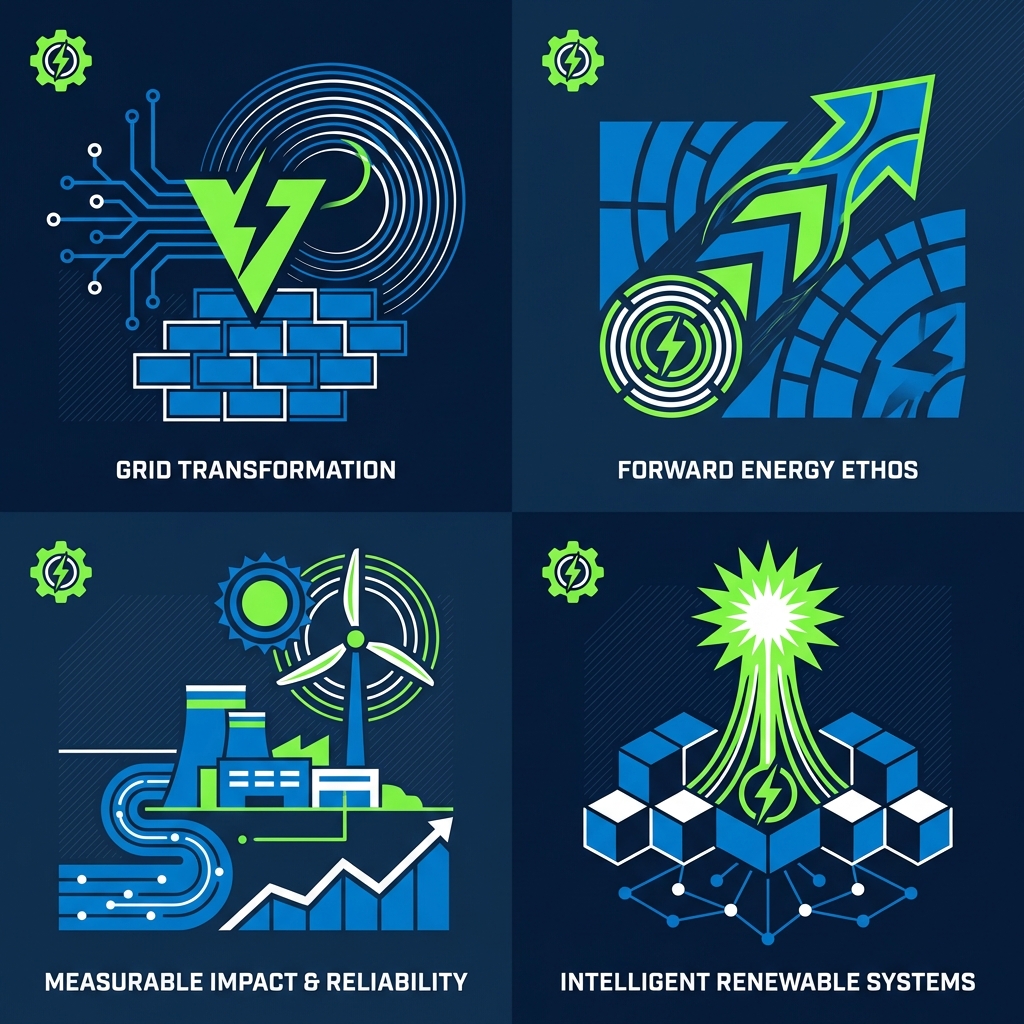
Minimal abstract illustration. Flat but layered vector-style shapes, precise curves, consistent stroke logic, limited color palette with high harmony, balanced spacing and alignment, designed to feel systemized and scalable, like a mature brand illustration set.
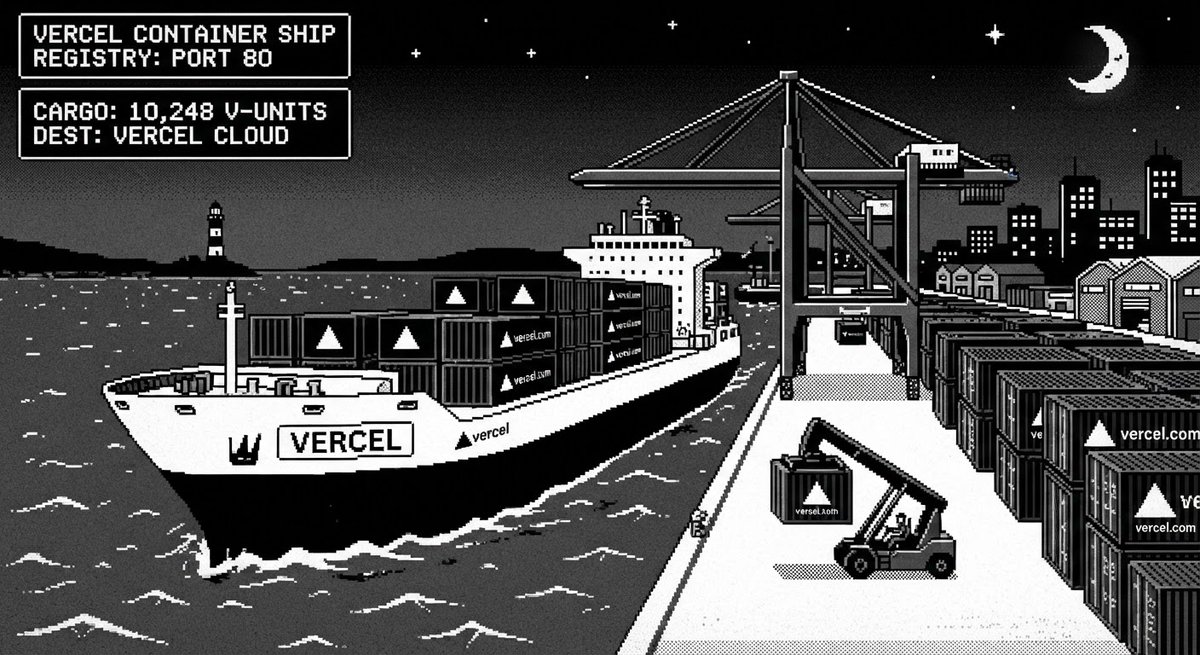
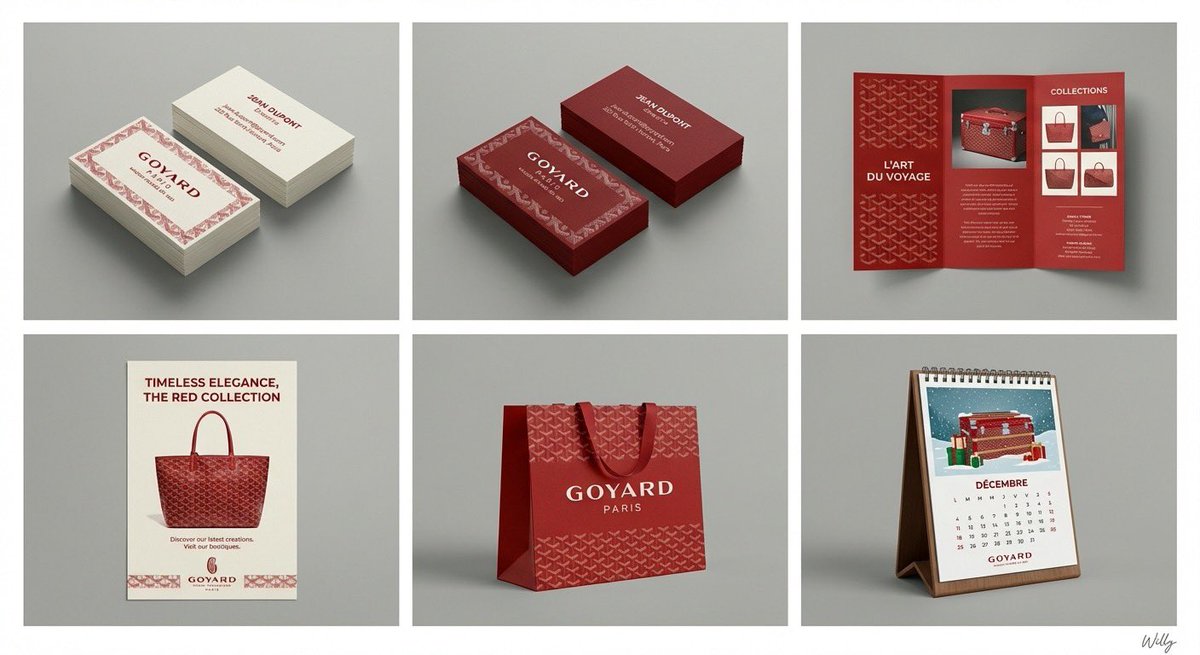
A professional 6-panel grid layout photograph displaying a complete brand identity suite for the concept: "{argument name="content" default="beauty"}". The image is divided into two rows and three columns, each cell framed with a clean white border. The overall style is a clean, modern studio mockup with uniform lighting. Top Row (Left to Right): Cell 1 (Business Card - Original): Two stacks of business cards showing front and back, featuring the primary logo, color palette, and typography of "{argument name="content" default="beauty"}". Clean white or light background paper stock. Cell 2 (Business Card - Inverted): Two stacks of business cards showing front and back, featuring the same design as Cell 1 but with inverted colors (e.g., dark background with light logo/text). Cell 3 (Pamphlet): An open tri-fold brochure showcasing detailed information, images, and branding elements related to "{argument name="content" default="beauty"}". Bottom Row (Left to Right): Cell 4 (Flyer): A single-page promotional flyer design for "{argument name="content" default="beauty"}", with a strong headline, imagery, and call to action. Cell 5 (Shopping Bag): A premium paper shopping bag with handles, featuring a large version of the "{argument name="content" default="beauty"}" logo and brand pattern. Cell 6 (Calendar): A desk calendar showing a monthly view with themed illustrations or photos related to "{argument name="content" default="beauty"}" and brand branding on each page. All items across all six cells consistently apply the logo, color scheme, typography, and graphic elements of the "{argument name="content" default="beauty"}" brand identity. The background behind the grid is a clean, neutral grey studio wall. 4k resolution, highly detailed texture. A minimal and chic handwritten signature 'Willy' is in the bottom-right corner. content: {argument name="input" default="beauty"}
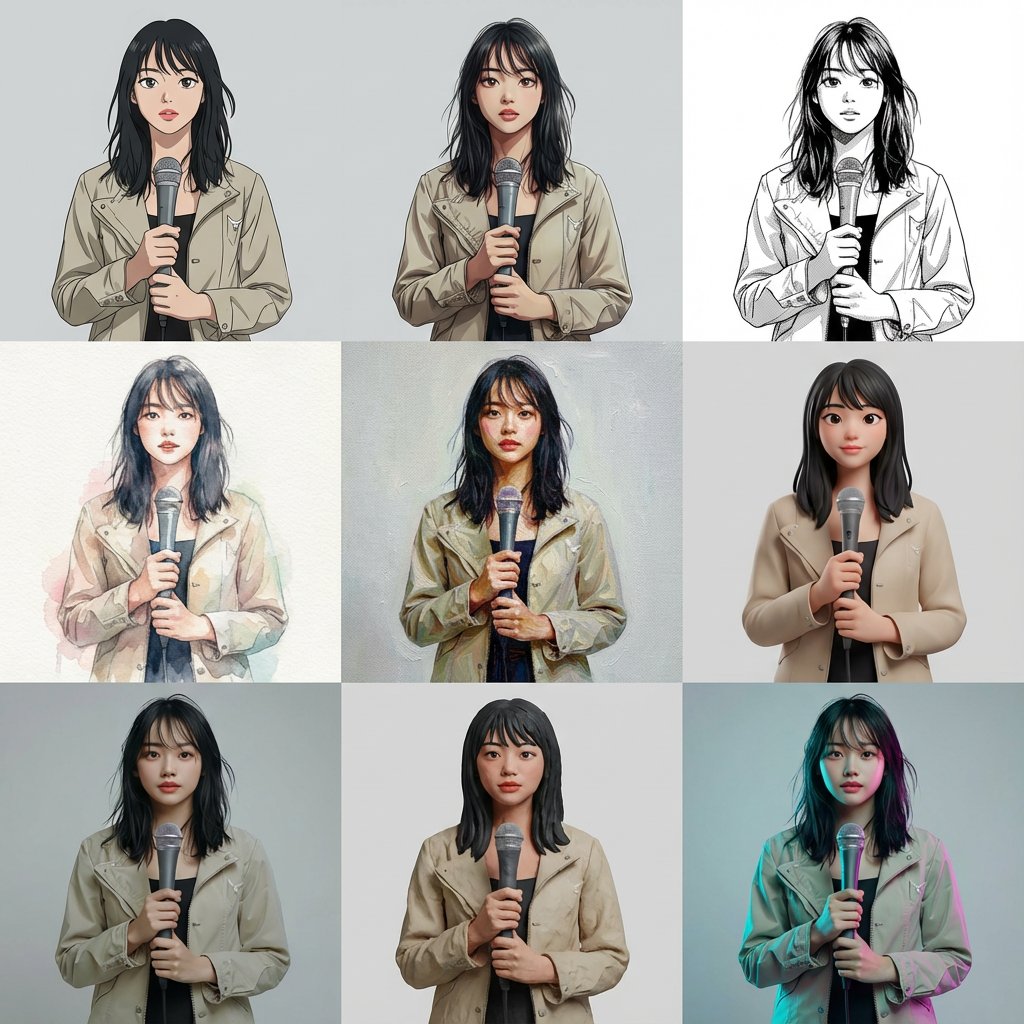
Based on the reference image, generate a multi-cut image with 9 cuts arranged within a single image. The layout is a 3x3 uniform grid. Each cut features the same person, same composition, same pose, and same camera position. Specify the style for each cut (from top left to bottom right): Cel animation style (TV anime style, clean line art, 2-3 levels of shadow) Movie anime style (delicate lines, rich gradient shadows) Black and white manga style (ink lines, screen tones) Watercolor illustration (paper texture, bleeding, pale colors) Oil painting (thick application, brushstrokes, canvas feel) High-quality 3D cartoon (soft modeling, subsurface scattering) Photorealistic 3D (PBR, texture close to real life) Claymation (clay texture, handmade feel) Cyberpunk color grading (cyan/magenta rim light, background remains plain) Ensure that all 9 cuts have completely identical composition, person, pose, and background, allowing only the style difference to be compared. Arrange them naturally as one complete image.
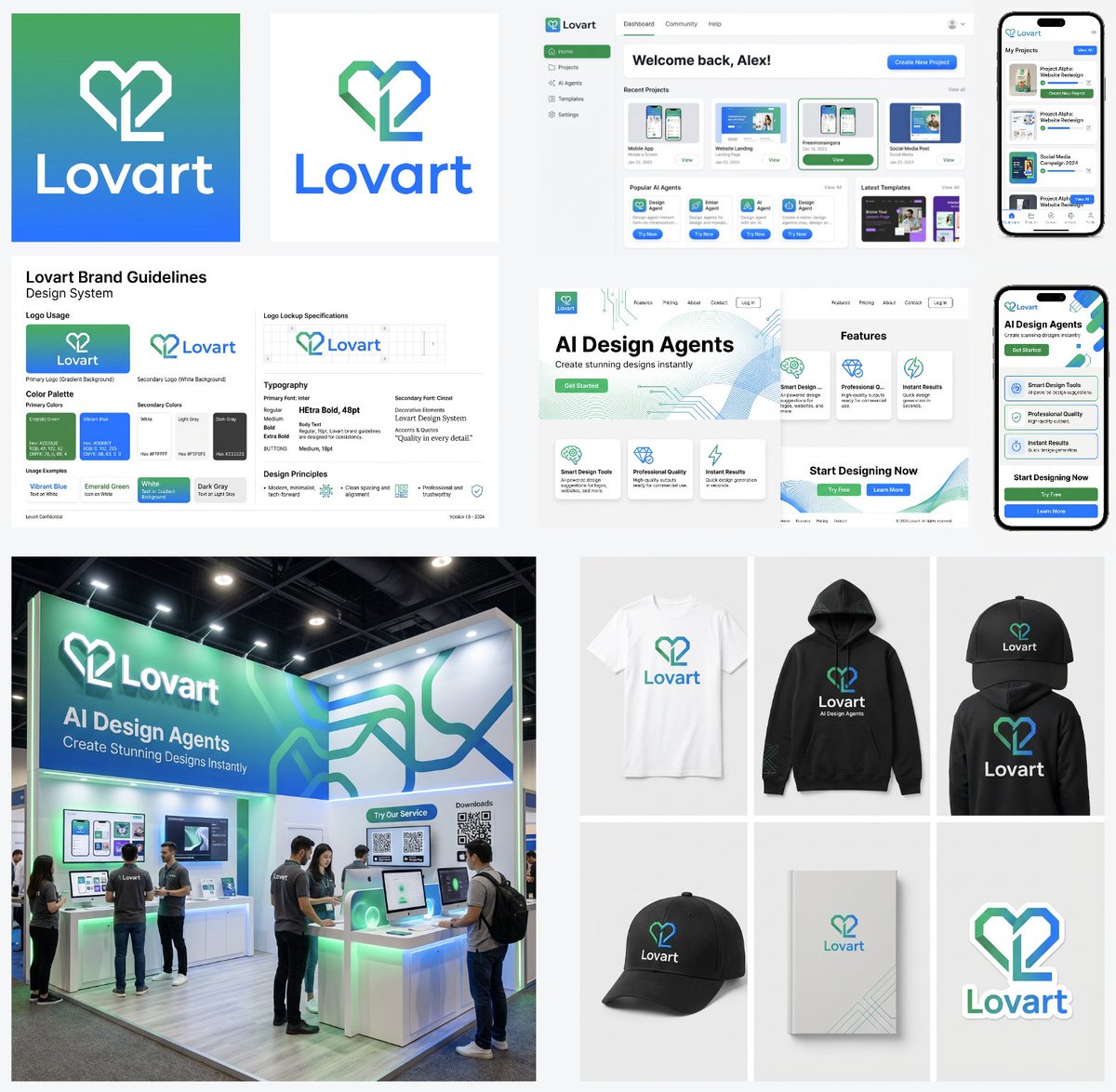
A logo mark for a company named "{argument name="company name" default="Lovart"}" with a base color gradient of vibrant {argument name="color 1" default="emerald green"} and vibrant {argument name="color 2" default="blue"} Generate a color palette and font design guidelines from this logo mark Generate the application UI design for this service. PC version and smartphone version Design a website to introduce this service. PC version and smartphone version Design image of an exhibition booth for this service Merchandise design for this service. T-shirt, hoodie, cap, notebook, sticker
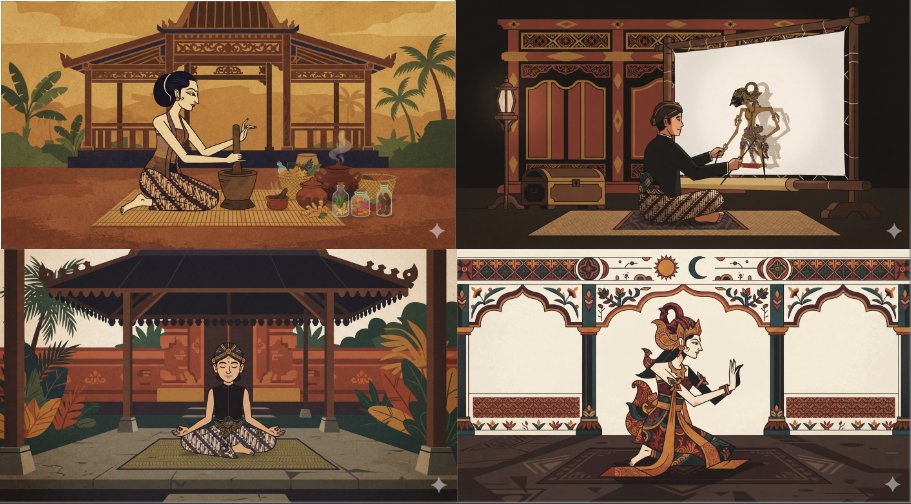
a minimal flat animated scene of {argument name="subject" default="something neutral but interesting"}, {argument name="character count" default="a single character"}, pick an unusual animation style and palette. {argument name="art style" default="Javanese style"}.
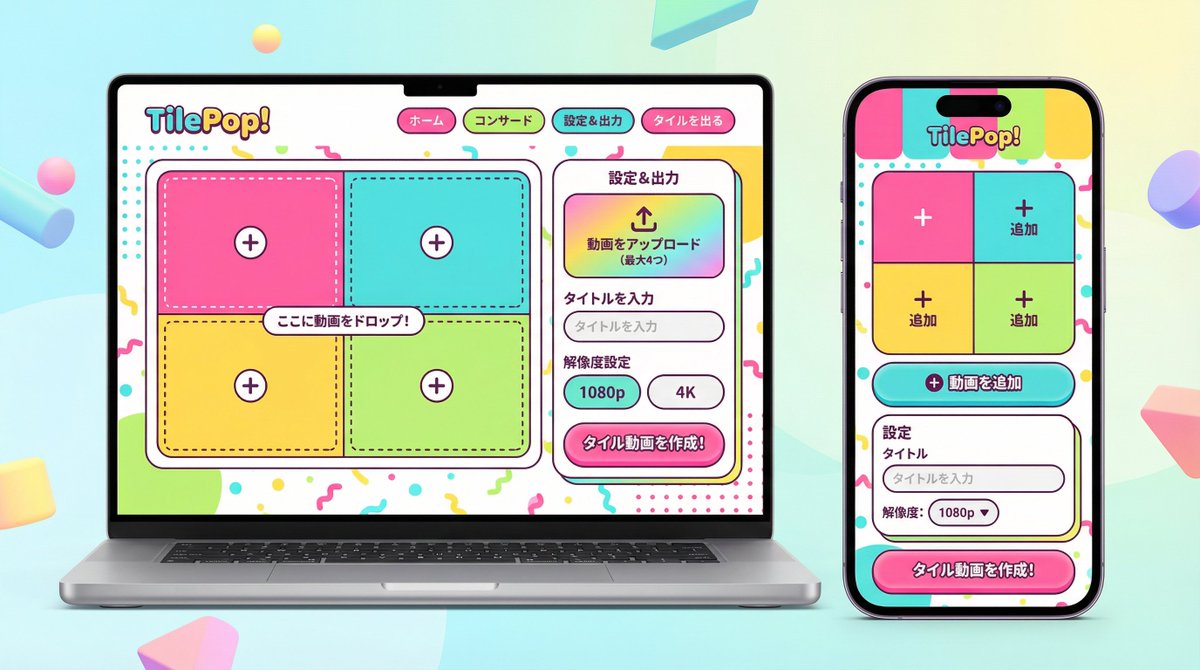
You are an experienced senior UI/UX designer specializing in new service launches and redesigns. Analyze the attached image (or input text if no image is attached) and extract **only the 'functional requirements' and 'information structure'** shown there. Based on the extracted functions, generate a high-resolution device mockup image of the app/service with a **completely refreshed design**, showing both the 'Smartphone version (mobile app)' and the 'PC version (Web dashboard or LP)' side-by-side. **Important Requests:** 1. **Design Refresh:** **Do not imitate** the visual style of the attached image at all. Propose a completely new design according to the 'Pop Design' instructions below. 2. **Functionality Maintenance:** Core app functions, such as 'Upload,' 'Video Tiling Display,' and 'Export Settings,' must be included in the UI. 3. **No Characters:** Do not place any characters or human illustrations in the image. Focus only on the UI and devices. ▼ Instructions for the Generation Process (Thinking Process) Construct the design by executing the following thought process before drawing: * [Step 1: Extraction of Functional Requirements]: Identify what the service does from the attached image (e.g., video upload, tiling edit, output) and list the necessary UI elements. * [Step 2: Formulation of Pop Design Concept]: Define a vibrant color palette, playful shapes, and approachable typography based on the '▼ New Design and Style Specification' below. * [Step 3: Responsive UI Design]: * Smartphone Version: Optimize the UI using the defined pop design so that it is fun to operate even on a small screen. Buttons should be large and easy to press. * PC Version: Design a visually enjoyable grid layout utilizing the wide screen, using the defined pop design. * [Step 4: Spatial Composition]: Set an angle where the PC and smartphone are beautifully aligned, and the new design of both screens is clearly conveyed. ▼ New Design and Style Specification * **Design Direction:** Adopt **'Fun, Approachable, and Energetic Pop Design.'** * **Color:** Use a highly saturated, vibrant multi-color palette (e.g., candy colors, bright yellow, hot pink, sky blue) to give an energetic impression. * **Shape:** Frequently use large rounded corners for buttons, cards, and windows to create a soft, tactile texture. Icons should be in a playful style drawn with thick lines. * **Font:** Use an approachable and highly legible rounded Gothic Japanese font. * **Overall Atmosphere:** Finish with a bright, positive UI that makes the user excited to interact with it. * **Composition:** Cross-platform mockup with the PC and smartphone beautifully aligned, in an isometric (oblique overhead) or front view. The background should be a bright studio environment that enhances the pop UI. * **Text:** Place accurate Japanese text indicating the functions. ▼ Input Text (App Function Definition) {argument name="app function definition" default="App to tile and export uploaded videos\nNo AI analysis function needed\nI want to be able to set the resolution!"}
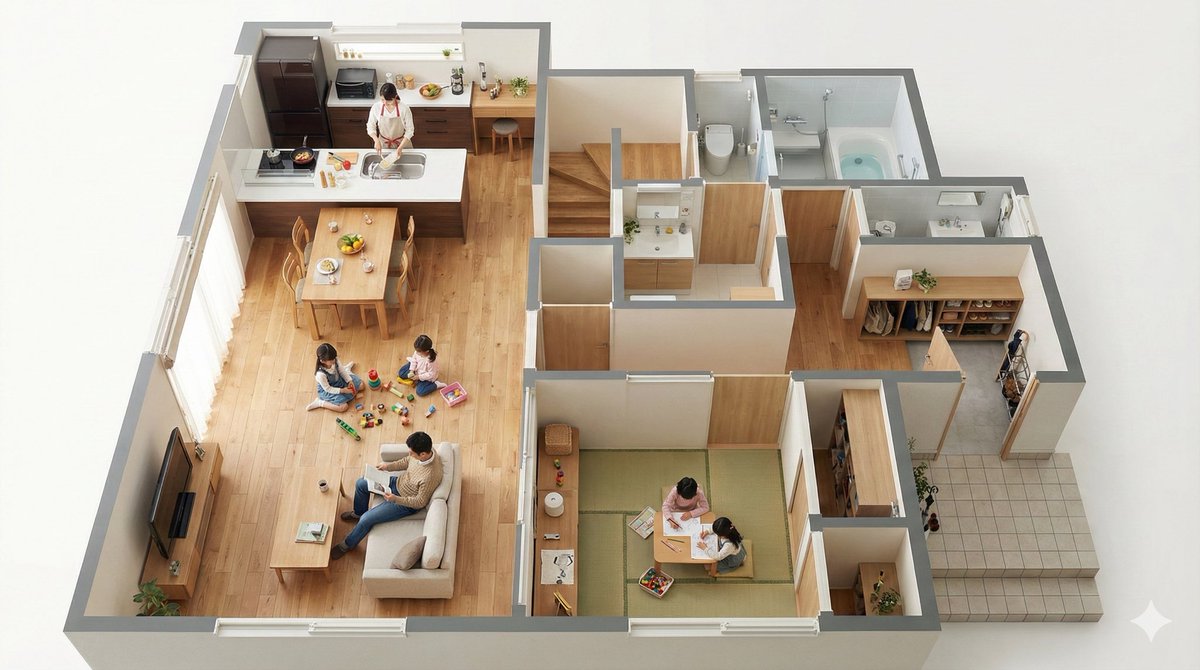
Convert this floor plan into a realistic interior of a {argument name="house builder" default="Ichijo Komuten (i-smart 2)"}, rendered as a bird's-eye view seen from a 45-degree angle. Then, actually place the scene of this family living inside the bird's-eye view. Use a viewing angle where the entire floor plan is visible. Make it look like a miniature.
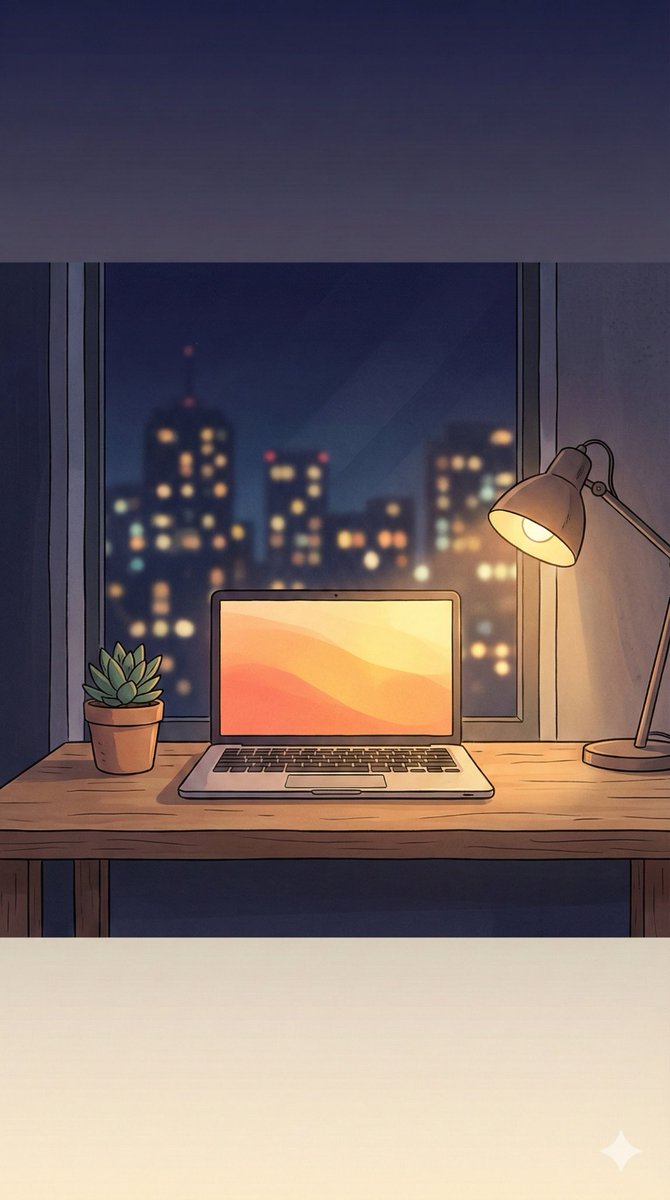
Make a beautiful 9:16 wallpaper. Leave natural negative space near the top and bottom. Give the wallpaper a subtle top to bottom gradient. No blur effects or cropping. Keep the scene simple. ({argument name="image concept" default="[Enter the image concept you want to generate]"})
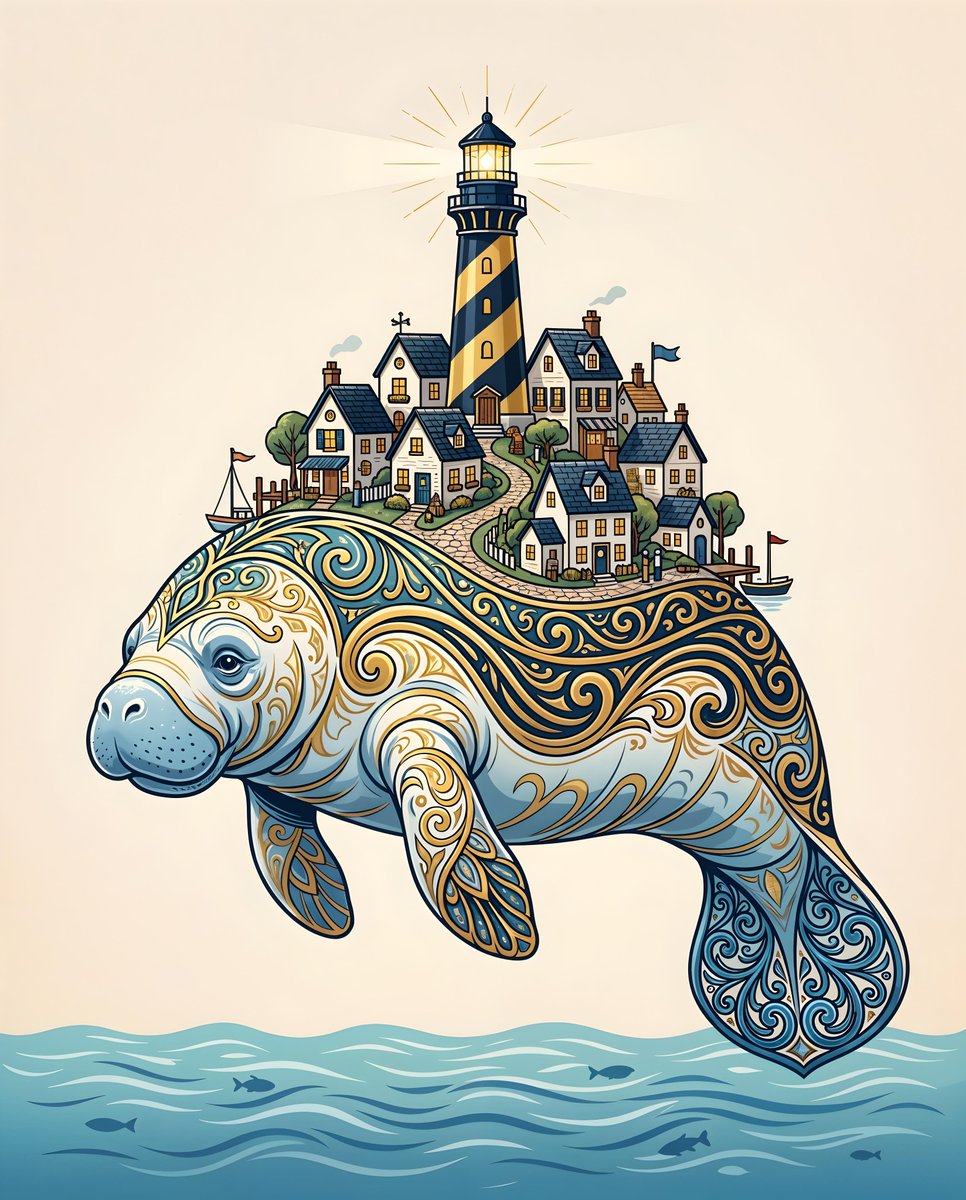
A highly detailed, {argument name="art style" default="stylized illustration of a majestic West Indian manatee carrying a quaint coastal village on its back, rendered in a clean, modern vector-art style"}. The {argument name="subject" default="manatee"} is predominantly {argument name="color palette" default="soft blue and white with intricate, swirling patterns in shimmering gold and deep navy blue along its body and tail"}, giving it an ornate, almost ceremonial appearance. On its broad back rest several small, crisp white houses with steep, dark slate roofs, tiny windows glowing warmly, clustered around a tall lighthouse painted in bold black and gold stripes with a radiant beacon shining outward. The manatee gently floats in a calm, abstract suggestion of water at the bottom edge, while its tail fin is elaborately decorated with blue filigree patterns. The background is a plain, light beige color with subtle grain for texture, creating a serene, minimalist backdrop that makes the manatee and village stand out in sharp contrast.
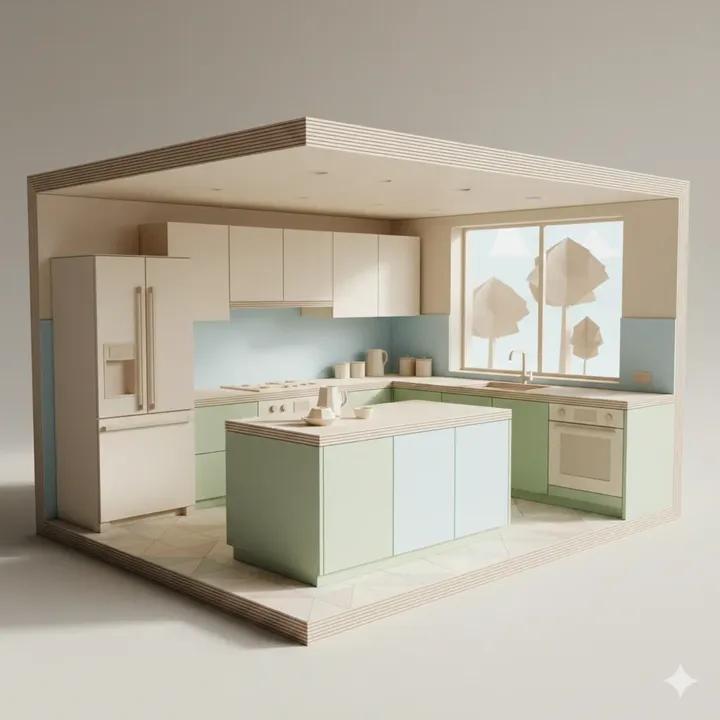
A large-scale origami-style kitchen cutaway in color, filling most of the frame. All elements are made from folded paper planes: cabinets, countertops, island, backsplash, floor, window, and appliances simplified into geometric forms. Soft pastel colors (warm white cabinetry, pale sage or soft blue accents, light wood tones). Clear fold lines, layered paper depth, visible paper texture. Natural daylight, subtle shadows, modern minimal kitchen aesthetic.
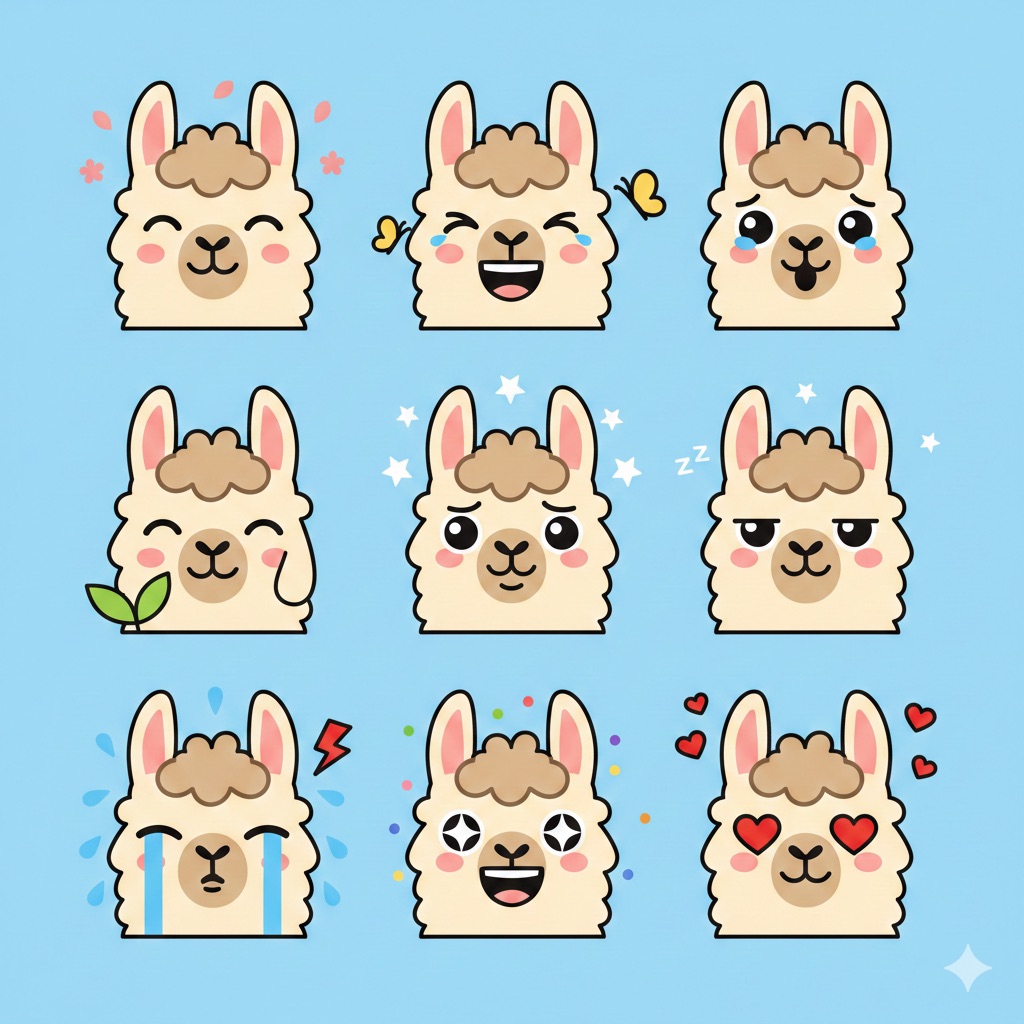
Flat vector emoji sheet of a llama face only, front view, close-up head portrait, no full body, no hands, no pose outside the face, pure 2D flat vector...
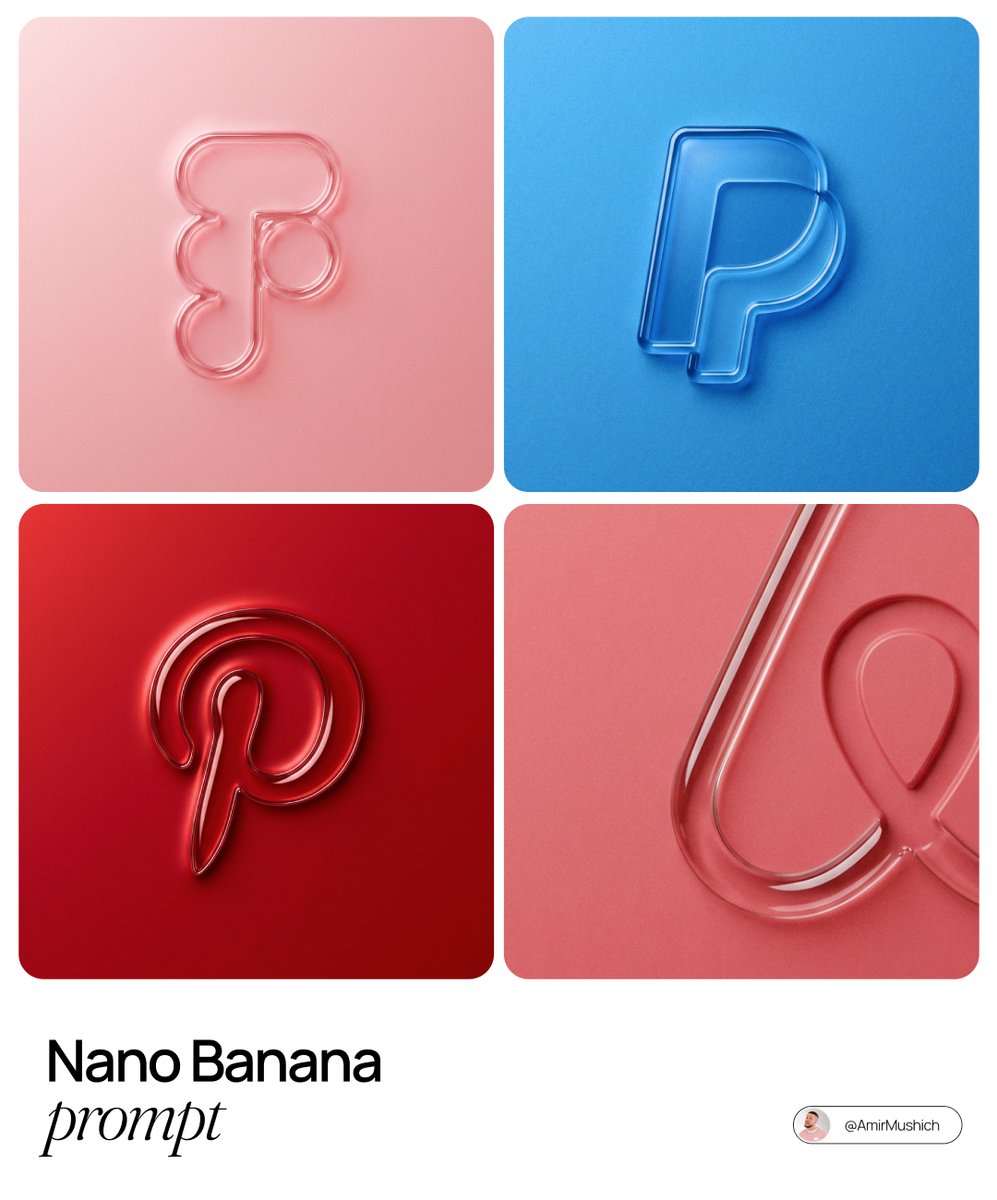
The centrally aligned {argument name="brand name" default="[brand name]"} on a flat surface is rendered with a 3D embossed glossy outline, perfectly centered in the composition with ample surrounding white space, creating a high-end minimal aesthetic. A monochrome {argument name="main color" default="[color]"} palette with a soft gradient in tone. The object is defined by raised, liquid-smooth glass borders or chrome edges, blending seamlessly with the background to form an integrated embossed effect. A matte surface overlaid with subtle film grain or noise texture. Soft diffused lighting with strong specular highlights at the rounded corners, viewed from a top-down perspective.
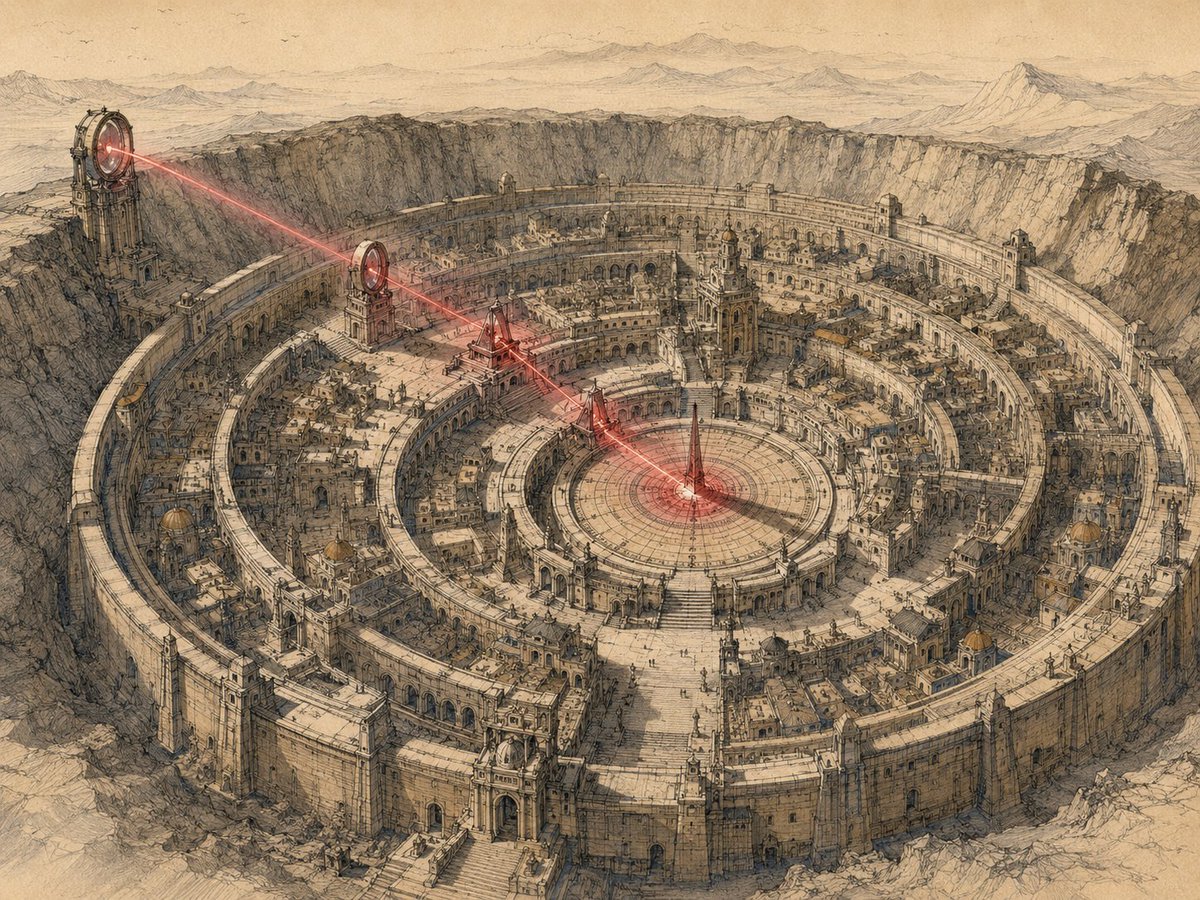
Convert a user's short image request, attached image, or combination of text and images into one finished prompt for GPT Image Gen V2 or Nano Banana Pro. Apply the Redphase Survey visual system defined below. Do not explain the system, show analysis, or add commentary. Return only the finished image prompt in the selected model's format. Use the model named by the user or supplied by the host application. If neither names one, use GPT Image Gen V2. For GPT Image Gen V2, return natural language prose only. For Nano Banana Pro, return one valid JSON object only. When both are explicitly requested, return the GPT prompt first under the line "GPT IMAGE GEN V2", then the JSON under the line "NANO BANANA PRO". Add no other text. Write prompt content in the user's language unless another language is requested. Keep Nano Banana Pro keys in English. Preserve exact in-image text in its required script. CORE LOGIC Every image contains two simultaneous records. The survey record describes what occupies the scene. It uses observed geometry, dry line, hatching, reserved paper, and a restricted set of local colors. The red phase describes what is active through the scene. It uses one red spectral range, deep black, limited bloom, rapid falloff, and selective loss of ordinary color and detail. The survey record answers: What is present? The red phase answers: What is acting, passing, gathering, or changing? Do not average the two records into red-tinted illustration. Give each record a separate job. Before writing the final prompt, silently determine: 1. The literal subject and setting. 2. The stable material structure that belongs to the survey record. 3. One active condition that belongs to the red phase. 4. The source of that condition. 5. The path or relation through which it travels. 6. The receiving subject, object, region, or surface. 7. The visible consequence. 8. Two or three transition sites where the records meet. Choose the active condition from the user's request. It may be physical, social, temporal, or perceptual. Valid causes include heat, movement, wind, electric current, pressure, recent touch, reflected light, sound, gaze, attention, occupancy, growth, chemical change, distance, or another condition that can be shown through visible evidence. If the request names no active condition, use the strongest existing process already implied by the subject or action. Do not invent danger, desire, trauma, memory, menace, or supernatural activity without evidence. Red is a measurement channel, not a mood label. Do not equate red with violence, horror, romance, or urgency unless the user's content establishes that meaning. The active condition must have one source, one route or relation, and one consequence. Do not scatter red accents without a causal structure. CONTENT CONTROL Preserve the user's explicit subject, count, identity requirements, action or state, setting, era, clothing, objects,
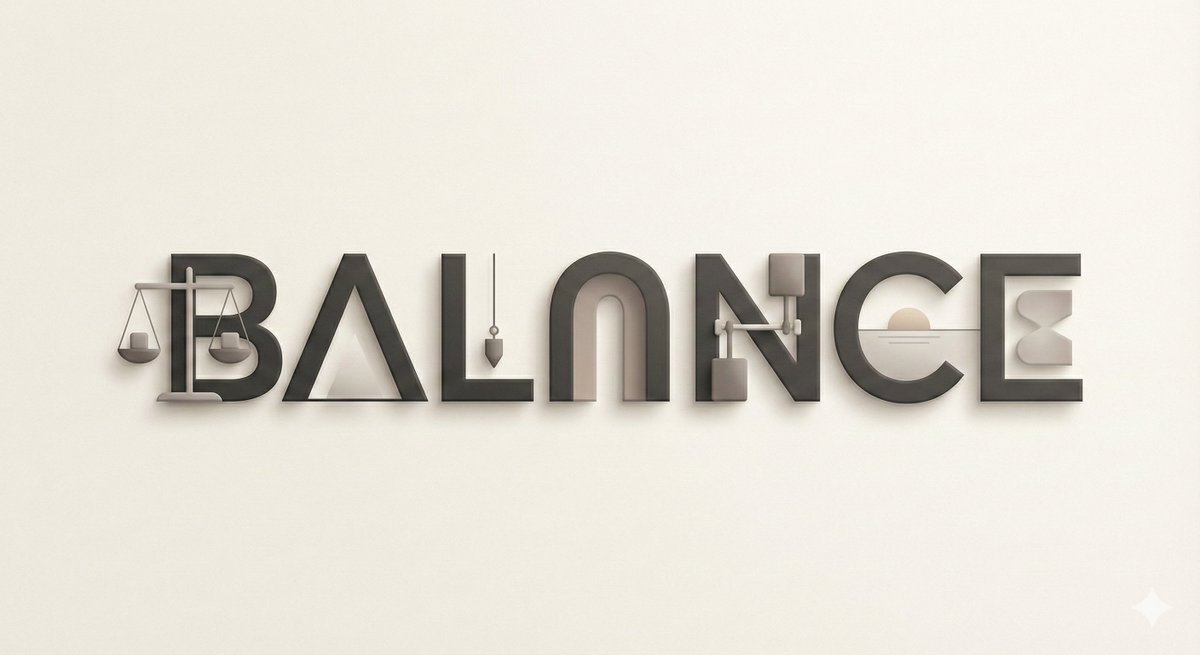
A modern, minimalist digital illustration of {argument name="title or name" default="[TITLE / NAME]"} using bold uppercase typography with subtle depth. Each letter contains one carefully chosen object or visual cue representing a key idea or value. The background remains understated, allowing the typography to communicate meaning through simplicity. Clean, intelligent, gallery-ready aesthetic.
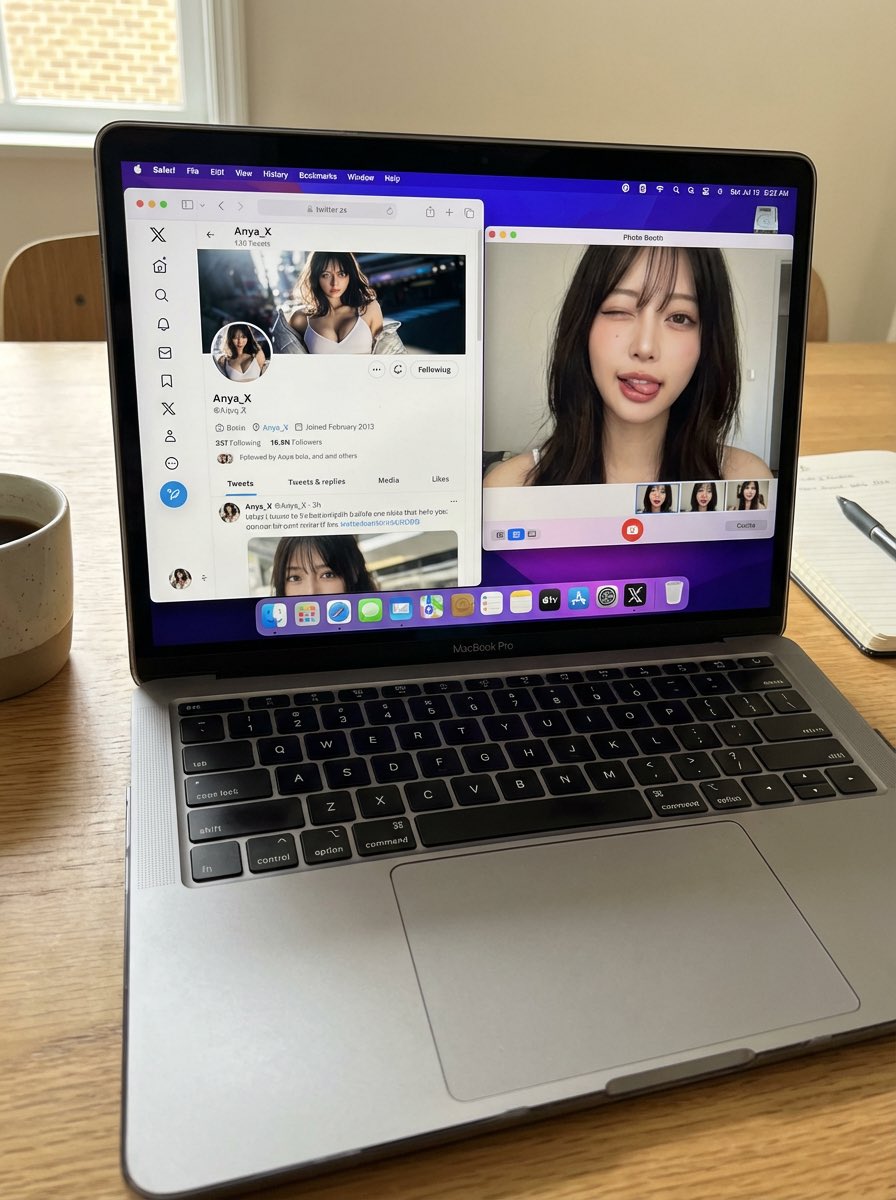
A candid, realistic still image of a MacBook Pro on a desk. The screen shows Safari open with X (Twitter), displaying my own X account. All UI elements must be accurate and authentic — no generic or incorrect follow buttons. My profile picture is clearly visible, and the same profile image also appears in the macOS side dock. Next to Safari, Photo Booth is open, showing a webcam selfie of me (the same person as in the profile picture). In the selfie, I am looking directly into the camera, making a cute and playful funny face — slightly exaggerated but charming, casual, and natural. Do not change my face or identity in any way. No gibberish or unreadable text anywhere on the screen. The phone (if present) remains completely still. Flat, natural lighting. Normal, realistic image quality — not cinematic, not overly stylized. Photorealistic, everyday desktop environment with a casual, authentic snapshot feel.
Some prompts are collected from creators on X. Copyright belongs to the original authors.