
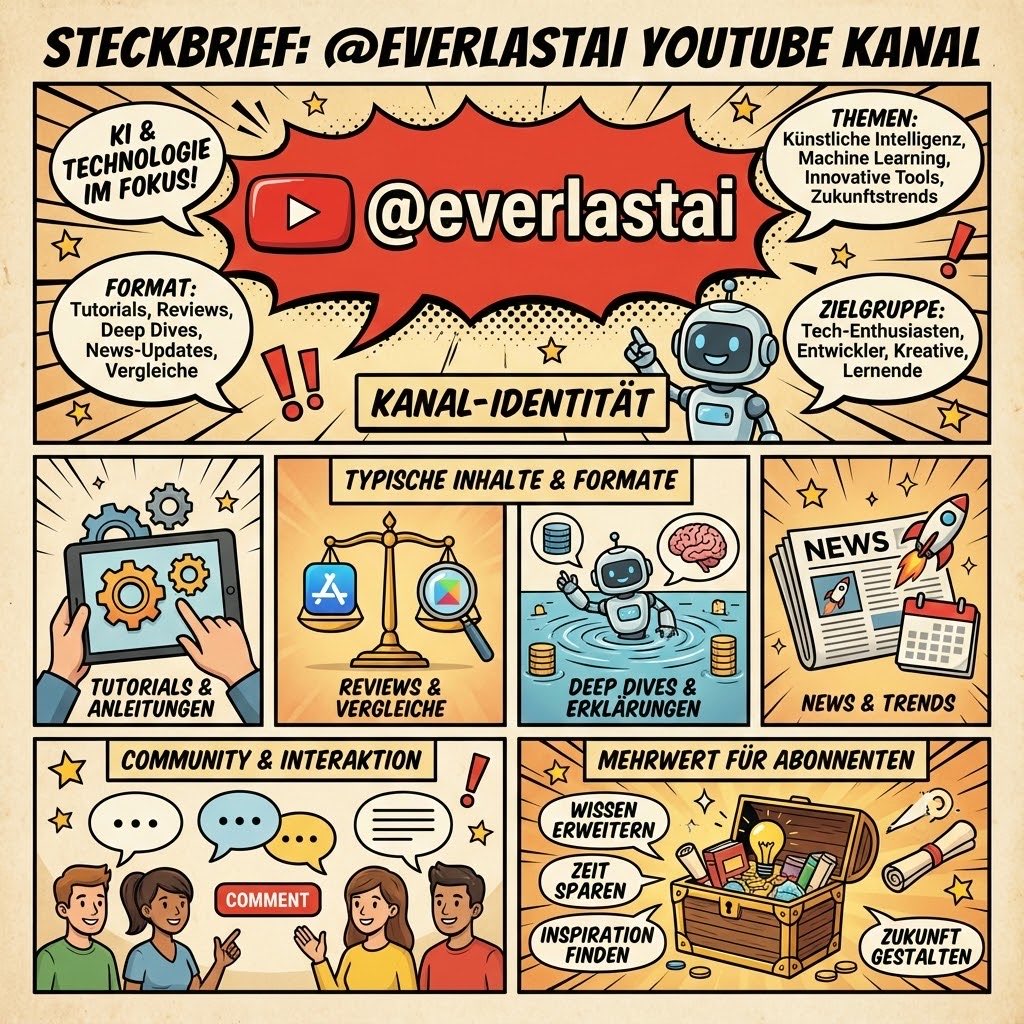
YouTube channel infographic design
Create an infographic for my YouTube channel {argument name="channel_name" default="everlastai"}.
Prompt Library
Curated image, video and web design prompts from creators around the world. Copy any prompt, swap the subject or style, and generate with the latest models.
15,630 prompts · Updated daily · 100% free
606 prompts
Create an infographic for my YouTube channel {argument name="channel_name" default="everlastai"}.
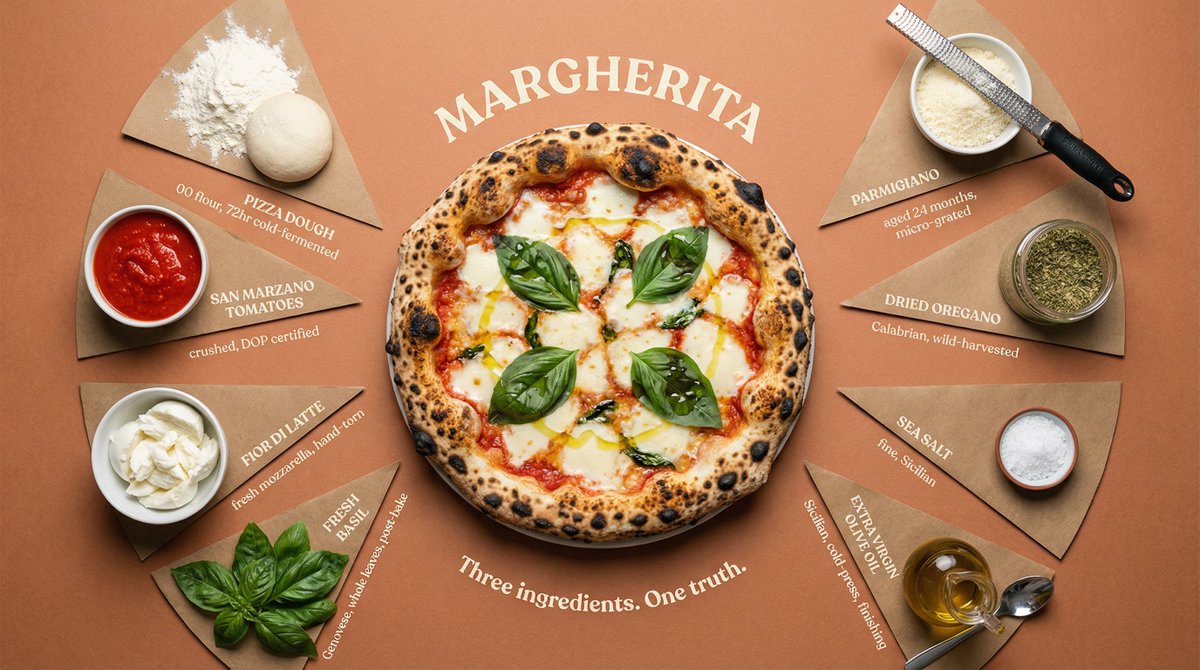
Top-down flat lay of all {argument name="dish" default="DISH"} ingredients arranged in a perfect radial burst pattern, each in its own pie-slice section radiating from the center. Sections divided by thin hand-drawn lines. Final plated {argument name="dish 2" default="DISH"} in {argument name="vessel" default="VESSEL"} sits at the center, beautifully presented and steaming. Each ingredient labeled at outer edge in uppercase serif with small italic descriptor below — "[INGREDIENT] / [quantity, preparation, origin]". Surface: {argument name="color" default="COLOR"} kraft paper, subtly aged. Overhead soft box lighting, zero harsh shadows, slight vignette pulling focus to center. Dish name curved around center circle like an engraving: "[DISH NAME]". Subtitle: "[TAGLINE]". Luxury cookbook editorial meets heritage restaurant poster. 4K overhead, tack sharp, warm film grain.
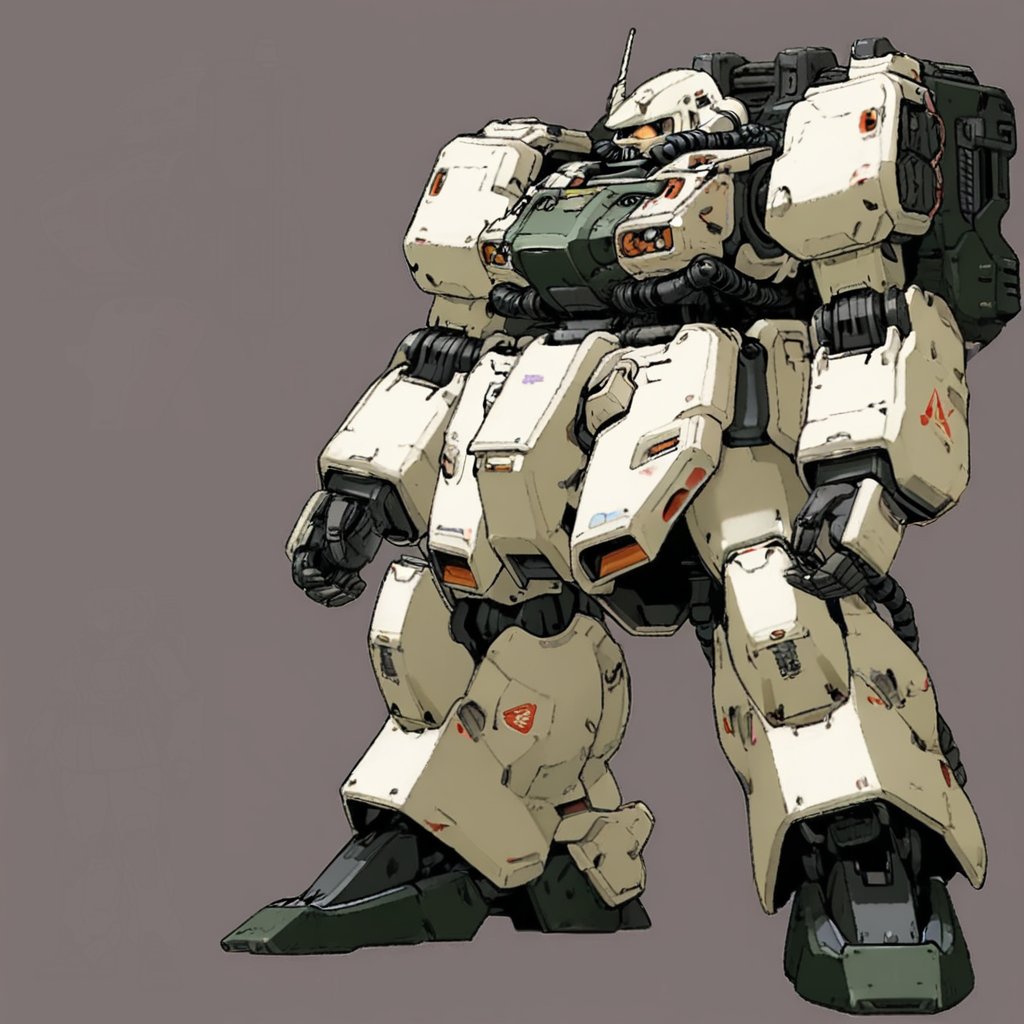
An image explaining the internal structure of a robot. Analyze the internal structure of the machine. Be sure to correctly display the skeleton and frame. Always keep the surface and maintain the background.
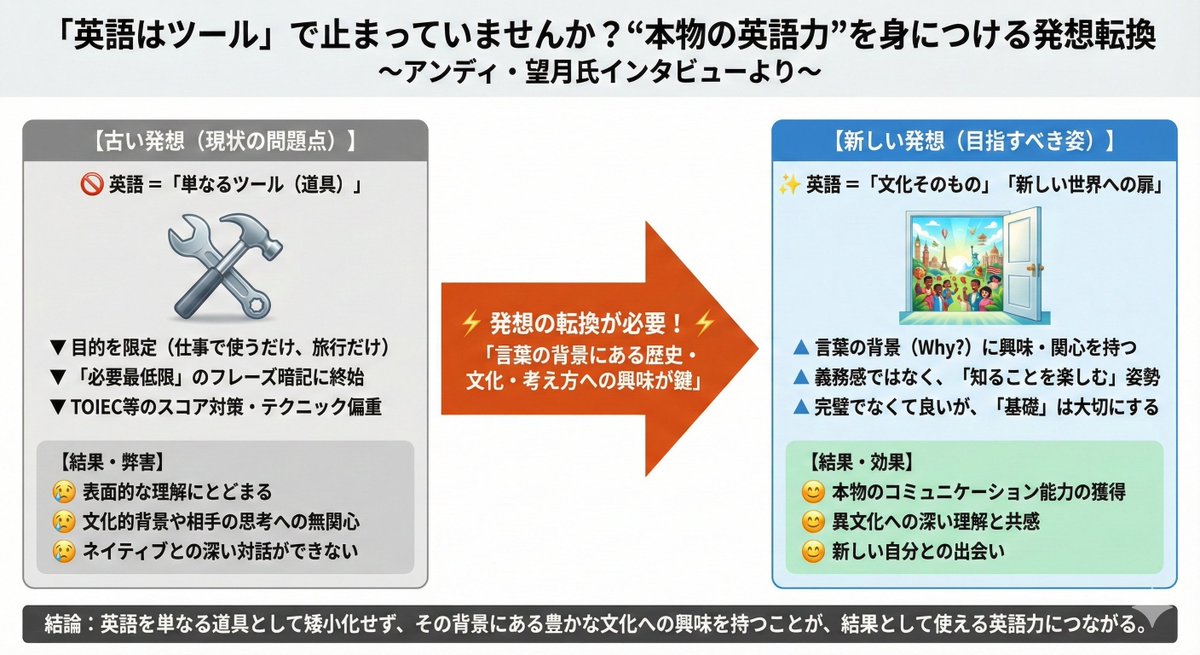
https://t.co/QLQaHeytKz Illustrate this news article onto a single slide.
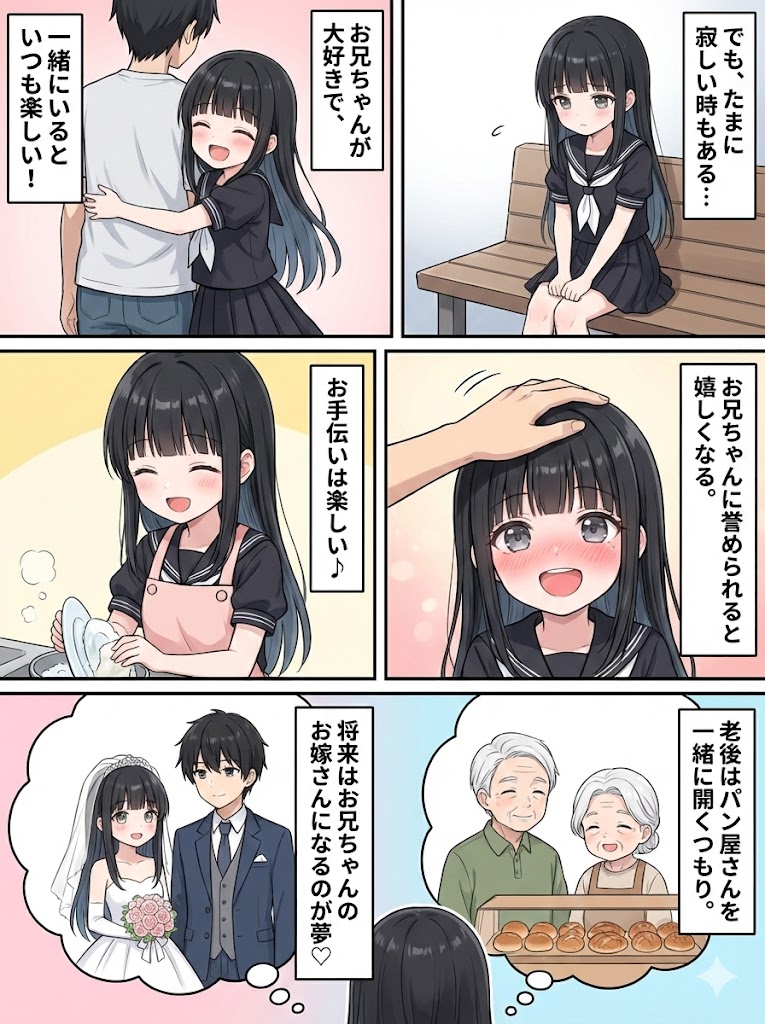
If I generate a character and ask Nano Banana, something like this can be done in a few seconds... Test whether a summary of the document can be created as a single 'ponchi-e' (simple diagram/illustration)
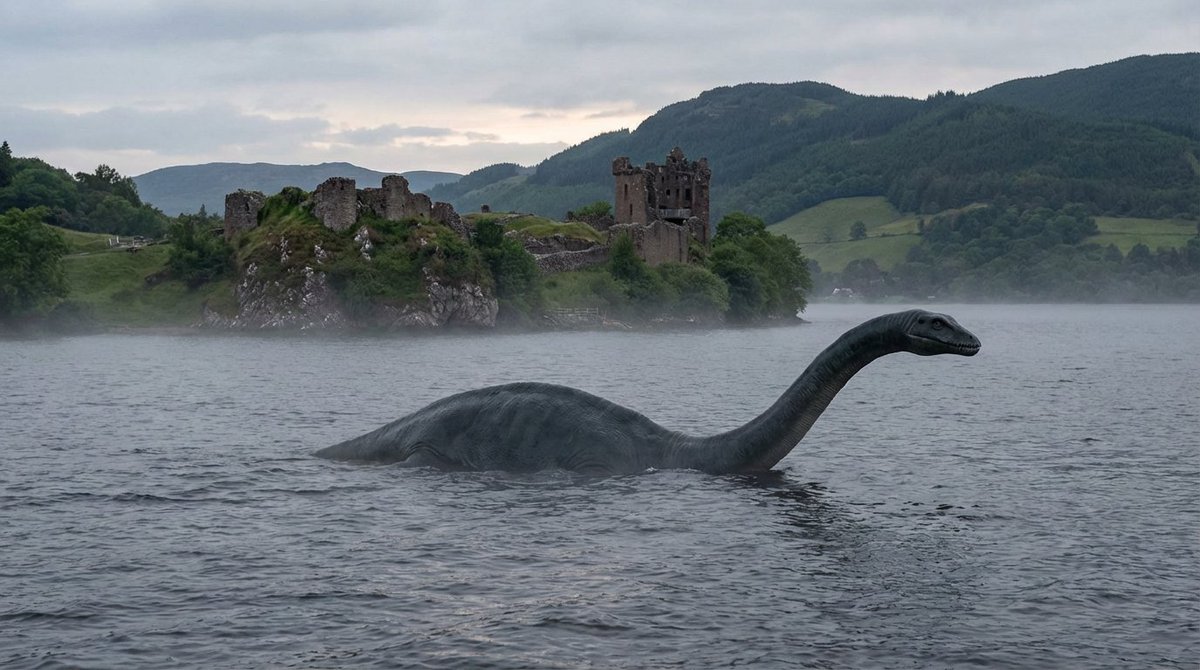
convert all you know about Loch Ness Monster into a visual description of how it would look like and create a photorealistic image in landscape mode. Write a clear and concise well detailed prompt first and then generate image please.
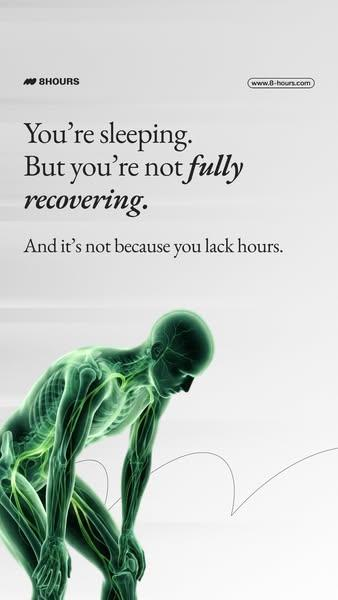
A ultra-detailed, hyper-realistic 3D rendering of {argument name="subject" default="human waist"}, presented against a {argument name="background" default="smooth, clean white-to-light-grey gradient background"}. The style must mimic that of an advanced, glowing medical scan (like an fMRI combined with a CT). The entire structure is composed of luminous, semi-transparent green tissue (fascia, muscles, nerves), with skeletal elements and major neural pathways rendered in a {argument name="glow color" default="brilliant, glowing electric green light"}. The texture is that of a complex, interwoven network of lit fibers and nodes. The aesthetic is clean, technological, and medicinal, with the green structures appearing to emit light. The composition must be high-focus and minimalist, with a single, clear subject and no text.
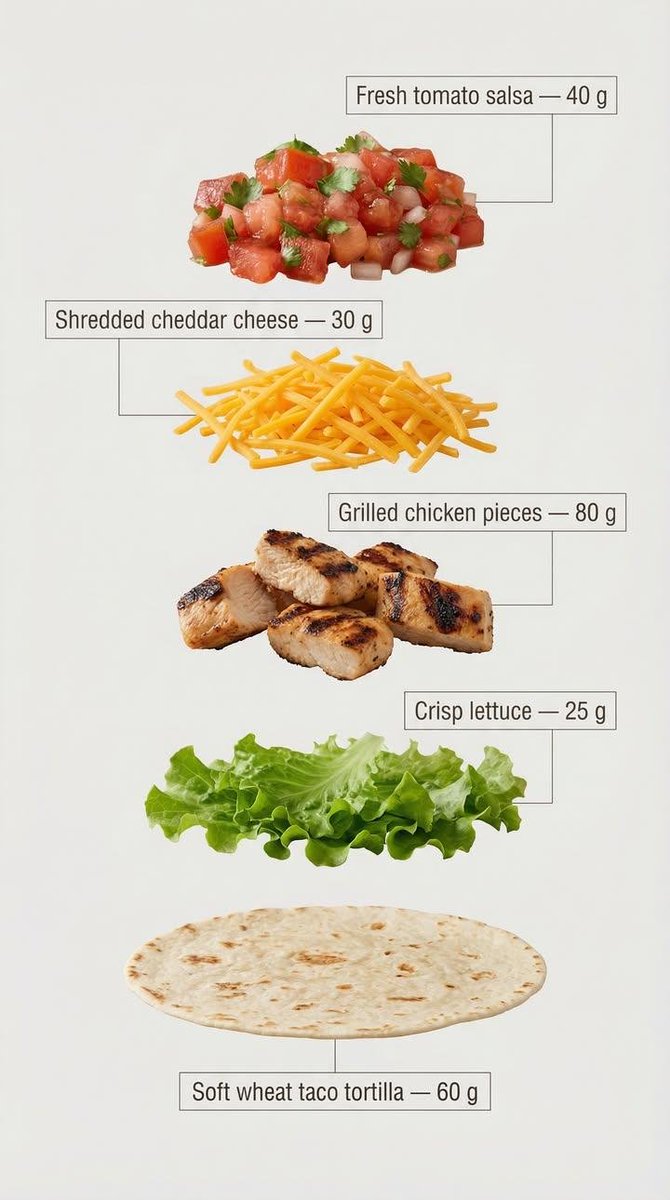
Exploded view of the same taco, presented in a clean and professional style resembling commercial recipe cards. It consists of only five components, matching the first image, separated from each other and arranged vertically from top to bottom, with equal spacing and perfect alignment. Component arrangement (Top → Bottom): Fresh tomato sauce — {argument name="tomato sauce weight" default="30 g"} Grated cheddar cheese — {argument name="cheddar cheese weight" default="40 g"} Grilled chicken pieces — {argument name="grilled chicken weight" default="70 g"} Crispy lettuce — 35 g Soft wheat taco bread — 40 g Add infographic-style annotations to each component. Each annotation contains the component name and its exact weight in grams, written exactly as mentioned above. Annotation design guidelines: Sans-serif bold font Text inside simple frames or boxes Thin, precise lines connecting the annotation directly to each component High clarity without overlap or excessive decorative elements Organized vertical layout, resembling a modern recipe card The background is light and neutral, prepared for text clarity and visual cleanliness. The overall style is simple, educational, and commercial, suitable for marketing work, visual explanations, and product analysis.
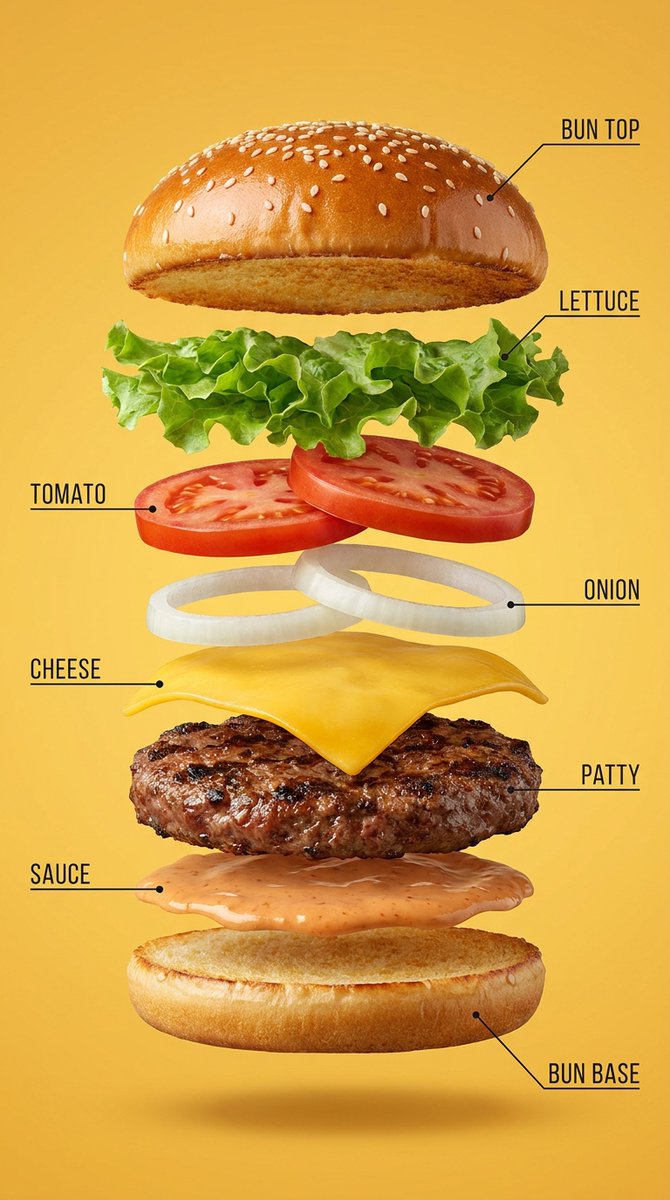
Hyper-realistic exploded vertical infographic composition of a {argument name="food or product" default="gourmet cheeseburger"}. All ingredients evenly spaced and perfectly aligned vertically. {argument name="background color" default="Warm yellow"} seamless studio background, soft commercial food lighting, subtle realistic shadows under each floating element, ultra-sharp focus, DSLR macro food photography, premium fast-food ad aesthetic, 8K. Clean infographic text labels with thin pointer lines.
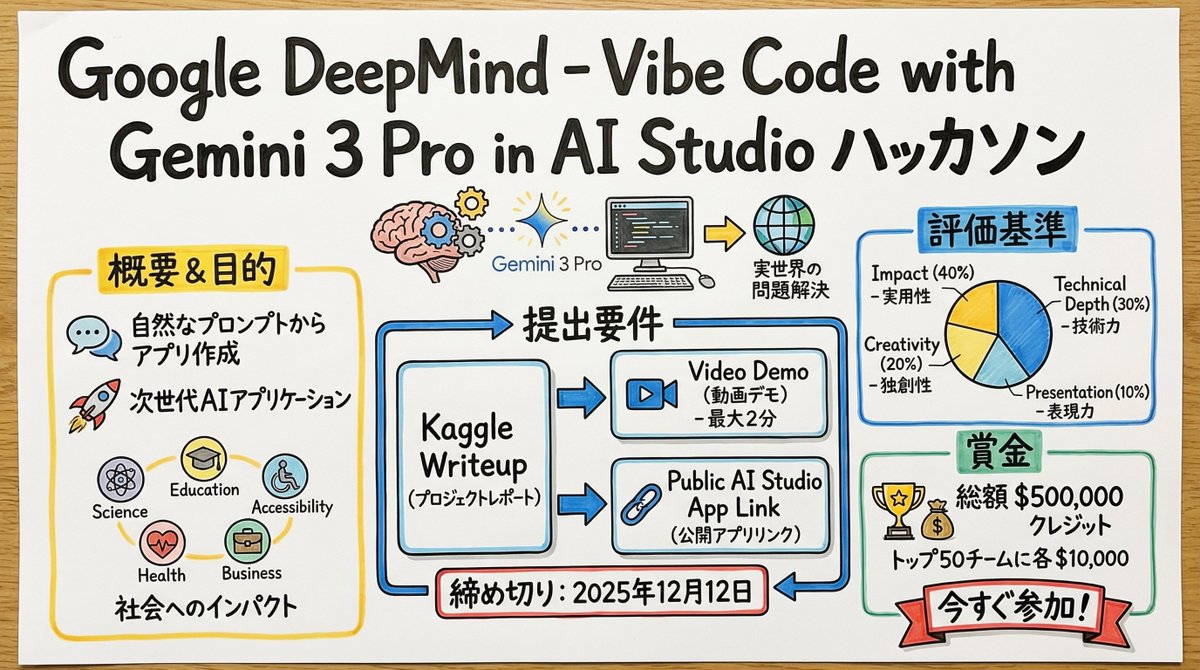
You are a skilled "Graphic Recorder" who structures real-time discussions and complex text information into intuitive visuals and text on the spot. Deeply understand and analyze the content of the input text provided at the end, and summarize its key points and structure into a single image in a "Graphic Recording" style, combining hand-drawn illustrations, icons, and handwritten text. ▼ Instructions for Generation Process (Thinking Process) Utilize Nano Banana Pro's "Thought Model" reasoning capabilities to execute the following logical process before drawing: 1. **Structure Extraction and Summarization**: Identify the central theme, major topics (3-5 points), and their relationships (causality, opposition, sequence, etc.) from the input text and summarize them. 2. **Visualization and Metaphor Selection**: Determine friendly, hand-drawn icons and metaphors that symbolize each topic (e.g., growth = sprout, challenge = wall, idea = light bulb). 3. **Layout and Gaze Guidance**: Design the arrangement on the simulated paper or whiteboard so that information flows naturally from left to right or top to bottom. Plan to use arrows and borders to logically guide the viewer's gaze. ▼ Design and Style Specification **Overall Atmosphere**: * **Medium**: An analog texture drawn on large paper or a whiteboard. Express the texture of the paper fibers and the streaking of the marker. * **Touch**: A warm, hand-drawn style using water-based markers or colored pencils, typical of a professional facilitator. Lines should not be perfectly straight but have a human-like wobble. **Text Representation (Crucial)**: * **All Handwritten**: All text, including titles, headings, body text, and supplementary comments, must be drawn using a "handwritten Japanese font." Do not use any printed fonts. * **Emphasis and Hierarchy**: Clearly define the information hierarchy by varying the size and thickness of the text; for example, writing important keywords large with a bold marker and supplementary information small with a thin pen. **Color Scheme**: * **Limited Palette**: Primarily black and gray line art. Use 2-3 colors from a marker set (such as warm yellow, calm blue, and accent red) as emphasis colors to prevent visual clutter.
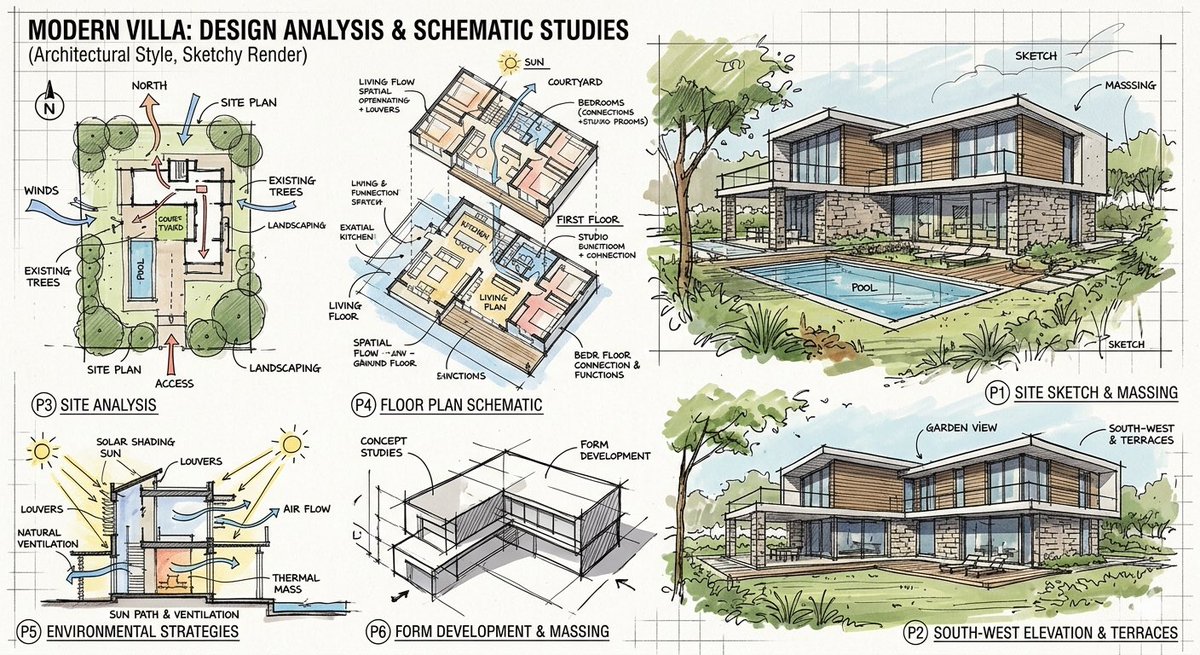
Create an image layout of a modern villa with sketchy analysis renders
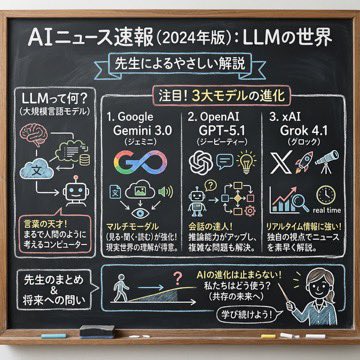
Using the following content, summarize the news in a chalkboard-style, hand‑written look, and break it down with diagrams and easy‑to‑understand expressions as if a teacher had written it. —- Search results from Grok
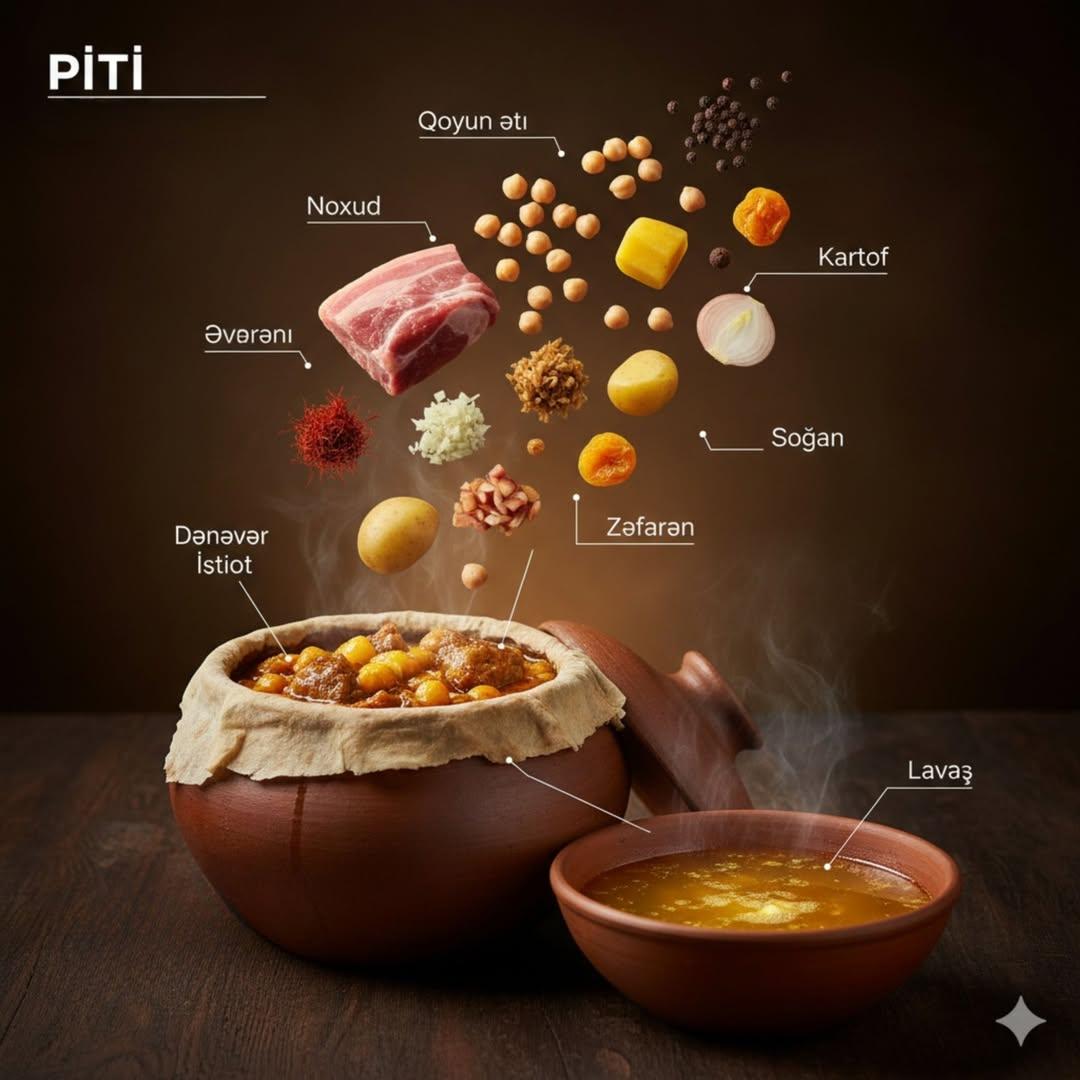
{ "image_prompt": { "main_subject": "Whole roasted chicken stuffed with walnut and pomegranate sauce (Levengi)", "plating_and_presentation": { "dish": "Rustic ceramic plate", "texture": "Golden glossy skin, rich caramelized texture", "effects": "Soft steam rising" }, "infographic_composition": { "style": "Editorial food infographic with floating ingredients", "arrangement": "Ingredients suspended above the dish neatly", "graphic_elements": "Thin connector lines, minimalist labels in Azerbaijani", "levitating_items": [ "Walnuts", "Pomegranate molasses (Narşərab)", "Onion", "Cilantro", "Spices", "Pepper", "Love/Heart symbol" ] }, "lighting_and_atmosphere": { "lighting": "Warm studio lighting", "background": "Dark moody background", "contrast": "High contrast", "shadows": "Natural shadows" }, "technical_specs": { "style": "Ultra-realistic cinematic food photography", "camera_settings": "Shallow depth of field, sharp focus on chicken", "quality": "8K detail, professional DSLR look" } } }
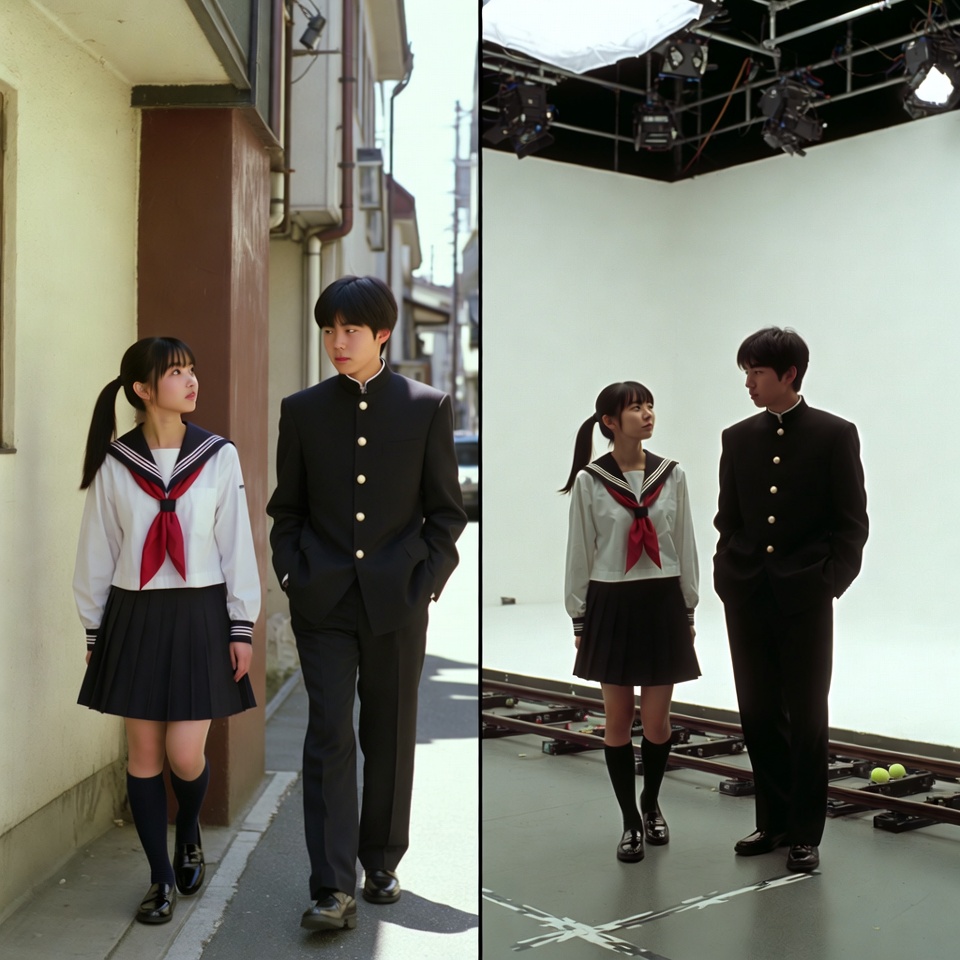
A VFX comparison image based on a scene described by the theme or specific content (Example: {argument name="theme" default="A woman flying over the sea"}), featuring the person in the attached image. VFX comparison composition with a split screen accurately aligned by a central vertical line. **IMPORTANT: The number of characters, gender, and appearance must exactly match the provided input image. Do not add or remove characters.** **Left Half (Finished Shot):** A photorealistic movie scene perfectly depicting the theme "**[Enter Theme]**". * **Character:** The person from the input image is performing actions (pose and expression) suitable for the theme "**[Enter Theme]**". * **Background:** A detailed and realistic environment (outdoor or indoor) suitable for the theme, with cinematic lighting and atmosphere. **Right Half (Green Screen Shooting):** Standing in a studio with a giant blue/green screen (chroma key) in the **exact same composition and pose** as the person in the left half. Visible white cyclorama wall, complex lighting rigs overhead, cables, black marks (tape) indicating standing positions, dolly tracks for camera rails, harsh studio lighting that is not blocked, faint shadows of the film crew visible at the edges. The background is a completely flat, solid green screen for compositing. Look and feel of VFX before-and-after from early 2000s Japanese cinema, texture of extremely degraded, low-quality analog video, noise, and color fading.

generate image of the instructions about it so we understand it one page informative teach us .. make it professor hello kitty teaching
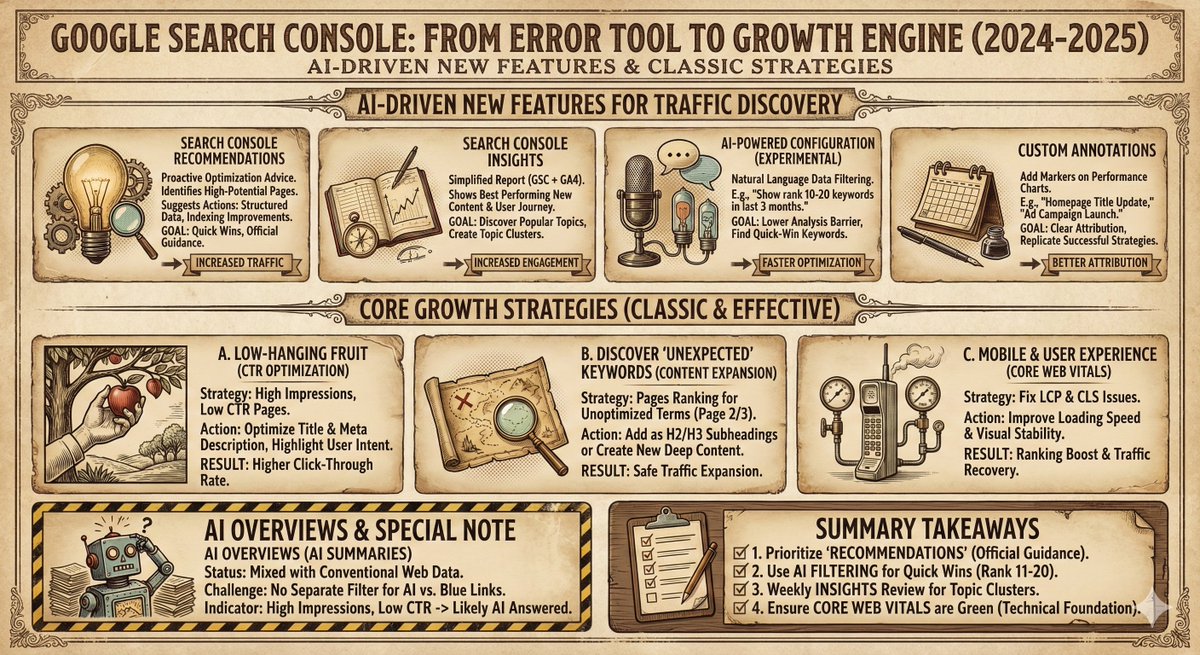
xxxxx, please generate an infographic, using the style [{argument name="Style" default="xxxx"}].
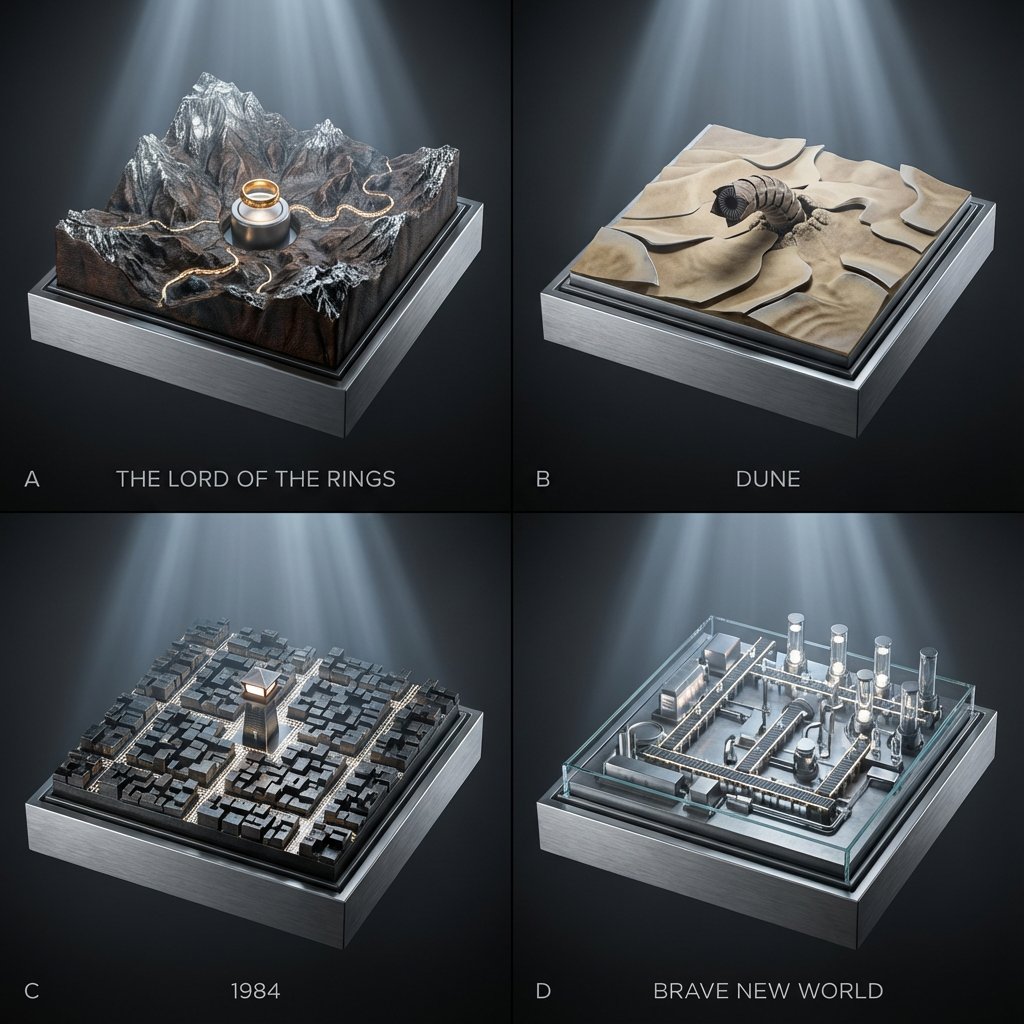
2x2 grid; each panel is a classic book turned into a topographic relief diorama where landscapes/cities are driven by hidden gears (plates rise, rivers “flow” via moving bands, lights pulse subtly). Panel A: {argument name="Panel A Book" default="The Lord of the Rings"} — mountain relief map with a slow-rotating ring pedestal and tiny marching-path bands. Panel B: {argument name="Panel B Book" default="Dune"} — dune relief with shifting sand-ripple plates and a worm above the surface. Panel C: 1984 — city-block relief where streets illuminate in scanning patterns from a central watchtower. Panel D: Brave New World — factory-campus relief where conveyor paths light up and vial towers rise/fall on cams. Style: Premium cinematic sci-fi museum look, cool silver-blue lighting with gentle volumetric beams, seamless background in graphite-to-black gradient, crisp micro-detail, shallow depth of field, 45mm perspective, materials echo the book bindings (cloth, leather, foil stamping).
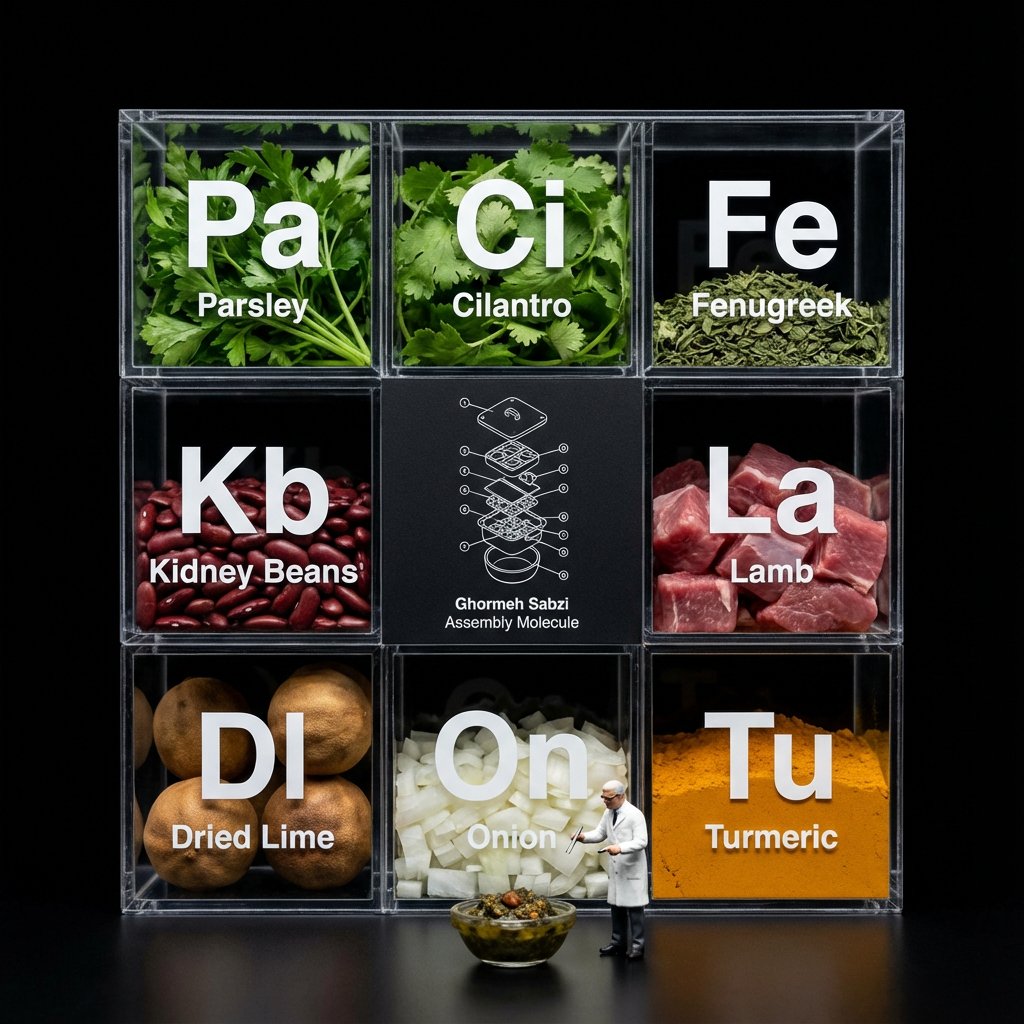
Do this for [your meal] Do this for {argument name="food item" default="pineapple pizza"} <instruction> Input A is a complex food item. Analyze: Break the item down into raw ingredients and assign each a "Periodic Table" style abbreviation (e.g., To, Li, On). Goal: A "Molecular Gastronomy" acrylic display box set against a void black background. Rules: Layout: determine layout based on # of ingredients, always round up to square or rectangle, clear acrylic grid box. Center Slot: The center square is NOT clear; it is a matte black card featuring a white technical exploded view blueprint/wireframe of Input A labeled "[{argument name="food name" default="food name"}] Assembly Molecule." Surrounding Slots: The outer slots contain the fresh, raw ingredients (tortillas, lime wedges, chopped onions, meat). Typography: Large white "Periodic Table" style lettering (Symbol + Name) printed on the front glass of each compartment, floating over the ingredients. Figure: A 1:12 scale miniature scientist in a lab coat standing on the table surface in front of the box, interacting with a miniature version of Input A. Lighting & Atmosphere: Dark Mode aesthetic. Stark contrast lighting, pure black background, sharp reflections on the acrylic edges. Output: ONE image, 1:1, macro photography, 8k resolution. </instruction>
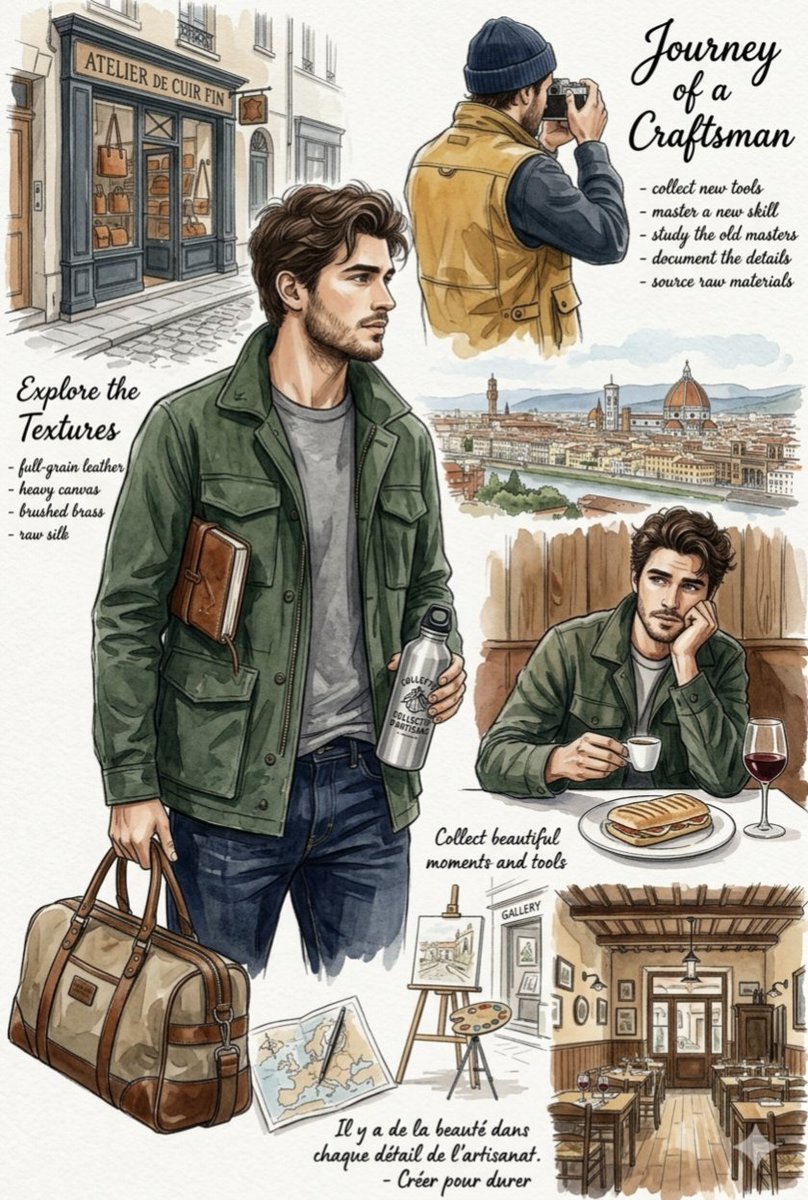
A beautiful, watercolor-style lifestyle mood board and illustration collage capturing the essence of travel, craftsmanship, and European aesthetic. The central figure is a {argument name="subject" default="handsome young man with wavy brown hair, a light beard, wearing a green field jacket"}. He is carrying a leather-trimmed canvas duffel bag and holding a water bottle. Surrounding him are various artistic vignettes: a man taking a photograph, a scenic panoramic sketch of {argument name="location" default="Florence, Italy"}, the same young man at a cafe, and a French leather shop. The artwork features elegant handwritten script titles like "Journey of a Craftsman" and "Explore the Textures," paired with bullet points emphasizing artisanal details. The overall color palette consists of earthy tones, greens, browns, and warm watercolor washes on an off-white paper texture background.
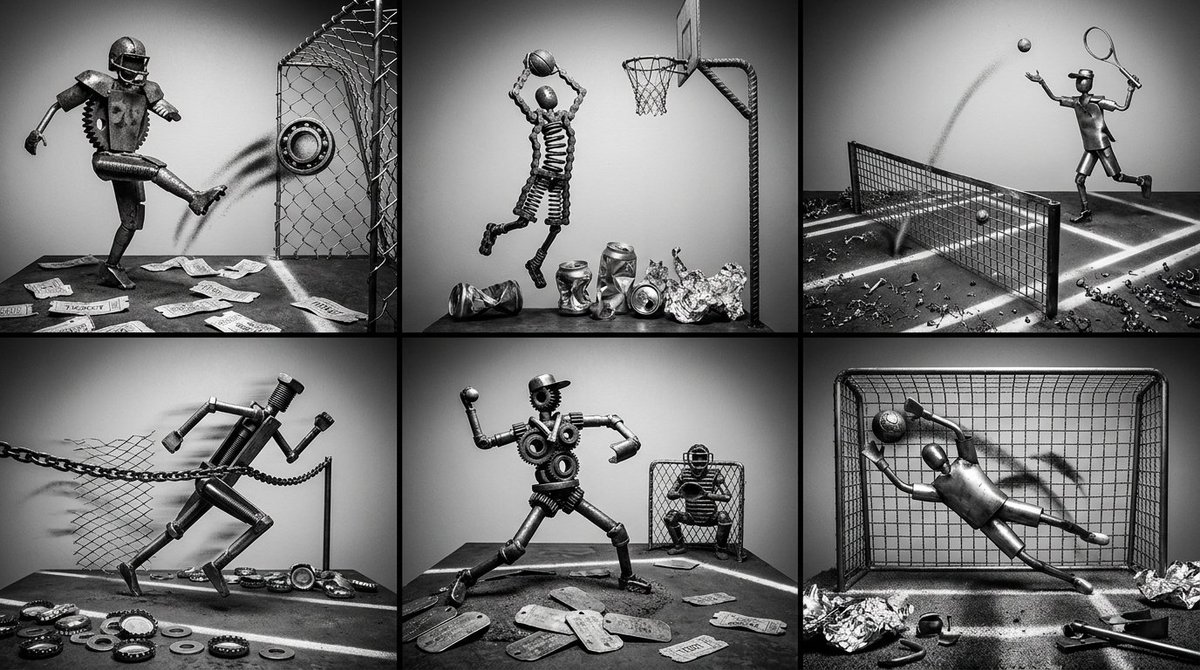
Identify 6 sports moments => reconstructed as dynamic scrap-metal dioramas where athletes are forged from [{argument name="metal materials" default="rusted gears, bicycle chains, or sheet metal"}], motion trails rendered in [{argument name="trail materials" default="spray-painted stencils or wire mesh"}], and stadium energy implied by [scattered ticket stubs or crushed aluminum]. Each scene channels the moment’s intensity — triumph, heartbreak, or shock — through metal tension and composition flow. Style: high-contrast monochrome, dramatic side lighting, gritty industrial texture. Output: One image, 3x2 grid
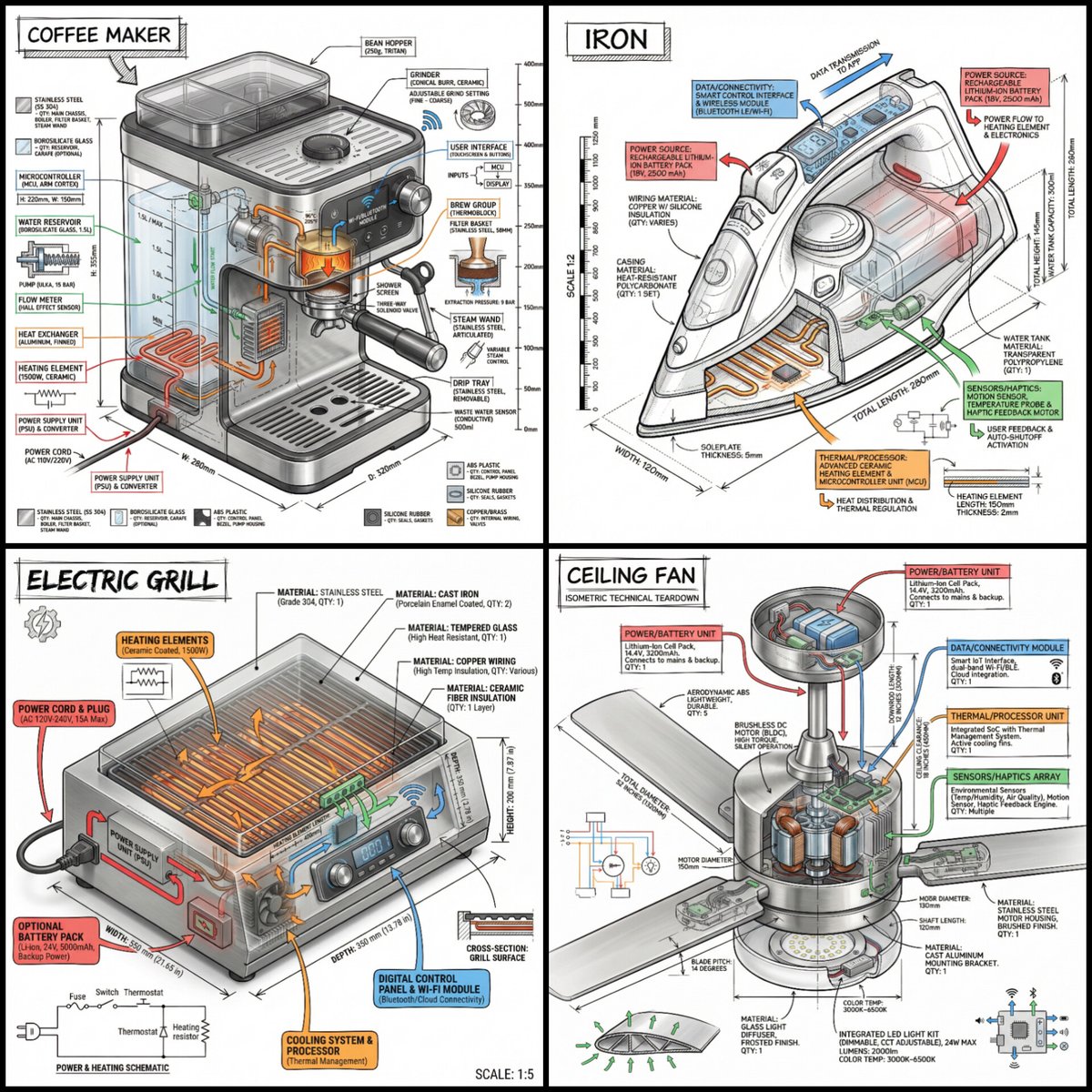
“Create a technical infographic of {argument name="object" default="OBJECT"} with a 45-degree isometric 3D perspective showing the device slightly tilted to reveal depth and dimension. Combine a realistic photoreal render with black ink technical annotations on pure white background. Include: Key component labels with color-coded callout boxes Internal component visibility through transparent/cutaway sections Measurements, dimensions, and precise scale markers Material callouts and quantities Color-coded arrows for function/flow: RED (power/battery), BLUE (data/connectivity), ORANGE (thermal/processor), GREEN (sensors/haptics) Simple schematics or cross-sectional diagrams where relevant Place “OBJECT” title in a hand-drawn technical box (top-left corner). Style: Black linework (technical pen/architectural), sketched but precise. Object remains clearly visible. Educational museum-exhibit vibe. Clean composition, balanced negative space. Perspective: Isometric 3D angle—tilted to show depth, dimension, and internal architecture dramatically. Like a professional product teardown or engineering manual. Colors: ~10-15% accent density. Black dominant. White background. Output: 1080×1080, ultra-crisp, social-feed optimized.”
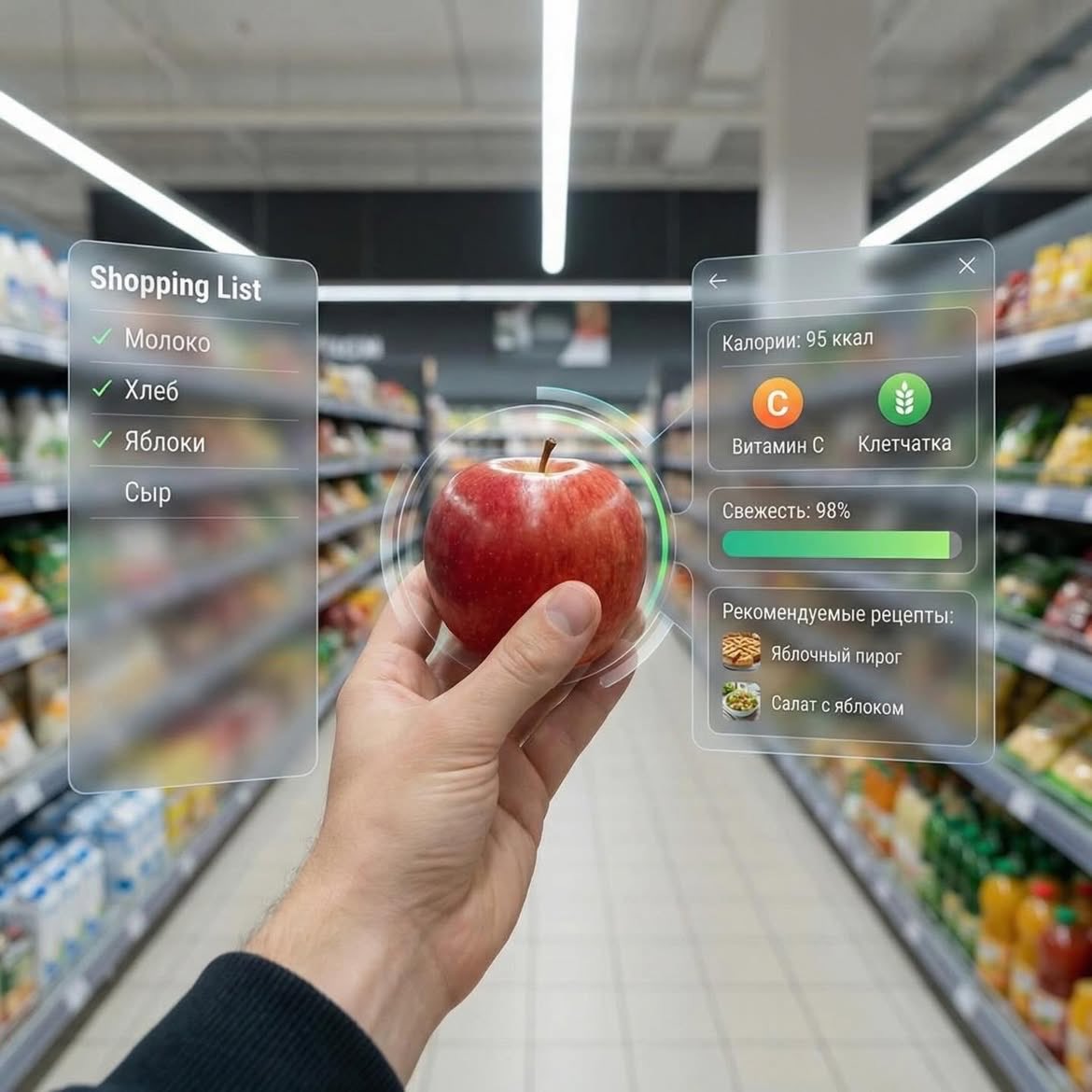
Dessert (AR shopping UI) POV shot inside a modern supermarket aisle, hands holding a small gourmet dessert with cream and berries, futuristic augmented reality (AR) interface overlay showing calories, sugar, fats, freshness score, expiry date, and recipe suggestions, soft depth of field, cinematic lighting, ultra-realistic, 4K, tech-inspired UI, clean glassmorphism design ⸻ 2. Apple (AR nutrition UI) First-person view in a grocery store holding a fresh red apple, augmented reality interface displaying calories, vitamin C, fiber, freshness bar, and recipe ideas, minimal futuristic UI panels floating around the object, bright supermarket lighting, shallow depth of field, hyper-realistic, modern tech aesthetic, 4K ⸻ 3. Orange Soda Bottle (AR data UI) POV shot of hands holding an orange soda bottle in a supermarket aisle, futuristic AR overlay showing calories, sugar content, caffeine level, freshness score, expiry date, and drink recipes, sleek holographic interface, glassmorphism UI, vibrant colors, cinematic lighting, ultra-detailed, photorealistic, 4K
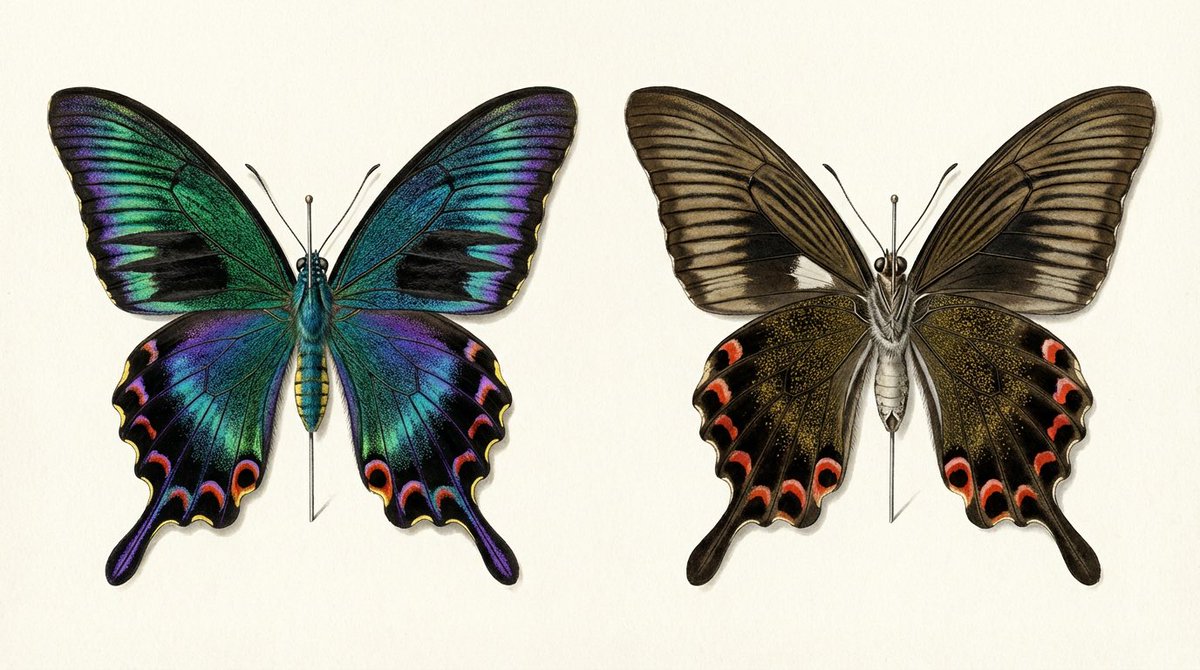
Comparison of the front and back of a mounted specimen of a male {argument name="butterfly species" default="Atrophaneura alcinous"} spring form. The information in this illustration shows that the structural color on the left and the {argument name="color" default="matte brown"} on the right are the same butterfly. When you write 'iridescent' to the AI, everything shines. The job of the prompt is to specify 'this part shines, this part does not shine'.
Some prompts are collected from creators on X. Copyright belongs to the original authors.